Accessibility-Inclusive Vibe Coding: Patterns That Meet WCAG by Default
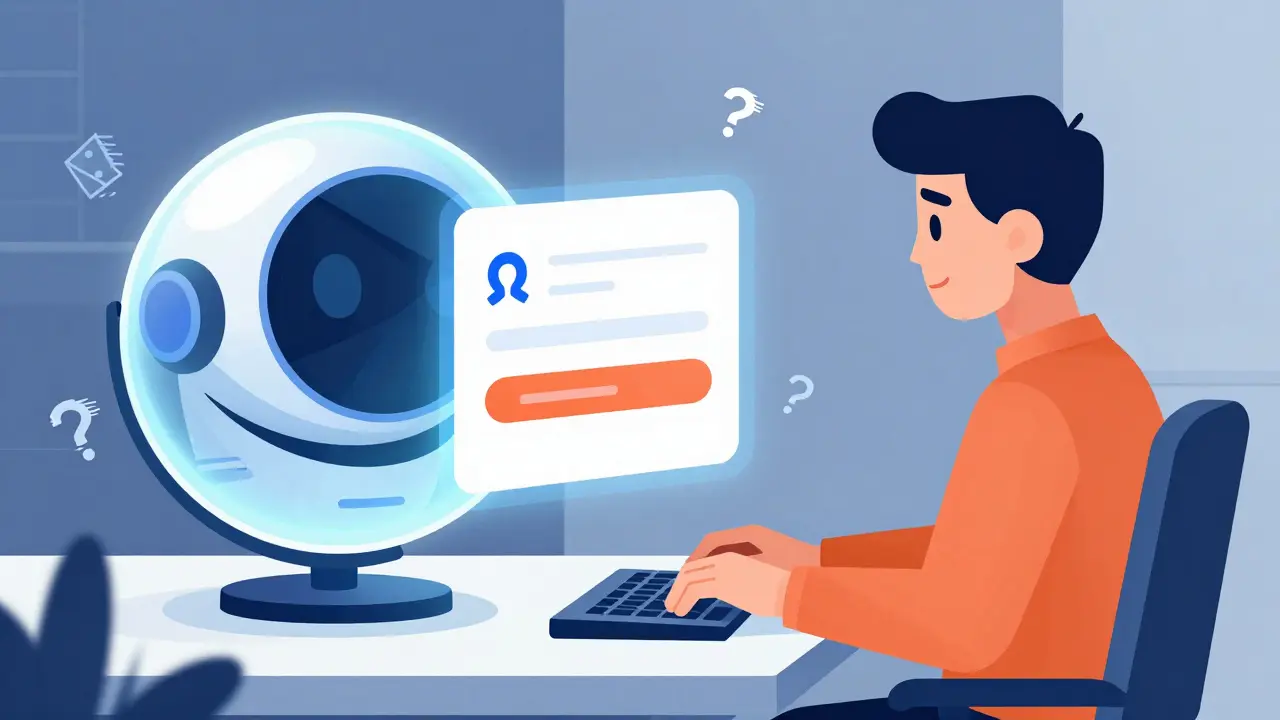
Imagine typing a prompt into an AI tool and watching it generate a sleek, fully functional login form. It looks great. The buttons are smooth. But when you hand it to a user relying on a screen reader, the experience falls apart. The labels are missing. The focus order is broken. This is the reality for most developers using vibe coding-the rapid, AI-assisted coding style that has taken over development workflows in 2025 and 2026.
The problem isn't the speed of AI; it's the silence around accessibility. According to data from Deque Systems in mid-2024, nearly 78% of AI-generated UI components failed basic WCAG 2.1 AA compliance checks right out of the box. We’re building faster than ever, but we’re also breaking things harder than ever. Enter Accessibility-Inclusive Vibe Coding. This isn’t just a buzzword. It’s a methodology designed to bake Web Content Accessibility Guidelines (WCAG) compliance into the very DNA of your AI prompts and component libraries, ensuring that what gets generated is usable by everyone, not just sighted mouse-users.
The Core Problem: Why AI Generates Inaccessible Code
To fix this, we first need to understand why it happens. Large Language Models (LLMs) like those powering GitHub Copilot or Cursor are trained on vast amounts of code found online. Much of that legacy code prioritizes visual aesthetics over semantic structure. When you ask an AI to "make a nice card," it gives you a div with some CSS classes. It rarely thinks about whether that div needs a <button> tag for keyboard operability or an aria-label for screen readers.
This gap became critical after the release of WCAG 2.2 in March 2024. These updated guidelines introduced nine new success criteria focusing heavily on mobile accessibility and cognitive disabilities. Most early AI coding tools didn't have these nuances in their training data. As a result, they produced interfaces that were technically "functional" but legally risky and practically unusable for people with disabilities.
Accessibility-Inclusive Vibe Coding addresses this by shifting the burden from post-development auditing to pre-generation pattern enforcement. Instead of fixing broken code later, you configure your environment so the AI only generates compliant patterns.
Key Patterns That Meet WCAG by Default
You can’t just tell an AI to "be accessible." You need specific, technical constraints. Here are the core patterns that must be embedded in your vibe coding workflow to meet WCAG standards automatically.
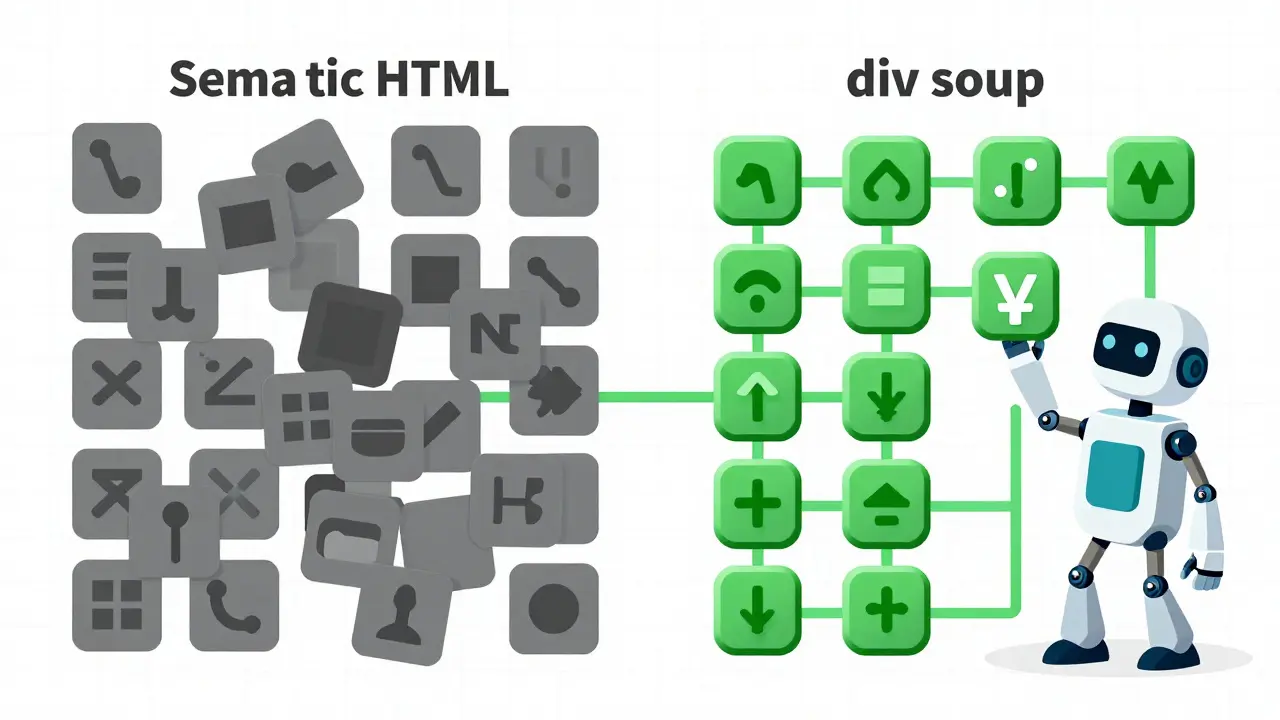
1. Semantic HTML Over Div Soup
The most common failure in AI-generated code is the overuse of generic <div> elements for interactive components. A button should always be a <button> or an <a> tag with proper roles. If you force your AI assistant to use semantic HTML as a primary rule, you instantly solve issues related to keyboard navigation and screen reader announcements. For example, instead of prompting "create a clickable link," prompt "create an anchor tag with descriptive text and visible focus states."
2. Enforced Color Contrast Ratios
WCAG Success Criterion 1.4.3 requires a minimum color contrast ratio of 4.5:1 for normal text and 3:1 for large text. In traditional development, this is often checked manually or via plugin at the end. In inclusive vibe coding, you define your theme variables (like in Tailwind CSS or Flutter’s ThemeData) with these ratios hardcoded. When the AI picks colors from your predefined palette, it cannot pick a failing combination. This removes human error and AI hallucination regarding color theory.
3. Scalable Typography and Spacing
Users with low vision often increase font sizes. WCAG 2.1 Success Criterion 1.4.10 mandates that spacing scales appropriately with text size. Paragraph spacing should scale to at least 2 times the font size, line height to 1.5 times, and letter spacing to 0.12 times. If your component library uses relative units (like rem or em) rather than fixed pixels (px), the layout adjusts automatically. Configure your AI to output styles using these relative units exclusively.
4. Keyboard Navigation and Focus Management
Can you use your site without a mouse? If the answer is no, it fails WCAG 2.1. AI often forgets to manage focus when dynamic content loads (like a modal or a dropdown). You must instruct your AI to implement focus trapping within modals and ensure that tabbed navigation supports arrow keys, following the ARIA Authoring Practices Guide (APG). The APG provides 47 distinct design patterns (as of September 2024) that serve as the gold standard for interactive behavior.
Implementing the Workflow: Tools and Techniques
How do you actually set this up in your daily work? It requires a shift from "prompt and pray" to "prompt and validate."
| Aspect | Traditional Vibe Coding | Inclusive Vibe Coding |
|---|---|---|
| Prompt Strategy | General descriptions ("Make a hero section") | Constraint-based ("Hero section with semantic headings, alt-text placeholders, and 4.5:1 contrast") |
| Validation Timing | Post-development audit | Real-time during generation |
| Error Rate | High (15-20 violations/page) | Low (2-3 violations/page) |
| Remediation Time | 3-5 hours per page | 30-45 minutes per page |
| Primary Tooling | Basic LLM interface | LLM + Axe MCP Server + APG Library |
The backbone of this workflow is connecting accessibility validation tools directly to your coding environment. The Axe MCP Server is a game-changer here. It allows you to run accessibility checks against your local server in real-time. You can set up a command in VS Code that says: "Analyze localhost:3000 for accessibility issues, remediate any violations, and reanalyze."
For Flutter developers, this means using the Semantics widget explicitly. You configure your prompts to include parameters like header: true for titles and excludeSemantics: true where necessary to prevent duplicate reads. This ensures that the native accessibility APIs of iOS and Android are respected from the first line of code.
The Human Element: Where AI Falls Short
Let’s be clear: AI is not a replacement for human judgment in accessibility. While automated tools like axe can catch about 35-40% of WCAG issues, WebAIM’s March 2025 analysis showed that human testers identify 65-70%. Why? Because context matters.
An AI might correctly add an alt attribute to an image, but it might describe a complex chart as "a bar graph showing data" instead of explaining the actual trend. It might make a link say "Click here" because that’s statistically common in its training data, even though it’s terrible for screen reader users who navigate by link list. These are contextual errors that require human oversight.
Sarah Pulis, Director of Accessibility at Intopia, noted in October 2024 that vibe fixing must be combined with human oversight to address the 30% of issues requiring contextual understanding. Léonie Watson of TetraLogical warned that over-reliance on automated fixes can create interfaces that are technically compliant but visually jarring or cognitively overwhelming. Always test with real assistive technologies-NVDA, JAWS, VoiceOver-and better yet, involve users with disabilities in your testing process.

Market Adoption and Regulatory Drivers
Why does this matter now? Because the law is catching up to the technology. The EU’s European Accessibility Act sets a deadline of April 2025 for public sector websites to achieve WCAG 2.1 AA compliance. In the US, Section 508 refresh requirements are tightening. Companies are facing lawsuits not just for discrimination, but for negligence in their digital products.
The market is responding. The global digital accessibility market was valued at $2.17 billion in 2024 and is projected to reach $4.38 billion by 2029. AI-powered accessibility tools are the fastest-growing segment, with a 32.7% compound annual growth rate. Major platforms are integrating these features: GitHub Copilot added accessibility-aware code generation in November 2024, and JetBrains included WCAG pattern suggestions in IntelliJ IDEA 2024.3. By late 2024, 68% of enterprises with over 1,000 employees had included accessibility compliance in their AI development workflows, up from just 29% earlier that year.
Getting Started: Your Action Plan
If you want to adopt inclusive vibe coding today, start small but start strict.
- Audit Your Prompts: Stop asking for "pretty UI." Start asking for "semantic HTML with ARIA landmarks and keyboard navigable forms."
- Configure Your Theme: Lock your color palettes to meet 4.5:1 contrast ratios. Use relative units for typography.
- Install Validation Tools: Set up the Axe DevTools browser extension or integrate the Axe MCP Server into your IDE.
- Study the APG: Familiarize yourself with the W3C ARIA Authoring Practices Guide. Know the difference between a role and an aria-attribute.
- Test Manually: Turn off your mouse. Try to use your new AI-generated feature using only the Tab key. Then, turn on a screen reader and listen to what it says.
The goal isn't perfection on the first try. The goal is progress that doesn't leave anyone behind. As IDC predicts, by 2027, 90% of enterprise teams will incorporate accessibility validation into their AI workflows. You don't have to wait for the majority. You can start building inclusively today.
What is vibe coding?
Vibe coding is a modern software development approach where developers use natural language prompts to guide AI assistants (like GitHub Copilot or Cursor) in generating code rapidly. It emphasizes flow and speed, often bypassing traditional manual coding steps. However, without specific constraints, it frequently results in code that lacks semantic structure and accessibility features.
Why do AI-generated codes often fail WCAG compliance?
AI models are trained on existing web code, much of which prioritizes visual design over semantic correctness. They tend to generate generic HTML structures (like divs instead of buttons) and ignore invisible attributes like aria-labels or keyboard focus management. Additionally, many models were trained before the latest WCAG 2.2 guidelines, causing them to miss new criteria for mobile and cognitive accessibility.
What is the Axe MCP Server?
The Axe MCP Server is a tool developed by Deque Systems that integrates accessibility testing directly into the development workflow. It allows developers to run automated WCAG compliance checks against their local applications in real-time, enabling immediate identification and remediation of accessibility issues during the code generation phase.
Can AI completely replace human accessibility testing?
No. Automated tools typically catch only 35-40% of accessibility issues. They struggle with contextual problems, such as determining if alt text is meaningful or if the logical reading order makes sense. Human testing, especially with real assistive technologies and users with disabilities, is essential to identify the remaining 60-65% of issues that affect actual user experience.
What are the key WCAG 2.2 updates relevant to developers?
WCAG 2.2, released in March 2024, introduced nine new success criteria. Key updates for developers include improved targets for touch interactions (mobile accessibility), better support for users with cognitive disabilities through consistent help and error identification, and stricter requirements for distinguishing content like icons and status messages. These changes demand more precise implementation of interactive patterns and visual cues.
- Jun, 2 2026
- Collin Pace
- 5
- Permalink
Written by Collin Pace
View all posts by: Collin Pace