Continuous Documentation: Keep Your READMEs and Diagrams in Sync with Your Code
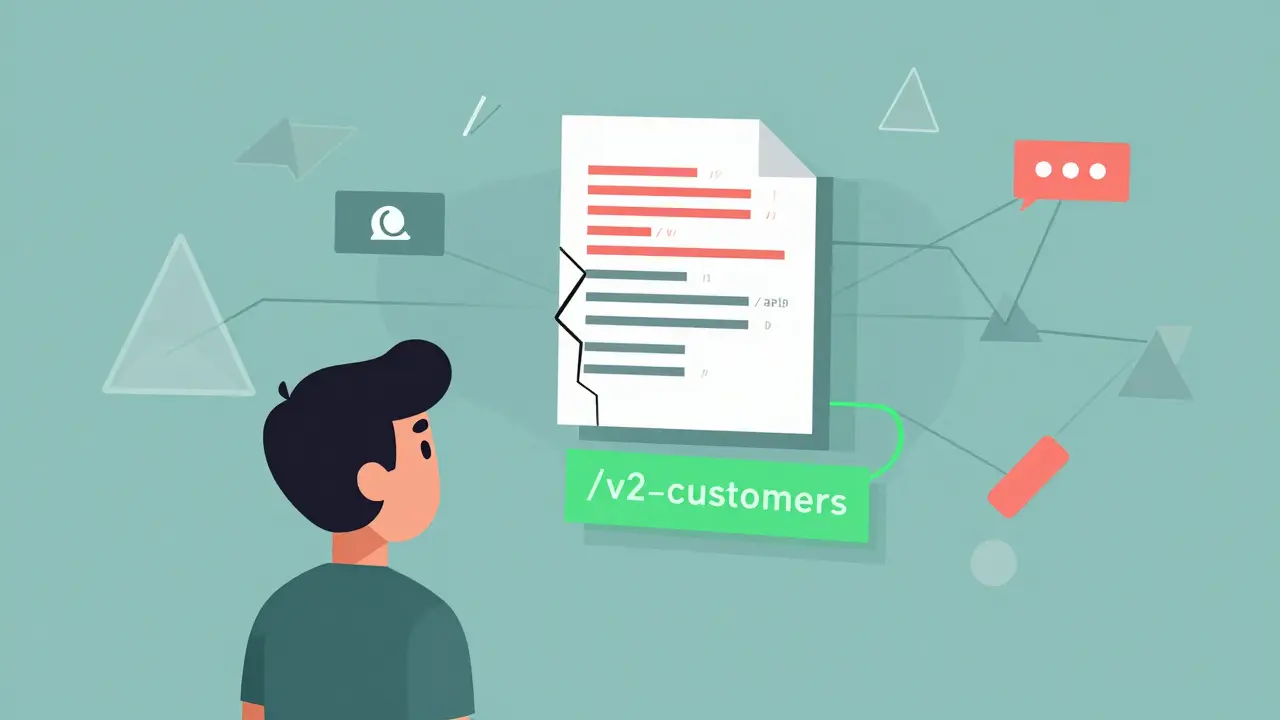
Imagine spending hours onboarding a new engineer, only to watch them get stuck because the README says the API endpoint is /v1/users-but the code hasn’t used that path since last June. The API now lives at /v2/customers. The diagram in the docs still shows the old service flow. The team didn’t forget to update it. They just never got around to it. This isn’t rare. It’s the norm.
Most teams treat documentation like a to-do list item: write it once, then hope it stays useful. But code changes daily. Features get renamed. Endpoints get deprecated. Architecture diagrams get redrawn. And yet, the README? Still says the same thing it did six months ago. That’s not documentation. That’s technical debt with a pretty font.
Continuous documentation isn’t about writing more docs. It’s about making docs live. It’s the practice of tying your READMEs, API references, and architecture diagrams directly to your codebase so they update automatically when the code changes. No manual edits. No forgotten PRs. No 5 a.m. debugging sessions because the docs lied.
Why Documentation Drift Kills Productivity
Teams don’t skip documentation because they’re lazy. They skip it because it’s a moving target. Every time a developer pushes a change, they’re expected to remember: update the wiki. Update the diagram. Update the README. Update the Swagger file. It’s a cognitive tax. And it’s one most people pay by not paying at all.
According to Kinde’s 2024 analysis, 83% of engineering teams have encountered documentation that was so outdated it led to misconfigurations or production incidents. One DevOps engineer at a SaaS startup spent 4 hours tracing a failed deployment-only to find the issue was a deleted API endpoint still listed in the README. The doc hadn’t been touched in 11 months.
The cost isn’t just time. It’s trust. New hires give up on docs after one bad experience. Support teams get flooded with questions that should’ve been answered in the README. Onboarding time increases. Mistakes multiply.
Teams that fix this see real results: a 37% drop in onboarding time and a 29% reduction in support tickets tied to confusing docs, according to Forrester’s 2024 report. That’s not theory. That’s what happens when docs stop being an afterthought and start being a synchronized part of the pipeline.
How Continuous Documentation Actually Works
Continuous documentation doesn’t mean AI writes your entire manual. It means your tools handle the repetitive, mechanical parts-and you focus on the meaning.
Here’s how it breaks down:
- Code changes are committed to Git.
- A tool detects the change-whether it’s a new function, a renamed variable, or a modified API route.
- The documentation updates automatically: READMEs get rewritten, Mermaid diagrams regenerate, API specs refresh.
- A pull request is created with the changes, ready for review.
- Human review ensures the context still makes sense.
The magic isn’t in automation alone. It’s in the feedback loop. You’re not replacing humans-you’re removing the busywork so humans can focus on what matters: clarity, accuracy, and context.
For example, if you rename a function from fetchUser() to getCustomer(), a tool like DeepDocs can scan the code, find every reference to the old name in your README, and suggest the update. It won’t guess what the function does-but it will fix every mention of the name. That’s 90% of the work done.
Tools That Keep Docs in Sync
Not all tools are created equal. Here’s what’s working right now:
ReadMe.io - Bi-Directional Sync for Teams That Live in Docs
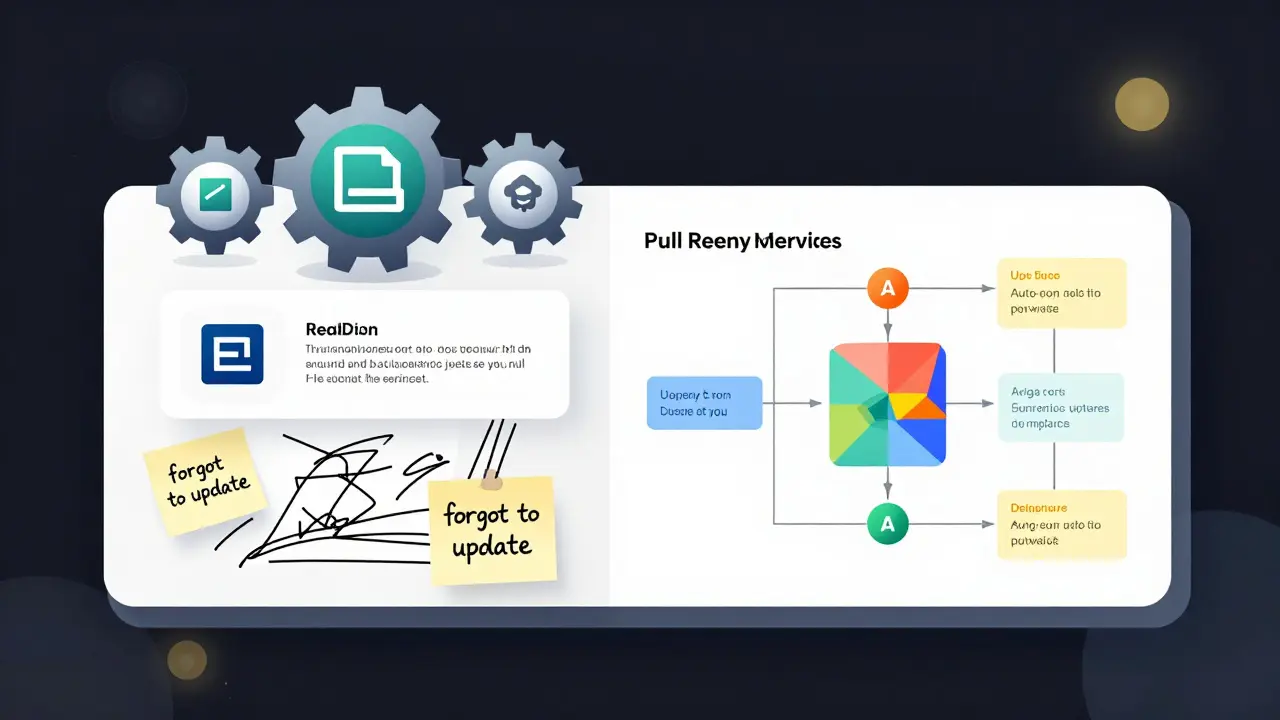
If your team already uses ReadMe.io as your main documentation hub, their bi-directional sync is the closest thing to magic. Changes made in the ReadMe editor auto-push to your Git repo. Changes in your code (like a new API endpoint in your OpenAPI spec) auto-update the docs. It’s seamless.
Teams using this setup report a 29% drop in doc-related PR comments. One Shopify engineer saw API doc accuracy jump from 68% to 97% after switching. The catch? It’s not free. Starting at $299/month for teams, it’s a premium tool for teams that treat docs as a product.
GitHub Actions + apivideo’s Sync Action - The DIY Route
Want full control? Use GitHub Actions. There’s a popular action called apivideo/synchronize-readme-io that lets you auto-update external docs from markdown files in your repo. You configure it with your API key, file path, and document slug. It runs on every push.
It’s free. It’s flexible. And it’s a pain to set up. Most teams spend 6-8 hours getting it right. You need to handle relative vs. absolute links, manage secrets securely, and make sure your markdown templates are structured for automation. But once it’s running? You own the whole system.
Terrastruct - Diagrams That Auto-Update
Architecture diagrams are the most neglected part of documentation. They’re drawn once, then forgotten. Terrastruct changed that. Their GitHub Sync tool checks your diagram files hourly. If you change a service name or connection in your diagram, it pushes the updated SVG back to your repo. It takes 45-90 seconds per diagram. Error rate? Under 2%.
It won’t write your README. But if your team relies on diagrams to explain system flow, this is a game-changer. No more screenshots of outdated Figma files. No more “wait, is this still accurate?”
Convert 2 Mermaid - Diagrams from Markdown
What if you could write your diagram in plain text and have it render as SVG automatically? That’s what the Convert 2 Mermaid API does. You write:
```mermaid
graph TD
  A[Frontend] -- HTTP --> B[API Gateway]
  B -- gRPC --> C[User Service]
```
And on every commit, your CI pipeline runs it through the API, generates a clean SVG, and drops it into your docs folder. No manual drawing. No version mismatches. It’s free for up to 100 renders/month. Perfect for small teams or open-source projects.
DeepDocs - AI That Notices What You Miss
DeepDocs goes further. It doesn’t just update names-it tries to understand context. If you change how authentication works, it reads your code, reads your README, and suggests edits to the explanatory text. It’s 89.7% accurate on API references, according to their June 2024 tests.
But here’s the catch: it gets confused by conceptual changes. If you switch from a monolith to microservices, the tool might update the service names correctly-but miss the fact that you’ve removed a central database. That’s not a code change. It’s an architectural shift. And AI still can’t fully grasp that.
That’s why every suggestion from DeepDocs requires human review. It’s not a replacement. It’s a co-pilot.
What You Can’t Automate (And Why You Still Need Humans)
Here’s the hard truth: AI can’t write good explanations. It can fix a variable name. It can redraw a diagram. But it can’t tell you why the service-to-service communication uses gRPC instead of REST. It can’t explain the trade-offs behind the caching strategy. It can’t clarify the edge case that only shows up during high load.
Michael Chen from Google Cloud put it bluntly in his QCon talk: “Current tools are great for API references. They’re terrible for architectural reasoning.” Accuracy drops from 92% for endpoint names to 63% for conceptual docs.
That Stripe engineer’s story? Perfect example. The tool updated the parameter names in the README after a refactor-but left the surrounding text saying “this endpoint accepts a user ID.” The code now accepted a customer ID. The tool didn’t know the meaning changed. The human had to catch it.
Continuous documentation isn’t about removing humans. It’s about removing the boring, repetitive, forgettable parts. Let the machines handle the syntax. You handle the sense.
How to Start (Without Overwhelming Your Team)
You don’t need to automate everything on day one. Start small. Pick one pain point and fix it.
- Start with your README. Pick the most outdated one. Use GitHub Actions to auto-update any code references (function names, endpoint paths, config keys).
- Add one diagram. Pick your most-viewed architecture diagram. Use Terrastruct or Convert 2 Mermaid to auto-generate it from a markdown file.
- Set up a PR review rule. Any PR that changes code must also update the corresponding doc. No exceptions.
- Measure the impact. Track how many support tickets drop. Track how long onboarding takes before and after.
Teams that do this report cutting documentation maintenance time from 15-20% of development hours down to 5-10%. That’s 15 hours a week saved. For a team of five? That’s 75 hours a month. That’s two full developer days.
And the best part? You don’t need a big budget. GitHub Actions and Mermaid are free. DeepDocs has a free tier. ReadMe.io has a 14-day trial. You can test this without signing a contract.
The Future: AI as a Co-Pilot, Not a Driver
Gartner predicts that by 2026, 80% of documentation updates will involve AI suggestions-but still require human approval. That’s the sweet spot.
The future of documentation isn’t fully automated. It’s semi-automated. It’s tools that say: “I noticed you changed this. Here’s what I think you meant. Please confirm.”
ReadMe.io’s new “Smart Sync” feature, launched in January 2025, already does this. It uses fine-tuned LLMs to rewrite explanatory text with 82% accuracy. It’s not perfect. But it’s close enough to cut the time spent editing docs in half.
And as the EU’s 2024 Software Documentation Directive kicks in, companies will be forced to keep docs accurate-not just for users, but for compliance. Continuous documentation won’t be optional anymore. It’ll be standard.
For teams that adopt it early, the advantage is clear: faster onboarding, fewer bugs, more trust. For teams that wait? They’ll keep spending hours untangling lies written in markdown.
- Aug, 31 2025
- Collin Pace
- 10
- Permalink
- Tags:
- continuous documentation
- README sync
- diagram automation
- documentation drift
- CI/CD documentation
Written by Collin Pace
View all posts by: Collin Pace