Customer Support Automation with LLMs: Routing, Answers, and Escalation
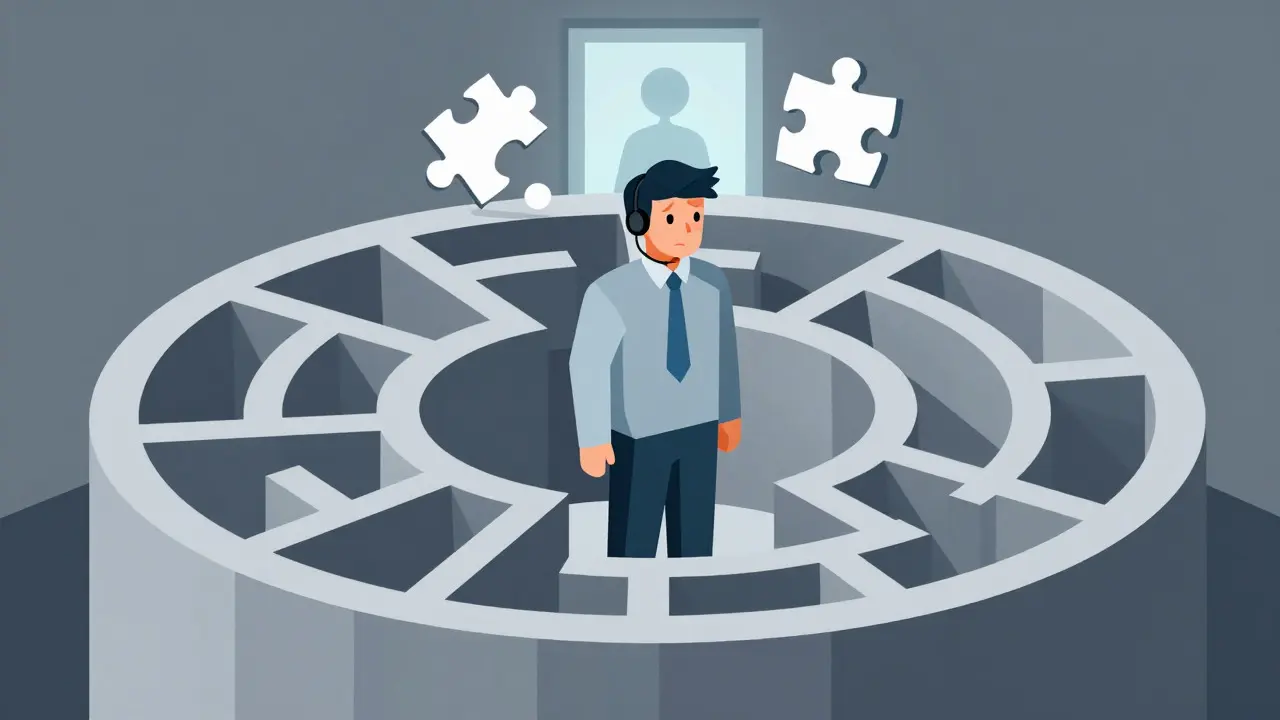
You know that feeling when you’re stuck in a digital loop? You ask a simple question about your bill, and the bot asks for your order number. You give it to them. It tells you it doesn’t understand. You repeat yourself. Then, finally, after three tries, you get transferred to a human who has to read the transcript of your frustration.
That era is ending. Large Language Models (LLMs) are changing how we handle customer service, moving away from rigid scripts toward actual understanding. But here’s the catch: just throwing an AI model at your support queue isn’t enough. If you don’t set up smart routing, accurate answer generation, and clear escalation paths, you’ll just create a faster way to annoy your customers.
The real magic happens when you treat LLMs not as a single monolithic brain, but as a system of specialized tools. This guide breaks down how to build that system, using data from recent industry implementations to show you exactly what works and what fails.
Why Traditional Chatbots Are Failing
Let’s be honest about where we started. Traditional rule-based chatbots relied on keywords. If you typed "refund," it triggered script A. If you typed "money back," it might trigger script B, or worse, nothing at all because the keyword wasn't exact. Gartner’s 2024 Customer Service Technology Report shows these systems only handle 20-35% of inquiries without human help. That leaves a massive gap.
LLMs change this by understanding intent, not just words. They can parse "I want my cash returned because the shirt shrank" and map it to a refund policy, even if the word "refund" never appears. The result? Containment rates-the percentage of issues resolved without a human-jump to 45-65%. That’s a huge win for operational efficiency.
But there’s a trade-off. Cost and speed. Running every single query through a heavy-duty model like GPT-4 is expensive and slow. That’s why the architecture matters more than the model itself.
The Core Architecture: Smart Routing
Think of routing as the traffic controller for your support center. Without it, every car (customer query) goes through the same toll booth, causing a backup. With smart routing, small cars take the express lane, and trucks go to the weigh station.
There are three main ways to route queries in an LLM setup:
- Static Routing: Pre-defined rules based on keywords or metadata. Fast, cheap, but brittle. Good for simple FAQs.
- Dynamic Routing: An LLM classifies the intent of the query in real-time. More flexible, handles nuance better.
- Task-Based Routing: Directing queries to specialized models based on the task type (e.g., billing vs. technical troubleshooting). This is the gold standard for complex operations.
A framework called RouteLLM, released by LM-Sys in early 2024, proved that cost optimization is possible without sacrificing quality. By routing simpler queries to smaller, cheaper models like Llama 3 8B (costing around $0.07 per million tokens) and saving complex ones for GPT-4 ($30 per million tokens), companies saw cost savings of 45-65%. And the quality didn’t drop-it stayed between 92-95% accuracy.
This approach requires a dedicated classifier. AWS Principal Solutions Architect Maria Chen noted in her June 2024 presentation that semantic routing combined with a dedicated classifier can improve first-contact resolution by 33% compared to single-model approaches. It’s not about using the biggest brain; it’s about using the right one.
Generating Answers That Actually Help
Once a query is routed, the LLM needs to generate an answer. This is where Retrieval-Augmented Generation (RAG) comes in. You don’t want your LLM hallucinating facts about your return policy. You want it to pull from your documented knowledge base.
For this to work, your data needs to be clean. Intelliarts’ November 2023 whitepaper suggests you need 5,000 to 50,000 domain-specific examples for optimal performance. If your knowledge base is outdated, your AI will be too.
Here is a comparison of how different entities perform in answer generation:
| Approach | Accuracy Range | Cost Efficiency | Best Use Case |
|---|---|---|---|
| General Purpose LLM | 65-75% | Low (High token usage) | Open-ended creative tasks |
| RAG with Clean Data | 85-92% | Medium | Factual Q&A, Policy checks |
| Fine-Tuned Domain Model | 90-95% | High (After initial training) | Specialized technical support |
Notice the drop in accuracy for general-purpose models on factual tasks. That’s why integration with platforms like Salesforce Service Cloud or Zendesk is critical. You need the AI to have access to the customer’s history. A generic answer is useless if the customer already told you their issue yesterday.
The Art of Escalation
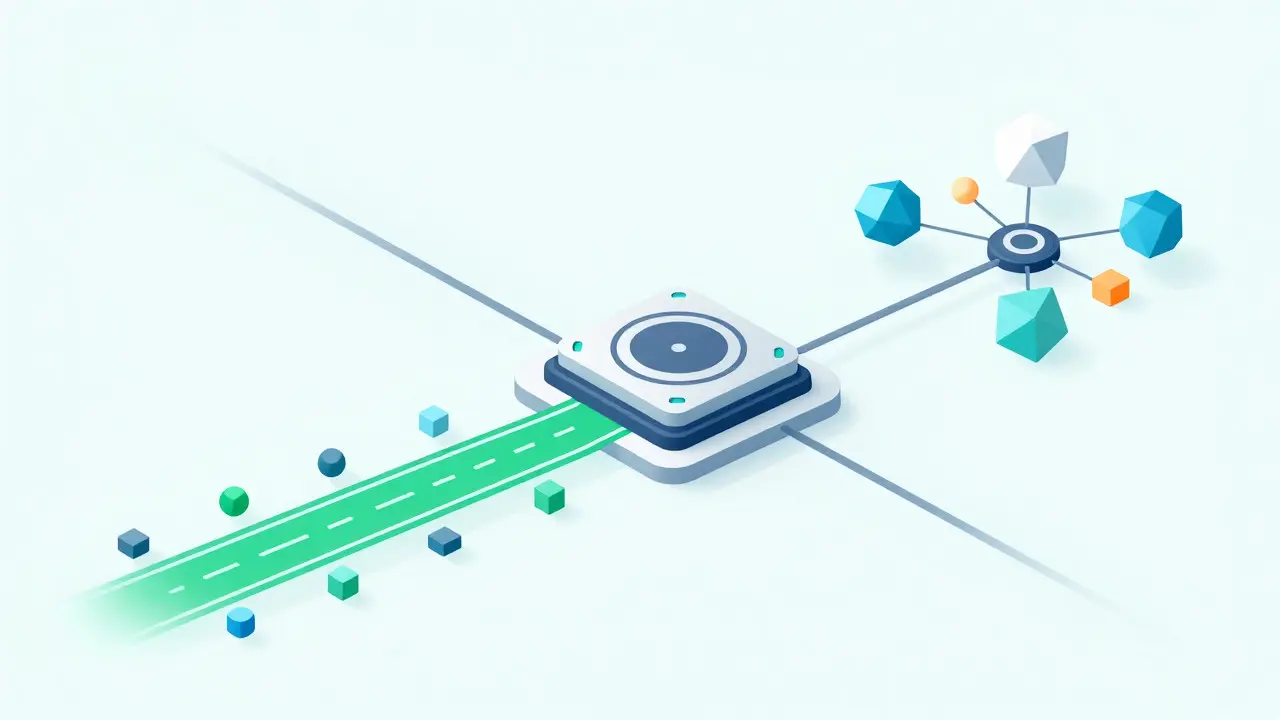
Here is the hard truth: AI will fail sometimes. It might misunderstand a sarcastic tone. It might hit a edge case in your terms of service. If you force the user to stay in the bot loop, you lose trust.
Escalation isn’t a failure state; it’s a feature. According to Zendesk’s 2024 benchmark data, optimal systems escalate only 18-22% of cases to human agents. If you’re escalating 50%, your routing is broken. If you’re escalating 5%, you’re likely frustrating customers who need human empathy.
Emotional intelligence is the biggest hurdle. LivePerson’s April 2024 metrics show that accuracy drops to 65-75% for escalated emotional cases compared to 85-92% for neutral inquiries. When a customer is angry, they use different language. They might say "This is ridiculous!" instead of "I have a problem."
To handle this, you need sentiment analysis as part of your routing layer. If the sentiment score dips below a certain threshold, bypass the AI entirely and send the ticket to a human. One Reddit user, 'RetailTechLead', reported that their CSAT dropped 12 points until they added a specialized empathy model to detect frustration early. Don’t let your AI argue with an angry customer.
Implementation Timeline and Costs
If you’re planning to build this, here is what the timeline looks like based on Intelliarts’ implementation framework:
- Weeks 1-4: Use Case Identification & Data Collection. Identify which 40-60% of routine inquiries you want to automate. Gather your historical tickets.
- Weeks 5-12: Model Selection & Fine-Tuning. Choose your models. Test RAG pipelines. Fine-tune on your specific data.
- Weeks 13-16: Integration & Testing. Connect to your CRM via API. Run shadow tests where the AI answers alongside humans without sending the response to the customer.
Expect initial setup costs between $15,000 and $50,000. However, the ROI is fast. Companies typically see a return within 6-9 months through reduced agent staffing needs. For example, Intelliarts demonstrated a 75-80% accuracy in analyzing contracts, saving approximately $220,000 annually in manual review costs.
You’ll need a small team: one prompt engineer, one integration specialist, and one business analyst to monitor metrics weekly. Documentation is key-LivePerson’s documentation scored 4.4/5.0 in reviews, while custom implementations often suffer from poor docs. Make sure your vendor provides clear guides.

Real-World Performance Metrics
Let’s look at the numbers from the field. Shopify’s multilingual AI chat support increased first-contact resolution rates by 27% among non-English speaking customers in Q3 2024. Microsoft reduced language-related resolution times from 24 hours to under 2 hours by integrating AI translation into their support systems.
However, watch out for variance. Forrester’s April 2024 study found an 18% variance in response quality across different routing implementations. Consistency is hard to maintain. You need to audit your AI’s responses regularly. Check for brand voice alignment. Ensure it’s not promising things you can’t deliver.
Gartner predicts that by 2026, 80% of customer service organizations will use some form of LLM routing. We are already seeing this shift. Financial services (48% adoption) and technology (51%) are leading the way. Retail is close behind at 42%.
Pitfalls to Avoid
Don’t over-automate. Qualtrics’ Q2 2024 CX Trends report found that 29% of customers expressed frustration when complex issues were mishandled by AI. Know your limits.
Don’t ignore compliance. GDPR requires careful handling of customer data. 87% of companies report implementing additional data anonymization steps for LLM processing. Strip PII (Personally Identifiable Information) before sending context to the LLM.
Don’t assume one size fits all. Zennify documented a financial services company that routed all billing inquiries to a general model, resulting in 38% incorrect responses. They fixed it by implementing specialized routing to a finance-trained model. Specialization wins.
How much does it cost to implement LLM customer support?
Initial setup costs typically range from $15,000 to $50,000 depending on complexity and integration depth. However, most companies achieve ROI within 6-9 months through reduced agent workload and improved efficiency. Ongoing costs include API usage fees, which can be optimized by routing simple queries to cheaper models.
What is the best model for customer support?
There is no single "best" model. A hybrid approach works best. Use smaller, cheaper models like Llama 3 8B for simple FAQs and routing classification. Reserve powerful models like GPT-4 for complex troubleshooting and nuanced conversations. This balances cost and quality effectively.
How do I handle escalations to human agents?
Implement sentiment analysis to detect frustration. Set a threshold for confidence scores; if the AI is unsure, escalate immediately. Aim for an escalation rate of 18-22%. Always provide the human agent with a full transcript of the AI interaction so they don't have to ask the customer to repeat themselves.
Is LLM customer support secure and compliant?
Yes, if implemented correctly. For GDPR compliance, strip Personally Identifiable Information (PII) before sending data to the LLM. Use enterprise-grade providers that offer data privacy guarantees. Regularly audit logs to ensure sensitive data isn't being stored unnecessarily.
How long does it take to deploy an LLM support system?
A full enterprise implementation typically takes 12-16 weeks. This includes 4 weeks for data collection, 6-8 weeks for model fine-tuning and testing, and 4 weeks for integration with existing CRM systems like Zendesk or Salesforce.
- Jul, 27 2026
- Collin Pace
- 9
- Permalink
Written by Collin Pace
View all posts by: Collin Pace