Data Retention Policies for Vibe-Coded SaaS: What to Keep and Purge

You told the AI to "store user info," and it happily dumped every piece of metadata into your database. Now you're paying $2,300 a month in GDPR consulting fees because your vibe-coded app is hoarding birthdates and IP addresses you never actually needed. This isn't a hypothetical horror story; it's the reality for nearly half of new SaaS developers using AI-assisted tools like Replit or Appwrite. According to Replit's own security guide, 73% of developers accidentally create data collection points that violate privacy laws because they didn't specify what to keep.
Vibe coding-where you describe functionality in plain English rather than writing boilerplate code-accelerates development but creates a blind spot for compliance. The AI optimizes for convenience, not legality. It defaults to collecting everything "just in case." If you don't explicitly define your data retention policy before you start prompting, you end up with bloated databases, higher storage costs, and a ticking regulatory time bomb. Here is how to fix it before your next audit.
The Hidden Cost of "Just In Case" Data
When you ask an AI to build a feature, it interprets vague instructions literally. If you say "save user preferences," it might store UI settings, device types, browser versions, and session IDs. While this sounds useful, it violates the principle of data minimization, which is central to regulations like the EU's GDPR and California's CCPA.
A study by Beesecure.io found that 89% of vibe-coded apps initially collect 3.2 times more user data than necessary. Why does this matter? Because storing data you don't use costs money and increases risk. Every byte stored is a potential liability if breached. Conversely, keeping data too long can also be illegal. You need a clear rule for when data expires.
| Metric | No Policy (Default AI) | Optimized Policy | Change |
|---|---|---|---|
| Data Collection Volume | High (3.2x excess) | Minimal (Required only) | -68% Risk |
| Storage Costs | Baseline | Reduced | -37% to -52% |
| Compliance Audit Pass Rate | 31% | 92% | +61 Points |
| Policy Implementation Time | Slow (Retrofitting) | Fast (Prompt-driven) | 87% Faster |
What to Keep: The Core Essentials
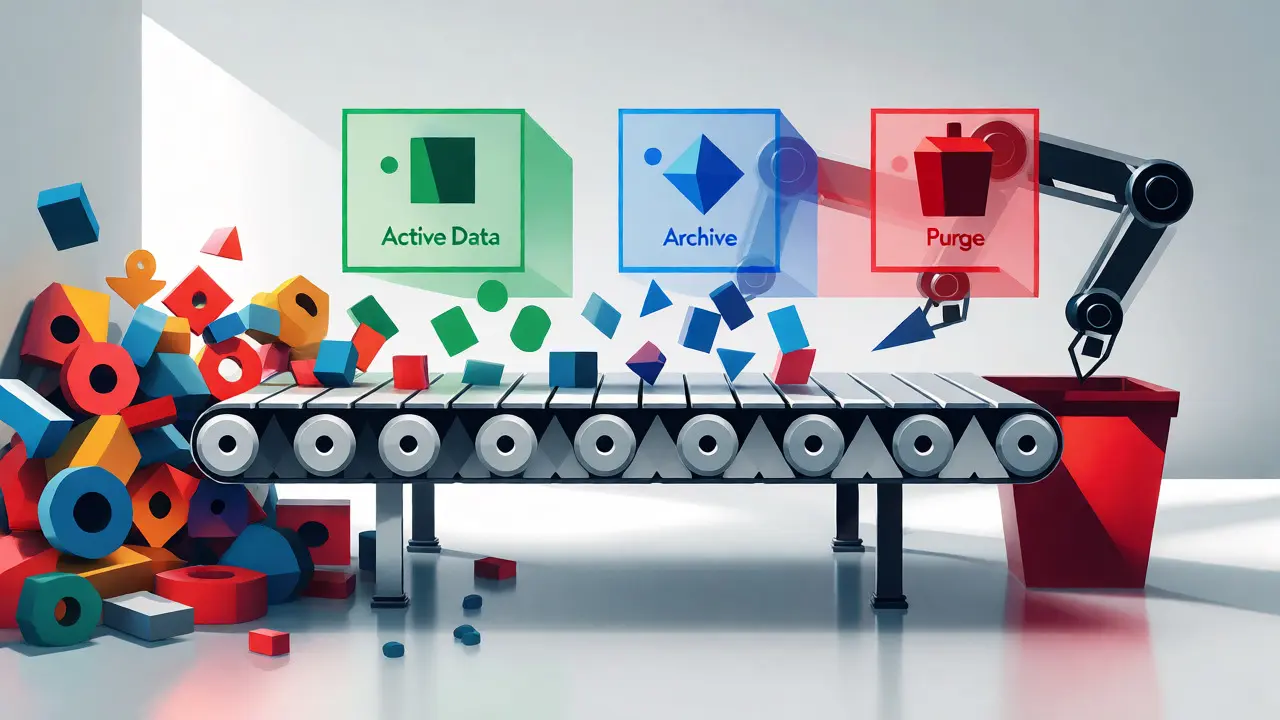
Not all data is created equal. Your retention policy should categorize data into three buckets: Active, Archive, and Delete. For most SaaS applications, especially those built with vibe coding, you should strictly limit what falls into the "Active" bucket.
- Authentication Credentials: Hashed passwords and email addresses are non-negotiable. Keep these as long as the account exists. Do not store plain-text passwords; let the AI handle hashing via standard libraries.
- Transactional Records: If you charge users, you must keep invoice data for tax purposes. In the US, this is typically seven years. In the EU, it varies by country but often aligns with similar fiscal requirements.
- Core User Profile: Only store fields essential for the service to function. If your app doesn't need a phone number, don't collect one. A common mistake is letting the AI add optional fields "for future features." Disable these unless you have immediate plans to use them.
Dr. Elena Rodriguez, Chief Security Officer at Beesecure.io, notes that many developers assume the AI handles compliance automatically. Her audits show this is false. You must explicitly tell the AI what constitutes "essential" data. Without this, the system defaults to maximalist collection.
What to Purge: The Danger Zones
The biggest risks in vibe-coded apps come from data collected for analytics or debugging that gets forgotten. These datasets grow rapidly and rarely provide ROI after a few months.
- User Activity Logs: Clickstreams and page views are valuable for short-term UX improvements but lose value quickly. Set an automatic deletion schedule of 90 days. After that, aggregate the data if you need trends, then delete the raw logs.
- Session Metadata: IP addresses, user agents, and referrer URLs are often logged for security. However, storing them indefinitely is overkill. Purge these after 30 days unless there is an active security incident investigation.
- Temporary Files: If your app allows file uploads, ensure temporary files are deleted immediately after processing. AI-generated code often leaves these orphaned in cloud storage buckets, inflating costs without providing user value.
A notable failure case involved an expense tracking app that stored complete user input history due to an AI misinterpretation of "maintain user context." This resulted in a $285,000 GDPR fine. The data wasn't just unnecessary; it was sensitive financial information held longer than required.
Implementing Retention in Your Prompts
The key to successful vibe coding is prompt engineering. Don't just ask for features; ask for constraints. Replit recommends a specific phrasing structure for data-related prompts: "Collect only [specified data points] for [specific purpose]; implement automatic deletion after [time period] per [regulation]."
For example, instead of saying "Store user chat history," try: "Store user chat messages for 30 days for support troubleshooting. Automatically delete messages older than 30 days. Do not store message content for analytics."
This approach shifts the burden from manual cleanup to automated lifecycle management. Tools like AWS S3 Object Expiration or Google Cloud Storage Lifecycle Management can enforce these rules at the infrastructure level. When you integrate these services, the AI can write the configuration code for you, provided you gave it the correct retention parameters upfront.
Audit Trails and Documentation
One disadvantage of vibe coding is the lack of documentation. Traditional development involves code reviews where data flows are discussed. With AI, changes happen silently. Appwrite’s security analysis revealed that 78% of vibe-coded apps lacked proper documentation of data flow changes after AI modifications.
To combat this, maintain a simple "Data Dictionary" alongside your codebase. List every field the AI generates, its purpose, and its retention period. Update this document whenever you change a prompt that affects data collection. This serves two purposes: it helps you remember why a field exists, and it provides evidence for auditors that you understand your data landscape.
If you find yourself struggling to track these changes, consider using Static Application Security Testing (SAST) tools. These scan your generated code for hidden data collection endpoints. Some platforms now offer built-in solutions, such as Replit's "RetentionGuard," which analyzes AI-generated code for excessive data collection and suggests fixes.
Regulatory Trends to Watch
The landscape is shifting. The EU AI Act, effective February 2026, will require "data minimization by design" for all AI-assisted applications. Noncompliance could cost up to 7% of global revenue. This isn't just about privacy anymore; it's about product viability.
Forward-thinking developers are treating data retention as a fundamental part of their prompt library. Instead of fixing compliance issues later, they bake them into the initial request. This reduces remediation effort by 3.7 times compared to retrofitting policies after launch. As Gartner predicts, by 2027, 80% of vibe coding platforms will include built-in, regulation-specific data retention templates. But you don't need to wait for 2027. Start defining your purge rules today.
Why do AI coding tools collect so much extra data?
AI models are trained to maximize utility and flexibility. When given vague prompts like "store user info," they interpret this as collecting all possible attributes to ensure the application can handle any future edge case. They prioritize completeness over minimization unless explicitly instructed otherwise.
How long should I keep user activity logs?
For most SaaS applications, 30 to 90 days is sufficient for operational and debugging purposes. Keeping raw logs longer than six months rarely provides actionable insights and significantly increases storage costs and privacy risks. Aggregate the data if you need long-term trend analysis.
Can I automate data deletion in vibe-coded apps?
Yes. By integrating with cloud storage lifecycle policies (like AWS S3 or Google Cloud), you can set automatic expiration dates. When prompting the AI, specify these integration points so it writes the necessary configuration code to link your database entries with these automated cleanup jobs.
What is the biggest compliance risk in vibe coding?
The biggest risk is "shadow data"-fields collected by the AI that the developer isn't aware of. These hidden endpoints often contain PII (Personally Identifiable Information) that remains in the database indefinitely, violating data minimization principles and creating unexpected liabilities during audits.
Does vibe coding make GDPR compliance harder?
Initially, yes, because default AI behaviors tend to over-collect data. However, once you establish strict prompt templates that enforce data minimization, vibe coding can actually speed up compliance implementation. Automated policy updates via prompt adjustments are faster than manually editing traditional codebases.
- Sep, 25 2026
- Collin Pace
- 0
- Permalink
Written by Collin Pace
View all posts by: Collin Pace