Democratization of Software Development Through Vibe Coding: Who Can Build Now
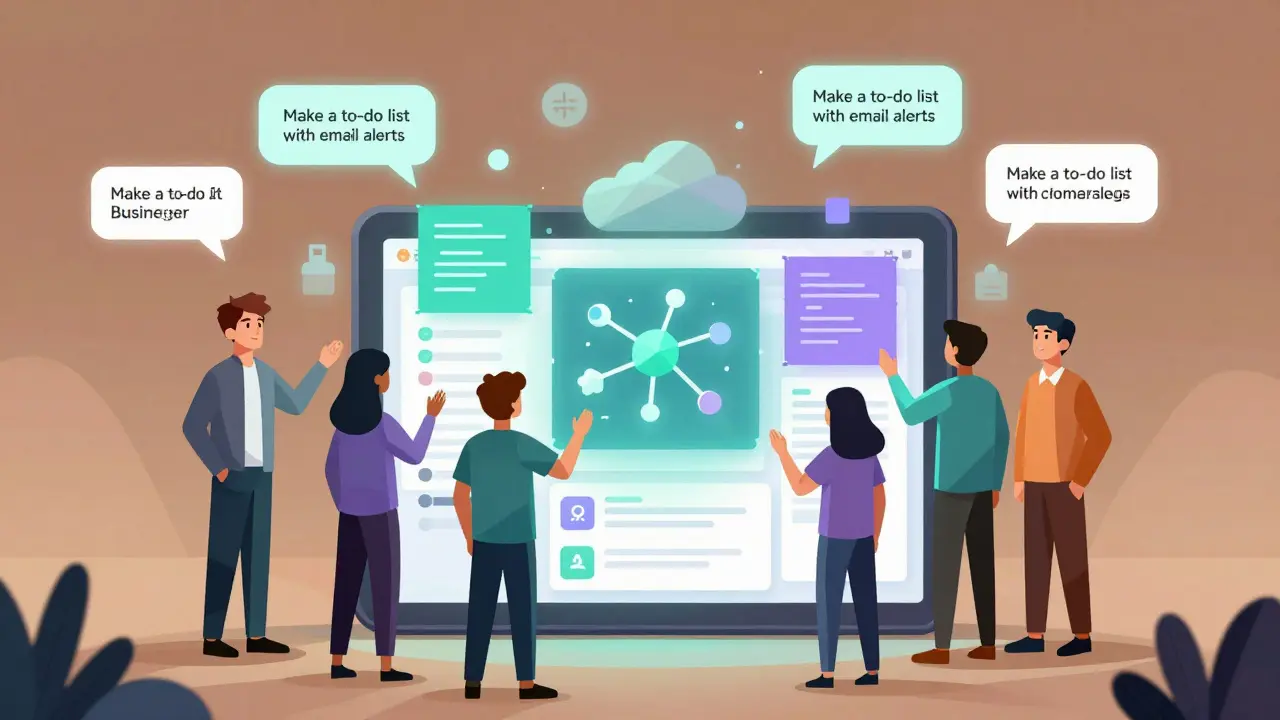
Five years ago, building a web app meant learning JavaScript, setting up a server, managing a database, and wrestling with deployment tools. Today, someone with zero coding experience can describe an app in plain English - like "a to-do list that lets me share tasks with my team and get email reminders" - and walk away with a working, deployed application in under three hours. This isn’t science fiction. It’s vibe coding, and it’s changing who gets to build software.
What Exactly Is Vibe Coding?
Vibe coding isn’t drag-and-drop. It’s not a visual builder with locked components. It’s not even just autocomplete. It’s the act of talking to an AI like you’d talk to a junior developer - and having it write, fix, and deploy real code for you. Think of it as natural language programming. You say: "Make a login page with Google and Apple sign-in." The AI generates the HTML, CSS, JavaScript, and backend API endpoints. It even sets up user authentication and stores data in a database - all without you touching a single line of code.
Tools like GitHub Copilot, Google’s Gemini Code Assist, and Replit’s Agent system power this. They’re not magic. They’re large language models trained on millions of real codebases. When you type a prompt, they don’t guess - they predict the most likely, functional code based on patterns they’ve seen. And they do it in real time, inside your favorite editor like VS Code or JetBrains.
Unlike traditional no-code tools (like Bubble or Webflow), vibe coding doesn’t trap you in a walled garden. If the AI generates a button that doesn’t work right? You can edit the code directly. You’re not stuck. You’re empowered. That’s the key difference: flexibility without the steep learning curve.
Who Can Build Now?
Before vibe coding, software creation was a gatekept skill. You needed a degree, years of practice, or a high salary to hire someone. Now? The barrier is gone. Here’s who’s building:
- Product managers who’ve spent years describing features to engineers - now they build them themselves. One founder on Hacker News built three internal tools for her startup using Replit, saving $45,000 in developer costs.
- Teachers and students who want to create a quiz app or a classroom tracker. A 2024 study found non-technical users could build a basic CRUD app in 8-12 hours with vibe coding - compared to 120-200 hours learning traditional JavaScript.
- Small business owners who need a simple inventory system or customer form. No more waiting weeks for a developer. Just describe it, tweak it, and launch.
- Non-technical founders who used to pitch ideas to investors hoping someone would build it. Now they build the MVP themselves. Reddit user u/CreativeDesigner89 built a task manager in three hours with no prior coding.
- Professional developers aren’t being replaced - they’re being amplified. JetBrains’ 2024 survey found devs using AI tools cut boilerplate code time by 35-50%. They focus on architecture, not typing.
Microsoft’s internal data shows 42% of new prototypes in the company now come from employees without formal training. That’s not a fluke. It’s a shift.
How It Actually Works - Step by Step
You don’t need to be a tech wizard. Here’s how a real person builds something:
- Have an idea: "I need an app that lets my team vote on meeting times and shows the results in a chart."
- Type it into the AI: Paste that into Replit’s Agent or Google’s AI Studio. No syntax. No jargon. Just plain English.
- Get code back: In seconds, you see a full web app - UI, backend, database, even a working chart. It’s not perfect. But it’s functional.
- Tweak it: The AI suggests edits. You say: "Make the chart show weekly averages." It updates. You say: "Add a dark mode." It does.
- Launch with one click: Replit, Google, and others auto-deploy to the cloud. No server setup. No domain purchase. No SSL certificates. Done.
That’s it. No terminal commands. No package managers. No Git headaches. You went from idea to live app in under an hour.
Why This Is Different From No-Code
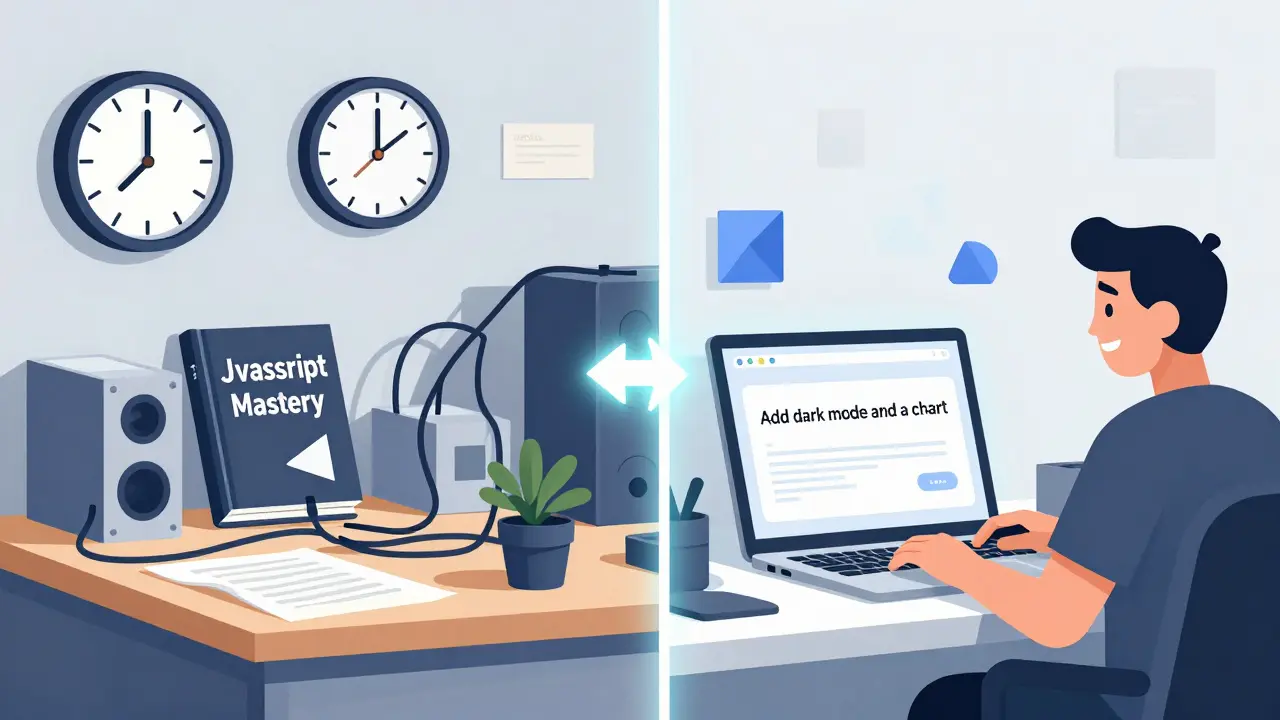
No-code tools like Airtable or Webflow are great - until they’re not. Forrester found 78% of companies using pure no-code hit a wall. They needed a custom field, a complex workflow, or an integration that didn’t exist. Then they were stuck.
Vibe coding doesn’t have walls. It gives you the code. You can change it. You can add JavaScript. You can connect to an API. You can refactor it later. It’s like having a co-pilot who writes the plane - and lets you take the controls whenever you want.
Think of it this way: No-code is like renting a car with fixed settings. Vibe coding is like getting the keys to a car that was built for you - and you can tweak the engine later.
The Real Limitations
Let’s be honest: vibe coding isn’t perfect.
GitHub’s 2024 State of the Octoverse found 37% of AI-generated code had security flaws - like hardcoded passwords or unvalidated inputs. That’s not a dealbreaker, but it’s a red flag. You can’t just deploy anything the AI gives you.
Complex logic? Still tricky. If you need a custom algorithm for fraud detection or real-time data streaming, the AI will struggle. It’s great at templates, not deep math.
And then there’s technical debt. One developer on GitHub wrote: "The AI made a working app, but the code is spaghetti. I spent two weeks cleaning it up." That’s the hidden cost. You still need to understand what’s being generated.
MIT professor Arvind Satyanarayan warns: "We’re creating a generation of builders who can assemble apps without understanding how they work. That’s dangerous when security and reliability matter."
So vibe coding isn’t a magic wand. It’s a powerful tool - but you still need to be smart about using it.
What You Need to Get Started
You don’t need a computer science degree. Here’s what you do need:
- A clear idea: Vague prompts like "make an app" fail. Specific ones like "a calendar that sends SMS reminders on Fridays" work.
- A free tool: Try Google’s Gemini Code Assist (free with Google Cloud), Replit Agent, or GitHub Copilot (free for students).
- 1-2 hours: Your first app might take a few tries. Don’t quit after one failed attempt.
- Critical thinking: Always ask: "Does this make sense? Is it secure?" Read the code. Don’t just click deploy.
Google’s Kelsey Hightower says the best vibe coders spend 30% of their time crafting prompts. That’s not a bug - it’s a skill. Learn to ask better questions.
The Bigger Picture
Gartner predicts the AI-assisted coding market will hit $38.2 billion by 2027. That’s not just about tools - it’s about who gets to build.
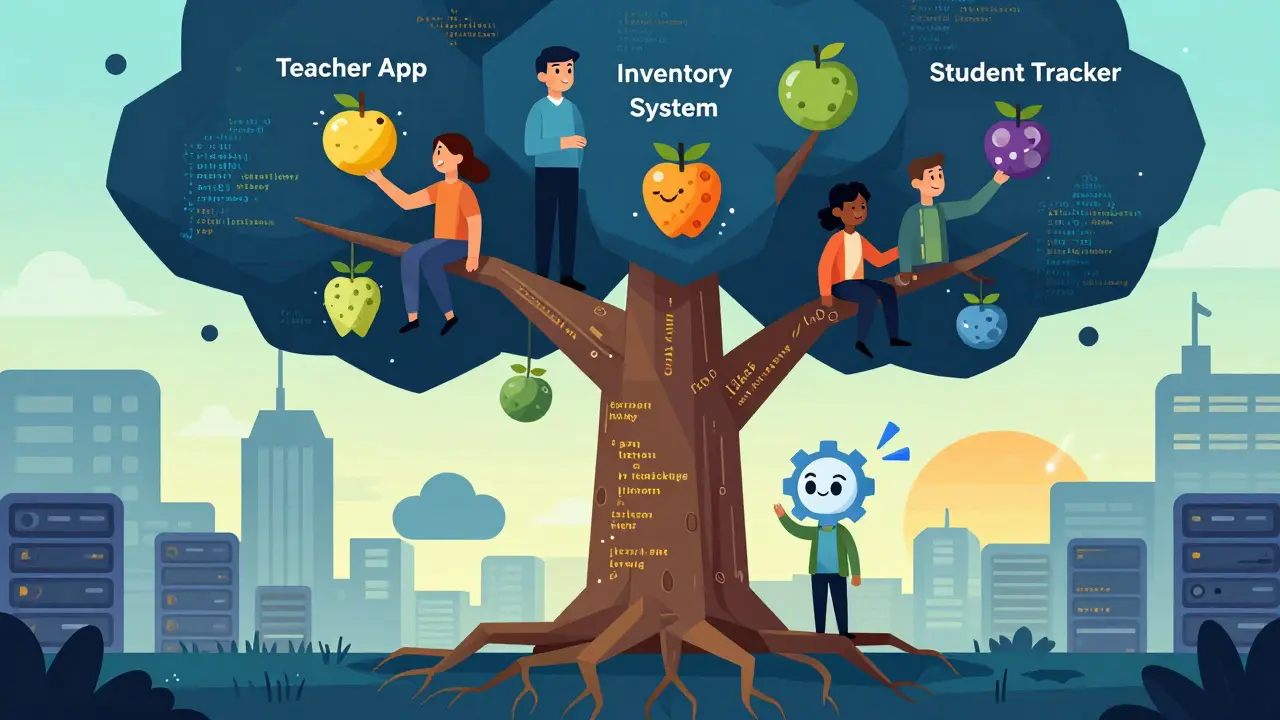
For decades, software was built by a small, elite group. Now, teachers, nurses, artists, and small business owners are joining the ranks. The next app that changes how we manage healthcare, education, or local government might not come from Silicon Valley. It might come from a high school teacher in rural Ohio who used Replit to build a student attendance tracker.
And that’s the real revolution. It’s not about faster code. It’s about more creators.
What’s Next?
Tools are getting smarter. Google’s AI Studio now lets you turn ideas into apps with AI features built-in - like chatbots or image recognition - with zero extra work. Replit’s multiplayer vibe coding lets teams collaborate in real time: a non-technical user describes what they want, and a dev refines the code together.
Long-term, we’re moving toward AI agents that plan, build, test, and deploy apps with almost no human input. That’s still experimental - but it’s coming.
One thing’s clear: the future of software isn’t written by coders alone. It’s written by anyone with an idea - and the courage to ask the AI for help.
Do I need to know how to code to use vibe coding?
No. Vibe coding was designed for people without coding experience. You describe what you want in plain language - like "I need a form that saves names and emails" - and the AI writes the code. You don’t need to understand variables, loops, or APIs. You just need to be clear about what you want.
Is vibe coding secure?
It can be - but you can’t trust the AI blindly. GitHub’s 2024 report found 37% of AI-generated code had security issues like hardcoded passwords or unverified inputs. Always review the code before deploying. Look for red flags: unexplained API keys, missing input validation, or hardcoded credentials. Use tools like SonarQube or GitHub’s own security scanner to check generated code. Treat AI output like a first draft - not final.
Can vibe coding replace professional developers?
Not yet - and probably not completely. Professional developers still handle complex systems, security audits, performance tuning, and scalable architecture. Vibe coding shines at building prototypes, internal tools, and simple apps quickly. Many devs now use it to cut repetitive work, not replace their role. The future is hybrid: citizen builders handle small projects, while pros focus on high-stakes systems.
What’s the best tool to start with?
For beginners, start with Replit’s Agent - it’s free, requires no setup, and gives you a full app with database and UI in one click. For those already using VS Code, GitHub Copilot is excellent (free for students). Google’s Gemini Code Assist is also free and works well inside Google’s ecosystem. Try all three. The best one is the one you’ll actually use.
What kinds of apps can I build with vibe coding?
You can build almost anything simple: to-do lists, contact forms, data dashboards, internal trackers, booking systems, basic e-commerce stores, and automation tools. Most tools handle CRUD apps (Create, Read, Update, Delete) well. You can also build apps with user auth, email/SMS alerts, and simple charts. Complex apps - like real-time multiplayer games or high-frequency trading systems - still need expert developers.
- Feb, 15 2026
- Collin Pace
- 5
- Permalink
Written by Collin Pace
View all posts by: Collin Pace