Design-Led Vibe Coding: Turning Figma and Whiteboards into Live Apps
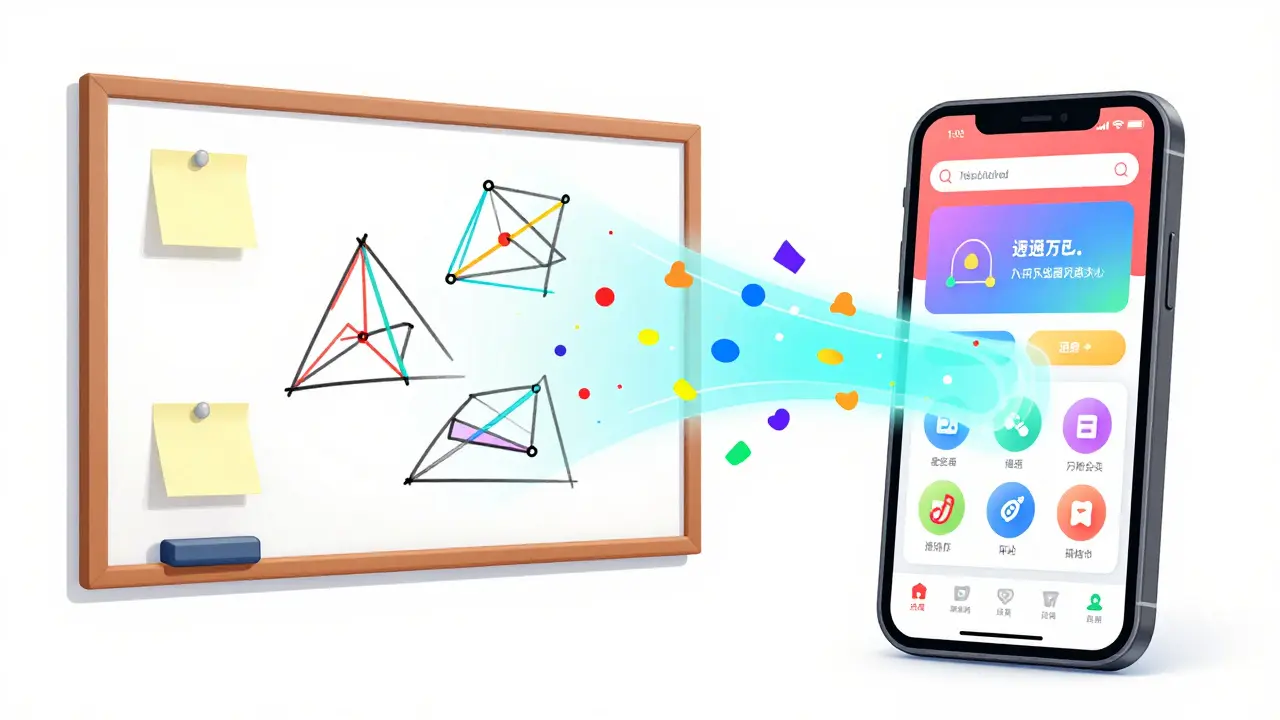
Imagine sketching a rough idea on a whiteboard, describing the "feeling" of an app in a few sentences, and having a functional prototype running on your phone before your coffee gets cold. That is the core promise of vibe coding is a paradigm shift in digital product development that blends mood-driven design with AI-assisted code generation. It moves us away from the rigid, linear process of wireframing and handoffs, allowing creators to describe the emotional and functional intent of a product and let AI handle the heavy lifting of the initial build.
Breaking the Traditional Development Loop
For decades, building an app followed a predictable, often slow path: requirements gathering, wireframing, visual design, and finally, a developer writing code. This "handoff" process is where most projects lose their soul. A designer envisions a fluid, organic interaction, but by the time it reaches a developer, it's often stripped down to what is technically easiest to implement.
Vibe coding flips this script. Instead of starting with a technical blueprint, you start with a vibe. You use natural language to describe how an app should feel-maybe "cozy and earthy" or "clinical and high-efficiency." AI then interprets these descriptors to generate visual starting points and actual code simultaneously. This compresses weeks of back-and-forth into minutes of iterative prompting.
The Vibe Coding Workflow: From Prompt to Production
To get a project from a whiteboard to a live URL, the process generally follows a four-step flow. This isn't just about typing a prompt and hoping for the best; it's about creating a "visual source of truth" that the AI can reference.
- Defining the Vision: You start by writing prompts that capture both the aesthetic and the function. For example, instead of saying "I need a dashboard with a calendar," you might say, "Design a mobile dashboard for a plant-watering reminder service. The vibe is slightly magical and cozy, using rounded serif fonts for a friendly feel."
- Building the Visual Source of Truth: Using Figma Design, you establish the base components, colors, and styles. This ensures the AI doesn't just guess, but follows a concrete set of rules that maintain brand consistency.
- Testing the Interaction: Before moving to full production, you use tools like Figma Make to verify how the user experience feels. Does the button bounce the way you imagined? Is the transition smooth?
- Bridging to Code: Once the vibe is locked in, the design is converted into production-ready frontend code (HTML, CSS, or React). This can be deployed instantly via Figma Sites or moved into a professional environment like Cursor or Replit for backend integration.
Tooling the Vibe: The Technical Ecosystem
Vibe coding isn't a single tool but a stack of integrated technologies. The most prominent ecosystem today centers around Figma's suite of AI-enhanced products. It starts with FigJam, where teams map out user flows and database schemas. This is the "whiteboard" phase where the logic is hashed out before any visuals are created.
From there, Figma Make acts as the engine, translating prompts and design files into code. A critical piece of this puzzle is the Model Context Protocol (MCP), which allows AI models like Claude to "see" and interact with Figma files directly. This means you can tell an AI to "make the cards feel more organic with a leafy border," and it can actually execute that change in the design file.
| Feature | Traditional Development | Vibe Coding Approach |
|---|---|---|
| Starting Point | Technical Specs/Wireframes | Mood, Intent, and Prompts |
| Iterative Cycle | Design $\rightarrow$ Dev $\rightarrow$ Feedback | Prompt $\rightarrow$ Visual $\rightarrow$ Code (Parallel) |
| Handoff Process | Manual Documentation/Spec Sheets | Direct Design-to-Code Generation |
| Accessibility | Requires Deep Technical Knowledge | Accessible to Designers and Non-Coders |
| Speed to MVP | Weeks to Months | Hours to Days |
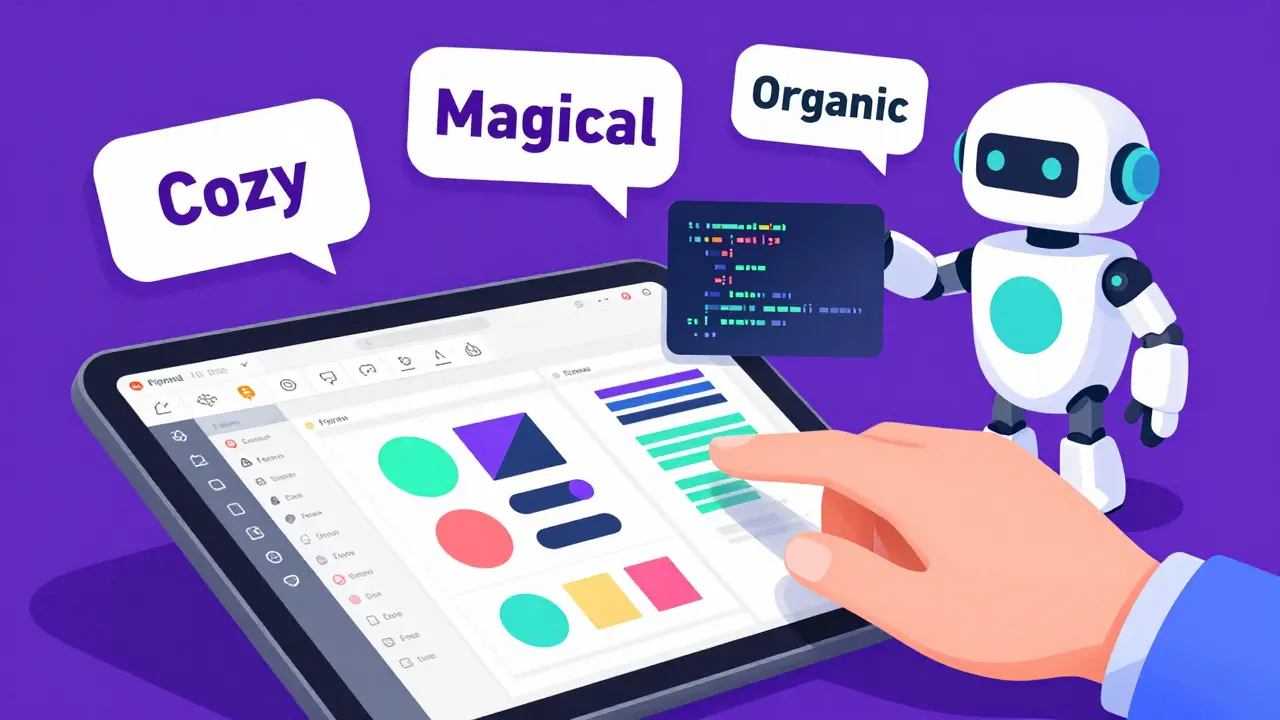
Who is this for? (Hint: Not just Devs)
One of the most exciting aspects of vibe coding is how it democratizes app creation. We are seeing a surge in "design-led developers"-people who may not have spent years studying computer science but have a deep understanding of user experience and visual storytelling.
For a seasoned designer, this removes the "fear of the blank terminal." With the combination of Claude and Figma, a designer can build a fully functioning landing page or a simple app without ever touching a command line. Using GitHub Desktop, they can deploy their work to a live server through a visual interface, bypassing the complexity of Git commands entirely.
However, for professional engineers, vibe coding isn't about replacement-it's about acceleration. Instead of spending three days building a basic UI shell, a developer can "vibe code" the frontend in thirty minutes and spend their time on the complex backend logic, API integrations, and security protocols where human expertise is still non-negotiable.
The Reality Check: Where Vibe Coding Hits a Wall
It sounds like magic, but vibe coding has clear boundaries. Currently, it is an incredible tool for frontend generation. It can handle layouts, colors, animations, and basic interactions with ease. But once you get into deep business logic-like calculating complex tax brackets in a fintech app or managing real-time websocket connections for a trading platform-the "vibe" isn't enough.
Backend infrastructure, database connectivity, and API security still require traditional development expertise. If your prompts are too vague, the AI will produce generic "placeholder" code that looks great but lacks the robustness needed for a high-traffic enterprise application. The goal is to use vibe coding to get 80% of the way there instantly, leaving the final 20% for professional engineering polish.
Practical Tips for Better Vibe Coding
If you're starting your first project, avoid generic prompts. "Make it look modern" means nothing to an AI. Instead, be specific about the sensory details. Use a framework like this:
- Emotional Target: (e.g., "Calm, professional, trustworthy")
- Visual Cues: (e.g., "Glassmorphism effects, deep navy backgrounds, high-contrast white text")
- Behavioral Intent: (e.g., "The transition between screens should feel like a sliding piece of paper")
- Concrete References: (e.g., "Use the existing Button component from our Design System")
By providing these anchors, you move from "guessing" to "directing." This ensures that the generated code isn't just a random hallucination, but a reflection of a deliberate design choice.
Is vibe coding just a fancy word for Low-Code tools?
Not exactly. Low-code tools usually rely on pre-built drag-and-drop blocks with rigid constraints. Vibe coding uses generative AI to create custom code based on natural language and visual references. It's more flexible because it isn't limited to a set of pre-defined components; it generates the actual CSS and React code needed to achieve a specific "feeling."
Can I use vibe coding for a complex enterprise app?
You can use it for the interface and prototyping phases. Vibe coding is perfect for rapidly iterating on the UX/UI of an enterprise dashboard. However, the backend-database architecture, authentication, and business logic-still requires traditional software engineering to ensure security and scalability.
Do I need to know how to code to use Figma Make?
No, you don't need to be a coder to start. Vibe coding is designed to be accessible via English-language prompts. While knowing the basics of how HTML or React works can help you refine the output, the primary skill required is creative direction and clear communication of your vision.
How does it handle design systems?
Vibe coding actually thrives on design systems. If you have a library of components in Figma, the AI can use those as a reference. This means instead of generating a random button, it can generate a layout that uses your specific, brand-approved buttons, ensuring the "vibe" stays on-brand.
What is the best way to deploy a vibe-coded app?
For simple sites and prototypes, Figma Sites offers the fastest path to a live URL. For more complex applications, exporting the generated code to GitHub Desktop and deploying via Vercel or Netlify is the professional standard. If you need a backend, moving the code into Cursor or Replit allows you to add server-side logic.
Next Steps for Your First Build
If you're a designer, start by connecting Claude to your Figma account via the MCP. Try rebuilding a simple page you've already designed, but use prompts to evolve the style into something completely different. If you're a developer, try using Figma Make to generate the boilerplate for your next project's frontend, and see how much time you save on the CSS.
The goal isn't to stop coding; it's to stop doing the boring parts of coding. By shifting the focus to the "vibe," we can spend more time thinking about the human being on the other side of the screen and less time fighting with padding and margins.
- Apr, 25 2026
- Collin Pace
- 7
- Permalink
Written by Collin Pace
View all posts by: Collin Pace