Designers to Builders: How Vibe Coding Turns Figma Designs into Real Apps
What Is Vibe Coding, Really?
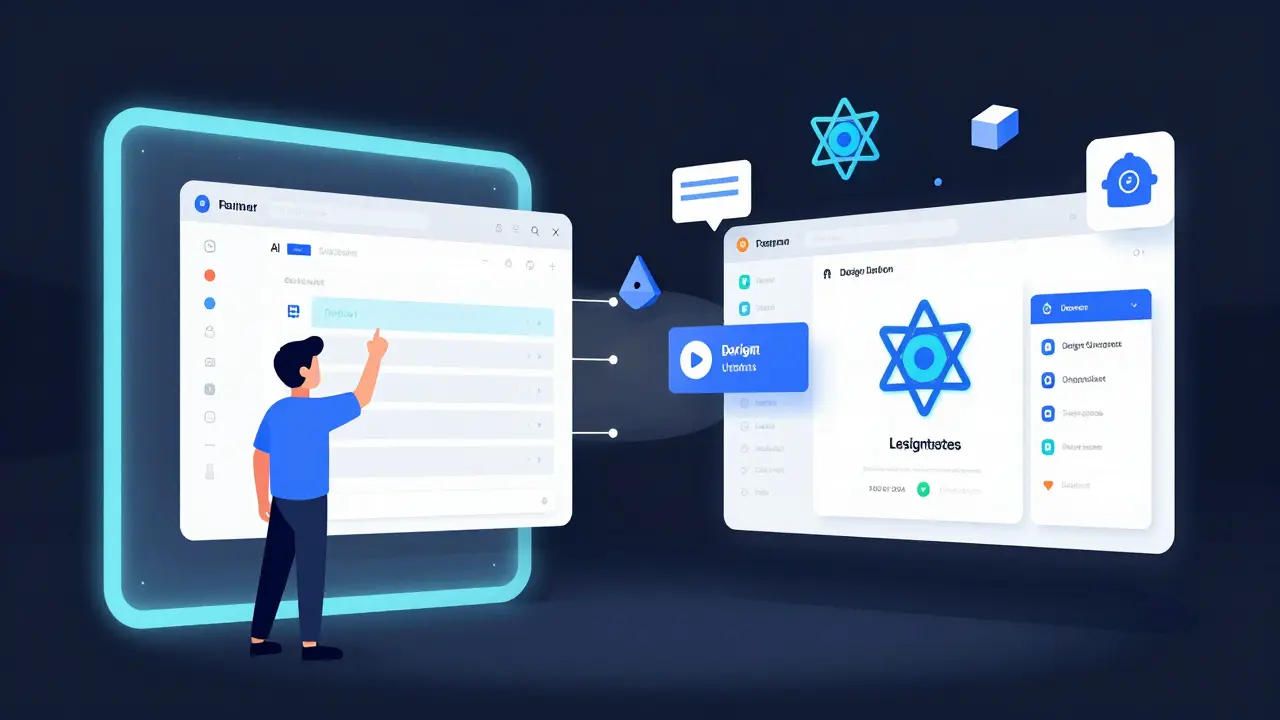
It’s not magic. It’s not a replacement for developers. But if you’ve ever spent hours explaining a Figma file to a developer-only to have them come back with something that looks almost right but feels off-you already know why vibe coding matters. Vibe coding is the process of turning your Figma design files directly into working code using AI. No manual translation. No back-and-forth emails. Just upload your design, click a button, and get a functional prototype in minutes.
This isn’t about screenshots being turned into code. That’s old. Old tools saw pixels. Vibe coding sees structure. Thanks to Figma’s Model Context Protocol (MCP), AI tools now understand layer names, component relationships, auto-layout settings, and even design system tokens like spacing, colors, and typography. If your Figma file is clean, organized, and named properly, the AI can read it like a developer would.
According to Figma’s own documentation, vibe coding is meant to be a "creative accelerator," not a full replacement. It’s the difference between building a house from scratch and getting a prefab foundation that you then finish yourself. You still need to add the plumbing, wiring, and insulation-but now you don’t have to dig the foundation by hand.
How It Works: The Five-Step Flow
Using vibe coding isn’t complicated, but it does require discipline. Here’s how it works in practice:
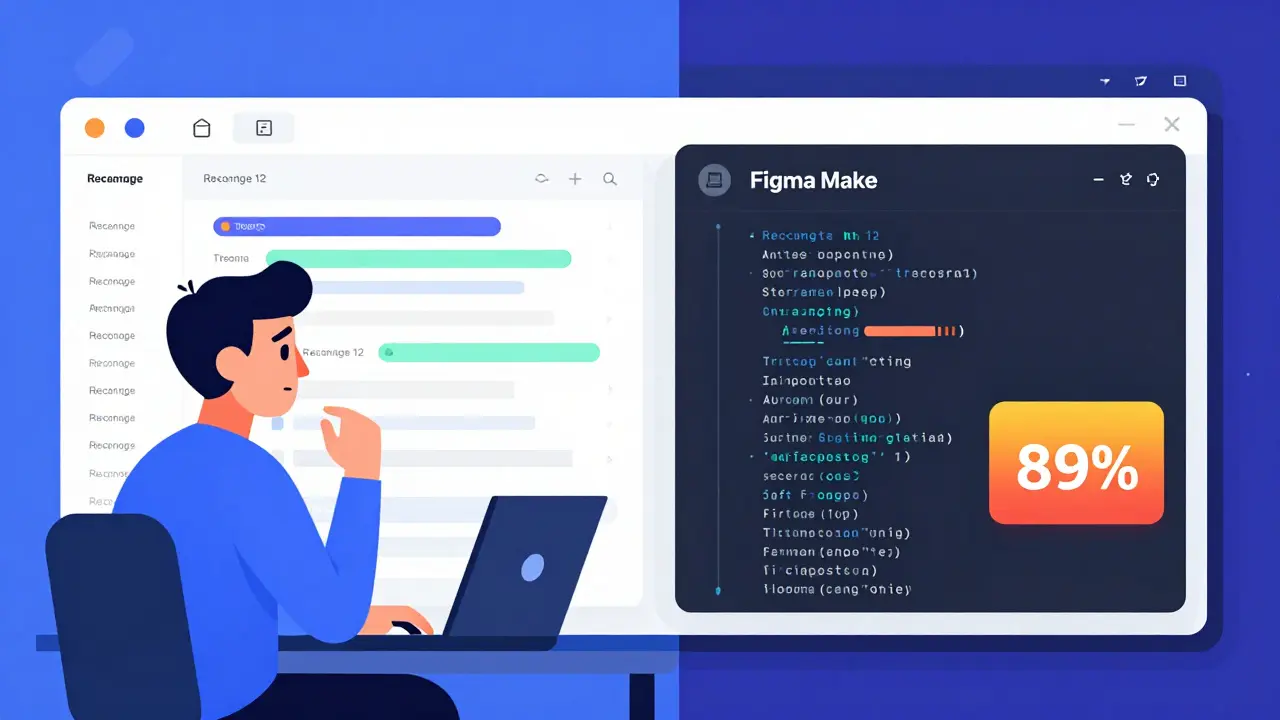
- Prepare your Figma file. Layer names matter. Group components. Use auto-layout. Name your buttons "Primary Button," not "Rectangle 12." Use design tokens for colors and spacing. Figma’s own guidelines say this step alone can boost code accuracy from 62% to 89%.
- Enable MCP. In Figma’s settings, turn on Model Context Protocol. This isn’t optional-it’s the bridge between your design and the AI tool. Without it, you’re just feeding pixels.
- Connect to a vibe coding platform. Pick one: Figma Make, Cursor AI, Replit, Lovable.dev, or YouWare. Each connects via OAuth. No passwords. No hassle.
- Import your frame. Select the specific screen or component you want turned into code. You don’t need to send the whole file. Just the part you’re ready to build.
- Refine with prompts. The AI gives you code, but it’s not perfect. Say: "Make the button accessible with proper ARIA labels." Or: "Add a loading state to this card." The more specific you are, the better the output.
Designers with no coding background typically get comfortable in 2-5 hours. Developers? They’re up and running in under an hour. The real win? You stop waiting. You stop explaining. You start building.
Which Tools Actually Work?
Not all vibe coding tools are the same. Each has strengths, weaknesses, and target users. Here’s what’s out there in early 2026:
| Platform | Best For | Output | Accuracy | Key Limitation |
|---|---|---|---|---|
| Figma Make | Designers in Figma workflows | React | 88% | No backend. Only UI. |
| Cursor AI | Developers building mobile apps | Flutter | 85% | Weak web support. |
| Replit | Full-stack prototypes | JavaScript + Supabase | 82% | Slower load times. |
| Lovable.dev | Non-technical founders | React web apps | 85% | No mobile apps yet. |
| YouWare | Game and pixel art prototypes | HTML/CSS/JS | 78% | Can’t handle complex logic. |
Figma Make is the most seamless if you live in Figma. But if you need a backend? Replit’s the only one that gives you Supabase integration out of the box. Want to turn a pixel art UI into a playable browser game? YouWare does that in under 90 seconds. Lovable.dev is the go-to for founders who just want to show stakeholders something real without hiring a dev.
Accuracy numbers come from real-world testing. Figma Make hits 88% on clean files. But if your layers are named "Group 3," accuracy drops to 51%. It’s not the tool’s fault-it’s yours. The AI needs context. You give it structure.
The Real Win: Speed, Not Perfection
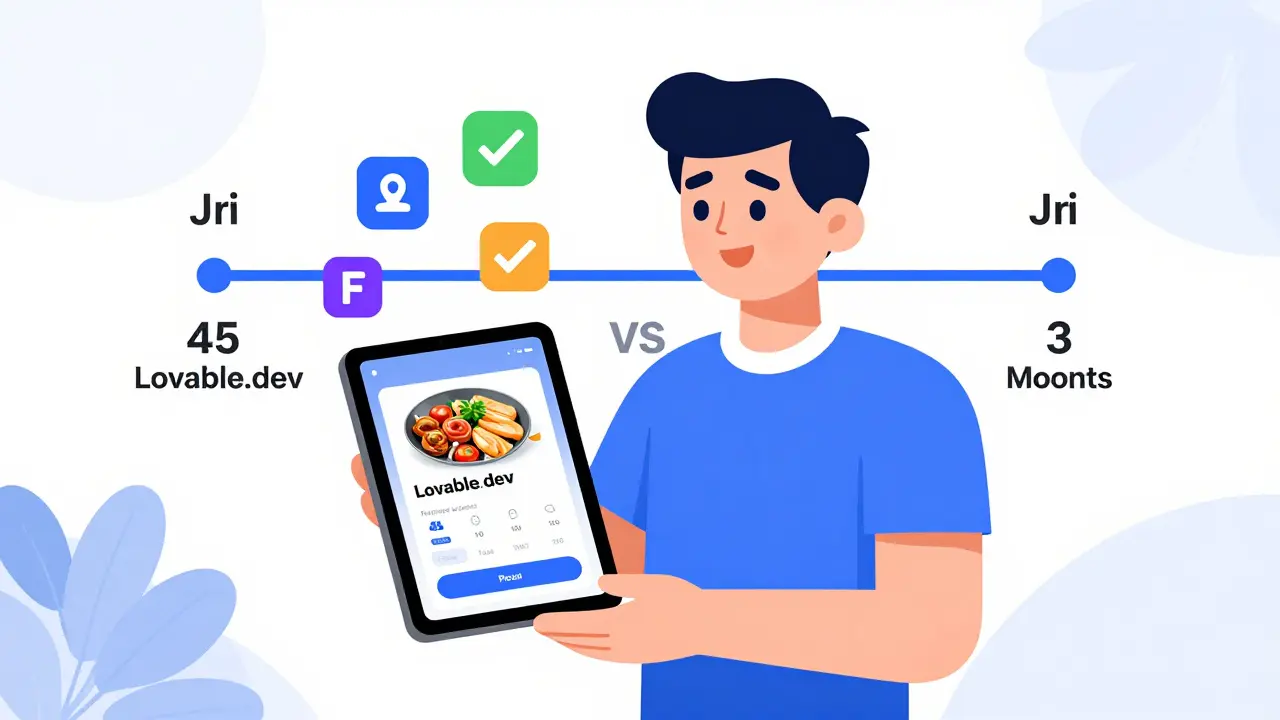
Here’s the story that keeps coming up: Ankit Sharma, a product designer at Swiggy, used Lovable.dev to turn a food delivery app mockup into a working demo in 45 minutes. That’s not a typo. He didn’t write a single line of code. He showed it to stakeholders. They loved it. They approved funding. The real product? Took three months to build. But without that prototype? The project might’ve died in a meeting.
That’s the power of vibe coding: it cuts through bureaucracy. It gives non-developers agency. It lets designers prove ideas before writing a spec. It turns "What if?" into "Look at this."
But here’s the catch: nobody is shipping vibe-coded code straight to production. Not anymore. Business Insider, Stack Overflow, and industry veterans all agree: the output works-but it’s messy. It lacks separation of concerns. It repeats logic. It doesn’t scale. David Heinemeier Hansson, creator of Ruby on Rails, put it bluntly: "Vibe coding produces code that works but doesn’t scale."
Tom Blomfield, co-founder of Monzo Bank, recommends a simple fix: "Ask the AI to generate integration or widget tests." That one step catches 65% of UI bugs before you even look at it. It’s not about replacing developers. It’s about giving them better starting points.
When It Fails-and Why
Not every Figma file becomes a working app. Here are the top three reasons it goes wrong:
- Layer chaos. If you have 1,200 layers with no naming convention, the AI gets confused. It’s like asking someone to read a book with all the pages shuffled.
- Complex animations. Parallax scrolling, micro-interactions, gesture-based transitions? Most tools still can’t generate those reliably. You’ll need to code them manually.
- Responsive behavior. Mobile, tablet, desktop? The AI guesses. It often gets it "close enough." But if your app needs pixel-perfect responsiveness across 15 screen sizes? You’re still doing that by hand.
And then there’s the code itself. Replit users report 20-30% slower load times. Lovable.dev generates code that’s easy to read but lacks optimization. Figma Make leaves out state management logic. You need to know enough to fix it.
That’s why the best teams use vibe coding as a first draft-not the final version. They use it to move fast, then hand off to engineers for refinement. It’s not a shortcut. It’s a launchpad.
What’s Next? The Roadmap
The tools are evolving fast. Figma announced Figma Make 2.0 in September 2024 with live API binding. You can now connect your generated UI directly to real data. Replit’s new "vibe coding agent" lets you chat with the AI like a pair programmer: "Make the form validate on blur," or "Add error states."
By Q2 2025, Lovable.dev will add mobile app generation. Cursor AI is working on web output. YouWare is building a template library for RPGs and puzzle games. And Figma plans to integrate with GitHub by early 2025-so generated code can be pushed straight to repositories.
Market analysts predict the vibe coding segment will grow from $187 million in 2024 to over $1.2 billion by 2027. That’s not hype. That’s demand. Designers want control. Founders want speed. Developers want less busywork.
Should You Try It?
If you’re a designer tired of waiting for devs? Try it. Use Figma Make. Turn one screen into code. See what happens. You’ll be surprised how much you already know.
If you’re a founder with no budget? Lovable.dev or YouWare can get you a demo in under an hour. No dev team needed.
If you’re a developer? Use it to skip the grunt work. Generate the UI. Then focus on logic, performance, and accessibility. Let the AI do the repetitive stuff.
It’s not about replacing humans. It’s about removing friction. The best designers aren’t the ones who draw the prettiest screens. They’re the ones who get things built. Vibe coding doesn’t make you a developer. But it gives you the power to act like one.
Final Thought
The future of design isn’t in pixels. It’s in structure. In naming. In consistency. The tools are here. The question isn’t whether you should use them. It’s whether you’re ready to stop explaining-and start building.
- Feb, 26 2026
- Collin Pace
- 6
- Permalink
Written by Collin Pace
View all posts by: Collin Pace