Designing Multimodal Generative AI Applications: Input Strategies and Output Formats
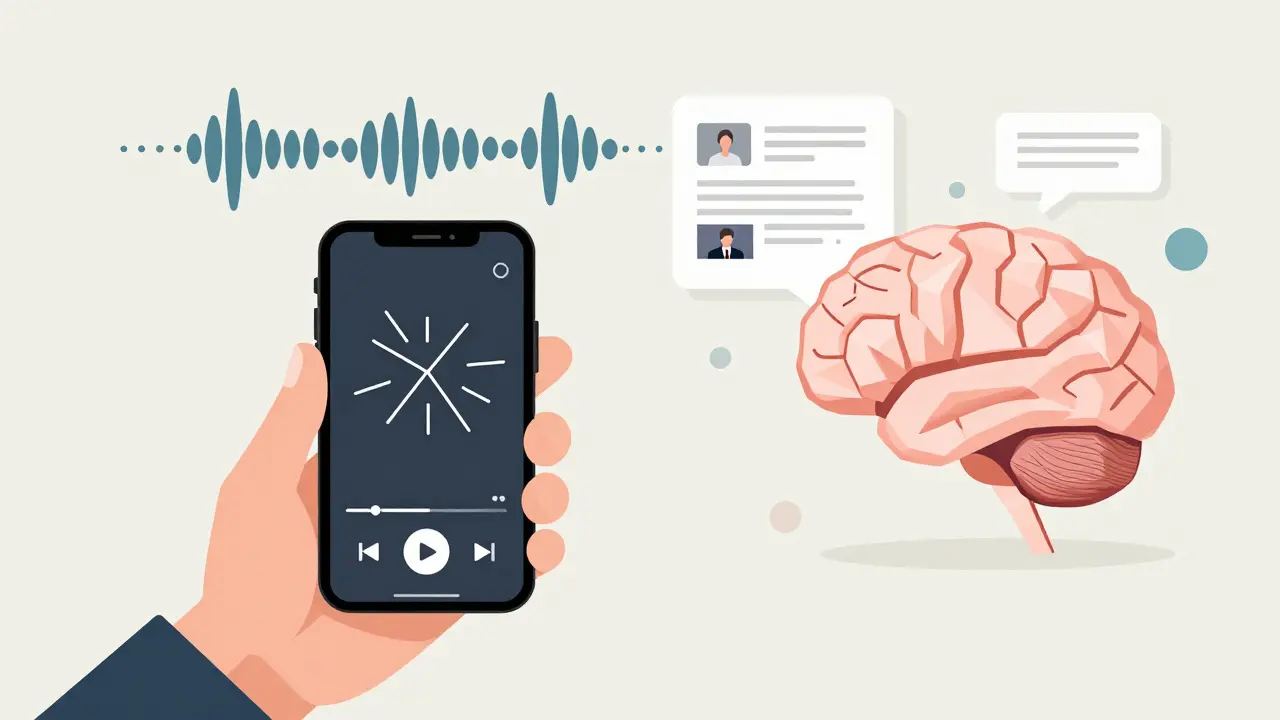
Most AI tools you’ve used so far only understand one thing: text. You type a question, it gives you an answer. But what if you could show it a screenshot of a broken dashboard, record your voice explaining the problem, and have it reply with a video walkthrough and a summarized report? That’s not science fiction anymore. Multimodal generative AI is here, and it’s changing how we build applications that talk, see, hear, and respond like humans do.
What Multimodal AI Actually Does
Multimodal generative AI doesn’t just switch between text and images-it connects them. It looks at a photo of a product label, hears a customer say, “This doesn’t work,” reads the warranty text in the image, and then writes a refund email in the same tone as the voice recording. This isn’t three separate AI models working in isolation. It’s one system that understands how sound, sight, and language relate to each other in real time.
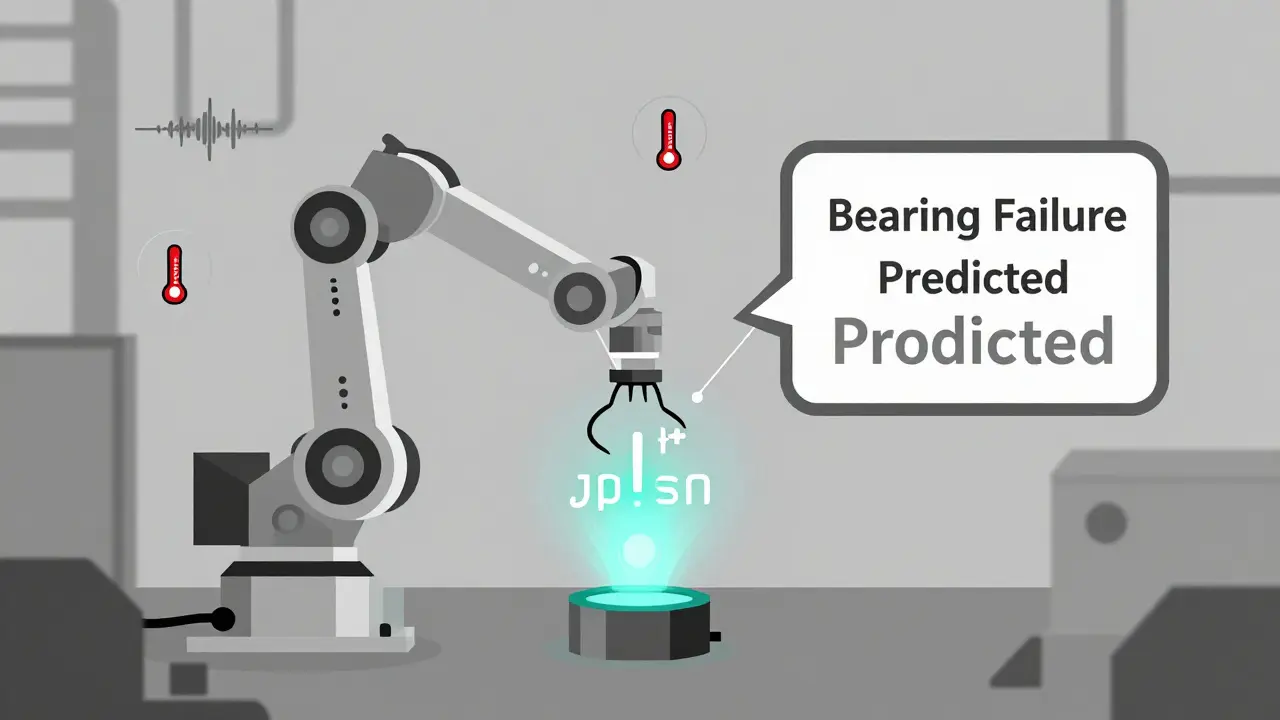
Models like GPT-4o, Gemini, and Claude can process text, images, audio, video, and even code-all at once. Google’s Gemini, for example, can extract text from a scanned invoice, convert it into structured JSON, and then generate a summary in plain English. OpenAI’s GPT-4o can analyze a live video feed of a factory floor, detect a machine vibrating abnormally, and alert engineers with both a text warning and a highlighted frame showing the issue.
This isn’t just about convenience. It’s about context. A text-only model might miss that a user’s angry tone matches a blurred image of an error screen. A multimodal system sees the connection. That’s why enterprises are adopting it fast: 67% of AI projects in 2024 now include multimodal features, up from 47% in 2023.
How to Design Input Strategies That Work
Getting multimodal AI to understand you isn’t as simple as adding a camera to your app. The inputs need structure, timing, and purpose.
Start by asking: What combination of inputs gives the clearest signal? For customer support, users often send a screenshot and a voice note together. That’s a powerful pair. The image shows the exact error. The audio explains the frustration. The AI doesn’t have to guess-it knows what’s wrong and how the user feels.
Here are three proven input patterns:
- Text + Image: Best for document processing. Upload a PDF with charts, and the AI extracts numbers, explains trends, and highlights anomalies. Used by financial analysts at firms like JPMorgan to auto-summarize quarterly reports.
- Audio + Text: Ideal for call centers. A customer says, “I can’t log in,” while typing “Error 403.” The AI matches the tone of voice with the error code and responds with a tailored fix-not a generic help article.
- Video + Sensor Data: Used in manufacturing. A camera sees a robot arm shaking. A vibration sensor confirms the frequency. The AI cross-references this with maintenance logs and predicts a bearing failure before it happens. Companies using this approach report 22% less unplanned downtime.
Don’t just collect data-align it. If a user uploads a video and a voice note, make sure the timestamps match. A 10-second delay between audio and video can confuse the model. Use tools like Google’s Vertex AI or OpenAI’s API to sync inputs automatically. And always let users know what inputs are accepted. A simple “Upload a photo, record a voice note, or type your question” works better than a blank upload box.
Choosing the Right Output Formats
Output isn’t just what the AI says-it’s how it says it. The best multimodal apps don’t just answer. They adapt.
Think about your user. A nurse on a hospital floor doesn’t want to read a long report. She needs a quick audio alert: “Patient 32’s oxygen level dropped. Check IV line.” A teacher preparing lesson plans might want a visual diagram of a cell cycle, paired with a short video explanation. A developer debugging code needs a text summary with highlighted lines and a link to a related GitHub issue.
Here’s how top apps handle outputs:
- Text: Still the backbone. Use it for explanations, summaries, and structured data. GPT-4o uses autoregressive decoding-predicting one word at a time-to keep responses natural and context-aware.
- Images: Generated with diffusion models. Tools like DALL-E and Stable Diffusion turn prompts into visuals. Use them for product mockups, educational diagrams, or visualizing data trends. Gemini can generate a bar chart from a text description of sales data.
- Audio: Real-time voice is the new frontier. GPT-4o’s voice mode detects emotional tone-frustration, confusion, excitement-and adjusts its reply. This is huge for accessibility and customer service.
- Video: Still rare in production, but growing. Google’s Gemini 1.5 Pro can analyze hour-long videos with a 1-million-token context window. That means it can watch a full safety training video and point out exactly where a worker missed a step.
- Structured Data: Convert messy inputs into clean JSON or CSV. This is critical for workflows. If a user uploads a handwritten form, the AI should output a fillable digital version, not just a photo.
Don’t overload outputs. One format is often enough. If you’re sending a warning to a technician, a short text message with a photo of the faulty part is clearer than a 5-minute video. Know your audience. Know your use case. Pick the output that delivers the most value with the least friction.
Key Models and Their Strengths
Not all multimodal AI is the same. Each model has a different sweet spot.
| Model | Best For | Input Support | Output Support | Key Limitation |
|---|---|---|---|---|
| GPT-4o | Real-time voice, screenshots, document analysis | Text, images, audio, video | Text, audio, images | Higher latency in video processing |
| Gemini 1.5 Pro | Long-form video, structured data extraction | Text, images, audio, video, code | Text, JSON, images, audio | Requires Google Cloud infrastructure |
| Claude 3 Opus | Document-heavy reasoning, legal/medical text | Text, images, PDFs | Text, summaries, tables | No audio or video generation |
Start simple. If you’re building a customer service tool, use GPT-4o for its voice and image understanding. If you’re processing scanned forms or long videos, Gemini is the most powerful. Claude is your go-to if you’re working with dense documents and need precise reasoning.
What Goes Wrong-and How to Fix It
Multimodal AI sounds powerful, but it’s full of traps.
Problem 1: Inconsistent outputs. The AI generates a chart that doesn’t match the data in the image. This happens when the model doesn’t fully align modalities. Solution: Use grounding techniques. Feed the AI the raw data alongside the image. If you’re analyzing a graph, also send the underlying numbers as text.
Problem 2: Too much latency. Processing video and audio together takes time. Users won’t wait 10 seconds for a reply. Solution: Use caching. If a user uploads the same image twice, store the result. Use edge computing to process inputs closer to the user, not in a distant data center.
Problem 3: Ethical risks. A model might misinterpret facial expressions or voice tones and make biased assumptions. A 2025 EU AI Act rule requires transparency for any system using biometric data. Solution: Always give users control. Let them opt out of voice or facial analysis. Log decisions. Audit outputs regularly.
Problem 4: Skill gaps. Most teams don’t have both NLP and computer vision experts. Solution: Use platforms like Vertex AI or Hugging Face. They handle the heavy lifting. Focus on designing the user flow, not training transformers.
Where This Is Heading
By 2026, multimodal AI won’t be a feature-it’ll be the default. Healthcare will use it to analyze MRI scans with doctor’s voice notes. Retail will let you point your phone at a shirt, say “Find similar in blue,” and get a 3D model of how it looks on you. Classrooms will turn textbooks into interactive videos with AI narrators that adapt to student questions in real time.
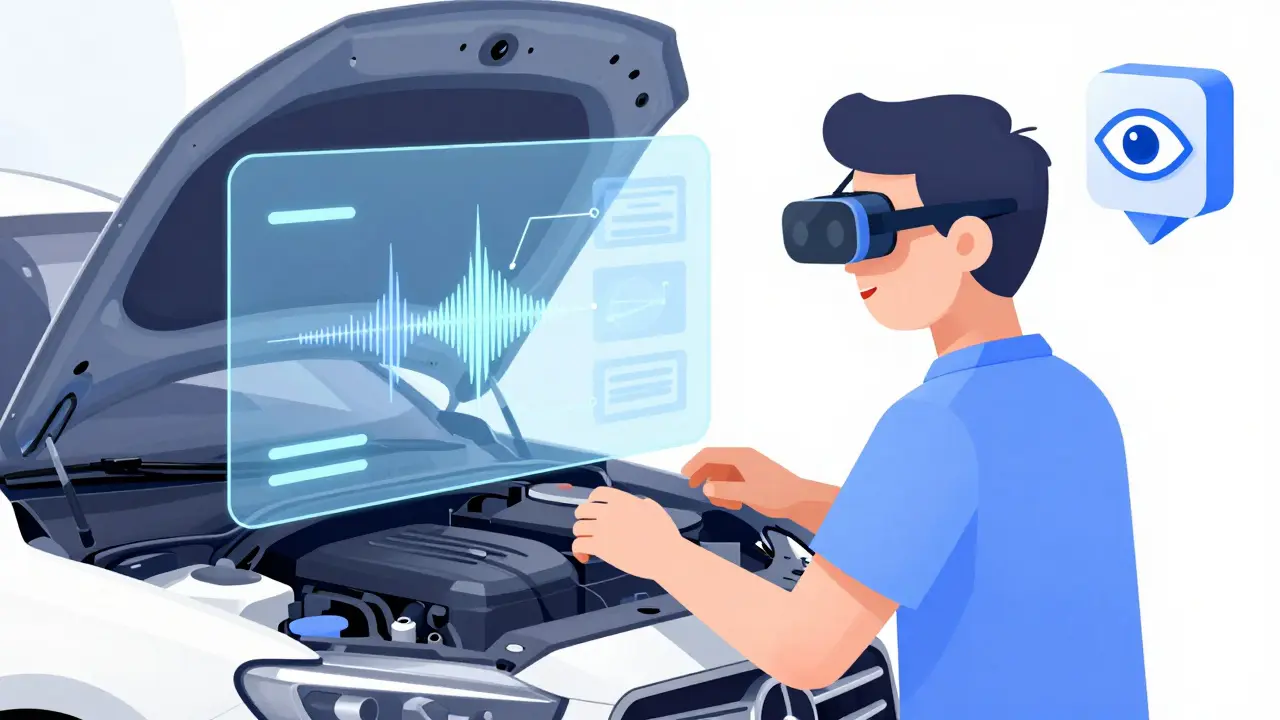
Microsoft’s Mesh integration with GPT-4o shows the next leap: spatial computing. Imagine wearing AR glasses, looking at a broken engine, and seeing a floating video guide from the manufacturer overlaid on the real part. The AI sees your gaze, hears your question, and responds with the right image at the right moment.
But the biggest shift isn’t technical. It’s psychological. We’re moving from typing commands to having conversations with machines that understand how we live, work, and feel.
Getting Started Today
You don’t need a PhD to build this. Start small:
- Use Google’s Vertex AI with Gemini to extract text from images. Upload a receipt. Get back a JSON file with date, vendor, and total.
- Try GPT-4o’s API. Send a screenshot of an error message and ask, “What’s wrong?” See how it explains it.
- Build a simple Flask app that accepts a voice note and image. Use OpenAI’s API to generate a text summary. Deploy it on Render or Vercel.
- Test with real users. Ask: Did the output make sense? Was it faster than calling support?
Don’t aim for perfection. Aim for usefulness. The best multimodal apps don’t dazzle with tech-they solve a real problem with less effort than before.
What’s the difference between multimodal AI and regular generative AI?
Regular generative AI, like early ChatGPT, only handles text. You type, it replies in text. Multimodal AI can take in text, images, audio, and video all at once-and respond in any combination of those formats. It doesn’t just understand words; it understands context across senses.
Do I need expensive hardware to run multimodal AI?
Not if you use cloud APIs. Platforms like Google Vertex AI, OpenAI’s API, and Anthropic’s Claude handle the heavy computing on their end. You just send data and get results back. Local deployment on a laptop? That’s only for researchers. For apps, use the cloud.
Can multimodal AI understand accents or poor-quality images?
Yes, but with limits. Models like GPT-4o and Gemini are trained on diverse voice samples and low-res images. But if the audio is muffled or the image is blurry, accuracy drops. Always design fallbacks-like asking users to re-record or retake a photo. Don’t assume the AI will fix bad input.
Is multimodal AI safe for healthcare or legal use?
It can be, but only with oversight. The EU AI Act now requires transparency for systems using biometric data. Never let AI make medical diagnoses or legal decisions alone. Use it to assist-like summarizing patient notes or flagging inconsistencies in contracts. Always have a human review critical outputs.
What skills do I need to build a multimodal app?
You need basic Python, experience with APIs, and an understanding of how to design user flows. You don’t need to train models from scratch. Use pre-built tools like OpenAI’s API or Google’s Vertex AI. Focus on asking the right questions and designing clear inputs and outputs.
Next Steps
If you’re a developer: Try the GPT-4o or Gemini API today. Upload an image and ask it to explain what’s in it. Then add a voice note. See how it connects the two.
If you’re a product manager: Pick one high-friction user task-like submitting a support ticket-and ask: Could this be faster with a photo and voice note instead of typing?
If you’re a business owner: Look at your customer service logs. What questions keep coming up? Could a multimodal tool reduce those calls by 30%? Start small. Test it. Scale it.
Multimodal AI isn’t about replacing humans. It’s about making machines understand us better. And that’s the biggest upgrade of all.
- Nov, 24 2025
- Collin Pace
- 7
- Permalink
Written by Collin Pace
View all posts by: Collin Pace