Enterprise Q&A with LLMs: Turning Internal Docs into Instant Answers
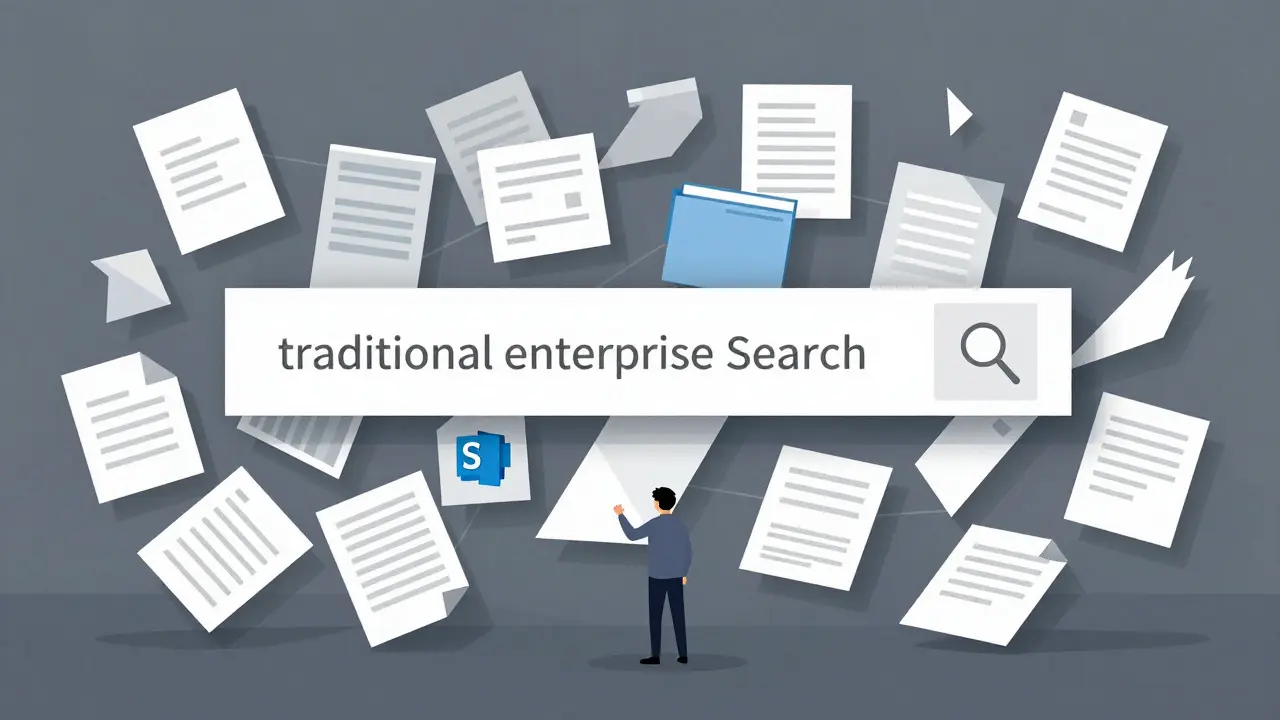
You know the feeling. You need to find out how your company handles a specific compliance issue or what the policy is for remote work in Germany. Instead of getting an answer, you spend forty-five minutes digging through SharePoint folders, outdated Confluence pages, and PDF attachments buried in email threads. Traditional search engines fail here because they look for keywords, not meaning. If you type "GDPR," you get every document mentioning GDPR, not necessarily the one that answers your specific question about data retention.
This is where Large Language Models (LLMs) combined with Retrieval-Augmented Generation (RAG) change the game. By August 2026, this isn't just experimental tech; it's becoming standard infrastructure for enterprises that want to stop wasting time on information retrieval. The goal is simple: turn your static library of documents into a dynamic conversational interface that understands context, retrieves the right chunks of text, and synthesizes a direct answer with citations.
The Core Problem: Why Keyword Search Fails Enterprise Knowledge
Most enterprise IT environments are fragmented. You have cloud computing docs, cybersecurity protocols, HR policies, and engineering logs scattered across different platforms. Traditional tools like SharePoint or basic SQL databases rely on exact matches. They don't understand that "onboarding procedure" and "new hire setup process" might refer to the same thing if the wording differs slightly across departments.
LLM-powered systems solve this by using semantic understanding. Instead of matching words, they match concepts. When you ask, "How do we handle customer data in Europe?", the system doesn't just look for those words. It looks for documents discussing GDPR, data residency, EU regulations, and privacy policies, even if the word "Europe" isn't explicitly in the title. This shift from keyword matching to semantic retrieval reduces knowledge retrieval latency from hours to seconds.
Under the Hood: How RAG Architecture Works
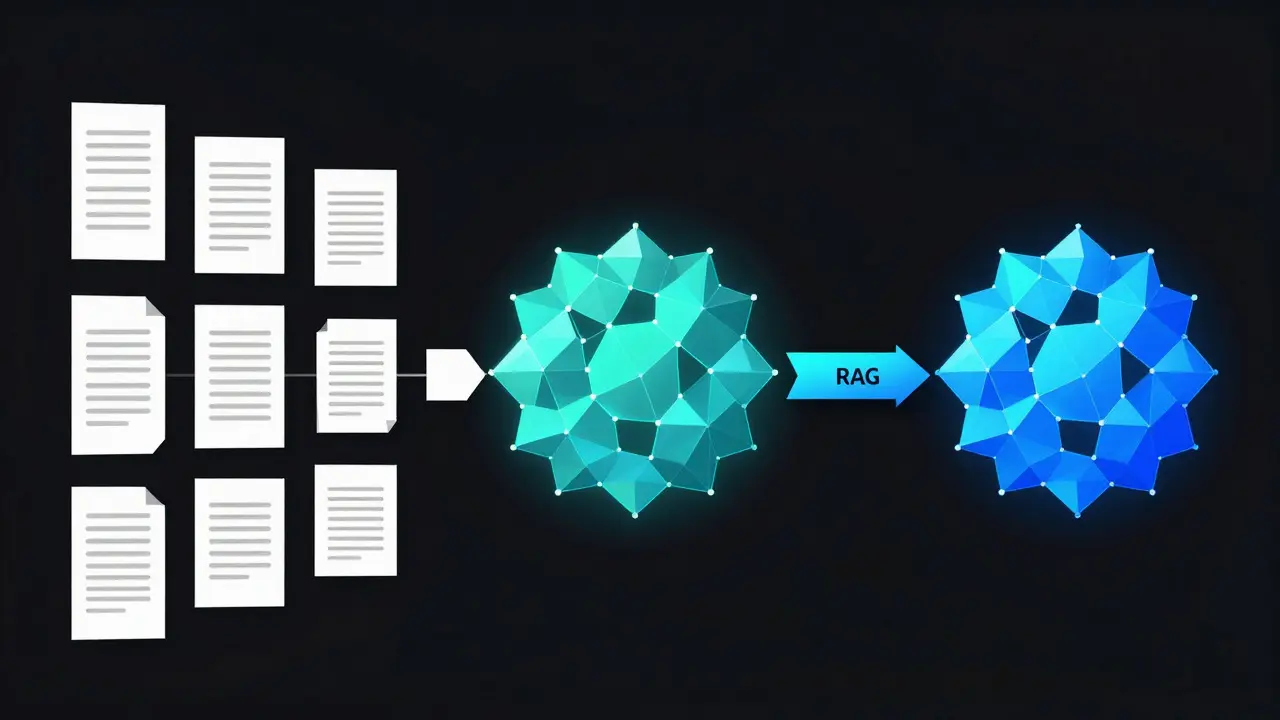
To make this work, companies typically use a RAG architecture. Think of it as a two-step process: first, the system finds relevant information; second, it generates an answer based on that information. Without the retrieval step, an LLM might hallucinate-making up plausible-sounding but incorrect facts. With RAG, the model is grounded in your actual company data.
Here’s the typical pipeline:
- Ingestion: Your documents (PDFs, Word docs, Wikis) are broken down into smaller chunks. Metadata, like authorship and date, is preserved.
- Embedding: Each chunk is converted into a numerical vector using a transformer model. These vectors represent the semantic meaning of the text.
- Storage: These vectors are stored in a vector database, such as Pinecone or Weaviate.
- Retrieval: When you ask a question, your query is also turned into a vector. The database finds the most similar document chunks.
- Generation: The LLM takes these retrieved chunks and your question to generate a coherent, cited answer.
This structure ensures that the AI isn't guessing. It's reading your specific documents and summarizing them for you.
Real-World Impact: Speed and Accuracy Metrics
Does it actually work? Yes, but implementation quality matters. According to recent benchmarks from firms like Lumenalta, properly configured systems achieve 85-92% accuracy in retrieving correct information. Response times hover between 1.2 and 3.5 seconds for standard queries. That’s fast enough to keep employees engaged without breaking their workflow.
Companies like Salesforce and Adobe have reported reducing employee onboarding time by 35-50% simply by giving new hires instant access to institutional knowledge. Workativ’s case studies show a 63% faster resolution of employee queries and a 41% drop in repetitive questions hitting IT help desks. Imagine cutting your support ticket volume nearly in half just by letting people ask the machine instead of emailing a human.
| Feature | Traditional Search (SharePoint/Confluence) | LLM-Powered Q&A (RAG) |
|---|---|---|
| Query Type | Keyword-based | Natural language / Semantic |
| Output | List of links/documents | Synthesized answer with citations |
| Context Handling | Poor; requires manual reading | High; synthesizes across multiple docs |
| Setup Time | Low (out-of-the-box) | Medium-High (8+ weeks avg.) |
| Best For | Exact document lookup | Complex, multi-document questions |
Critical Challenges: Hallucinations and Security
It’s not magic, though. The biggest risk is hallucination. If your source documents contradict each other or lack a definitive answer, the LLM might invent a connection. eGain’s analysis found that unverified implementations produced incorrect answers in 18-25% of complex queries. To fix this, you need strict validation mechanisms. Some systems flag low-confidence answers or require human-in-the-loop review for critical decisions.
Security is another major hurdle. You can’t let the intern ask the AI about executive compensation if they shouldn’t see that data. Successful deployments enforce strict access controls at the document level. If a user doesn’t have permission to read a PDF, the RAG system shouldn’t retrieve it for their query. About 94% of successful projects cite rigorous access control configuration as essential. Without it, you risk exposing sensitive data through over-permissive retrieval.
Implementation Roadmap: What to Expect
If you’re thinking about rolling this out, don’t expect a plug-and-play solution. The average implementation takes about 8.3 weeks for medium-sized enterprises. Here’s what that timeline usually looks like:
- Weeks 1-3: Data Preparation. Cleaning up messy documents, converting formats, and setting up metadata. Garbage in, garbage out applies heavily here.
- Weeks 4-6: Vector Database Setup. Choosing between open-source options like LangChain or managed services. Configuring embedding models.
- Weeks 7-8: Testing and Tuning. Fine-tuning prompts and testing against real user queries. Adjusting chunk sizes and retrieval parameters.
Teams need about 40-60 hours of training to become proficient. It’s not just about clicking buttons; you need to understand how to craft effective prompts and interpret vector similarity scores.
The Future: From Search to Autonomous Copilots
We are moving beyond simple Q&A. The next phase involves autonomous agents that maintain the knowledge base itself. Zeta Alpha’s research suggests AI agents will soon monitor internal communications and document changes to update the knowledge graph automatically. No more stale wikis.
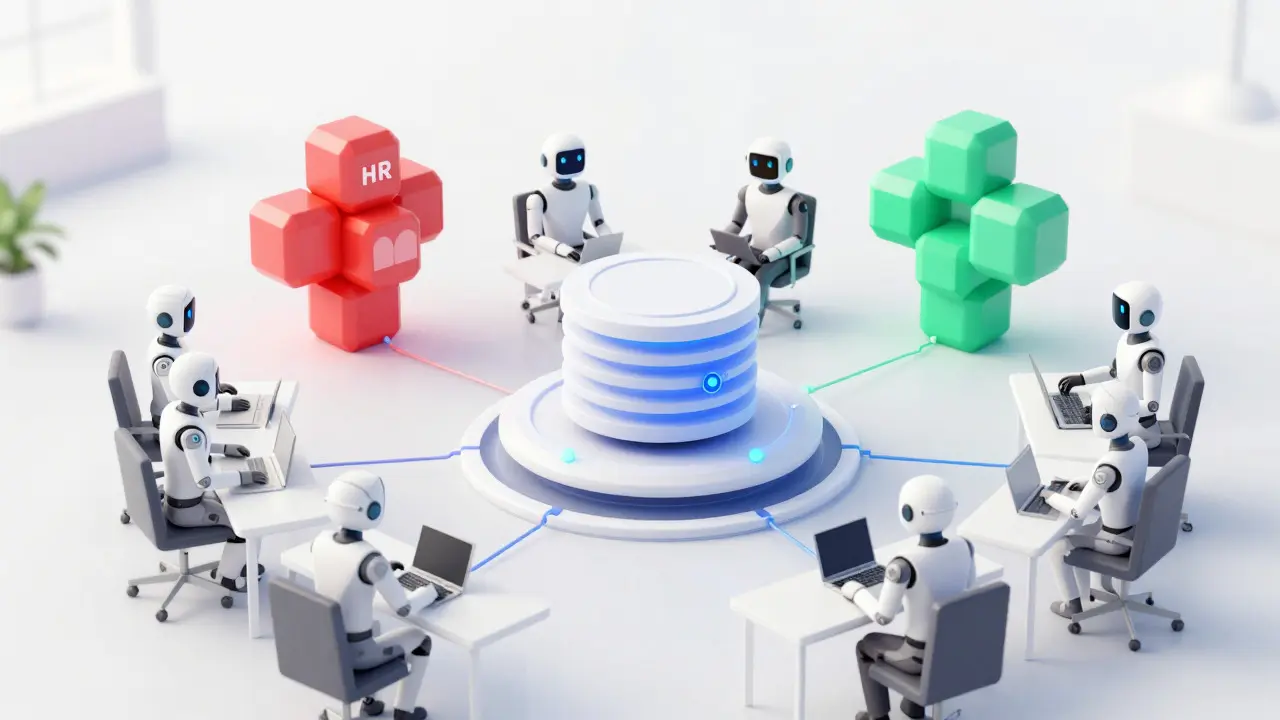
Gartner predicts that by 2026, 60% of large enterprises will deploy function-specific knowledge assistants rather than one giant central search engine. Think of a dedicated "HR Copilot" or "Engineering Copilot." These specialized bots will likely outperform generalist models because they can be fine-tuned on domain-specific jargon and workflows. Dr. Andrew Ng’s earlier insights hold true here: fine-tuning on specific enterprise data boosts accuracy by 31-47% compared to generic approaches.
Frequently Asked Questions
What is the difference between RAG and fine-tuning?
Fine-tuning adjusts the LLM's weights on specific data, making it better at style or domain language but expensive and hard to update. RAG keeps the LLM frozen and retrieves relevant documents at runtime. RAG is generally preferred for enterprise Q&A because it allows you to update knowledge instantly by adding new documents, whereas fine-tuning requires retraining the model.
How much does it cost to run an enterprise LLM Q&A system?
Costs vary widely based on scale and infrastructure. A Stanford HAI study estimated monthly inference costs between $18,500 and $42,000 per 10,000 employees for maintaining enterprise-scale systems. This includes GPU acceleration (like NVIDIA A100s) and vector database hosting. Initial setup costs add significantly to the total price tag.
Can LLMs handle structured data like Excel spreadsheets?
Not natively. LLMs excel at unstructured text. For highly structured data (tables, rows, columns), traditional relational databases or SQL interfaces are still superior. However, hybrid approaches that convert tables to text descriptions or use specialized table-reasoning models are improving this capability.
How do I prevent the AI from hallucinating?
Use RAG to ground answers in source documents. Implement confidence scoring so the system admits when it doesn't know. Require citations for all generated answers so users can verify sources. Finally, establish a feedback loop where users can flag incorrect answers, which helps tune the retrieval system over time.
Is my data safe when using cloud-based LLMs?
This depends on your deployment model. Public APIs send data to third-party servers, raising privacy concerns. Many enterprises opt for private deployments or virtual private clouds (VPCs) to ensure data remains within their security perimeter. Always check vendor contracts regarding data retention and training usage.
- Aug, 29 2026
- Collin Pace
- 0
- Permalink
- Tags:
- LLM knowledge management
- enterprise RAG
- internal document search
- AI Q&A systems
- vector databases
Written by Collin Pace
View all posts by: Collin Pace