Generative AI for Software Development: Real Productivity Gains from Coding Assistants
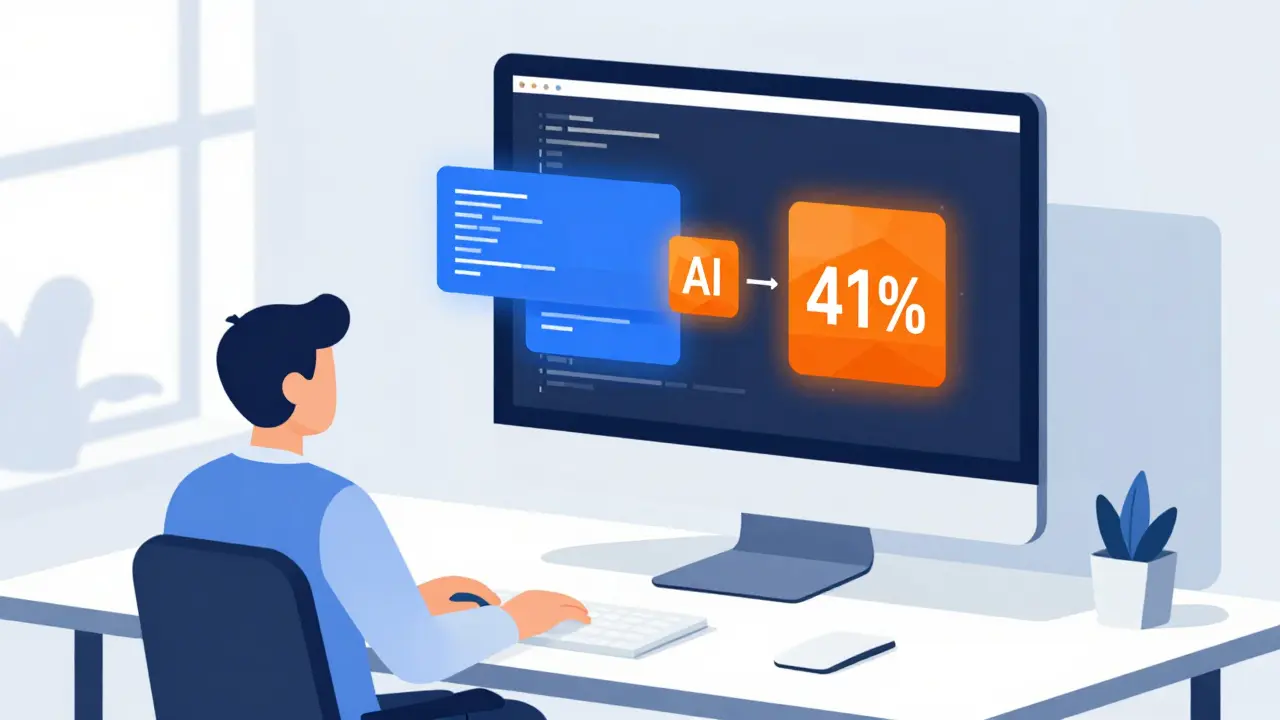
It is May 2026, and the landscape of software engineering has shifted beneath our feet. If you are a developer or a tech leader today, you are likely staring at a screen where nearly half of the code being written involves artificial intelligence. According to Second Talent’s 2025 report, 41% of all code globally is now AI-generated or AI-assisted. This isn't just a trend; it is a fundamental change in how we build digital products.
But here is the catch that keeps many engineering managers up at night: does this actually make us faster? The answer is messy. While some studies show massive speed boosts, others reveal significant slowdowns. The reality lies somewhere in between, depending on who is coding, what they are building, and how well they manage the tool. Let’s cut through the hype and look at the actual data behind generative AI in software development.
The Current State of AI Coding Assistants
To understand the impact, we first need to know what tools are driving this change. The market is dominated by a few key players, each with distinct strengths. GitHub Copilot, developed by Microsoft and OpenAI, remains the industry leader. Launched in 2021, it holds a 46% market share as of Q2 2025. It integrates seamlessly into Visual Studio Code, which is used by 75% of developers, making it the default choice for many teams.
However, competition is fierce. Amazon CodeWhisperer captures 22% of the market, appealing heavily to organizations already embedded in the AWS ecosystem. For companies prioritizing privacy and control, Tabnine offers an on-premises solution, holding 18% share. These tools operate using large language models (LLMs) fine-tuned on vast repositories of public code. Modern versions feature context windows of up to 128K tokens, allowing them to understand entire files or even small projects at once.
| Tool | Market Share | Price (Enterprise) | Key Strength | Weakness |
|---|---|---|---|---|
| GitHub Copilot | 46% | $19/user/month | Broad language support, IDE integration | Struggles with legacy COBOL (42% accuracy) |
| Amazon CodeWhisperer | 22% | $19/user/month | AWS integration, security scanning | Limited outside AWS environments (58% accuracy) |
| Tabnine | 18% | $39/user/month | On-premises deployment, privacy | High setup time (40-60 hours) |
The Productivity Paradox: Speed vs. Quality
You have probably heard the claim that AI makes developers twice as fast. Some internal metrics from GitHub suggest users complete 126% more projects weekly. A Harvard Business School study from 2024 showed task completion speeds increasing by 25.1%. These numbers are enticing. They promise shorter release cycles and lower costs.
Yet, when we look at real-world scenarios involving experienced engineers, the picture changes. A randomized controlled trial by METR in July 2025 found something startling: experienced open-source developers were actually 19% slower when using AI coding assistants for complex tasks lasting 20 minutes to four hours. Why? Because verification takes time. When an AI suggests a block of code, you cannot just accept it blindly. You must read it, understand it, and check for bugs. For senior developers who can write clean code quickly, the overhead of checking AI output often outweighs the benefit of having a draft generated.
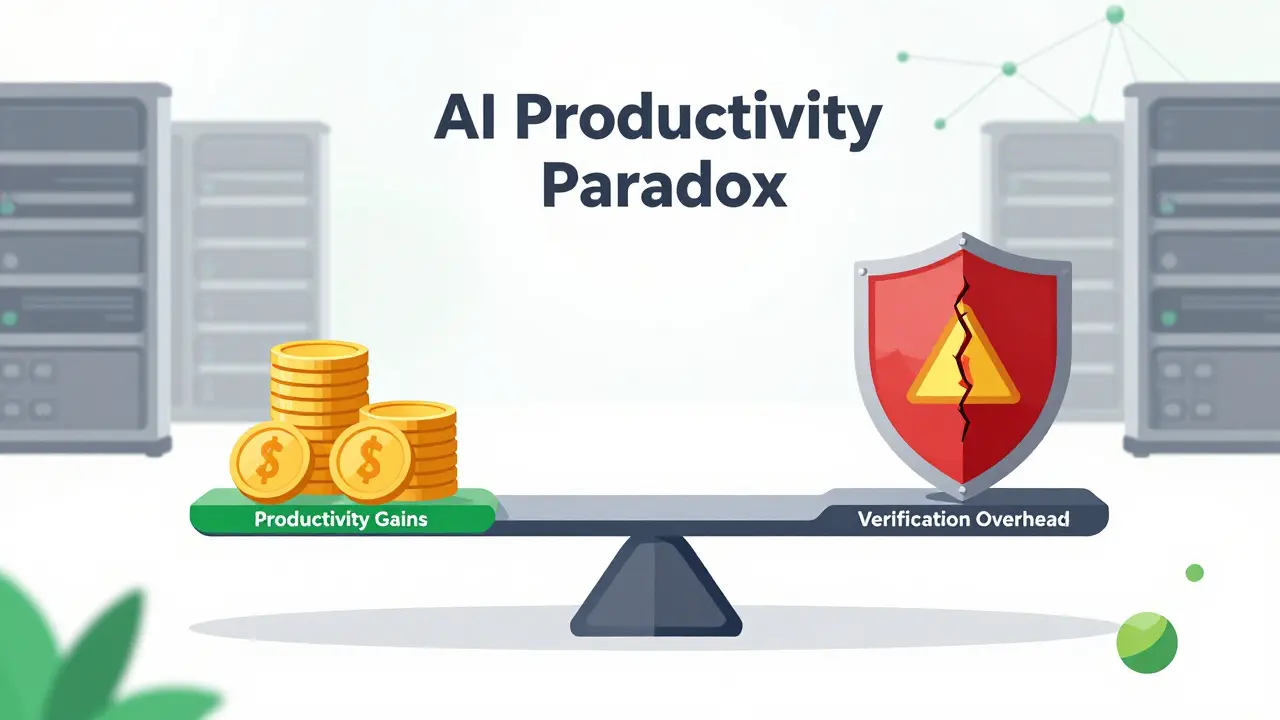
This creates what Faros AI calls the "AI Productivity Paradox." Individual developers might feel like they are typing less and moving faster on simple tasks, but company-wide productivity often stagnates. The time saved on boilerplate code is lost in coordination overhead, debugging AI hallucinations, and managing the increased complexity of the codebase. If your team is not careful, you might end up shipping code faster, but breaking things more often.
Security Risks and Hidden Costs
Speed is only one part of the equation. Security is the other critical factor. Generative AI models are trained on public code repositories. This means they learn patterns, including bad practices and known vulnerabilities. Second Talent’s 2025 report highlights a alarming statistic: 48% of AI-generated code contains potential security vulnerabilities.
These aren't always obvious syntax errors. They can be subtle logic flaws, insecure API calls, or dependencies on outdated libraries. Dr. Sarah Elliott from MIT’s AI Ethics Lab warns that this creates a "false sense of productivity." If you are generating code five times faster but spending three times longer patching security holes, you are losing money. Enterprises are responding by implementing stricter review protocols. As of Q2 2025, 63% of companies require mandatory peer reviews for all AI-generated code, and 42% have established specific AI code review policies to comply with emerging regulations like the EU AI Act.
The cost of these safeguards adds up. Beyond the subscription fees for tools like Copilot or CodeWhisperer, organizations spend significant resources on training. Menlo Ventures’ 2025 survey indicates that typical enterprises spend 80-120 hours on initial integration, security configuration, and team training. That is not a plug-and-play solution; it requires a strategic investment.
Who Benefits Most?
Not every developer experiences the same gains. Adoption and effectiveness vary significantly based on experience level and demographics. Junior developers often see the highest immediate benefits. One verified G2 review from April 2025 noted that AI reduced onboarding time for junior developers from three weeks to just five days. For those learning new frameworks, the AI acts as an instant tutor, explaining syntax and suggesting best practices.
However, adoption disparities exist. An HBR study from August 2025 revealed that female engineers adopt AI tools at a rate of 31%, compared to 52% for male counterparts. Similarly, engineers over 40 adopt at 39%, while those under 30 adopt at 68%. This gap matters because it influences who gets the most out of the technology. Organizations that do not address these disparities risk creating a two-tiered workforce where only certain groups leverage these productivity tools effectively.
For senior developers, the value shifts from raw speed to cognitive load reduction. Instead of writing repetitive documentation or unit tests, they can focus on system architecture and business logic. But this requires discipline. Teams that implement "AI-free Fridays" or strict boundaries on when AI can be used tend to maintain higher code quality and prevent skill atrophy.

Implementation Strategies for 2026
If you are looking to deploy AI coding assistants in your organization this year, avoid the common pitfall of rolling them out without guardrails. Here is a practical approach based on current best practices:
- Start with Pilot Groups: Don’t roll out to everyone at once. Choose teams working on non-critical, well-documented projects. Measure their velocity and bug rates against a control group.
- Invest in Prompt Engineering: Developers need to learn how to talk to the AI. GitHub’s "AI Pair Programming" certification program has helped over 12,500 developers master these skills. Clear, contextual prompts yield better results than vague requests.
- Strengthen Review Processes: Assume every line of AI-generated code is suspicious. Implement automated security scanning tools alongside your CI/CD pipeline. Tools like Amazon CodeWhisperer’s built-in security scanner can help catch issues early.
- Monitor for Skill Atrophy: Ensure your team is still learning fundamentals. Encourage manual coding sessions for core algorithms to keep sharp debugging skills intact.
- Evaluate Total Cost of Ownership: Look beyond the per-user license fee. Include the hours spent on integration, training, and additional QA cycles. Tabnine’s higher upfront cost may be justified for highly regulated industries due to its on-premises option.
Future Outlook: What’s Next?
The trajectory points toward deeper integration. By 2027, Gartner forecasts that 50% of all code will be AI-generated. We are already seeing this with GitHub’s Copilot Workspace, launched in September 2025, which allows end-to-end feature development from natural language prompts. Meta’s Code Llama 3, released in August 2025, pushes the envelope with a 1M token context window, enabling it to understand entire codebases rather than just single files.
However, challenges remain. McKinsey projects a $4.4 trillion opportunity in productivity growth, but realizing this requires solving the coordination problems mentioned earlier. The Linux Foundation’s "Secure AI Code" initiative aims to establish industry standards for safety, which will become crucial as AI-generated code becomes ubiquitous. For now, the winners will be those who treat AI not as a replacement for developers, but as a powerful lever that amplifies human expertise-while rigorously managing the risks.
Does AI really make developers faster?
It depends on the task and the developer's experience. For simple, repetitive tasks like boilerplate code or documentation, AI can boost speed by 25-30%. However, for complex, novel problems, experienced developers may slow down by up to 19% due to the time required to verify and debug AI suggestions. The net gain is often in reduced cognitive load rather than pure typing speed.
What are the biggest security risks of AI coding assistants?
The primary risk is that AI models generate code containing hidden vulnerabilities. Studies show nearly half of AI-generated code has potential security issues, such as insecure dependencies or logic flaws. Additionally, there is a risk of intellectual property leakage if proprietary code is sent to cloud-based AI models without proper safeguards.
Which AI coding assistant is best for enterprise use?
GitHub Copilot is the market leader with broad compatibility and strong community support. Amazon CodeWhisperer is ideal for teams heavily invested in AWS services. For organizations with strict data privacy requirements, Tabnine offers a robust on-premises solution, though it requires more setup time. The best choice depends on your existing tech stack and security compliance needs.
How much does it cost to implement AI coding assistants?
Direct licensing costs range from $10 to $39 per user per month. However, total implementation costs include 80-120 hours of integration, security configuration, and training per organization. Companies should also budget for enhanced QA processes and potential premium support tiers.
Will AI replace software developers?
Unlikely in the near term. While AI handles routine coding tasks, it lacks deep understanding of business context and complex system architecture. The role of developers is shifting towards AI supervision, prompt engineering, and high-level design. Human oversight remains critical for ensuring code quality, security, and alignment with business goals.
- May, 28 2026
- Collin Pace
- 0
- Permalink
- Tags:
- generative AI coding assistants
- software development productivity
- GitHub Copilot vs CodeWhisperer
- AI code security risks
- developer efficiency metrics
Written by Collin Pace
View all posts by: Collin Pace