How to Prompt Secure Authentication: OAuth, SSO, and MFA Guide

Imagine your users are trying to access a critical feature in your app, like changing their payment method or viewing sensitive data. You need them to prove who they are, but you also don't want to annoy them with endless login screens. This is the core challenge of modern identity management. It’s not just about building a login page; it’s about designing intelligent authentication flows that know exactly when to ask for credentials and when to stay silent.
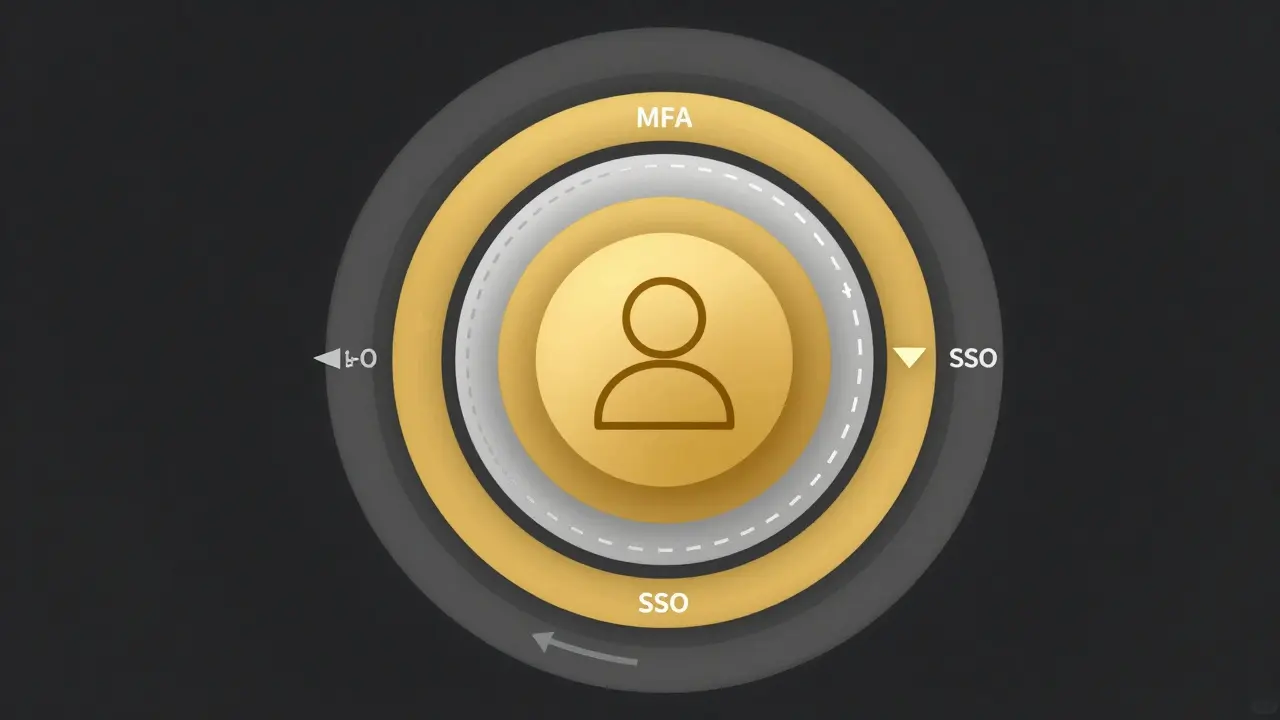
We often treat security and user experience as enemies. Security demands friction-more checks, more passwords, more steps. Experience demands smoothness-one click, no interruptions. The truth is, you can have both if you use the right tools. By combining OAuth 2.0, an authorization framework that allows apps to access user resources without sharing passwords, Single Sign-On (SSO), a mechanism allowing users to log in once and access multiple applications, and Multi-Factor Authentication (MFA), a security system requiring two or more verification factors to verify identity, you create a system that adapts to risk rather than blocking every action.
The Foundation: How OAuth 2.0 and OpenID Connect Work Together
To control how users log in, you first need to understand the engine driving the process. Many developers think of OAuth 2.0 simply as "Login with Google" buttons. That’s a common misconception. OAuth 2.0 is actually an authorization framework. Its job is to let one application access data from another on behalf of a user, without ever seeing the user's password.
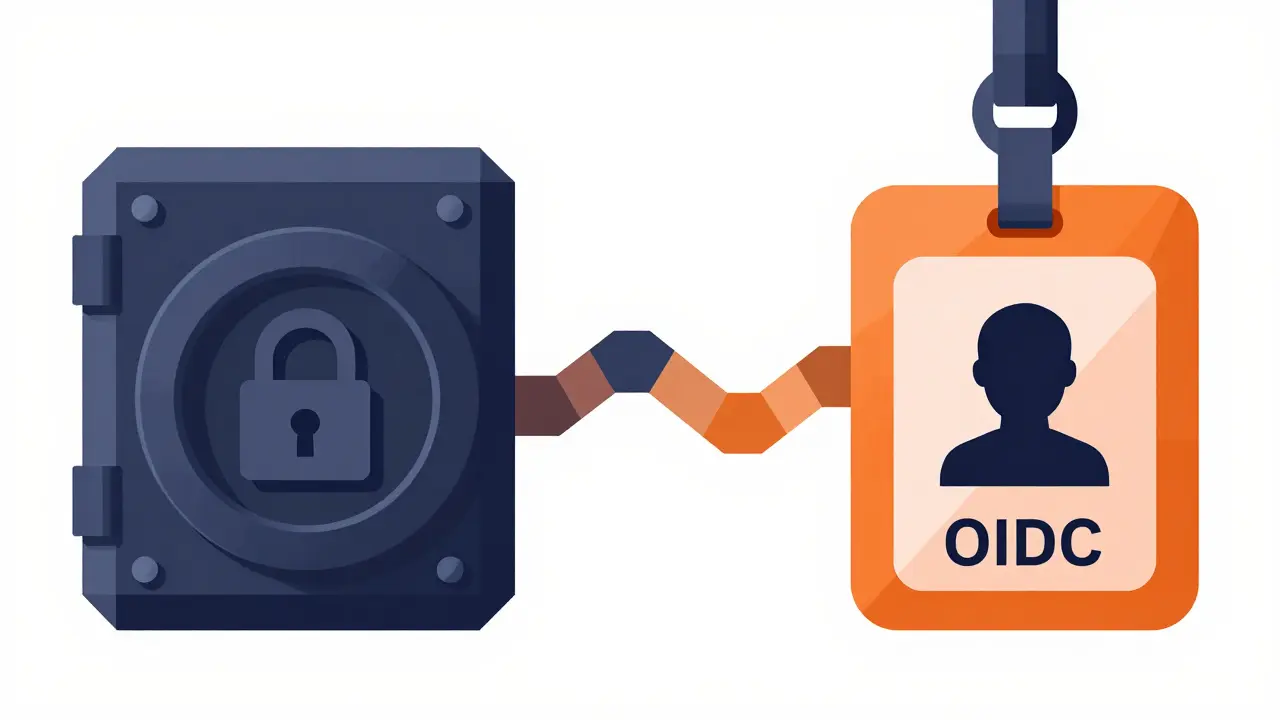
For example, when you connect a fitness app to your health records, OAuth 2.0 grants the app permission to read your steps but doesn't give it your email password. However, OAuth 2.0 doesn't handle authentication (proving who you are) by default. That’s where OpenID Connect (OIDC), an authentication layer built on top of OAuth 2.0 comes in. OIDC adds a standard way to verify identity, returning an ID token that contains claims about the user, such as their name or email address.
In practice, most modern web and mobile apps use the Authorization Code Flow. Here’s why it matters for prompting:
- Security: The app sends the user to the identity provider (like Microsoft Entra ID or Auth0). The user logs in there. The provider sends a temporary code back to your app’s server, which then exchanges it for tokens securely. No secrets are exposed in the browser.
- Control: Because this flow involves redirects, you can inject parameters into the URL that tell the identity provider how to behave. This is where the magic of "prompting" happens.
If you’re using older methods like the Implicit Flow, you lose this level of control and security. Industry standards now strongly favor Authorization Code with PKCE (Proof Key for Code Exchange), even for single-page applications, because it prevents interception attacks.
Single Sign-On: Convenience vs. Security Risks
SSO is the dream of every busy user. Log in once at the corporate portal, and suddenly you have access to Slack, Salesforce, and your internal dashboard without typing a password again. It reduces "password fatigue" and helps people remember fewer credentials.
Technically, SSO works via cookies. When a user logs into the Identity Provider (IdP), a session cookie is set. When they visit a connected app, the app checks for that cookie. If it’s valid, the IdP issues new tokens silently. The user sees nothing.
But here is the catch: SSO creates a single point of failure. If an attacker steals that SSO session cookie, they don’t just get into one app-they get into everything linked to that session. This is why relying on SSO alone is dangerous. You need a way to break that seamless chain when necessary. That’s where explicit prompting controls come in.
MFA: Adding Assurance Without Annoyance
Multi-Factor Authentication requires two different types of evidence: something you know (password), something you have (phone/hardware key), or something you are (biometrics). In an SSO world, MFA becomes tricky. If a user logs in with MFA once, do they need to do it again for every subsequent app? Usually, no. The initial MFA event is recorded in the session.
However, attackers are getting smarter. Phishing kits can now steal session cookies, bypassing MFA entirely if the user isn’t careful. To combat this, we need to ensure that MFA isn’t just a one-time checkbox but a dynamic part of the flow. The goal is to trigger MFA only when the risk is high, not every time a user refreshes a page.
The Power of Prompting Parameters
This is the technical heart of the article. How do you tell the identity provider to stop being convenient and start being secure? You use specific OIDC parameters in your authorization request URL.
Think of these parameters as remote controls for the login screen. Here are the three most important ones:
prompt=login: This tells the IdP to ignore any existing SSO cookies. Even if the user is already logged in, force them to enter their username and password again. Use this for high-risk actions like changing a password or updating billing info.max_age: This sets a time limit. For example,max_age=1800means "I require the user to have authenticated within the last 1,800 seconds (30 minutes)." If their session is older than that, prompt them to re-authenticate. This is crucial for step-up authentication in financial transactions.auth_time: This isn’t a parameter you send, but a claim you receive. After login, the ID token includes anauth_timetimestamp. Your application should check this value to ensure the login meets your internal security policies.
By combining these, you create context-aware security. A user browsing public content might have a session lasting days. But the moment they click "Transfer Funds," your app sends a request with max_age=900 and prompt=login. The system forces a fresh login, potentially triggering MFA again, ensuring that the person moving money is truly who they say they are.
Avoiding Prompt Fatigue: Common Pitfalls
Nothing kills user trust faster than being asked to authenticate too often. This is called "prompt fatigue." Users will start looking for workarounds, like saving passwords in insecure places or ignoring warnings.
A classic anti-pattern occurs during silent token renewal. Apps often call functions like getAccessTokenSilently() to refresh access tokens in the background. If configured poorly, this silent call might trigger a full MFA prompt because the system doesn’t realize the user already proved their identity recently.
To fix this, inspect the authentication methods used in the previous login. In platforms like Auth0, you can check event.authentication.methods. If MFA was already completed in the current session window, skip the prompt. Only enforce MFA if the session is new or if the risk score has changed significantly.
| Strategy | Best Used For | Security Level | User Friction |
|---|---|---|---|
| Standard SSO | Daily navigation, low-risk apps | Low (if cookie stolen) | Very Low |
| SSO + MFA (Initial) | First login of the day | High | Medium |
Step-Up Auth (max_age) |
Financial transactions, admin settings | Very High | High (contextual) |
| Continuous Auth | Risk-based monitoring | Adaptive | Variable |
Implementation Best Practices
Building these flows correctly requires attention to detail. Here is a checklist for developers:
- Use Short-Lived Access Tokens: Keep access tokens to 15-60 minutes. Use refresh tokens to extend sessions. This limits the damage if a token is stolen.
- Validate
stateandnonce: Always include a randomstateparameter to prevent CSRF attacks and anonceto prevent replay attacks. Verify these values match what you sent before accepting the response. - Check
auth_timeClient-Side: Don’t trust the server blindly. Your app should verify that theauth_timeclaim in the ID token is recent enough for the action being performed. - Rotate Refresh Tokens: Issue a new refresh token every time an old one is used. Invalidate the old one immediately. This detects token theft quickly.
- Design for Failure: What happens if the IdP is down? Have a fallback plan. Ensure your UI clearly explains why a prompt is appearing so users don’t panic.
Remember, security is not a product you buy; it’s a process you design. By leveraging the precise controls offered by OAuth 2.0 and OIDC, you move beyond binary "logged in/logged out" states to a nuanced, risk-aware authentication model.
What is the difference between OAuth 2.0 and OpenID Connect?
OAuth 2.0 is an authorization framework that allows apps to access user resources without sharing passwords. OpenID Connect (OIDC) is an authentication layer built on top of OAuth 2.0. While OAuth handles permissions (e.g., "read my emails"), OIDC handles identity (e.g., "prove I am John Doe"). Most modern apps use both together.
How does the max_age parameter work in authentication?
max_age is an OIDC parameter that specifies the maximum elapsed time in seconds since the last time the user actively authenticated. If the user's session is older than this value, the identity provider forces a re-authentication. For example, max_age=1800 requires the user to log in again if it has been more than 30 minutes.
Why is prompt=login useful for security?
prompt=login disables Single Sign-On (SSO) cookies for that specific request. It forces the user to enter their credentials again, even if they are already logged in elsewhere. This is essential for high-risk operations like changing passwords, adding bank accounts, or modifying security settings to ensure the current user is genuinely authorized.
What causes MFA prompt loops and how can I fix them?
MFA loops often happen during silent token renewals if the system doesn't recognize that MFA was already completed in the current session. To fix this, inspect the authentication methods used in the previous login (e.g., checking event.authentication.methods). If MFA is already present and valid, skip the prompt. Only enforce MFA if the session is new or expired.
Is it safe to rely solely on SSO for security?
No. SSO improves convenience but creates a single point of failure. If an attacker steals an SSO session cookie, they gain access to all connected applications. SSO should always be paired with Multi-Factor Authentication (MFA) and short-lived access tokens to mitigate the risk of session hijacking.
- Jun, 5 2026
- Collin Pace
- 0
- Permalink
Written by Collin Pace
View all posts by: Collin Pace