How to Use Cursor for Multi-File AI Changes in Large Codebases

Managing changes across hundreds of files in a large codebase used to take days. You’d search, replace, test, fix broken imports, chase down hidden dependencies, and hope you didn’t miss a single file. Now, with Cursor 2.0, you can do it in minutes-sometimes seconds. But it’s not magic. It’s architecture. And if you don’t understand how it works, you’ll get burned.
What Changed in Cursor 2.0?
Cursor wasn’t always built for large codebases. When it launched in 2022, it was a smart autocomplete tool-great for single files, useless for cross-file refactors. By late 2024, that changed. The release of Cursor 2.0 introduced Composer, a new AI model trained specifically to handle multi-file dependencies, and a multi-agent system that runs independent AI workers in parallel, each with its own isolated workspace using Git worktrees. This wasn’t just an upgrade. It was a complete rebuild. Before 2.0, Cursor could only see one file at a time. Now, it can analyze up to 128,000 tokens of context-enough to read an entire React component tree, its hooks, utility functions, and test files in one go. That’s why refactoring 150 TypeScript files from class components to hooks, which once took two days, now takes 20 minutes.How Multi-Agent Workflows Actually Work
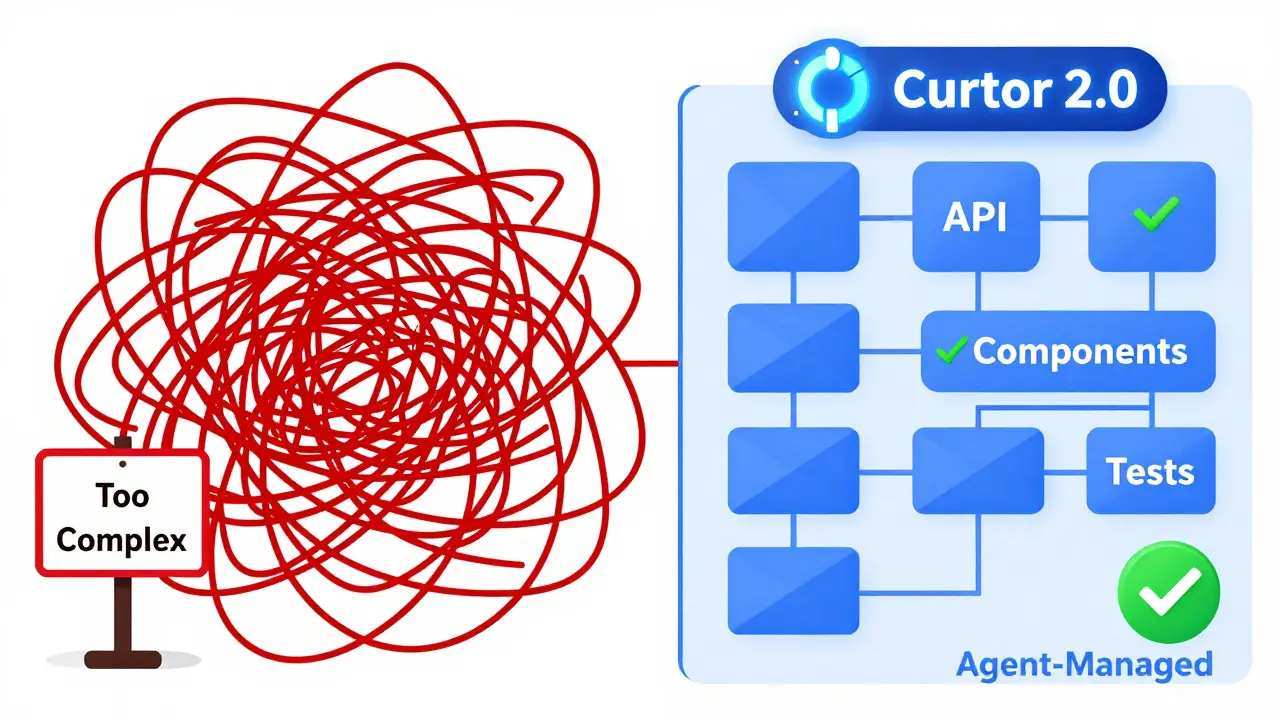
Think of Cursor’s multi-agent system like a team of developers working on different parts of the same project, but all coordinated by one boss. Each agent gets its own copy of the codebase, works on a subset of files, and then reports back changes. The system doesn’t just make edits-it tracks how changes in File A affect File B, C, and D. For example, if you ask Cursor to rename a prop calleduserId to userIdentifier across 50 React components, it doesn’t just search for the string. It maps every import, every PropTypes definition, every test that uses that prop, and even checks for indirect references in utility functions. Then, it splits the work: Agent 1 handles components in the /ui/buttons folder, Agent 2 handles /ui/forms, Agent 3 handles tests, and so on.
The key? Each agent works in isolation. That means if one agent messes up, you don’t lose all the work. You can undo just that agent’s changes without touching the others. And because they’re all using Git worktrees, your main branch stays untouched until you approve everything.
When Cursor Works Best
Cursor shines in predictable, pattern-based refactors. Here are real scenarios where it saves hours:- Converting relative imports to absolute paths across a monorepo
- Updating API endpoint URLs in 80+ service files after a backend migration
- Replacing deprecated React lifecycle methods with hooks
- Renaming variables or functions used across 100+ files
- Adding a new logging wrapper to all API calls
Where It Still Fails
Cursor isn’t perfect. And if you treat it like a magic wand, you’ll get bitten. The biggest issue? Implicit dependencies. If a function in File A is used by File B, but File B imports it indirectly through File C, Cursor might miss it. It doesn’t have a full static analysis engine like TypeScript’s language server. It infers relationships from code patterns, not formal type systems. One user tried to rename a prop across 50 components and Cursor missed 12 files. Why? Those files imported the component through a shared index file, and Cursor didn’t trace that path. The fix? Manually add those files to the context before running the command. Also, don’t try this on codebases over 100,000 files. The dependency graph gets too tangled. Cursor’s agents start tripping over each other. Even the most advanced AI can’t magically understand every undocumented convention in a 10-year-old codebase.How to Use Cursor for Multi-File Changes (Step by Step)
Follow this workflow to avoid disasters:- Open the dependency view: Go to View > Show Dependencies. This shows you how files connect. Look for indirect imports and shared modules.
- Group files logically: Don’t throw 200 files at Cursor at once. Pick a folder-like
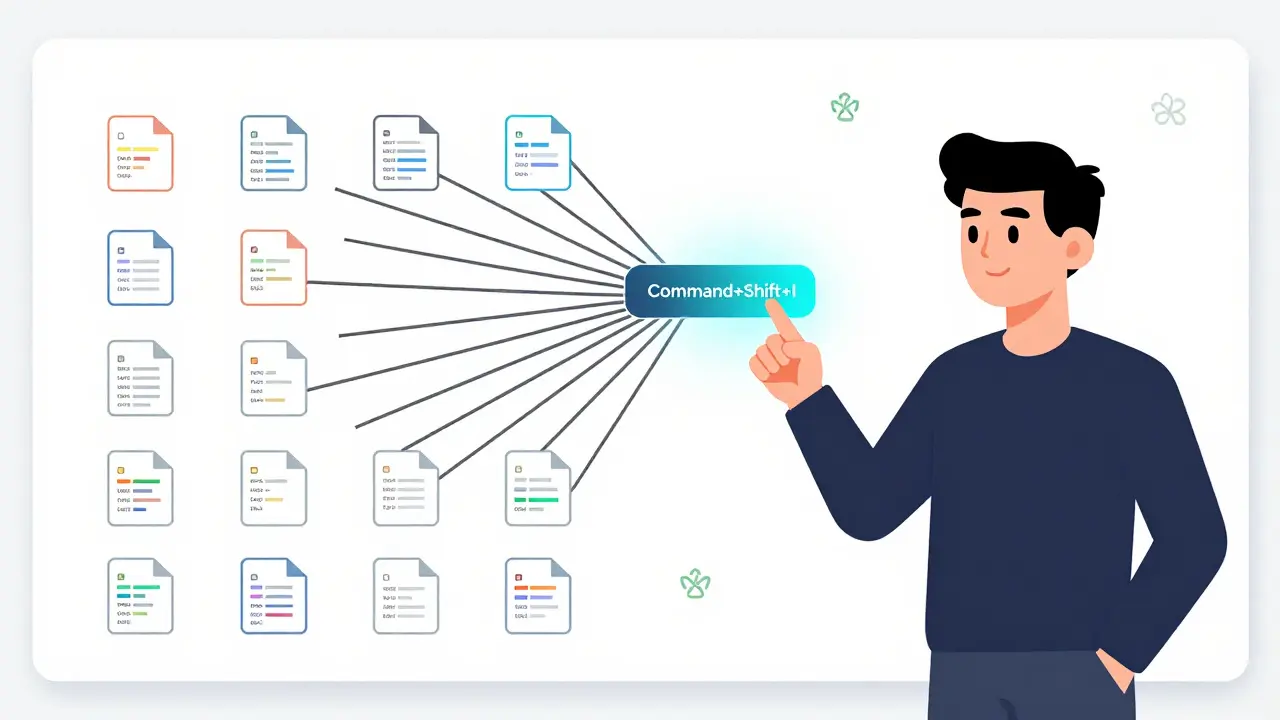
/components/headeror/services/api. Stick to 10-20 files per agent for best results. - Use the Composer button: Press Command+Shift+I (or Ctrl+Shift+I on Windows/Linux). This activates multi-file mode.
- Give clear instructions: Instead of “Change all userId to userIdentifier,” say: “Rename the prop ‘userId’ to ‘userIdentifier’ in all React components in the /components folder, including all imports, PropTypes, and tests.”
- Review diffs carefully: Cursor shows you a summary of all changes across agents. Click into each one. Check for false positives.
- Apply in batches: Accept changes from one agent at a time. Test those files before moving to the next.
Cursor vs. Other Tools
You might be wondering: Why not use GitHub Copilot Workspace or Aider?- GitHub Copilot Workspace: Great for single-file suggestions. But it doesn’t remember context across files. You have to re-explain the change every time.
- Aider: Only edits 2-3 files per commit. It’s sequential, not parallel. It’s slow for large changes.
- Sweep.dev: Built for pull requests, not direct refactoring. It’s great for automated PRs but not for hands-on editing.
What You Need to Know Before You Start
You don’t need to be an AI expert. But you do need to understand a few things:- Git is your safety net: Always commit before running big changes. Use branches.
- Test after every batch: Even if Cursor says it’s right, run your tests. AI doesn’t know your business logic.
- Hardware matters: For codebases over 50,000 files, you need 16GB+ RAM. Cursor 2.0 is heavy. On a laptop with 8GB, it’ll lag or crash.
- It’s a co-pilot, not a replacement: You still have to review, test, and approve everything. AI doesn’t understand why a change matters-it just knows how to make it.
What’s Coming Next
Cursor’s roadmap shows they’re not stopping. Version 2.3.1 already added dependency-aware refactoring-meaning it now checks import/export relationships before making changes. Upcoming features include:- Automatic dependency graph visualization (Q2 2025)
- Integration with enterprise build systems to predict impact (Q3 2025)
- Team-based multi-agent workflows where multiple developers can assign tasks to agents (Q4 2025)
Final Thoughts
Cursor 2.0 turns a nightmare task into a routine one. But only if you use it right. Don’t throw it at your whole codebase. Don’t skip reviews. Don’t assume it’s flawless. Use it like a senior engineer who’s great at rote work but still needs a second pair of eyes. The future of coding isn’t about writing more code. It’s about changing less of it. And Cursor, when used well, lets you do exactly that.Can Cursor handle codebases with over 100,000 files?
Cursor struggles with codebases larger than 100,000 files because the dependency graph becomes too complex for even its multi-agent system to manage reliably. For these cases, it’s better to break the work into smaller chunks-refactor by folder or module instead of the entire codebase at once.
Is Cursor free for multi-file changes?
The free version of Cursor supports basic AI features but limits multi-file changes to a small number of files. For full multi-agent capabilities and unlimited operations, you need the Pro tier at $20/month. Enterprise plans start at $40/user/month and include custom deployments and team features.
Does Cursor work with TypeScript and React?
Yes. Cursor performs exceptionally well with TypeScript and React codebases because it understands import/export patterns, component props, and hook usage. Many users report it’s the best tool they’ve used for converting class components to hooks or updating API calls across hundreds of files.
What should I do if Cursor misses a file?
Manually add the missing file to the context before running the command again. Use View > Show Dependencies to find indirect references. Also, make sure the file is not excluded by your .gitignore or editor settings. Sometimes, files in node_modules or generated folders are skipped unintentionally.
Do I need to know Git to use Cursor?
You don’t need to be a Git expert, but you must understand basic version control. Cursor uses Git worktrees, so changes are isolated until you approve them. Always commit before starting a refactor. Use branches. If something goes wrong, you can revert without losing your work.
How long does it take to get good at Cursor’s multi-file feature?
Most developers become comfortable after 3-5 hours of hands-on practice. To fully leverage its power-like knowing when to split tasks, how to phrase instructions, and how to review diffs-expect 1-2 weeks of regular use. The learning curve is moderate, but the payoff is huge.
- Jan, 10 2026
- Collin Pace
- 10
- Permalink
Written by Collin Pace
View all posts by: Collin Pace