Multimodal Prompting Guide: Combining Text, Image, and Audio for Generative AI
Why Your Prompts Are Stuck in the Past
You’ve probably spent hours tweaking text prompts to get the perfect result from an AI model. You describe a chart, and it generates a graph. You describe a scene, and it paints a picture. But what if you could just show the AI the chart? Or upload a photo of a messy whiteboard and ask it to clean up the code written on it?
That’s where multimodal prompting changes everything.
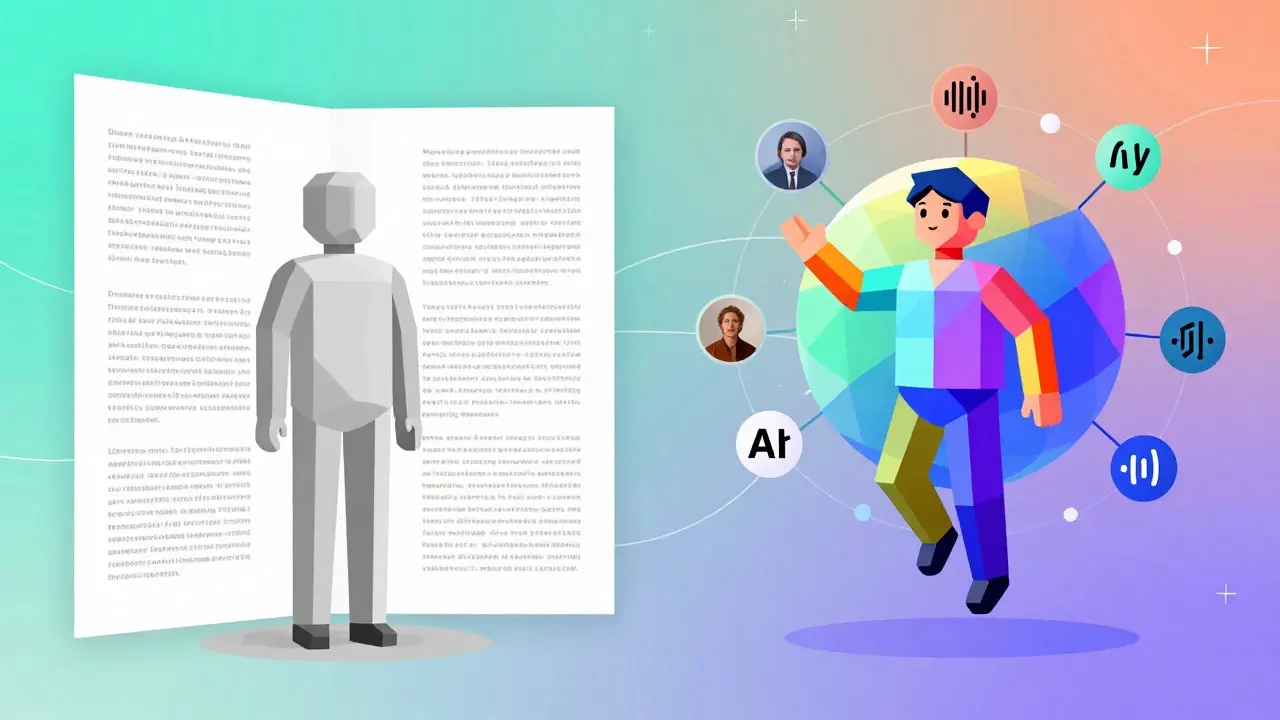
Traditional AI models are unimodal-they speak one language. A text model reads text. An image generator sees pixels but doesn’t understand the words inside them unless you translate first. Multimodal AI, however, processes images, audio, video, and text simultaneously. It’s not just about adding features; it’s about how the machine reasons across different types of data at once. According to Google Cloud’s documentation, these models can process a wide variety of inputs as prompts and convert them into various outputs, breaking the walls between data formats.
This shift mirrors how humans naturally interact with the world. We don’t separate sight, sound, and language when we learn. We see a diagram, hear an explanation, and read a caption all at once. As Dr. Jeff Dean, Chief Scientist at Google DeepMind, noted in February 2024, multimodal reasoning is the next evolutionary step because it mimics this natural human processing. If you’re still treating AI like a simple chatbot that only understands words, you’re leaving massive efficiency gains on the table.
How Multimodal Models Actually Work
To use multimodal prompting effectively, you need to understand what’s happening under the hood. It’s not magic; it’s architecture.
Older approaches used "modality-specific towers." Think of this as having separate specialists: one expert handles text, another handles images. They pass notes back and forth, which creates delays and errors. Modern systems like Google’s Gemini, specifically a native multimodal AI model designed to reason seamlessly across text, images, video, audio, and code, use a unified architecture. All input types are converted into tokens-standardized units of information-and processed together in the same neural network layers.
This means the model doesn’t just "see" an image and "read" text separately. It understands the relationship between them. For example, if you upload a screenshot of an error message and ask, "What went wrong?", the model connects the visual layout of the error with its knowledge of programming languages to give you a solution. This native approach allows for state-of-the-art performance. In benchmarks published in February 2024, Gemini 1.5 Pro achieved top results in 83% of 112 multimodal tests.
The technical requirement for this is significant. These models often run on specialized infrastructure, such as Google Cloud’s Vertex AI platform, utilizing TPU v4 pods for production workloads. While this complexity is hidden from most users via APIs, it explains why multimodal models require more computing power-up to 10x more than unimodal models, according to Anthropic’s 2024 report. You are paying for the ability to connect dots across different sensory domains.
Real-World Use Cases That Save Time
So, what does this look like in your daily workflow? Let’s move away from abstract concepts and look at concrete scenarios where combining inputs solves problems faster than text-only prompts.
- Medical Diagnosis Assistance: Radiologists at Johns Hopkins Hospital used image-plus-text prompts to analyze X-rays alongside patient history. The study showed an 18% improvement in diagnostic accuracy compared to reviewing images alone. The AI didn’t just identify fractures; it contextualized them based on the text description of the patient’s symptoms.
- Government Document Processing: Handling Freedom of Information Act (FOIA) requests involves scanning thousands of pages. A developer on r/governmenttech reported saving 15 hours weekly by uploading scanned documents (images) and using text prompts to extract specific names and dates. The multimodal model understood the layout of the scan better than OCR software alone.
- Accessibility Tools: Microsoft’s Seeing AI app uses multimodal inputs to provide richer context for visually impaired users. Instead of just reading text aloud, it describes scenes, recognizes faces, and interprets charts, resulting in a 32% better context understanding score in user studies.
- Data Visualization: You have a spreadsheet full of raw numbers. Instead of manually building a chart, you upload the CSV file (structured data) and prompt the AI to generate an infographic. The model interprets the numerical trends and creates a visual representation instantly.
These examples highlight the core value: cross-modal transformation. You aren’t just asking the AI to repeat information; you’re asking it to translate meaning from one format to another.
| Feature | Unimodal AI (e.g., GPT-3) | Multimodal AI (e.g., Gemini 1.5 Pro) |
|---|---|---|
| Input Types | Text only | Text, Image, Audio, Video, Code |
| Context Window | Typically 4k-32k tokens | Up to 1 million tokens |
| Cross-Modal Reasoning | None (requires manual translation) | Native (understands relationships between modalities) |
| Cost per Character | ~$0.00000007 | ~$0.00000035 |
| Best For | Simple Q&A, basic drafting | Complex analysis, document review, creative synthesis |

The Hidden Costs and Limitations
It sounds too good to be true, right? There are trade-offs. Understanding these will save you from frustration and unexpected bills.
First, there’s the cost. As shown in the table above, multimodal processing is significantly more expensive. Google Cloud’s pricing calculator indicates that processing multimodal characters costs roughly five times more than text-only processing. For enterprise deployments, this adds up quickly. If you’re analyzing millions of documents, you need to budget accordingly.
Second, there’s the issue of modality conflict. What happens when the text says one thing and the image shows another? Stanford University’s April 2024 research highlighted that multimodal models can struggle with coherence when inputs contradict each other. MIT’s September 2024 study found that hallucination rates increase by 15-22% when processing conflicting multimodal inputs. If you upload a photo of a red car and ask, "Is this car blue?", the model might get confused or prioritize the text over the visual evidence depending on how it’s weighted.
Third, don’t expect perfection in specialized text tasks. Stanford Law School’s benchmark study found that for highly nuanced legal contract analysis, unimodal text systems still maintain 8-12% higher precision. Multimodal models are generalists; they excel at connecting diverse data points but may lack the deep, narrow focus of a specialist text model for pure linguistic nuance.
How to Write Better Multimodal Prompts
Prompt engineering for multimodal AI is different from text-only prompting. You can’t just write a paragraph. You have to orchestrate multiple inputs.
Google’s internal training data suggests developers need about 17.5 hours to become proficient in multimodal prompt design, compared to 8.2 hours for text-only. Here’s how to speed up that learning curve.
1. Define the Primary Modality When you combine inputs, the model needs to know which one holds the truth. If you upload a blurry receipt and type "The total was $50," specify whether the text overrides the image or vice versa. Use explicit instructions like: "Prioritize the visual data in the image for item identification, but use the text prompt for the final calculation."
2. Use Structured Chaining Break complex tasks into steps. Instead of one giant prompt with ten images and three paragraphs of text, chain them. First, ask the model to describe the image. Then, take that description and combine it with your text query. This reduces context fragmentation, a common pain point cited by 56% of organizations in G2’s Q4 2024 report.
3. Leverage Context Windows Wisely Models like Gemini 1.5 Pro offer context windows of up to 1 million tokens. This means you can upload an hour-long video transcript alongside the video itself. However, dumping too much data without structure leads to noise. Summarize long texts before feeding them in, or use bullet points to guide the model’s attention.
4. Watch for Bias Propagation Dr. Emily Bender warned about "cross-modal contamination," where biases in one modality spread to others. If you train a model on biased images and neutral text, the bias can leak into the textual output. Always audit your inputs for diversity and representativeness.

Getting Started with Vertex AI
If you want to try this yourself, you don’t need a PhD. Google Cloud offers a $300 free credit for new customers, which is enough to experiment with Vertex AI.
Start by creating a project in the Google Cloud Console. Enable the Vertex AI API. Then, select a model like Gemini 1.5 Pro. You can test it directly in the playground interface. Upload an image of a complex diagram, add a text prompt asking for a summary, and hit run. Notice how the response integrates both sources.
For developers, the API supports connections with BigQuery for structured data and Speech-to-Text for audio. This integration capability is key. You’re not just playing with toys; you’re building pipelines. Adobe, for instance, integrated multimodal prompting into Creative Cloud, reducing video editing time by 31%. They did this by allowing editors to search videos using natural language descriptions of visual content.
Keep in mind the learning curve. Trustpilot reviews indicate that 68% of negative feedback relates to the steep learning curve for effective prompt design. Start small. Master text-image combinations before adding audio or video. Join communities like the GitHub repository 'multimodal-prompt-engineering' (which has over 2,800 stars) to see real-world examples and troubleshooting guides.
The Future: Where Is This Going?
We are only at the beginning. The global multimodal AI market is projected to grow from $1.87 billion in 2024 to $12.4 billion by 2029. Google announced Gemini 2.0 in December 2024, featuring real-time processing with 500ms latency. Imagine talking to a camera feed and getting instant responses-that’s the direction we’re heading.
By 2028, Gartner predicts that multimodal interaction will be the standard interface for 85% of enterprise AI applications. We’ll see "embodied multimodal AI" in robotics, where machines use sensor data, vision, and sound to navigate physical spaces. Stanford HAI forecasts a 200% increase in robotics applications using multimodal prompting by 2026.
However, sustainability remains a concern. Multimodal models require 4.7x more energy than unimodal equivalents. As adoption grows, so does the carbon footprint. Companies will need to balance performance with environmental impact, possibly through more efficient model architectures or hybrid approaches.
Regulatory frameworks are also catching up. The EU’s AI Act amendments address multimodal deepfakes, requiring watermarking for AI-generated content. As these tools become more powerful, verifying authenticity will become a critical part of the workflow.
Multimodal prompting isn’t just a feature update; it’s a fundamental shift in how we communicate with machines. By embracing this change, you unlock a level of efficiency and creativity that text-only AI simply cannot match. Start experimenting today, but do so with a clear strategy, an eye on costs, and an awareness of the limitations.
What is the difference between multimodal and unimodal AI?
Unimodal AI processes only one type of data, such as text or images. Multimodal AI processes multiple types simultaneously, like text, images, audio, and video, allowing for cross-modal reasoning and deeper contextual understanding.
Is multimodal prompting more expensive than text-only prompting?
Yes. Due to higher computational requirements, multimodal processing costs approximately five times more per character than text-only models. For example, Google Cloud estimates costs around $0.00000035 per character for multimodal versus $0.00000007 for text-only.
Which industries benefit most from multimodal AI?
Healthcare leads with 28% market share, driven by medical image analysis. Media and entertainment (22%) and government (18%) follow closely, using the technology for content creation and document processing respectively.
How do I handle conflicting information in multimodal prompts?
Explicitly define the primary modality in your prompt. For example, instruct the model to "prioritize visual data for object identification" or "use text for factual verification." This helps reduce hallucinations caused by contradictory inputs.
What is the best way to start learning multimodal prompting?
Begin with Google Cloud’s Vertex AI platform using the free credits. Experiment with simple text-image combinations first. Review community resources like the 'multimodal-prompt-engineering' GitHub repository for practical examples and best practices.
- Jul, 22 2026
- Collin Pace
- 7
- Permalink
- Tags:
- multimodal prompting
- generative AI
- prompt engineering
- Gemini 1.5 Pro
- cross-modal understanding
Written by Collin Pace
View all posts by: Collin Pace