Pair Reviewing with AI: Human + Model Code Review Workflows
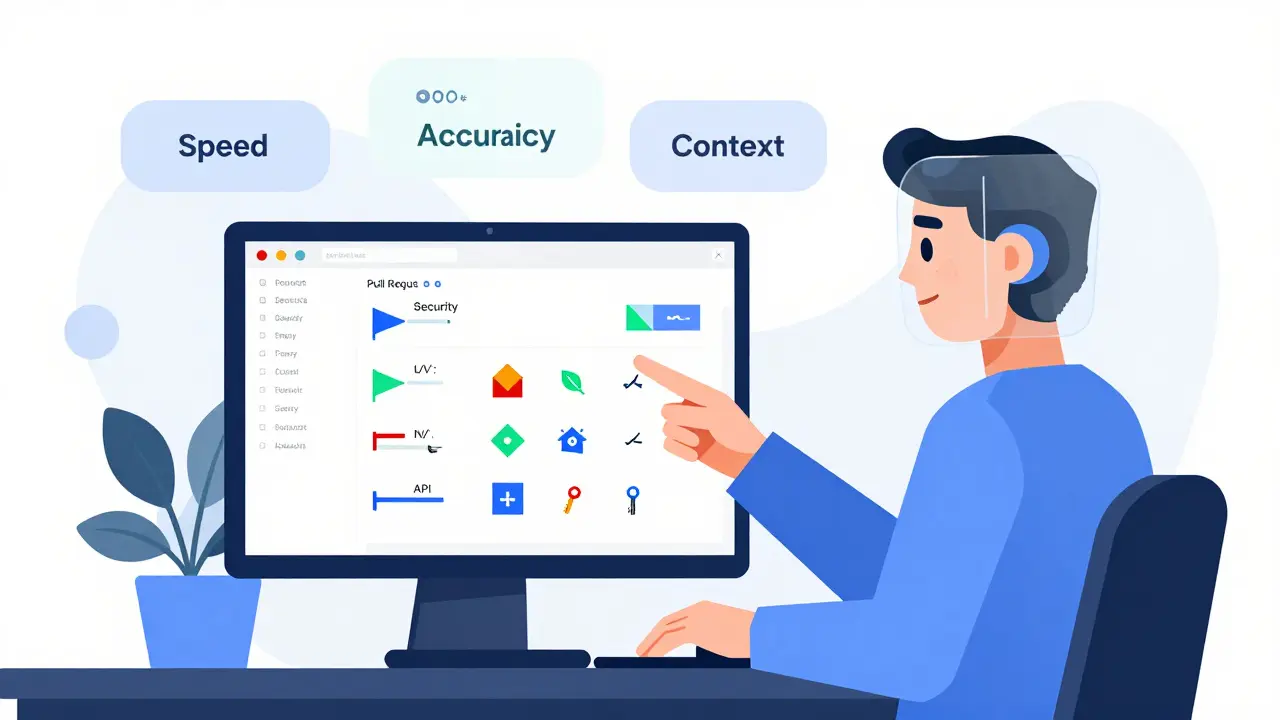
Code reviews used to be a bottleneck. A developer finishes a feature, opens a pull request, and waits. Sometimes days. For minor fixes, it’s frustrating. For complex changes, it’s a guessing game: Did I miss something? Is this architecture sound? Is this secure? Then AI entered the scene-not to replace reviewers, but to pair with them.
What Does AI Actually Do in a Code Review?
AI code review tools don’t just check for missing semicolons. They scan your entire codebase-not just the changed lines-and look for patterns humans overlook. Microsoft’s internal tool, for example, automatically jumps into every pull request as a reviewer. It spots null checks you forgot, exceptions you didn’t handle, and API keys accidentally hardcoded. It doesn’t just flag them-it explains why they matter. Each suggestion comes with a category: security, performance, reliability. That way, you know whether you’re fixing a bug or just cleaning up style.
Tools like Greptile go further. Instead of only seeing what you changed, they analyze your whole repository. Why? Because bugs often hide in connections. A function you modified might call another function that’s been broken for weeks. A new API endpoint might violate a pattern used elsewhere in the app. AI catches those. One team using Greptile reported catching three times more bugs than before. Not because they worked harder-because the AI saw what they couldn’t.
How the Workflow Actually Works
Here’s the real process-not the marketing pitch.
- You push code and open a pull request.
- Within seconds, an AI tool clones the repo, parses the code into a structure it understands, and runs static analysis (linters, security scanners).
- Then the AI model kicks in. It doesn’t just match patterns-it reasons. It asks: "Does this change break the flow of data? Is this logic consistent with how the rest of the app handles errors?"
- It leaves comments directly in GitHub or GitLab, right next to your code. Not as a bot comment, but as a reviewer. "You’re returning null here. The caller doesn’t check for it. Suggested fix: throw an error or return a default value."
- Human reviewers then step in-not to repeat the AI’s work, but to judge the bigger picture: "Does this solve the right problem? Is this the right architecture?"
At Microsoft, this cut median PR completion time by 10-20% across 5,000 repositories. Why? Because developers weren’t waiting for someone to notice a missing null check. The AI caught it before lunch.
Tools Compared: What’s Actually Different?
Not all AI review tools are created equal. Here’s what sets them apart:
| Tool | Scope | Integration | Key Strength | Limitation | Price (as of 2026) |
|---|---|---|---|---|---|
| GitHub Copilot | Only changes in PR | VS Code, GitHub | Fast syntax and style checks | No context beyond PR | $10/user/month |
| Greptile | Entire codebase | GitHub, GitLab | Finds hidden bugs across files | Enterprise-only pricing | Custom |
| Microsoft Internal Tool | Full context | GitHub | Interactive Q&A: ask AI about code | Not publicly available | N/A |
| CodeRabbit | Workflow-wide context | GitHub, GitLab, CLI | Auto-learns from feedback | Can be noisy without tuning | $29/user/month |
| Qodo Merge | Full context | GitHub, GitLab, CLI | Strong on complex logic | High false positives early on | Custom |
| Aider | Local only | Terminal/CLI | No cloud, private review | Requires setup | Free |
GitHub Copilot is great if you want quick feedback while typing. Greptile is better if you’re tired of bugs slipping into production. CodeRabbit learns from your team’s corrections-so it gets smarter over time. Qodo excels at understanding complex patterns, but it can overwhelm you with false alarms if you don’t tune it. And Aider? Perfect for teams who can’t send code to the cloud.
What AI Can’t Do (And Why Humans Still Matter)
AI doesn’t understand your business. It doesn’t know that this one API endpoint is a legacy system that can’t be changed without a 3-month approval cycle. It doesn’t know that your team agreed to use a certain pattern because it’s easier for interns to debug. It doesn’t know your product roadmap.
That’s why the best teams use AI as a first responder, not a final judge. A developer in a Reddit thread said it best: "We reduced PR review time from 3.2 days to 1.7 days, but we had to customize 78% of the default rules." AI gives you a list of possible issues. You decide which ones actually matter.
And here’s the hidden benefit: AI reviews are teaching tools. Junior developers get instant feedback on why a null check matters. They learn patterns by seeing them called out. One team noticed junior devs started writing better error handling after just two weeks of AI feedback. They weren’t being micromanaged-they were being coached.
Common Pitfalls and How to Avoid Them
- False positives: AI flags things that aren’t problems. Solution: Don’t ignore them. Customize rules. Build a feedback loop where developers can mark suggestions as "invalid"-that trains the AI.
- Over-reliance: Teams stop reviewing code because "the AI already checked it." Solution: Keep human reviewers in the loop. Make AI suggestions mandatory to acknowledge, not optional.
- Too many tools: Using five AI tools at once creates noise. Solution: Pick one for style/security, one for deep context. Stick with that.
- Ignoring setup time: Some tools need 30 hours of configuration before they’re useful. Solution: Budget time for tuning. It’s not a bug-it’s part of adoption.
One team on G2 gave a 2-star review because their first 100 PRs had 47 false positives. They almost quit. Then they spent 32 hours writing custom rules. After that? False positives dropped by 85%. The tool became invaluable.

Best Practices for Pair Reviewing
- Make AI the first reviewer. Let it comment before any human looks.
- Require developers to respond to AI comments-even if they say "dismissed, not relevant." This trains the model.
- Use AI to enforce consistency. Style, naming, error handling-let AI handle the grind.
- Reserve human reviews for architecture, trade-offs, and business impact.
- Track metrics: How many PRs were merged faster? How many bugs escaped to production after AI was added?
Microsoft’s engineers say it best: "The most effective process pairs continuous background testing with thoughtful human review." AI doesn’t replace judgment-it amplifies it.
Future of AI Code Review
The next wave isn’t just about reviewing code-it’s about keeping the whole system healthy. Greptile now has "continuous learning"-it improves as developers correct its suggestions. Microsoft’s tool lets you ask questions like, "Why did you flag this?" and get a detailed answer. Future tools will predict regressions before they happen, based on how similar code changed in the past.
But the core idea won’t change: AI handles the routine. Humans handle the reason. The goal isn’t to automate reviews. It’s to make them faster, smarter, and more useful.
Can AI code review tools replace human reviewers?
No. AI tools are designed to assist, not replace. They catch syntax errors, security flaws, and common bugs quickly-but they can’t understand business logic, product goals, or long-term architectural trade-offs. Human reviewers are still needed to judge whether a change aligns with the product vision, fits into the system, and solves the right problem. The best workflows pair AI’s speed with human judgment.
What’s the biggest benefit of using AI in code reviews?
The biggest benefit is speed without sacrificing quality. AI can review code in seconds, catching issues before a human even has time to look. Teams using AI review tools report 10-20% faster pull request completion times and up to 73% faster issue resolution. This means developers ship faster, and bugs are caught earlier-before they reach production.
Do I need to change my Git workflow to use AI code review?
No. Most tools integrate directly into existing platforms like GitHub and GitLab. They appear as reviewers in pull request discussions, just like a teammate. You don’t need to change how you create branches, open PRs, or merge code. The AI works alongside your current process-it doesn’t replace it.
Is AI code review only for large teams?
Not at all. While large teams benefit most from automation, even small teams can gain value. GitHub Copilot starts at $10/user/month, and tools like Aider are free and run locally. If you’re tired of repetitive feedback (like "add a null check" or "use consistent naming"), AI can handle that for you-freeing up time for more meaningful work.
Can AI code review tools improve junior developer skills?
Yes. AI provides instant, consistent feedback on common mistakes-like improper error handling or insecure patterns. Junior developers learn faster because they see why a change is needed, not just that it’s wrong. Teams using AI review tools report that new hires adapt to coding standards more quickly and make fewer repeat errors after just a few weeks of exposure.
What if the AI gives me bad suggestions?
That’s normal-especially at first. Most tools improve over time by learning from your feedback. If you dismiss a suggestion as wrong, mark it as such. Some tools even let you explain why, which helps them get smarter. The key is to treat AI suggestions as learning opportunities, not commands. Tune the rules, give feedback, and over time, the AI will match your team’s standards.
- Feb, 18 2026
- Collin Pace
- 8
- Permalink
- Tags:
- AI code review
- human-AI pairing
- code review workflow
- pull request automation
- AI-assisted development
Written by Collin Pace
View all posts by: Collin Pace