Prompt Chaining vs Single-Shot Prompts: Designing Multi-Step LLM Workflows
Why Single-Prompt Prompts Fail for Complex Tasks
Ask an LLM to write a summary, extract key points, format them as bullet points, and add a call-to-action-all in one go-and it often stumbles. You get a response that’s half-summary, half-jumbled thoughts, with missing details or made-up facts. This isn’t a flaw in the model. It’s a limit of trying to do too much at once.
Single-shot prompting works fine for simple tasks: "Translate this sentence to French," or "What’s the capital of Brazil?" But when the job has multiple steps-like turning raw customer feedback into a structured report with insights and recommendations-the model gets overwhelmed. It tries to hold all the rules, formats, and context in one go. And when it slips, you can’t easily trace where things went wrong.
Research from ACL 2024 found that single-prompt approaches failed to deliver accurate outputs in 41% of complex multi-step tasks. The problem isn’t just accuracy-it’s control. You can’t validate each part of the output. You get one blob of text, and if it’s wrong, you either rewrite the whole prompt or guess what part broke.
What Is Prompt Chaining?
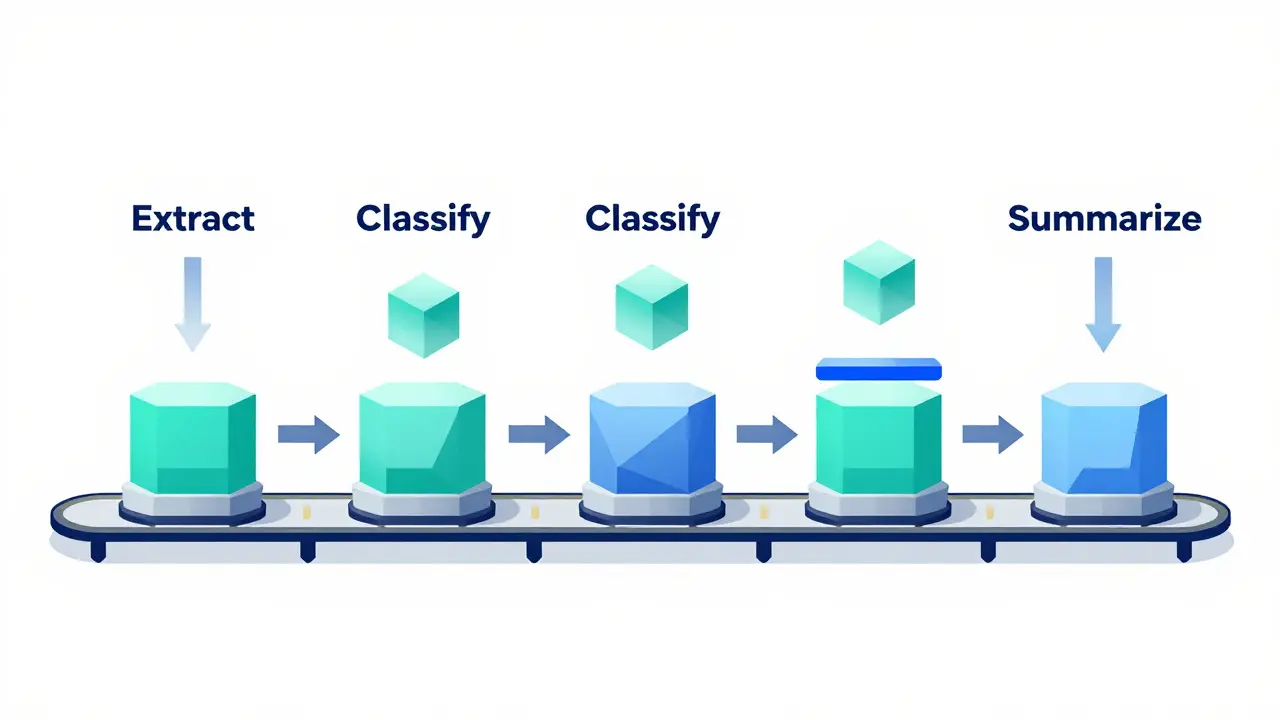
Prompt chaining breaks a big task into smaller, focused steps. Each step has one job. The output of step one becomes the input for step two, and so on. Think of it like an assembly line: one worker extracts data, another analyzes it, a third formats it, and a fourth adds the final touch.
For example, if you’re turning a long customer support transcript into a business report, your chain might look like this:
- Extract key issues: "From this transcript, list every problem the customer mentioned, one per line. Ignore greetings and small talk."
- Classify severity: "For each issue above, label it as High, Medium, or Low based on emotional tone and repeated mentions."
- Summarize trends: "Group similar issues and count how many fall under each category. Output as a bullet list."
- Generate recommendations: "Based on the top three recurring issues, suggest two actionable steps for the support team."
Each prompt is simple, targeted, and easy to test. If step three messes up the grouping, you fix just that prompt. No need to rebuild the whole thing.
How Prompt Chaining Beats Single-Shot Prompts
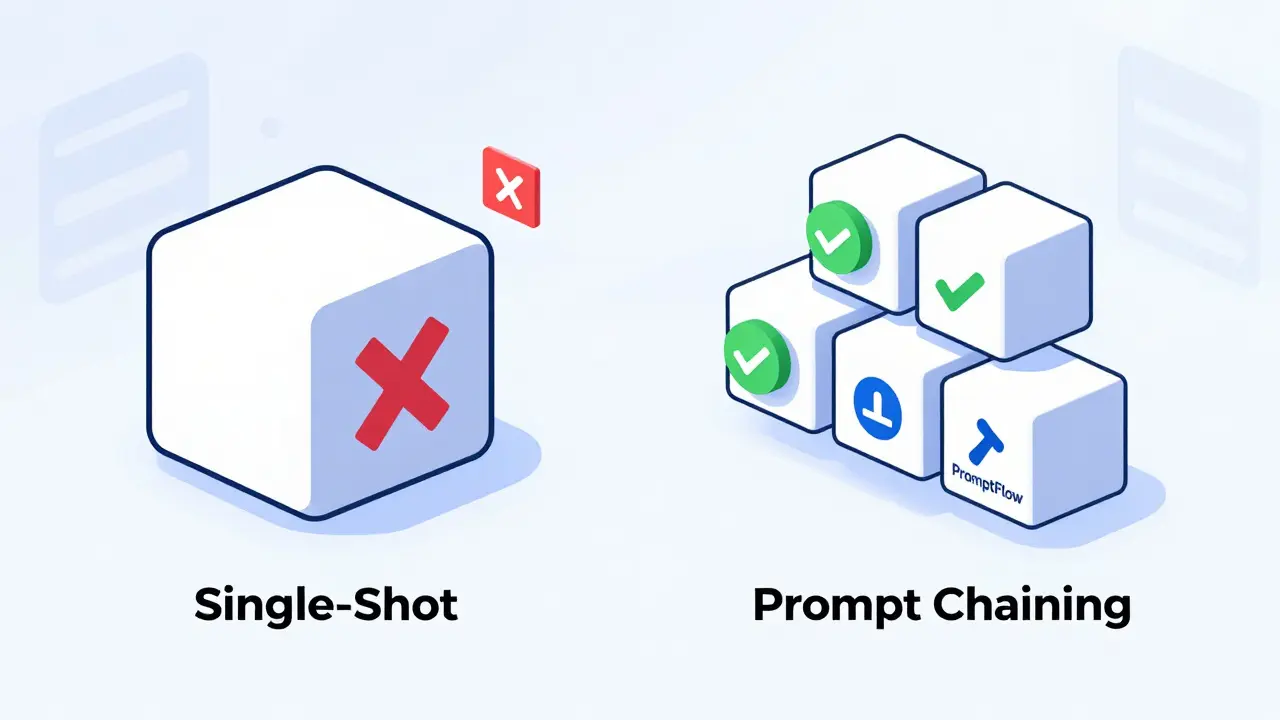
Control is the biggest advantage. With single-shot prompts, you’re betting everything on one guess. With chaining, you build in checkpoints.
Maxim.ai’s 2024 experiments showed that prompt chaining improved output accuracy by 37% on complex tasks. Why? Because each step can be validated. You can inspect the output of step two before moving to step three. If the classification is wrong, you tweak that one prompt. You don’t have to guess whether the problem was in the extraction, the logic, or the formatting.
Another win: reduced hallucinations. In a survey of 200 developers using prompt chaining, 87% reported fewer made-up facts in their outputs. Why? When each step is narrow, the model has less room to invent. It’s not trying to be a writer, analyst, and editor all at once.
And debugging? Way easier. If your final report is off, you don’t have to re-run the whole chain. You can test each stage independently. This is huge for teams working on mission-critical workflows-like legal document review or financial analysis-where even a 5% error rate is unacceptable.
When Single-Shot Prompts Still Make Sense
Prompt chaining isn’t always better. For simple, one-step tasks, it’s overkill. If you just need a quick translation, a summary of a short paragraph, or a list of pros and cons for a product, a single prompt is faster, cheaper, and cleaner.
Dr. Elena Rodriguez’s team at IEEE found that adding more than five steps to a chain for simple tasks didn’t improve accuracy-but it did increase cost and latency by up to 60%. That’s wasted time and money.
Also, if you need responses under 500ms-like in live chatbots or real-time dashboards-prompt chaining adds too much delay. Each step adds 150-200ms. A three-step chain? That’s 450-600ms. That’s fine for batch processing. Not for real-time interactions.
Here’s a rule of thumb: if the task feels like a checklist, use chaining. If it feels like a quick answer, stick with single-shot.
Chain-of-Thought vs Prompt Chaining: What’s the Difference?
Don’t confuse prompt chaining with Chain-of-Thought (CoT). CoT asks the model to "think step by step" inside a single prompt. For example: "Explain how you’d solve this math problem, showing each step."
That’s reasoning within one prompt. Prompt chaining is about separating steps into different prompts, each handled by the model independently.
CoT is great for logical reasoning tasks-like solving equations or debugging code logic-where the model benefits from internal reflection. But it doesn’t let you insert external tools or validate intermediate outputs. If the model makes a wrong assumption in step three of its CoT, you can’t fix just that step. You have to re-run everything.
Prompt chaining, on the other hand, lets you swap out tools. Maybe step two uses a custom API to pull real-time data. Step four calls a sentiment analysis model. You can’t do that with CoT. It’s all internal.
And error correction? Prompt chaining fixes errors at 92% efficiency per step. CoT only fixes them at 68% because the model has to re-think the whole chain from scratch.
Cost, Latency, and Complexity Trade-Offs
There’s no free lunch. Prompt chaining costs more and takes longer.
Each extra step adds 25-35% more tokens. That means higher API costs. A single-shot prompt might use 800 tokens. A four-step chain? 2,200 tokens. If you’re running this 10,000 times a day, that’s a big difference.
Latency adds up too. Each step takes 150-200ms. Five steps? That’s 750-1,000ms. For batch processing, fine. For user-facing apps? Not ideal.
And complexity? Real. You need to define clear schemas between steps. What does step one output? A list? A JSON object? A string? Step two needs to know exactly what to expect. If the format changes, the whole chain breaks.
Developers on Reddit reported spending days debugging chains because one prompt returned "High Priority" and the next expected "high_priority". Tiny mismatches break everything.
That’s why tools like PromptFlow (with over 1,200 GitHub stars) are gaining traction. They let you visually design chains and auto-validate input/output formats. Without tools, managing chains gets messy fast.
Real-World Use Cases Where Chaining Wins
Prompt chaining isn’t theoretical. It’s in production.
One Fortune 500 company used it to fix customer service misrouting. Their old system used a single prompt to read tickets and assign them to departments. Errors hit 24%. They switched to a three-step chain: extract keywords → match to product category → cross-check with customer history. Result? Misrouting dropped to 8.7%. Development took four weeks-but the error reduction saved them millions in support costs.
Another team built a financial report generator. Instead of asking the model to read a 50-page PDF and spit out a summary, they used five steps: extract text → identify key metrics → compare to prior quarter → flag anomalies → write narrative. Accuracy jumped from 58% to 91%.
Even content teams use it. One marketing agency chains prompts to turn blog outlines into SEO-optimized drafts: outline → expand sections → add keywords → optimize headings → add meta description. Each step is fine-tuned. The final output is way better than any single-prompt version.
How to Start Building Your First Chain
Don’t start with a 7-step monster. Begin small.
- Identify the task: What’s the final output? A report? A code fix? A summary?
- Break it into logical steps: What needs to happen in order? What’s the first thing the model must do? What comes after?
- Define input/output schemas: For each step, write down exactly what the input looks like and what the output should be. Use JSON if you can.
- Test each step alone: Run each prompt individually. Make sure it works before chaining them.
- Measure cost and speed: How many tokens? How long does the full chain take? Is the accuracy gain worth it?
- Add fallbacks: What if step two fails? Should the chain stop? Should it retry? Should it fall back to a simpler prompt?
Start with three steps max. Once you’re comfortable, you can scale.
The Future: Adaptive Chains and Hybrid Workflows
The next wave isn’t just static chains. It’s smart chains that adjust.
Anthropic’s upcoming "ChainTune" tool will automatically test different chain lengths and structures to find the most efficient one for your task. Imagine telling the system: "Generate a customer report," and it tries 3-step, 5-step, and 7-step versions, then picks the one with the best accuracy-to-cost ratio.
Hybrid approaches are also emerging. Some teams now mix Chain-of-Thought within steps. For example: step two uses CoT to reason about data patterns before outputting a summary. This gives you the best of both: structured steps + internal reasoning.
Gartner predicts that by 2026, 78% of enterprise LLM deployments will use some form of prompt chaining. It’s not a fad. It’s the shift from asking questions to building workflows.
Final Takeaway: Use the Right Tool for the Job
Prompt chaining isn’t the future of all prompting. It’s the future of complex prompting.
For simple tasks: single-shot is faster, cheaper, and cleaner.
For multi-step, high-stakes tasks: chaining gives you control, clarity, and confidence.
Don’t chain just because it’s trendy. Chain because your task needs it. Test it. Measure it. Optimize it. And remember: the goal isn’t to use more prompts. It’s to get better results-with less guesswork.
- Feb, 1 2026
- Collin Pace
- 9
- Permalink
Written by Collin Pace
View all posts by: Collin Pace