Reusable Prompt Snippets for Common App Features in Vibe Coding
Ever spent 20 minutes rewriting the same prompt just to get your AI coding assistant to generate a login form? You’re not alone. Developers waste nearly 37% of their time redoing prompts for basic features like authentication, API calls, or data tables. The fix isn’t working harder-it’s working smarter with reusable prompt snippets.
What Are Reusable Prompt Snippets?
Reusable prompt snippets are small, pre-tested pieces of text designed to trigger specific outputs from AI coding tools like GitHub Copilot, Amazon CodeWhisperer, or Vibe Coding Toolbox. Instead of typing out "Create a React form with validation and error messages" every time, you use a snippet like:"Generate a React functional component for a login form. Use Formik for validation. Show real-time error messages below each field. Style with Tailwind CSS. Include a submit button that disables while loading. Return only the component code."This isn’t just copying text. It’s engineering precision. These snippets follow a structure: clear task, constraints, output format, and context. They remove guesswork from prompting, so your AI gives you usable code on the first try.
Why Snippets Beat Full Templates
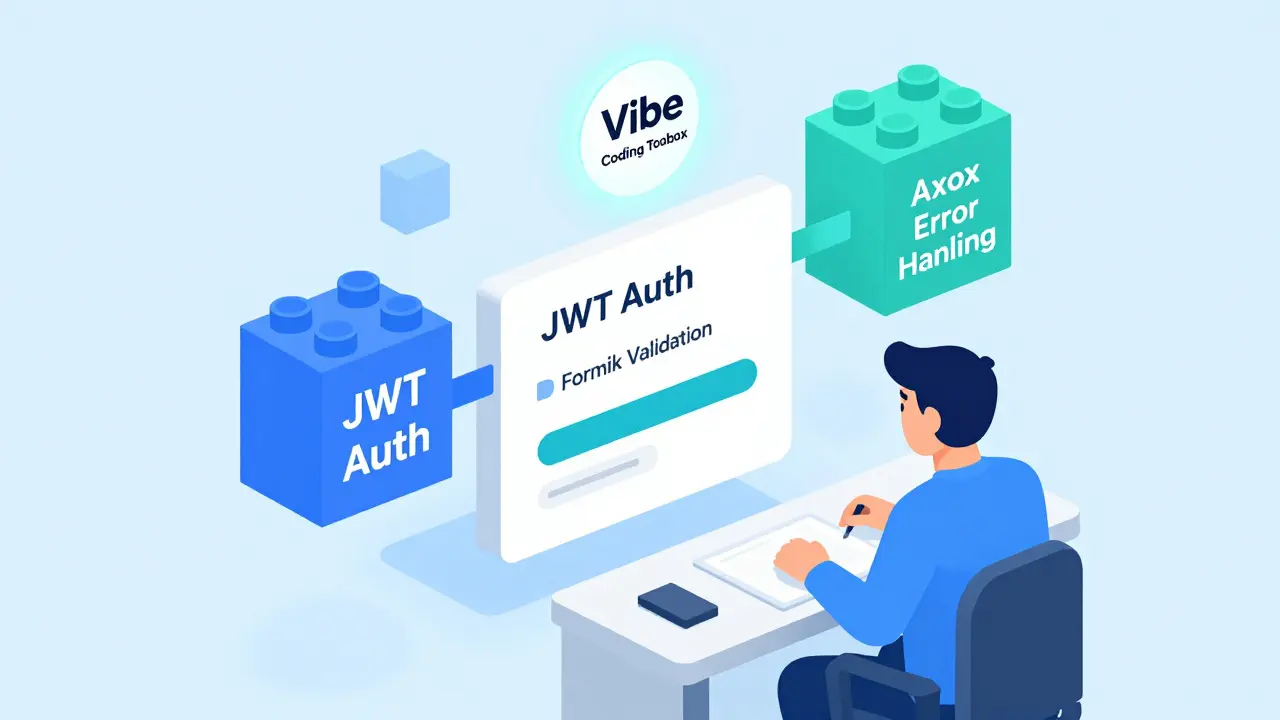
Some teams try to solve this with full prompt templates-pre-written blocks for every feature. But templates are rigid. Want to add password strength rules to a login form? You have to rewrite the whole thing. Snippets let you mix and match. Think of them like LEGO bricks:- "JWT authentication flow" → handles token generation
- "React form validation with Formik" → handles input rules
- "API error handling with Axios" → handles network failures
Top 7 Snippet Categories That Save the Most Time
Professional teams that use snippets effectively start with these seven categories. These cover 80% of daily coding tasks:- Authentication flows - Login, logout, password reset, JWT setup. 87% of developers reuse these.
- Data tables - Pagination, sorting, filtering, loading states. 76% reuse table snippets.
- UI components - Buttons, modals, dropdowns, toast notifications. Consistency here reduces design debt.
- Error management - API failures, network timeouts, user input errors. 68% reuse error snippets.
- API integrations - REST calls, GraphQL queries, OAuth flows. Snippets here prevent 3x more bugs.
- Testing patterns - Jest unit tests, Cypress E2E flows, mock data setup.
- Documentation standards - Comment format, README structure, changelog rules.
How to Build a Snippet That Actually Works
Not all snippets are created equal. A bad snippet gives you garbage code. A good one gives you production-ready output. Here’s how to make one that works:- Start with a real problem - Pick a feature you’ve built three times. What broke? What took too long?
- Write the prompt in plain English - Don’t over-engineer. "Create a login form with email and password fields, validation, and a submit button."
- Add constraints - "Use React 18. No class components. Use Tailwind. Return only the component."
- Define the output - "Return only the code. No explanations. No comments."
- Test it - Run it in your AI tool. Did it work? Did it miss something? Fix it.
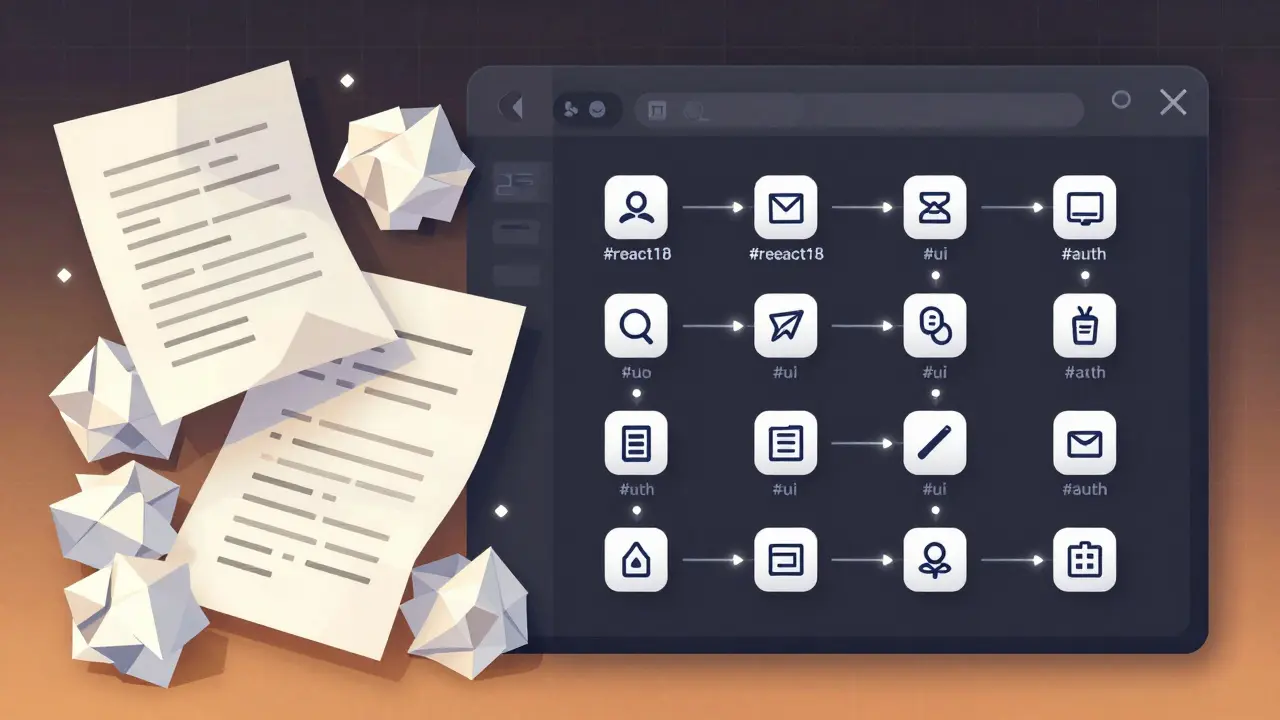
- Save it - Name it clearly: "react-login-form-tailwind-formik"
- Tag it - Use tags like #auth, #ui, #react18.
Tools That Make Snippets Work
You don’t need fancy software. But the right tools make it stick.- Vibe Coding Toolbox - The most popular dedicated platform. Lets you store, search, and combine snippets with a visual builder. Used by 62% of professional developers.
- VS Code Prompt Engineering Toolkit - Native snippet manager built into VS Code since November 2025. Works with Copilot and CodeWhisperer.
- GitHub Copilot Snippets - Launched in September 2024. Lets you save prompts directly in your IDE. 28% of enterprise teams use this.
- Notion or Obsidian - Free alternatives. Create a database with columns for name, tags, code output, and last used.
Common Mistakes (And How to Avoid Them)
Most teams fail not because snippets don’t work-but because they misuse them.- Mistake: Creating too many tiny snippets. One developer had 147 snippets. He spent more time searching than coding.
- Solution: Keep under 20 core snippets. Merge similar ones. Delete unused ones every quarter.
- Mistake: Using snippets across different frameworks. A React 17 snippet breaks in React 18.
- Solution: Always tag your snippets with version numbers: #react18, #node18, #tailwind3.
- Mistake: Not documenting usage limits. A snippet says "use with Axios" but doesn’t say "only for GET requests."
- Solution: Add one line: "Works only with Axios GET. For POST, use [snippet name]."
How Teams Use Snippets Successfully
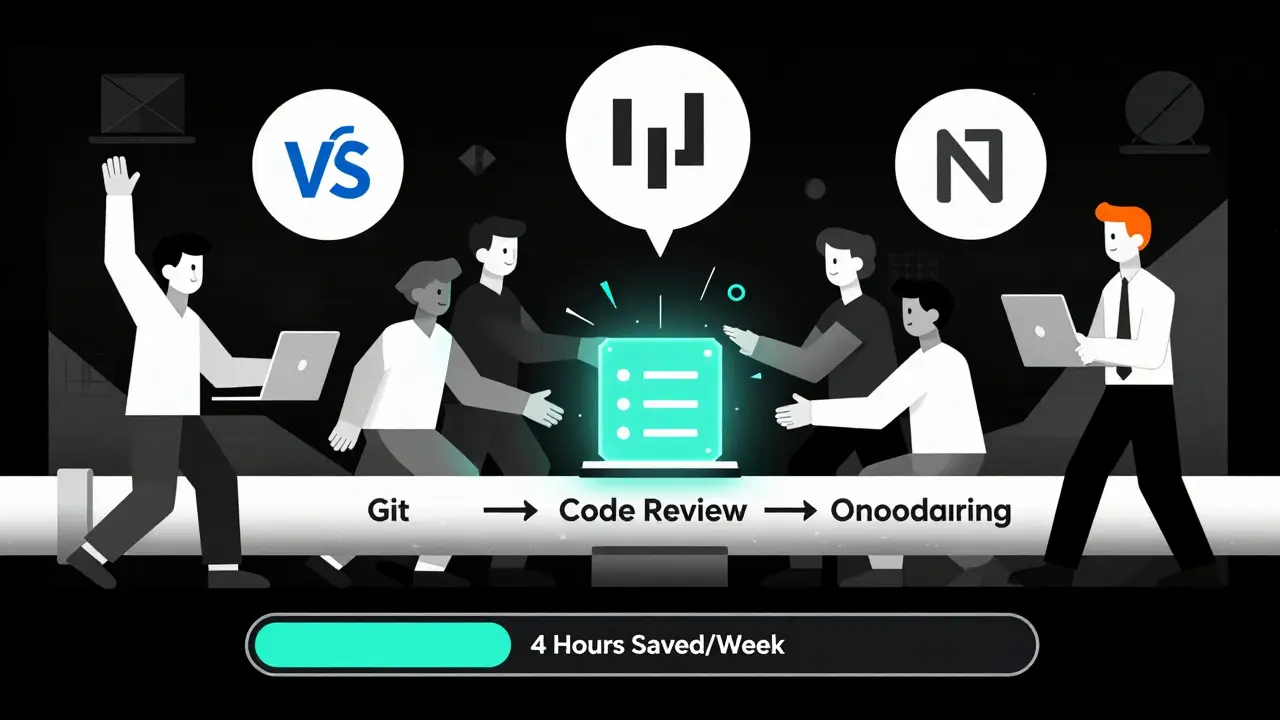
The best teams don’t just save snippets-they treat them like code.- Version control: 67% of professional teams store snippets in Git. They commit changes like code.
- Code reviews: Snippets get reviewed before being added to the team library.
- Onboarding: New hires get a 10-minute tour of the snippet library on day one.
- Pruning: Teams that review snippets quarterly see 22% higher effectiveness.
When Snippets Don’t Work
Snippets aren’t magic. They fail when you try to use them for things that are too new, too weird, or too unique.- Novel features: If you’re building something no one’s done before-like a real-time AR inventory system-snippets won’t help.
- Highly domain-specific logic: Financial compliance rules, medical data flows, or custom algorithms need custom prompts.
- When the AI model changes: Snippets built for GPT-4 may not work on Claude 3.4. Always test after updates.
Where This Is Headed
The field is moving fast. In January 2026, Vibe Coding Toolbox released "Smart Snippet Chaining," which auto-links related snippets. Need a login flow? It suggests your auth snippet, then your form snippet, then your error snippet-all in one click. The Prompt Engineering Standards Consortium, formed in January 2026, is drafting the first official snippet standard: authentication patterns. By Q3 2026, you’ll be able to download a certified "JWT login" snippet that works across tools. But the biggest shift? Snippets are becoming infrastructure. In GitHub’s 2026 survey, 74% of engineering managers called snippet libraries "critical infrastructure"-not a nice-to-have. That’s the same way teams view CI/CD pipelines or package managers now.Start Today
You don’t need to build a library. Just build one snippet. Open your IDE. Pick the most annoying feature you code every week. Write a prompt for it. Test it. Save it. Tag it. Use it again next time. That’s it. That’s the whole system. The first time you use it and get perfect code on the first try? That’s when you’ll realize: you’re not just coding faster. You’re coding better.What’s the difference between reusable prompt snippets and full templates?
Full templates are rigid, all-in-one prompts you must modify entirely to change one part. Reusable snippets are modular pieces you combine like building blocks. For example, you can mix an "authentication" snippet with a "UI form" snippet to create a login page without rewriting either. This gives you flexibility and saves time-no need to rebuild the whole prompt from scratch.
Do I need special software to use reusable prompt snippets?
No. You can use a simple text file, Notion, or even your IDE’s notes. But tools like Vibe Coding Toolbox, VS Code’s Prompt Engineering Toolkit, or GitHub Copilot’s built-in snippet manager make it easier to organize, search, and reuse them. These tools let you tag, version, and chain snippets together, which helps teams scale.
How many snippets should I start with?
Start with 3-5. Pick the features you use most-like login forms, API calls, or error handling. Build one snippet for each. Test them. Use them for a week. Then add more. Most successful teams never have more than 20 core snippets. Quality beats quantity.
Can I share my snippets with my team?
Yes-and you should. The best teams treat snippets like code: they store them in Git, review them in pull requests, and document usage rules. Sharing ensures everyone uses the same patterns, which reduces bugs and makes onboarding faster. Just make sure snippets are version-tagged (e.g., #react18) to avoid compatibility issues.
Why do my snippets sometimes fail with new AI models?
AI models interpret prompts differently. A snippet built for GPT-4 might not work the same on Claude 3.4 or Gemini 1.5. Always test your snippets after your AI tool updates. If something breaks, tweak the wording-usually by making instructions more explicit. Add phrases like "Return only the code" or "Do not use comments" to reduce ambiguity.
Are reusable snippets secure?
Snippets themselves aren’t code, so they don’t contain vulnerabilities. But they can lead to insecure code if they prompt the AI to generate unsafe patterns-like hardcoding API keys or skipping input validation. Always review the output. Snyk’s January 2026 audit found only 37% of community-shared snippets pass basic security checks. Treat every snippet output like untrusted code until you verify it.
How long does it take to get good at using snippets?
You can start using snippets effectively in under an hour. But becoming proficient-building a useful library, organizing it well, and knowing when to use each one-takes about 3-4 hours of active practice. Most developers reach mastery after creating 15-20 snippets and using them consistently for 2-3 weeks.
- Jan, 17 2026
- Collin Pace
- 6
- Permalink
Written by Collin Pace
View all posts by: Collin Pace