Sales Enablement with Generative AI: Proposal Drafting, CRM Notes, and Personalization
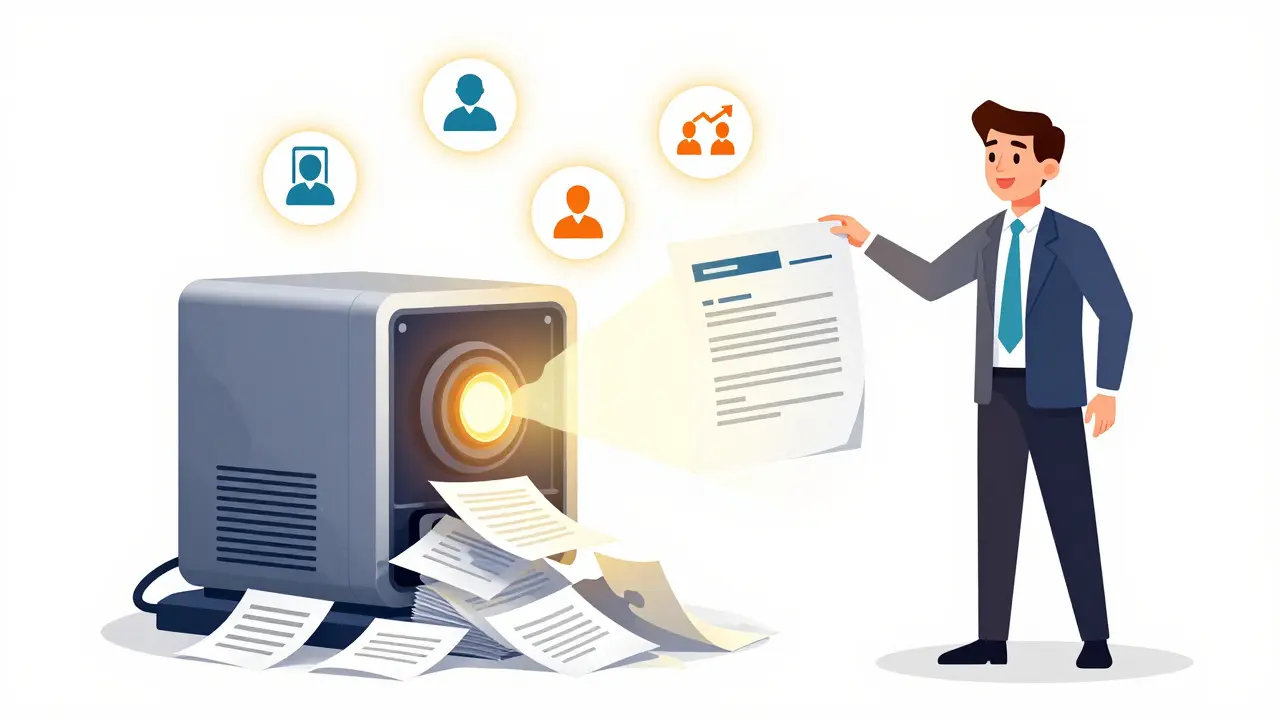
Imagine cutting your proposal drafting time from three hours to 15 minutes. Or having your CRM automatically fill in detailed notes after every call-no typing, no forgetting key points. What if every email you sent felt like it was written just for that buyer, based on their industry, past interactions, and current pain points? This isn’t science fiction. It’s what generative AI is doing for sales teams today.
How Generative AI Is Changing Proposal Drafting
Sales reps used to spend hours building proposals from scratch. They’d pull templates, tweak bullet points, copy-paste case studies, and hope the final document matched the buyer’s needs. Now, tools like Highspot’s AutoDocs and Seismic’s AI Content Engine do that work in minutes. Here’s how it works: You give the AI a few inputs-buyer’s company, industry, recent engagement, deal stage-and it pulls from your approved content library, past winning proposals, and even competitor mentions to build a fully customized document. One tech company in Madison reported their proposal creation time dropped from 2.5 hours to under 20 minutes. That’s not just saving time-it’s letting reps focus on what matters: talking to customers. The accuracy isn’t perfect, but it’s getting better. AI-generated proposals now hit 90%+ relevance in tests by Forrester, compared to 60-70% for older rule-based systems. The key? Training the AI on your own data. If your company uses terms like "consumption-based pricing" or "enterprise SLA," the model learns those nuances. Without that, you get generic fluff that turns off buyers.CRM Notes That Actually Get Written
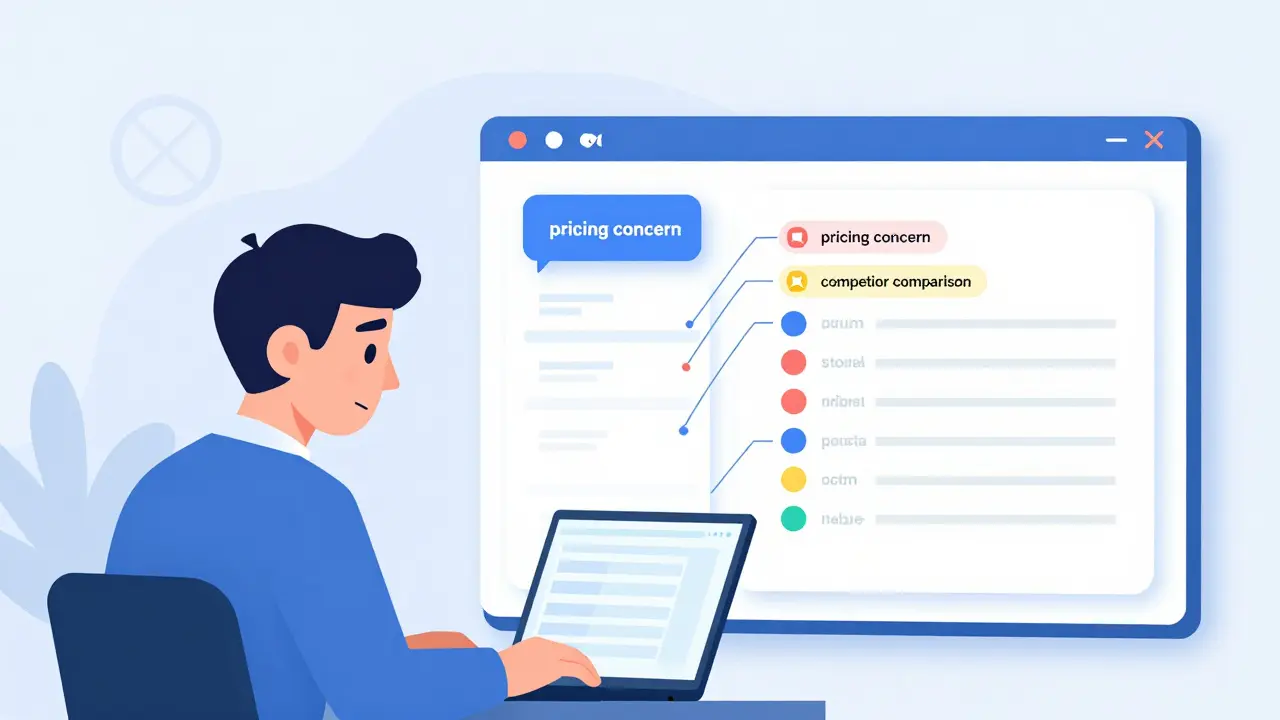
Let’s be honest: most CRM systems are filled with incomplete, vague, or outdated notes. Why? Because reps are tired. They’re on back-to-back calls. They forget. Or they just don’t care about data entry. Generative AI changes that. Tools integrated with Zoom, Microsoft Teams, and Salesforce can listen to calls, transcribe them, and auto-generate structured notes. Gartner found AI captures 95% of key details-things like objections raised, budget hints, or decision-maker names-while humans only capture 60-70%. That’s a huge gap. One rep in a SaaS company told me: "I used to spend 30 minutes after every call updating Salesforce. Now I get a draft in 8 minutes. I just fix one typo and hit save." That’s a 75% reduction in administrative work. And because the AI tags insights by topic-"pricing concern," "integration question," "competitor comparison"-it makes future follow-ups smarter. No more digging through 200-word ramblings.Hyper-Personalization That Actually Works
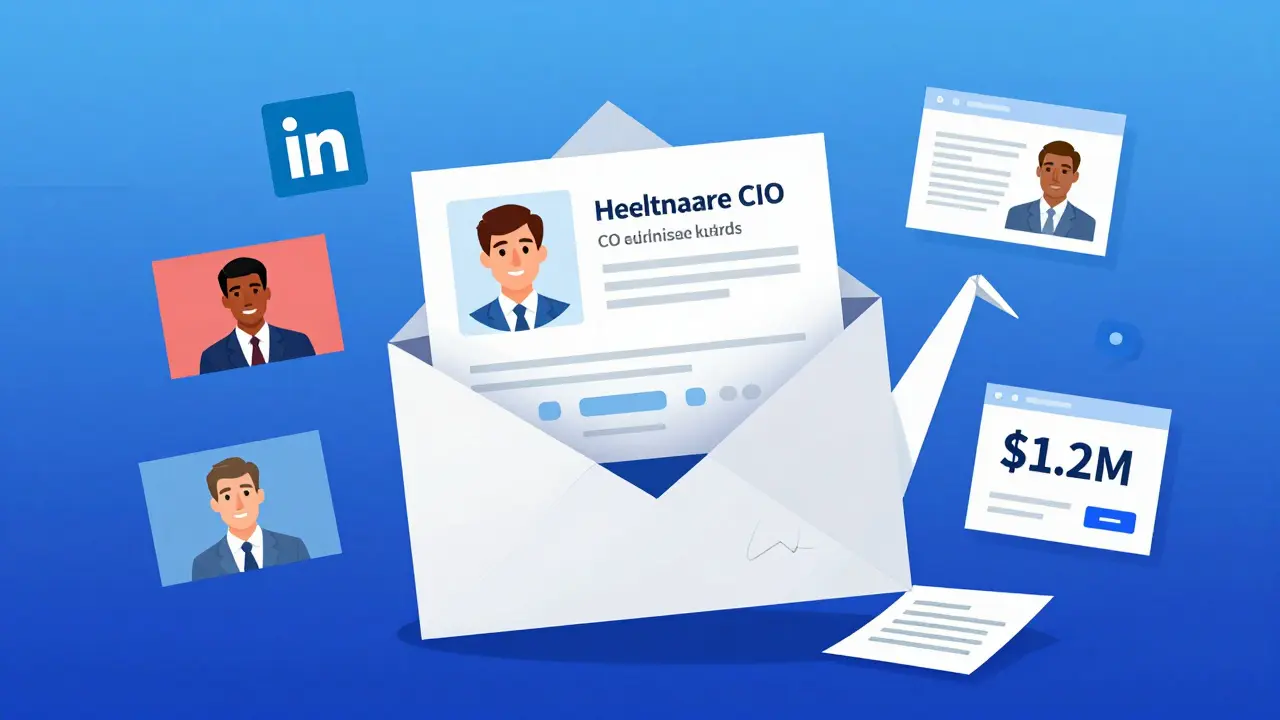
Personalization used to mean adding a buyer’s name to an email. Today, it means tailoring the entire message: the case study, the pricing example, even the tone. Generative AI analyzes a buyer’s history-what content they clicked, which pages they visited, how long they spent on a demo video-and builds a unique message. Seismic’s data shows this drives a 20-30% increase in conversion rates. Why? Because it feels like the rep actually listened. A financial services rep in Chicago used AI to send a proposal that referenced a recent earnings call from the prospect’s CFO. The buyer replied: "I didn’t think anyone was paying attention to that." They signed a $1.2M deal. This isn’t just about emails. It works for LinkedIn messages, landing pages, even video scripts. The AI can generate a 30-second personalized video message based on the prospect’s role and industry. It’s not magic-it’s pattern recognition at scale.What Tools Are Actually Used Today?
Not all AI sales tools are created equal. The leaders are integrating deeply with existing systems:- Highspot: AutoDocs generates proposals in seconds, pulls from approved content, and enforces brand guidelines.
- Seismic: AI Content Engine personalizes everything from decks to emails, and now integrates with Gong for real-time call insights.
- Aviso: Focuses on deal intelligence-predicting risks and suggesting next steps based on conversation patterns.
- Salesforce Einstein AI: Native to CRM, so it auto-creates notes, suggests next actions, and recommends content without leaving Salesforce.
Real Results, Real Numbers
The numbers speak for themselves:- Proposal drafting time drops by 60-75%
- CRM note entry time falls from 30+ minutes to under 8 minutes per call
- Personalized content boosts conversion rates by 20-30%
- Sales cycles shrink by 20-30%
- Reps gain 5-8 hours per week back
Implementation: What You Need to Get Started
You can’t just buy an AI tool and expect miracles. Here’s what actually works:- Fix your CRM data first. Aim for at least 70% clean, consistent records. No point automating noise.
- Start with one use case. Proposal drafting is the easiest win. Then add CRM notes. Then personalization.
- Train your team. Teach reps how to prompt the AI. "Generate a proposal for a healthcare CIO concerned about compliance" works better than "Make a proposal."
- Add human review. For the first 90 days, every AI-generated output needs a human check. This builds trust and catches errors.
- Get leadership buy-in. If sales leaders aren’t using it, reps won’t either.
What’s Next? The Roadmap Through 2026
Generative AI in sales is still early. But here’s what’s coming:- Predictive deal scoring: AI will flag deals at risk before the rep even notices (Gartner predicts 70% of tools will have this by 2025).
- Multimodal content: AI won’t just write text-it’ll generate custom infographics, short videos, and interactive demos.
- Regulatory compliance: GDPR and CCPA will require AI to prove it didn’t hallucinate data or use private info.
- Integration with conversational AI: Tools like Gong and Chorus will feed real-time insights directly into proposal engines.
Common Mistakes (And How to Avoid Them)
- Over-relying on AI: If reps stop listening to customers because the AI "knows" what to say, you lose trust. AI supports-it doesn’t replace.
- Ignoring training: AI needs your jargon. If you sell to hospitals, teach it "HIPAA," "EHR," and "patient throughput." Generic terms won’t cut it.
- Skipping data cleanup: Garbage in, garbage out. No AI can fix a messy CRM.
- Rolling out too fast: Start small. One team. One use case. Prove value. Then expand.
Who Shouldn’t Use This?
Generative AI isn’t for everyone. If you sell low-cost, standardized products with short cycles-like SaaS subscriptions under $500/month-you probably won’t see ROI. The personalization gains are too small to justify the setup cost. It’s also not for teams without data discipline. If your CRM is a graveyard of half-filled fields, AI won’t fix that. You need to fix the foundation first.Final Thought
Generative AI isn’t about replacing sales reps. It’s about removing the friction that keeps them from doing their best work. The best salespeople aren’t the ones who write the fanciest proposals. They’re the ones who listen, understand, and connect. AI now handles the grunt work. That leaves reps free to do what humans do best: build relationships.Can generative AI replace sales reps?
No. Generative AI handles repetitive tasks like drafting proposals, writing CRM notes, and personalizing content-but it can’t build trust, read body language, or negotiate complex deals. The best sales teams use AI to free up time so reps can focus on human connection and strategic conversations.
What’s the biggest barrier to adopting generative AI in sales?
Poor CRM data. If your customer records are incomplete, outdated, or inconsistent, the AI will generate inaccurate or irrelevant suggestions. Before implementing any AI tool, clean your data. Aim for at least 70% accuracy in key fields like company size, industry, and past interactions.
How long does it take to see results from AI sales tools?
Teams with clean data and strong training see ROI in 4-6 weeks. Enterprises with messy systems or slow adoption may take 8-12 weeks. Proposal automation is usually the fastest win-often saving hours per rep within days of rollout.
Is generative AI only for big companies?
No. While enterprise deployments cost $100K-$500K, smaller teams can use scaled-down versions from vendors like Seismic or Highspot. Mid-market companies with 100-500 reps are adopting AI at 18% penetration. The key is starting small: focus on one high-impact task like CRM note automation.
Do I need to train my team to use AI tools?
Yes. Most successful implementations train reps on basic prompt engineering-like how to give clear instructions to the AI. "Generate a proposal for a CFO in manufacturing concerned about supply chain delays" works better than "Make a proposal." Training takes 2-3 weeks and pays off in better output and higher adoption.
Are AI-generated proposals trustworthy?
They can be-but only if they’re reviewed. AI tools have 85-90% accuracy on general business language but struggle with industry-specific jargon. For the first 90 days, all AI-generated content should be reviewed by a human. After that, trust builds as the AI learns your standards.
Which CRM platforms work best with generative AI?
Salesforce, Microsoft Dynamics, and HubSpot are the most compatible. Leading AI tools like Highspot and Seismic offer native integrations with these platforms. If you use a custom or legacy CRM, integration is possible but requires more setup and may lack real-time syncing.
- Mar, 19 2026
- Collin Pace
- 7
- Permalink
- Tags:
- generative AI sales
- AI proposal drafting
- CRM automation
- sales personalization
- AI in sales enablement
Written by Collin Pace
View all posts by: Collin Pace