Secrets Management in Vibe-Coded Projects: Never Hardcode API Keys

The Silent Risk in Your AI-Generated Code
Imagine asking an AI assistant to build a login feature for your app. It generates the code perfectly. You run it, deploy it, and everything works. Then, three months later, you get an email alerting you that someone has access to your database. Why? Because the AI hardcoded a test API key right into the source file, and that file lives in a public repository. In vibe-coded projects, where artificial intelligence assists in rapid software creation, this isn't just a hypothetical scenario. It is the most common mistake developers make today.
We need to stop treating AI-generated code as trustable by default. When you rely on large language models to generate your application logic, they often pull patterns from public internet data. If they see a tutorial with a visible API key, they might replicate that pattern. This creates a massive hole in your security perimeter. The goal of secrets management is simple: keep sensitive credentials out of your codebase entirely.
What Exactly Counts as a Secret?
Secrets are pieces of information that grant access to systems and must remain hidden. Secrets include more than just passwords.To manage them effectively, you first have to know what you're hiding. In modern web development, the list of sensitive data is extensive. We are talking about API keys for third-party services like Stripe or Twilio. We mean database connection strings that contain root passwords. We mean OAuth tokens used to authenticate users against social media platforms. These are the keys to your kingdom.
Even internal credentials matter. If you use an internal server to process images, the password for that server is a secret. Do not forget encryption keys used for signing cookies or encrypting user data at rest. If a hacker finds these in a GitHub commit history, they can impersonate your service. Once the token is gone, they can spin up servers in your name, drain your wallet, or delete your production data.
Why AI Tools Struggle with Credentials
Vibe Coding refers to AI-assisted development workflows where natural language prompts drive code generation.You might wonder why smart AI tools fail at keeping secrets safe. The issue lies in how these models are trained. They learn from code repositories found on the open web. Unfortunately, millions of public repositories contain accidental leaks. When you ask an AI to "create a weather dashboard," it might look at existing examples where developers pasted their OpenWeatherMap API key directly into the JavaScript file. The model doesn't inherently understand the concept of privacy; it understands patterns.
This creates a situation where the tool suggests insecure code because the code works functionally in its training context. As a developer using vibe coding workflows, you become the security auditor. You cannot simply accept the generated block. You have to verify that the credential referenced is pointing to an environment variable, not a literal string value inside the file.
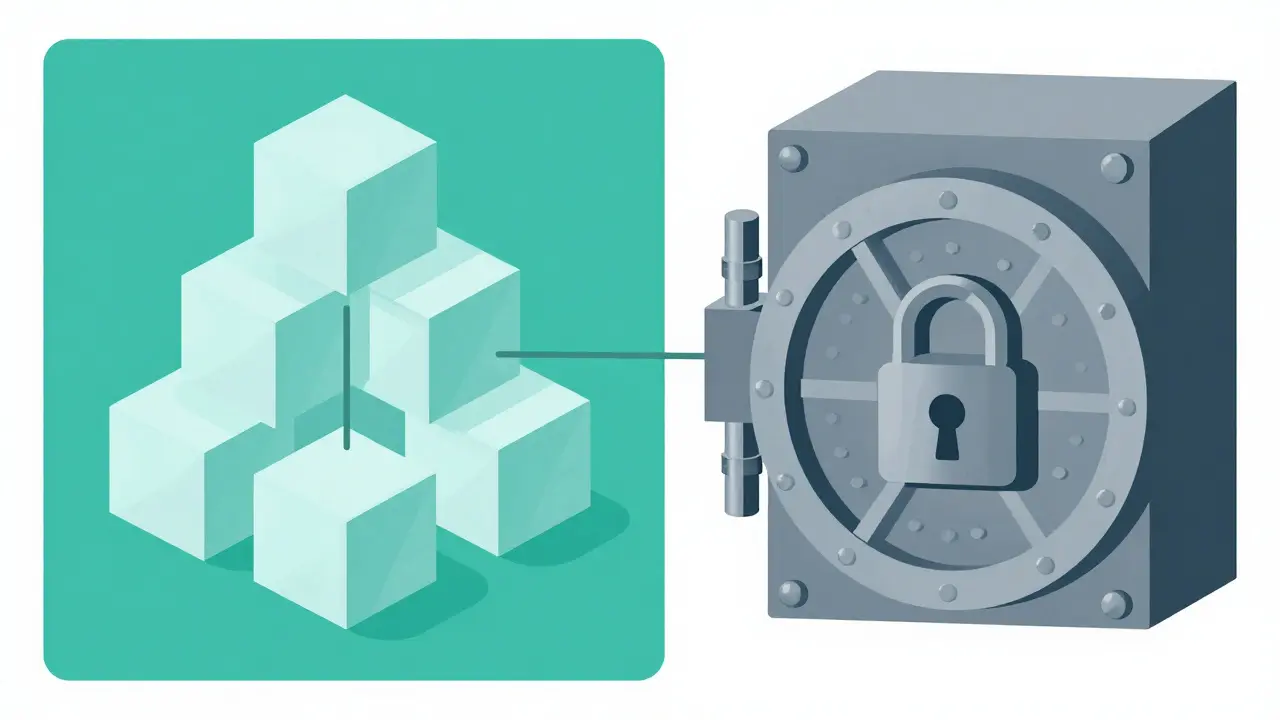
Storing Credentials Safely
The standard approach involves separating your code from your configuration. Instead of writing `const apiKey = 'secret123'` directly in your script, you should reference a placeholder like `const apiKey = process.env.MY_API_KEY`. This tells the runtime system to look outside the code file for the actual value. The actual value then sits in a separate file, usually named `.env`, which contains all your keys mapped to names.
However, relying solely on local `.env` files introduces its own risks during collaboration. Team members cannot share the `.env` file via Git. If someone accidentally commits it, the key is exposed. To fix this, you need to add `.env` to your `.gitignore` file immediately upon project creation. This ensures version control ignores the file completely. For larger teams, use a platform-specific secrets manager.
| Solution | Best Use Case | Security Level | Rotation Capability |
|---|---|---|---|
| .env File | Local Development | Low (Risk of Accidental Commit) | Manual |
| GitHub Secrets | CI/CD Workflows | High | Manual |
| AWS Secrets Manager | Cloud Production Apps | Very High | Automated Rotation |
| HashiCorp Vault | Complex Infrastructure | Extreme | Advanced Automation |
In production environments running on cloud providers, you should upgrade from `.env` files to dedicated vaults. Services like AWS Secrets Manager allow applications to retrieve keys dynamically without storing them on disk. Similarly, HashiCorp Vault provides dynamic secrets that change automatically, minimizing the window of opportunity for attackers. This removes the human element from secret handling, which is crucial when AI tools are involved.
Setting Up Guardrails for Your AI
If you rely on AI assistants for daily tasks, you must enforce rules within your prompt context. Just as you instruct a junior developer to follow security standards, you need to tell your AI agent to avoid hardcoding. Add a rule to your system prompt or project documentation: "Never embed API keys in code. Always use environment variables." By defining allowed patterns, you steer the model away from insecure suggestions.
Beyond prompting, implement automated scanning tools in your CI/CD pipeline. Tools like Snyk or TruffleHog can scan every line of code committed to your repository. If a new commit contains something that looks like an API key, the pipeline blocks the merge request immediately. This acts as a safety net for when your guardrails fail. The goal is to catch leaks before they reach production.

Handling Frontend vs. Backend Exposure
The location of your code changes the risk level significantly. If you expose an API key in a backend script that never runs in a user's browser, the risk is lower, provided your server is firewalled. However, frontend JavaScript code runs in the user's browser. Anyone can inspect the network traffic or view the page source. Therefore, never put client-side secrets in your frontend code.
If your frontend app needs to call a third-party service, do not pass your master key directly from the client. Instead, create a proxy endpoint in your backend. The frontend talks to your backend, and the backend uses the secret key to talk to the third party. This keeps the secret on your secure server rather than exposing it to the entire world.
Recovering from a Leak
Despite best efforts, leaks happen. History shows that keys often end up in public logs or backup archives. The moment you suspect a leak, treat it as an emergency. First, revoke the compromised credential immediately. Most platforms like Stripe or Google Cloud allow you to disable a specific key instantly. Second, rotate the secret. Generate a new key and update your environment variables. Third, audit your access logs. Look for suspicious activity that occurred while the key was compromised. You need to know if anyone exploited the breach before you caught it.
Frequently Asked Questions
Is it safe to store secrets in a .env file?
It is acceptable for local development, but unsafe for version control. You must add the .env file to your .gitignore to prevent committing it to a repository.
Can AI tools help find exposed secrets?
Yes, specialized scanners use AI to detect patterns resembling keys in codebases, but standard code generation AI often introduces them by mistake. You need both defensive scanning and careful review.
What should I do if I already pushed a key to GitHub?
Assume the key is compromised permanently. Delete the key from GitHub and revoke the credential with the issuing service. Rotating keys is safer than trying to scrub git history.
Do I need a vault for a small hobby project?
For private hobby projects, a .env file is sufficient if kept locally. For any project accessible online or shared with others, use a dedicated secrets manager.
How often should I rotate my API keys?
Standard practice recommends rotating keys quarterly or whenever staff roles change. Automated vaults can handle this continuously to improve security posture.
- Mar, 31 2026
- Collin Pace
- 5
- Permalink
Written by Collin Pace
View all posts by: Collin Pace