State Management in AI Frontends: Pitfalls, Fixes, and Architecture

Imagine asking an AI assistant to build a dashboard for your SaaS product. Within seconds, it spits out clean, syntactically perfect React code. You run it, and everything works. But then you notice something odd: every time a user types a single character in the search bar, the entire navigation menu flickers. Or worse, the app crashes when two users try to edit the same document simultaneously. This isn't a bug in the AI's logic; it's a failure of state management architecture.
We are standing at a critical intersection in software development. As of mid-2026, AI-generated frontends are no longer novelties; they are production realities. However, most developers treat AI like a magic wand that writes code from scratch. The hard truth is that AI models are trained on vast datasets of existing code, often mixing best practices with outdated patterns or over-engineered solutions. When you leave state management entirely to the AI, you risk inheriting architectural debt before you even write a line of custom logic.
The Core Problem: Why AI Struggles with State
To understand the pitfalls, we first need to define what state management actually does in modern frameworks like React. It handles data flow, component re-renders, and synchronization between the UI and business logic. In traditional development, this involves careful decisions about where data lives-local components, global stores, or server caches.
AI models, however, lack context. They don't know if your app is a simple landing page or a complex enterprise ERP system. They see patterns, not requirements. A common issue is "over-engineering." If you ask an AI to manage a simple form input, it might suggest implementing Redux with middleware because its training data contains thousands of examples of Redux being used for everything. This adds unnecessary complexity, increases bundle size, and makes debugging harder.
Conversely, AI might under-engineer by keeping critical global state (like user authentication) in local component state using useState, leading to prop-drilling nightmares where data has to pass through five layers of components just to reach one button.
Common Pitfalls in AI-Generated Code
When reviewing AI-generated frontends, keep an eye out for these specific architectural failures:
- Unnecessary Re-renders: AI often fails to wrap expensive computations or context providers with
useMemooruseCallback. This causes the entire component tree to re-render whenever any small piece of state changes, killing performance. - Mixed Client and Server State: One of the biggest mistakes is treating API data as local state. Developers manually updating local variables after fetch calls leads to stale data and race conditions. AI frequently generates this anti-pattern unless explicitly told otherwise.
- Monolithic Contexts: AI tends to create one giant Context API provider for the whole app. This forces every consumer of that context to re-render whenever any value inside it changes, even if they only care about one tiny piece of data.
- Lack of Observability: Machine-generated code often lacks logging or tracing hooks. When things break, you have no visibility into why the state changed, making debugging a guessing game.
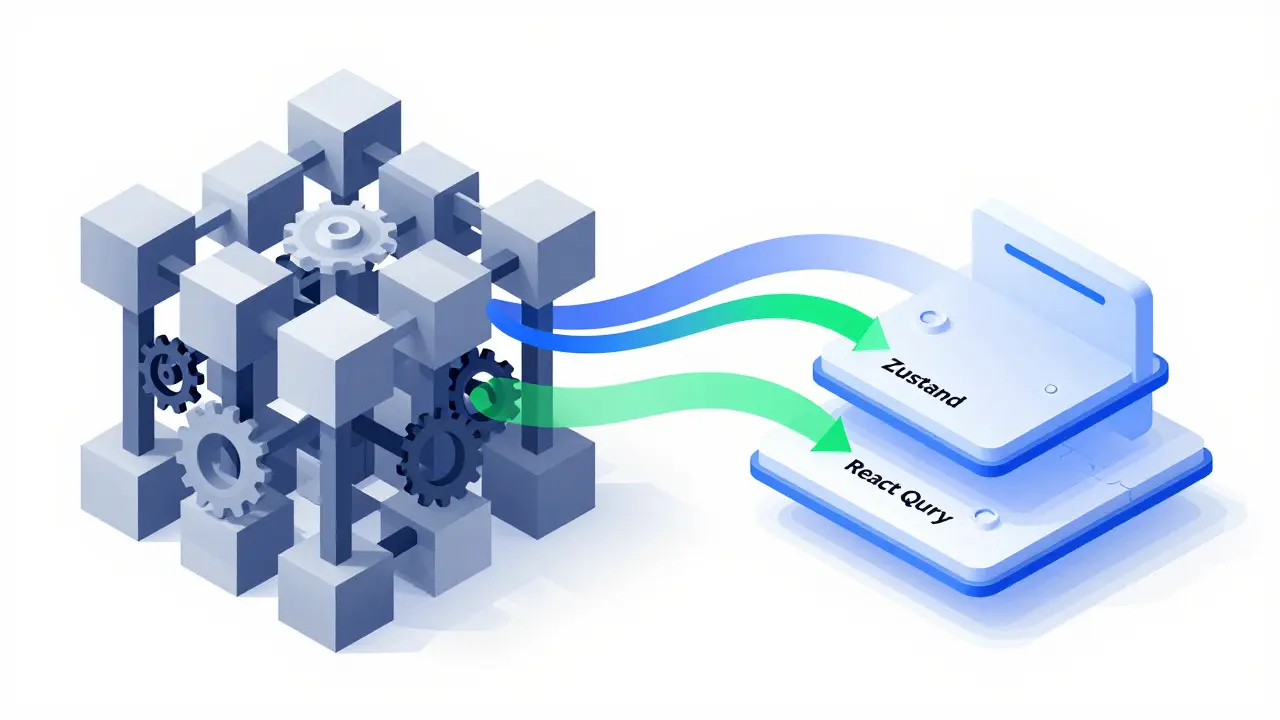
The Right Tools for the Job
Not all state management libraries are created equal, especially when working with AI. Some tools are "AI-friendly" because their patterns are concise, predictable, and less prone to boilerplate errors. Here is how the major players stack up:
| Tool | Best For | AI-Friendliness | Key Risk |
|---|---|---|---|
| useState | Local component state (forms, toggles) | High (5/5) | Overuse leads to prop drilling |
| Zustand | Global client state (themes, user prefs) | Very High (4.5/5) | Minimal boilerplate reduces error surface |
| Redux | Complex enterprise logic, debugging needs | Low (2/5) | Excessive boilerplate confuses AI |
| React Query | Server state (API data, caching) | High (4/5) | AI may forget to handle loading/error states |
The consensus among senior architects in 2026 is clear: use Zustand for client-side global state and React Query for server-side data. This combination minimizes boilerplate and maximizes clarity, making it easier for both humans and AI to understand the data flow.
Building an AI-Ready Architecture
To fix the pitfalls, you need to change how you interact with the AI. Instead of asking it to "write the code," you must define an "AI-ready" architecture. This means setting strict boundaries and predictable patterns that the AI can hook into.
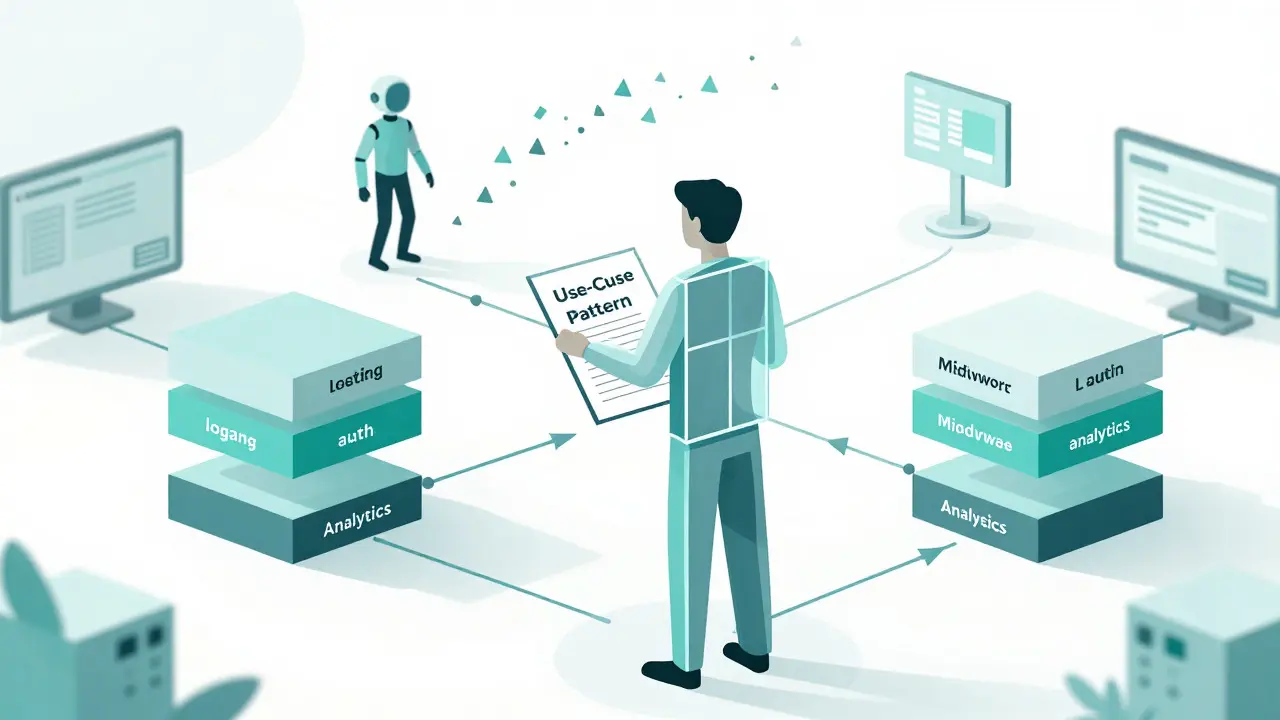
The most effective pattern is the Use-Case Pattern. Encapsulate business logic in self-contained functions with clear inputs and outputs. For example, instead of letting the AI scatter validation logic across components, create a function like registerUser(email, password). This function handles validation, API calls, and error handling internally. The UI simply calls this function. This approach ensures consistency because the AI doesn't need to remember how to validate emails every time; it just calls the established use case.
Another critical layer is Middleware. In an AI-assisted workflow, middleware provides consistency. Every use case should pass through middleware that handles logging, authorization, and error reporting. This keeps cross-cutting concerns separate from business logic. However, avoid creating "mega-middleware" that tries to do everything. Compose smaller, focused units: one for logging, one for auth, one for analytics. This modularity allows AI agents to observe and apply existing patterns rather than inventing new ones.
Practical Fixes and Validation Strategies
How do you ensure the AI sticks to these rules? Adopt a three-step validation strategy:
- Generate Basic Code: Let the AI produce the initial implementation. Don't expect perfection here.
- Review for Performance and Security: Manually inspect the code. Check for missing
useMemowrappers, improper separation of client/server state, and security vulnerabilities like exposed tokens in state. - Iterate with Specific Prompts: Instead of saying "fix this," say "optimize the UserProfile component to prevent re-renders when the theme changes." Direct the AI to specific problems.
Additionally, build custom code templates. Create a snippet library of your preferred patterns (e.g., a standard Zustand store structure) and instruct the AI to imitate them. This reduces deviation from project standards and ensures consistency across the codebase.
The Future: From Code-Centric to Behavior-Centric
The industry is shifting away from viewing AI as a code writer toward seeing it as a behavior orchestrator. New tools are emerging that use AI for predictive data prefetching, anticipating user actions to precompute state transitions. Others offer automated conflict resolution for collaborative apps, spotting conflicting edits before they cause bugs.
State visualization tools powered by AI explain data changes in plain language, referencing user actions and API responses. This makes debugging significantly easier. Intent modeling allows developers to describe desired flows (e.g., "reset state on logout") and have the AI translate those intentions into reliable code logic.
Success in this era requires active oversight. You are no longer just writing code; you are defining constraints, validating outcomes, and curating the AI's output. By choosing the right tools like Zustand and React Query, enforcing architectural boundaries, and validating performance, you can harness the speed of AI without sacrificing the stability of your application.
Why is Zustand better than Redux for AI-generated code?
Zustand has minimal boilerplate and a concise API, which reduces the chance of AI generating incorrect or verbose code. Redux's complex setup with reducers, actions, and middleware creates more opportunities for errors and confusion during AI generation.
What is the difference between client state and server state?
Client state refers to data specific to the current user interface instance, such as whether a modal is open or the selected theme. Server state is data fetched from an API, such as user profiles or product lists. Server state should be managed with tools like React Query to handle caching and synchronization, while client state uses libraries like Zustand or useState.
How can I prevent unnecessary re-renders in AI-generated React components?
Ensure that expensive calculations are wrapped in useMemo and callback functions in useCallback. Split large Context providers into smaller, focused contexts so that only components consuming specific data re-render. Use libraries like Zustand that optimize subscriptions automatically.
Is Redux still relevant in 2026?
Yes, but primarily for large enterprise applications requiring complex middleware, time-travel debugging, or strict architectural patterns. For most startups and small-to-medium projects, simpler tools like Zustand or Context API are more efficient and less prone to AI-generation errors.
What is an "AI-ready" frontend architecture?
It is an architecture designed with clear boundaries, predictable patterns, and modular components that make it easy for AI tools to generate consistent and correct code. Key elements include use-case patterns for business logic, composed middleware for cross-cutting concerns, and strict separation of client and server state.
- Jul, 29 2026
- Collin Pace
- 5
- Permalink
Written by Collin Pace
View all posts by: Collin Pace