Streaming Responses in LLM APIs: Architecture and User Experience
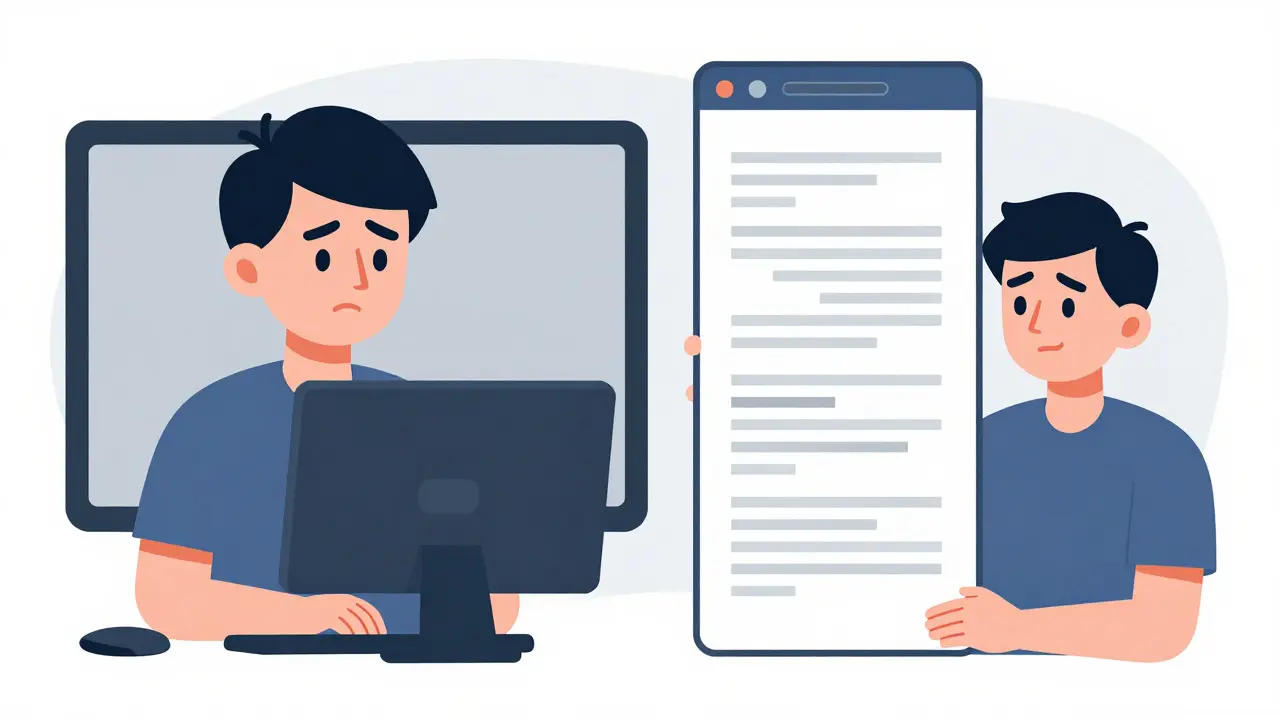
Imagine asking a chatbot a complex question. You hit enter. Then... nothing. The screen stays blank for five seconds. Your patience wears thin. Is it broken? Did you type the prompt wrong? Finally, a wall of text appears all at once. It feels clunky, robotic, and slow.
Now imagine the same interaction, but words start appearing on your screen within milliseconds. They flow out like someone is typing them in real time. You can read the first sentence while the rest is still being generated. This is streaming responses, and it has become the standard for modern AI applications.
By mid-2026, major providers like OpenAI and Anthropic have made streaming a core feature, not an afterthought. But why does this matter for your infrastructure? And how do you build it without crashing your server or annoying your users? Let’s break down the architecture behind that smooth "typing" effect and how to implement it correctly.
The Core Problem: Latency vs. Perception
Large Language Models (LLMs) work by generating text one token at a time. A token is roughly a word or part of a word. In a traditional non-streaming setup, the model generates every single token, buffers the entire response, serializes it into a JSON object, and then sends it back to your client. If a response takes four seconds to generate, the user waits four seconds seeing absolutely nothing.
Human psychology plays a huge role here. Users don't care as much about total completion time as they do about Time to First Token (TTFT). If you show them something happening immediately, they perceive the app as fast and responsive, even if the final answer takes a few more seconds to arrive. Streaming exploits this by sending data incrementally over a long-lived HTTP connection.
This isn't just about looking fancy. It reduces cognitive load. When users see text appearing, they can start reading and understanding the answer before it's finished. It mimics human conversation, making the AI feel less like a database query and more like a collaborator.
How the Architecture Works: From Model to Browser
To understand streaming, you need to look at the four distinct stages of the pipeline. Most tutorials gloss over the middle parts, which is where things usually break.
- The LLM API Layer: Providers like OpenAI or Anthropic generate tokens sequentially. Instead of holding them, they flush each token (or small batch) as soon as it's sampled.
- The Backend Server: Your application receives these chunks. It might transform the data, add metadata, or filter content before passing it along.
- The Transport Protocol: This connects your backend to the frontend. This is the critical decision point: Server-Sent Events (SSE), WebSockets, or raw HTTP streaming.
- The Frontend Rendering Pipeline: JavaScript code updates the DOM or UI components as new chunks arrive.
In a non-streaming request, the server waits for the model to finish, creates one big payload, and sends it. With streaming, the inference server uses chunked transfer encoding (HTTP/1.1) or HTTP/2 streams to keep the connection open. Each chunk contains a delta update-the new piece of text-rather than the whole message.
Choosing Your Transport: SSE vs. WebSockets
You have choices for moving data from server to client. The industry has largely settled on Server-Sent Events (SSE) as the default for LLM APIs, but WebSockets are still popular. Here is why that distinction matters.
| Feature | Server-Sent Events (SSE) | WebSockets |
|---|---|---|
| Directionality | Unidirectional (Server to Client) | Bidirectional |
| Complexity | Low; uses standard HTTP semantics | High; requires stateful connections |
| Infrastructure Support | Works easily with CDNs and Load Balancers | Often blocked or requires special config on proxies |
| Use Case Fit | Perfect for token delivery | Needed for real-time multiplayer or voice chat |
SSE is unidirectional. The client sends one request per message and then only listens. This is exactly what you need for text generation. Because SSE uses standard HTTP, it passes through most firewalls and Content Delivery Networks (CDNs) without issues. WebSockets offer two-way communication, which adds unnecessary complexity if you're just pushing text to a screen. Unless you're building a voice interface or a collaborative editing tool, stick with SSE.
Provider Differences: OpenAI vs. Anthropic
While the concept is universal, the implementation details vary between providers. Understanding these differences prevents bugs when you switch models or use multiple providers.
OpenAI is a leading AI company that provides large language model APIs via HTTP endpoints. OpenAI uses "semantic events" to organize its stream. When you set stream=true, the server emits SSE events. Each event contains a JSON fragment with fields like delta or content. The stream ends with a sentinel value, typically [DONE]. You must handle three termination conditions: normal completion (finish_reason), client cancellation, or error. Failing to close the connection on any of these leads to resource leaks.
Anthropic is an AI safety-focused company providing Claude models via structured API endpoints. Anthropic’s approach is more explicitly structured. Their stream consists of specific event types: message_start (metadata), content_block_start, content_block_delta (the actual text chunks), and content_block_stop. Finally, a message_stop event signals completion. Their SDKs provide helpers like stream.text_stream to yield plain text, relieving you from manually aggregating deltas. However, their docs warn against wrapping event listeners in ad-hoc promises, as this can cause hanging streams.
Frontend Pitfalls: Avoiding the "Janky" UI
Getting the data to the browser is only half the battle. How you render it determines whether your app feels premium or amateurish.
A common mistake is updating the DOM for every single token. If a response has 500 tokens, that’s 500 layout recalculations. This causes "layout thrashing," resulting in flickering text, jerky scrolling, and high CPU usage. Users notice this. It looks cheap.
The solution is buffering. Don’t render every token immediately. Buffer a small number of tokens-or wait a short time interval, like 50-100 milliseconds-before updating the UI. This batches the DOM updates, creating a smoother visual flow. It also allows the cursor to move naturally rather than jumping erratically. Frameworks like React or Vue make this easier by managing virtual DOM updates, but you still need to control the frequency of incoming data pushes.
Also, consider the "live typing" effect. Some developers try to simulate human typing speed by artificially delaying tokens. This is usually a bad idea. Users want information fast. If the model generates quickly, let it show. Artificial delays frustrate power users who know the AI could have answered instantly.
Backend Best Practices for Production
Building a demo is easy. Building a system that handles thousands of concurrent streams is hard. Here is what you need to watch out for in production environments.
- Backpressure Handling: If the client disconnects mid-stream, your backend shouldn't keep processing tokens. Implement robust cancellation logic. Treat upstream streams from providers as asynchronous iterables and ensure cleanup triggers when the client drops.
- Error Management: Streams can fail due to timeouts, rate limits, or network hiccups. Your code must distinguish between a partial failure (where you might retry) and a fatal error. Always send clear error messages to the frontend so the user knows what happened.
- Connection Lifecycle: Keep track of active connections. Half-open connections accumulate and degrade server performance over time. Explicitly close connections on normal completion, client abort, or error.
- Abstraction Layers: Use frameworks like LangChain if possible. They abstract away provider-specific differences, offering consistent callback interfaces. This makes switching from OpenAI to Anthropic (or others) much less painful.
Don't mix business logic with transport logic. Separate your pipeline stages. Have one function handle the provider API iteration, another handle data transformation, and another manage the SSE/WebSocket output. Monolithic functions become brittle and hard to debug when edge cases arise.
Is Streaming Right for Every App?
Probably yes, if you're building a chat interface. The UX benefits are too significant to ignore. However, consider the cost. Streaming keeps connections open longer, which consumes more server resources than a quick request-response cycle. For simple, short queries where latency isn't noticeable, non-streaming might be cheaper and simpler.
But for long-form generation, code explanation, or creative writing, streaming is essential. It transforms the waiting period into an engaging experience. By August 2026, it’s no longer a differentiator-it’s a baseline expectation. Users expect their AI tools to respond instantly. Meeting that expectation requires getting the architecture right from day one.
What is the difference between streaming and non-streaming LLM responses?
Non-streaming responses wait for the entire text to be generated before sending it back to the client as a single JSON payload. Streaming responses send the output incrementally, token by token, over a persistent connection. This allows the user to see the answer forming in real-time, reducing perceived latency.
Should I use WebSockets or SSE for my LLM chat app?
For most text-based chat applications, Server-Sent Events (SSE) are the better choice. SSE is unidirectional, simpler to implement, and works seamlessly with standard HTTP infrastructure like CDNs and load balancers. WebSockets are bidirectional and useful for real-time features like voice or multiplayer collaboration, but they add unnecessary complexity for simple text streaming.
Why does my UI look janky when streaming tokens?
Jankiness often comes from updating the DOM too frequently. If you render every single token individually, the browser performs excessive layout calculations, causing flicker and lag. To fix this, buffer a small number of tokens or use a time-based debounce (e.g., update every 50-100ms) before pushing changes to the UI.
How do OpenAI and Anthropic handle streaming differently?
Both use SSE, but their event structures differ. OpenAI sends semantic events with delta updates and a [DONE] sentinel. Anthropic uses a more granular sequence including message_start, content_block_start, content_block_delta, and message_stop events. Anthropic’s SDKs also provide higher-level helpers to aggregate these events automatically.
Do I need to handle connection cleanup in streaming APIs?
Yes. Streaming keeps HTTP connections open. If clients disconnect unexpectedly or errors occur, you must explicitly close these connections on the backend. Failure to do so leads to resource leaks, where half-open connections accumulate and eventually degrade server performance.
- Aug, 1 2026
- Collin Pace
- 0
- Permalink
- Tags:
- LLM API streaming
- SSE architecture
- token generation
- user experience design
- backend infrastructure
Written by Collin Pace
View all posts by: Collin Pace