Team Collaboration in Cursor and Replit: Shared Context and Code Reviews Compared

When your team needs to code together, the tools you use don’t just save time-they shape how you think, review, and ship code. Two platforms, Cursor and Replit, are pushing the boundaries of what team collaboration looks like in 2026. But they’re not just different in features. They’re built on opposite philosophies. One wants you to code side-by-side in real time. The other wants you to review every change like a peer, slowly and safely. Which one fits your team? Let’s break it down.
Real-Time Editing vs. Git-First Reviews
Replit feels like Google Docs for code. Open a project, click "Join," and suddenly you’re typing alongside three others. Your cursor moves in real time. Changes appear instantly. If someone deletes a function, you see it happen before you can blink. This isn’t a gimmick-it’s core to Replit’s design. Since its launch in 2016, the platform has been built around browser-based, zero-install collaboration. No need to install Python, Node, or Docker. Just share a link, and your whole team is in the same room-even if they’re on Chromebooks, iPads, or public library computers.
Cursor? It’s the opposite. It’s a desktop app, built on top of Visual Studio Code. It doesn’t let you edit at the same time. Instead, it waits. You make changes locally. You commit them. You open a pull request. Then, Cursor steps in-not to edit with you, but to help you review what you wrote. It scans the diff, flags risky patterns, suggests better alternatives, and even checks if you missed updating a test file. It doesn’t replace Git. It works with it. Better.
One is live. The other is deliberate. Replit is for when you need speed. Cursor is for when you need control.
Who’s It For? Classrooms vs. Compliance Teams
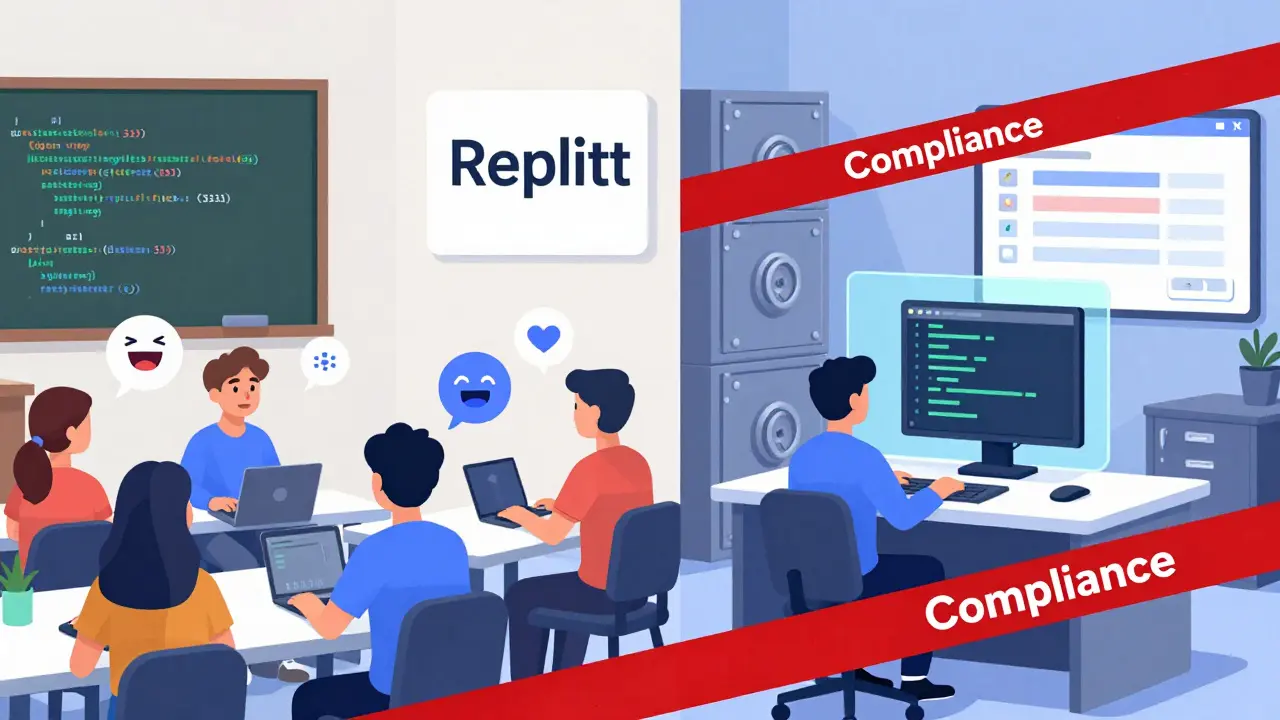
Replit’s sweet spot is clear: education and fast prototyping. Teachers use it because a student can join a live coding session in under 30 seconds. No setup. No config files. No "why isn’t my package.json working?" panic. A 2024 report from GitHub Education showed 35% year-over-year growth in Replit classroom usage. That’s not luck. It’s design. Replit bundles the editor, runtime, and AI assistant into one clean interface. Teams building prototypes love it too. Want to test a quick API idea with a teammate? Share the link. You’re both editing. You’re both seeing the output. Done in minutes.
Cursor? It’s the tool enterprise teams reach for when they can’t afford mistakes. Think banks, healthcare apps, or government contractors. These teams don’t want random edits flying in. They need audit trails. They need approval gates. Cursor delivers that. Its "Hooks (beta)" feature lets organizations set rules: block certain AI commands, auto-redact secrets, require approvals before merging. One fintech engineer on GitHub said, "We rejected Replit because we couldn’t get the granular change control we needed for regulatory compliance-Cursor’s piece-by-piece acceptance was mandatory." That’s not an edge case. It’s the norm for teams under strict compliance rules.
How Context Works (And Why It Matters)
"Context" sounds like buzzword jargon, but it’s everything. It’s knowing what files are connected, what dependencies matter, and how a change in one place affects another.
Replit keeps context alive by keeping everything in one browser tab. You’re working on a single project. The AI assistant sees all your files. But here’s the catch: if your project grows too big, Replit hits a wall. It doesn’t auto-transfer context between projects. If you’re moving from a prototype to a production service, you have to manually copy over notes, docs, and configs. That’s a real bottleneck for teams scaling up.
Cursor handles context differently. It indexes your entire codebase-locally. That means it knows not just what’s in the file you’re editing, but what’s in the test folder, the API spec, the config files two directories over. When you refactor a function, Cursor doesn’t just suggest edits. It finds every place that function is called and updates them. One user reported Cursor helped them change interfaces across 12 modules in one review session. That’s not magic. It’s deep codebase awareness. But it only works if you’re already using Git, have a local environment, and don’t mind waiting for the index to load.
Replit’s context is simple and immediate. Cursor’s is deep and slow. Which one you need depends on whether you’re building or maintaining.
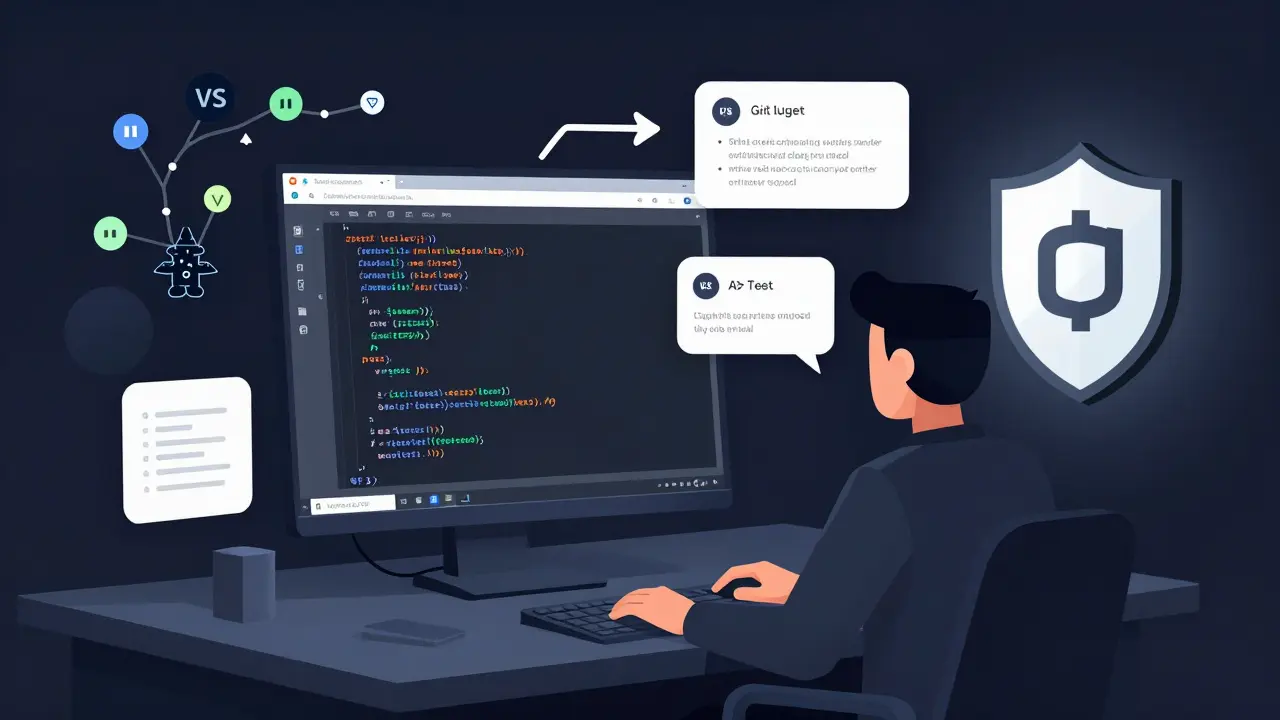
Security and Control: Shared Access vs. Strict Gates
Security isn’t an add-on in either tool. It’s baked in-but differently.
Replit manages security through its platform. Everything runs in the cloud. Secrets are stored centrally. Dependencies are auto-installed. That’s convenient, but risky for some. A 2024 Stack Overflow thread showed enterprise teams rejecting Replit because auto-installed packages conflicted with their internal security policies. If your company bans certain npm packages or requires signed builds, Replit’s simplicity becomes a liability.
Cursor runs locally. That means your code never leaves your machine (unless you push it). You control the environment. You pick the dependencies. You integrate with your company’s SSO, firewall, and CI/CD pipeline. Cursor doesn’t bypass your guardrails-it works inside them. Its AI doesn’t auto-deploy. It flags risky code during review. That’s why Tembo.io found multiple Fortune 500 financial institutions using Cursor for large-scale refactors. They needed traceability. Cursor gave it to them.
Setup and Learning Curve
Here’s the brutal truth: Replit wins on onboarding. New team member? Send a link. They’re coding in 10 seconds. No terminal. No IDE install. No "install Python 3.12.1 and don’t use 3.12.2." Emergent.sh found that Replit cuts onboarding time from days to seconds. That’s huge for startups, bootcamps, and remote teams with high turnover.
Cursor? It assumes you know your way around a command line. You need to install the app. Configure your language runtime. Set up Git. Link your repo. Install dependencies. If you’re new to development, this is overwhelming. But if you’re already using VS Code and Git daily? Cursor feels like a natural upgrade. It doesn’t ask you to learn a new system. It enhances the one you already use.
Replit lowers the barrier. Cursor raises the ceiling.
What’s Next? The Roadmaps Tell the Story
Replit’s 2025 roadmap is all about making collaboration smoother. Ghostwriter 2.0 improved shared context, but they’re still not solving the project-switching problem. They’re betting on education and startups. Their $1.5 billion valuation proves investors believe there’s massive value in making coding feel like a shared whiteboard.
Cursor’s roadmap is about governance. Hooks (beta) lets teams lock down AI behavior. Future updates will likely add deeper policy controls, audit logs, and integration with enterprise CI/CD tools. They’re not trying to replace Git. They’re trying to make Git smarter, safer, and more scalable.
One is becoming a classroom. The other is becoming a compliance engine.
Which One Should You Choose?
Ask yourself:
- Do you need to code together right now? → Replit
- Do you need to review every change carefully? → Cursor
- Are you teaching, prototyping, or working with beginners? → Replit
- Are you maintaining a large codebase with strict rules? → Cursor
- Does your team already use Git and VS Code? → Cursor
- Do you want zero setup and instant sharing? → Replit
There’s no "best." There’s only "best for your team."
Can Cursor and Replit be used together in the same team?
Yes-but not for the same tasks. Teams often use Replit for brainstorming, prototyping, or onboarding new members, then move finished work into Cursor for review, testing, and deployment. Replit handles the "what if?" phase. Cursor handles the "let’s ship this safely" phase. Many startups use this hybrid approach: Replit for rapid iteration, Cursor for production code.
Does Replit support code reviews like pull requests?
Replit doesn’t have native pull request workflows. It lets you share a project and edit together, but it doesn’t track changes for review like Git does. Replit Enterprise added some PR-like features in late 2024, but they’re basic compared to GitHub or GitLab. If you need structured code reviews, you’ll still need to push your code to a Git repo and use a separate tool.
Is Cursor slower than Replit because it runs locally?
It can be, but not because of the AI. Cursor’s AI is fast. The slowdown comes from indexing large codebases. If your project has over 10,000 files, it can take minutes for Cursor to fully understand the context. Replit skips this step by running in the cloud with limited scope. For small to medium projects, Cursor feels just as responsive. For monorepos, the wait is real-and worth it if you need deep code awareness.
Can Replit handle enterprise-level security?
Replit Enterprise now offers SSO, repo scopes, and approval workflows, so it can meet basic enterprise needs. But it still runs code in the cloud. If your industry requires air-gapped environments, encrypted builds, or internal dependency scanning, Replit’s architecture doesn’t fit. Cursor’s local execution and Git integration make it the safer choice for regulated industries like finance or healthcare.
Which one is better for pair programming?
Replit is far better for pair programming. Its real-time cursor tracking, shared terminal, and instant feedback make it feel like two people sitting at one keyboard. Cursor doesn’t support this at all. If you’re doing live coding interviews, teaching, or debugging together in real time, Replit is the only choice.
- Mar, 13 2026
- Collin Pace
- 5
- Permalink
- Tags:
- Cursor collaboration
- Replit teamwork
- shared coding
- code review tools
- team development platforms
Written by Collin Pace
View all posts by: Collin Pace