Telemetry and Privacy in Vibe Coding Tools: What Data Leaves Your Repo
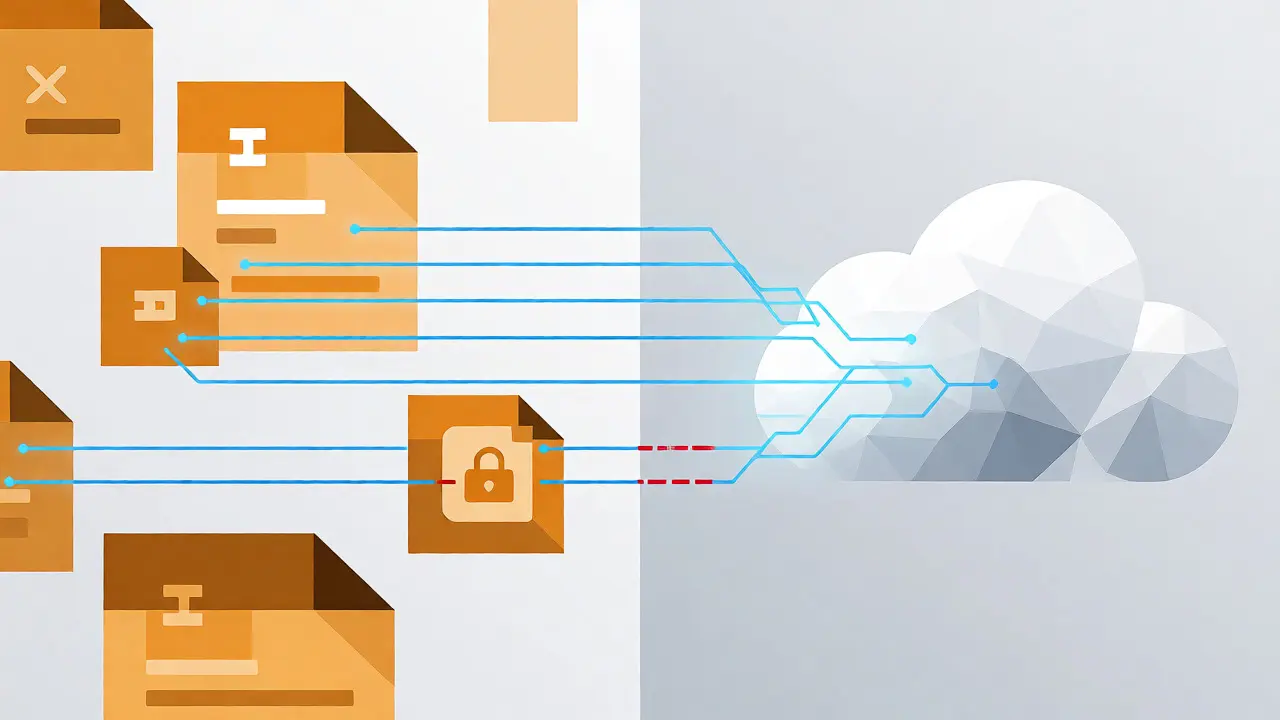
You type a prompt into Vibe Coding is an AI-assisted development approach where you generate code through natural language instructions rather than manual typing., hit enter, and watch lines of Python or JavaScript appear. It feels like magic, but it’s actually a data exchange. Every keystroke, every context snippet from your repository, and every result the AI generates travels somewhere. The question isn’t just whether the code works-it’s what invisible baggage leaves your local environment while it does.
If you’re using tools like Cursor, Claude Code, or Replit, you are constantly sending telemetry. This isn’t necessarily bad; it helps these models learn and helps you debug. But if you don’t know what’s being sent, you might be leaking proprietary algorithms, API keys, or internal business logic to third-party servers without realizing it. Let’s break down exactly what happens when you vibe code, how different tools handle privacy, and how you can control the flow.
What Actually Leaves Your Machine?
When you interact with an AI coding assistant, three main types of data typically move from your IDE to the cloud. Understanding these categories is the first step to securing your repo.
- Prompts and Context: This is the big one. To generate accurate code, the tool needs to see your current file, often neighboring files, and sometimes your entire project structure. If you ask, "Fix this database query," the tool sees the schema, the connection string (if hardcoded), and the surrounding logic.
- Generated Code: The output itself is sent back to your editor, but logs of this generation process-including latency, token counts, and error rates-are often stored by the provider for quality assurance.
- Usage Metrics: This includes anonymous data about how long you waited, which model version you used, and whether you accepted or rejected the suggestion. This helps providers tune their systems but rarely contains sensitive content.
The risk lies primarily in the first category. Many developers assume that only the selected text is sent. In reality, most modern agents use "context windows" that automatically pull in relevant files to understand dependencies. If you have a `config.ts` file with hardcoded AWS secrets in your root directory, and the agent decides it needs to read the root directory to understand your project structure, those secrets might leave your machine.
The Standard: How OpenTelemetry Changes the Game
In the past, every AI tool had its own proprietary way of logging data. Today, the industry has largely converged on OpenTelemetry. This is a vendor-neutral standard for collecting metrics, logs, and traces. Why does this matter for privacy? Because it gives you control over where the data goes.
With OpenTelemetry, you aren’t forced to send your telemetry to the AI provider’s backend. You can configure your tools to send data to a local collector or your own observability stack, such as VictoriaMetrics. This means you can track performance and usage without exposing your specific code snippets to external analytics platforms unless you explicitly choose to.
| Tool | Default Prompt Logging | Standard Protocol | Privacy Control Level |
|---|---|---|---|
| Claude Code | Redacted (Opt-in) | OpenTelemetry (OTLP) | High (Explicit Env Vars) |
| Google Gemini CLI | Enabled (True) | OpenTelemetry / JSON | Medium (Configurable) |
| OpenAI Codex | Logs/Traces Only | OpenTelemetry (TOML) | Medium (No Metrics Export) |
| Cursor / VS Code Extensions | Varies by Extension | Proprietary / OTLP | Low to Medium (Check Settings) |
Case Study: Claude Code’s Privacy-First Approach
Anthropic has taken a notably cautious stance with Claude Code. Unlike some competitors that log everything by default, Claude Code requires you to explicitly opt-in to telemetry collection. Even then, it redacts user prompts by default. This design choice acknowledges that your prompts often contain the most sensitive part of your workflow-your specific business logic and internal API details.
To enable detailed monitoring in Claude Code, you must set specific environment variables. For example, setting `CLAUDE_CODE_ENABLE_TELEMETRY=1` activates the system. Crucially, because many backend systems like VictoriaMetrics do not support delta counters, you need to specify `OTEL_EXPORTER_OTLP_METRICS_TEMPORALITY_PREFERENCE=cumulative`. This level of configuration detail shows that Anthropic expects enterprises to integrate these tools into existing governance frameworks rather than treating them as black boxes.
If you work in a regulated industry, this opt-in nature is vital. You can distribute managed settings via Mobile Device Management (MDM) tools, ensuring that no developer accidentally enables verbose logging that sends source code to an unapproved endpoint.
The Risk of Feedback Loops and MCP
As vibe coding matures, we’re seeing more complex architectures. Tools are moving beyond simple "prompt-response" cycles to agentic workflows. Here, the AI doesn’t just write code; it runs tests, checks errors, and iterates. This creates a feedback loop where execution results (telemetry) are fed back to the LLM to improve the next attempt.
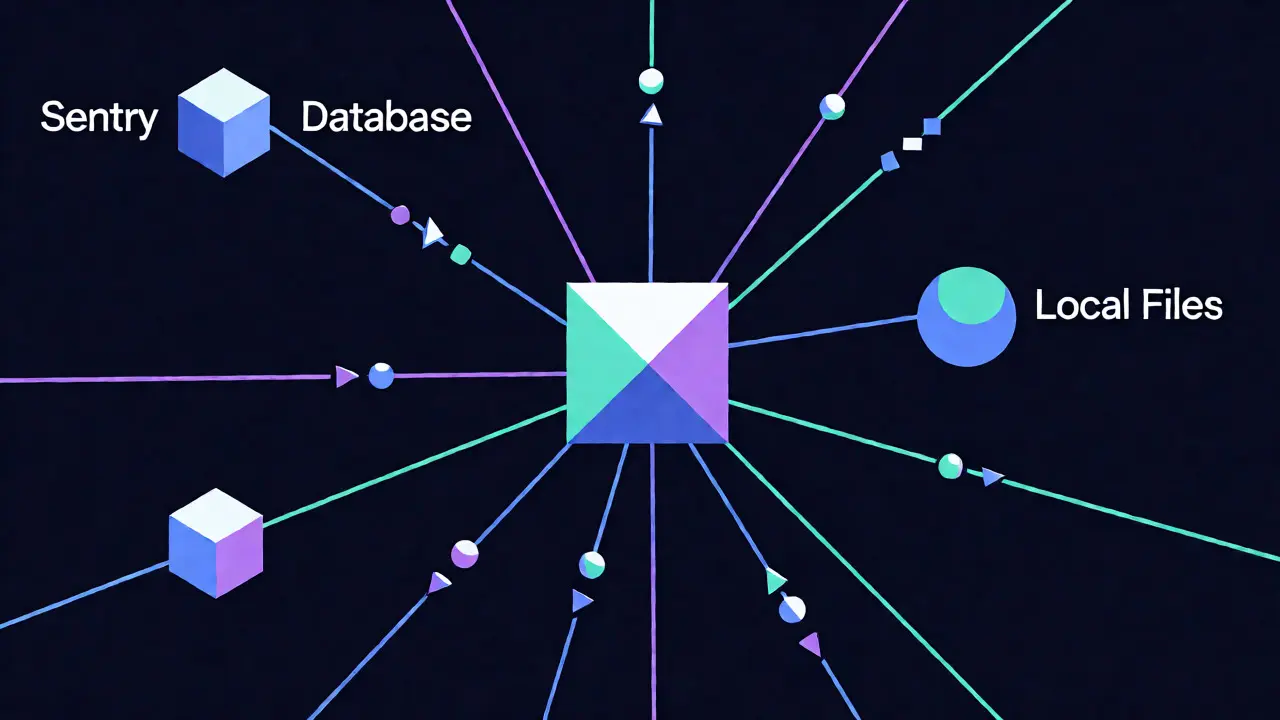
This is where Model Context Protocol (MCP) comes in. MCP allows AI agents to connect to external data sources, including observability platforms like Sentry. An agent can query Sentry to ask, "Did this function throw an error in production last week?" While powerful, this introduces a new dependency. Your telemetry data now flows through an intermediary (the MCP server) before reaching the AI. If you use a hosted MCP server, you are trusting that provider with access to your operational data. Ensure you understand who hosts the MCP bridge-is it your company, the AI vendor, or a third party?

How to Secure Your Vibe Coding Workflow
You don’t need to stop using AI tools to protect your data. You just need to be intentional about configuration. Here is a practical checklist for maintaining privacy while leveraging vibe coding.
- Audit Your Context Files: Before starting a session, check what files the tool considers "relevant." Avoid keeping raw secrets in files that are easily accessible to the agent’s context window. Use environment variables and ensure `.env` files are excluded from AI indexing if possible.
- Configure Local Telemetry: Point your OpenTelemetry exporters to a local endpoint (e.g., `http://localhost:4318`) instead of a public cloud URL. This keeps metrics on your machine until you decide to aggregate them.
- Disable Prompt Logging by Default: Unless you are debugging a specific issue, turn off the option to log full prompts. In Google Gemini, for instance, set `GEMINI_TELEMETRY_LOG_PROMPTS=false`. In Claude Code, rely on the default redaction behavior.
- Use .gitignore Wisely: Most AI tools respect `.gitignore`. Ensure that directories containing large datasets, proprietary libraries, or temporary build artifacts are ignored. This reduces the amount of noise-and potentially sensitive data-the AI tries to read.
- Review Provider Terms Regularly: AI companies update their data retention policies frequently. Check if they train on your data. Some enterprise tiers offer "zero-retention" guarantees, meaning your code is processed and discarded immediately without being stored for future model training.
The Future: Knowledge Graphs and Contextual Awareness
We are moving toward a world where telemetry isn’t just numbers; it’s connected knowledge. Companies like Observe Inc. are building Knowledge Graphs that link code changes to infrastructure events. Imagine asking your AI, "Why did this service slow down after my last commit?" The AI doesn’t just look at the code; it looks at the deployment logs, the database metrics, and the alert history.
This contextual layer makes vibe coding smarter, but it also increases the surface area for data exposure. When the AI knows who owns the service, what alerts fired, and what previous fixes were applied, it has a comprehensive view of your engineering culture. Protecting this metadata is as important as protecting the code itself. As these tools become integral to your SDLC, treat your telemetry pipeline with the same security rigor as your production database.
Does vibe coding send my entire codebase to the cloud?
Not usually the entire codebase. Most tools use a technique called "retrieval-augmented generation" (RAG). They index your code locally or in a secure vector database and only send the most relevant snippets (chunks) along with your prompt to the LLM. However, "most relevant" can still include sensitive files if your project structure is small or poorly organized.
Is OpenTelemetry safe for proprietary code?
OpenTelemetry itself is a protocol, not a destination. It is safe because you control the exporter. If you export telemetry to a local collector or your own private cloud instance, your data stays within your perimeter. It becomes unsafe only if you configure it to send data to a third-party SaaS provider without encryption or proper access controls.
Can AI tools leak API keys hidden in comments?
Yes. If an API key is hardcoded in a comment or a variable name within a file that the AI reads for context, it will likely be included in the payload sent to the LLM. Always scrub sensitive identifiers from files that are likely to be accessed by AI agents, or use environment variables that are not visible in the source code context.
What is the difference between metrics and logs in this context?
Metrics are numerical values like "latency: 200ms" or "tokens_used: 500." Logs are textual records, such as "User requested function X" or "Error in line 42." Logs are much higher risk for privacy because they often contain raw text from your code or prompts. Metrics are generally safer as they are aggregated and anonymized.
Do I need to disable telemetry for compliance?
It depends on your compliance framework (GDPR, HIPAA, SOC2). Generally, you don't need to disable telemetry entirely, but you must ensure it is PII-free. Using tools that redact prompts by default (like Claude Code) or configuring OpenTelemetry to strip sensitive attributes before export is usually sufficient for most enterprise standards.
- Oct, 29 2026
- Collin Pace
- 0
- Permalink
Written by Collin Pace
View all posts by: Collin Pace