Time Savings from Generative AI: Measuring Hours Returned by Function

You’ve likely heard the hype. Generative AI is supposed to save us all from drudgery, freeing up time for strategic thinking and creative work. But when you ask a CFO or an operations manager how many actual hours their team got back last quarter, the answer is often a shrug or a vague percentage. That’s because measuring time savings isn’t just about counting tasks completed faster; it’s about understanding where those hours are actually coming from across different business functions.
Here is the reality check: not every job benefits equally from Generative AI. While some roles see massive efficiency gains, others see little change or even increased overhead due to verification steps. If you’re trying to justify your AI budget or optimize your workforce, you need to look beyond generic "productivity" stats and drill down into specific functions. This guide breaks down exactly where AI returns hours, how to measure them accurately, and why your implementation strategy matters more than the tool itself.
The Big Picture: Where the Hours Are Hiding
Let’s start with the scale of the opportunity. According to Pearson’s May 2024 report, "Reclaim the Clock," US workers could collectively save 78 million hours per week by 2026 thanks to Generative AI. That’s not a small number. It represents a fundamental shift in how we allocate human labor. But this aggregate figure hides significant variation. The savings aren’t spread evenly. They cluster around information processing, documentation, and routine knowledge work.
Pearson analyzed over 5,600 jobs and 76,000 tasks using census data from the US, UK, Australia, India, and Brazil. Their findings highlight that the biggest time sinks currently addressed by AI involve maintaining records and developing educational content. For instance, maintaining health or medical records alone accounts for 3.5 million hours saved weekly. Maintaining current professional knowledge adds another 3.1 million. These aren’t glamorous tasks, but they consume enormous amounts of skilled worker time. By offloading these to AI, companies can reallocate that capacity to high-value activities like client relationship management and complex problem-solving.
| Business Function | Weekly Hours Saved (Est.) | Primary Task Type |
|---|---|---|
| Maintaining Health/Medical Records | 3,568,000 | Data Entry & Verification |
| Maintaining Current Knowledge | 3,132,000 | Research & Summarization |
| Developing Educational Programs | 2,946,000 | Content Creation |
| Maintaining Operational Records | 2,032,000 | Documentation |
Function-by-Function Breakdown: Who Gets the Most Back?
If you manage software engineers, you already know the impact. GitHub Copilot studies show developers completing coding tasks up to twice as fast, with controlled experiments demonstrating a 55.8 percent faster task completion rate. In broader workflows, productivity improvements range from 20 to 45 percent. This is one of the clearest cases of direct time return. The AI handles boilerplate code, syntax checks, and basic logic structures, allowing developers to focus on architecture and debugging.
Customer service tells a different story. A joint Stanford and MIT study found a 13.8 percent increase in resolved support chats per hour when agents used AI tools. However, Boston Consulting Group suggests the potential is higher-up to 40 to 60 percent productivity boosts-if you address the root cause: information retrieval. Agents typically spend 35 percent of their time hunting for answers. When AI summarizes policies or retrieves customer history instantly, that drag disappears. But here’s the catch: if your knowledge base is messy, the AI fails, and agents waste time correcting it.
Marketing and sales teams are also seeing big wins. About 42 percent of marketing teams use Generative AI daily. Routine content creation tasks see 20 to 30 percent performance improvements. Personalization workflows become cheaper and faster, lowering external agency costs by over 25 percent while boosting revenue by 10 percent. The key here is volume. AI excels at generating fifty variations of an email subject line in seconds-a task that would take a copywriter an afternoon.
Conversely, functions requiring high emotional intelligence or physical manipulation see minimal gains. Nursing, skilled trades, and complex negotiation roles don’t benefit much from text-generation models. Pearson’s research confirms that AI primarily impacts cognitive, document-heavy tasks. If your team spends most of its time shaking hands or fixing engines, AI won’t give them back many hours.

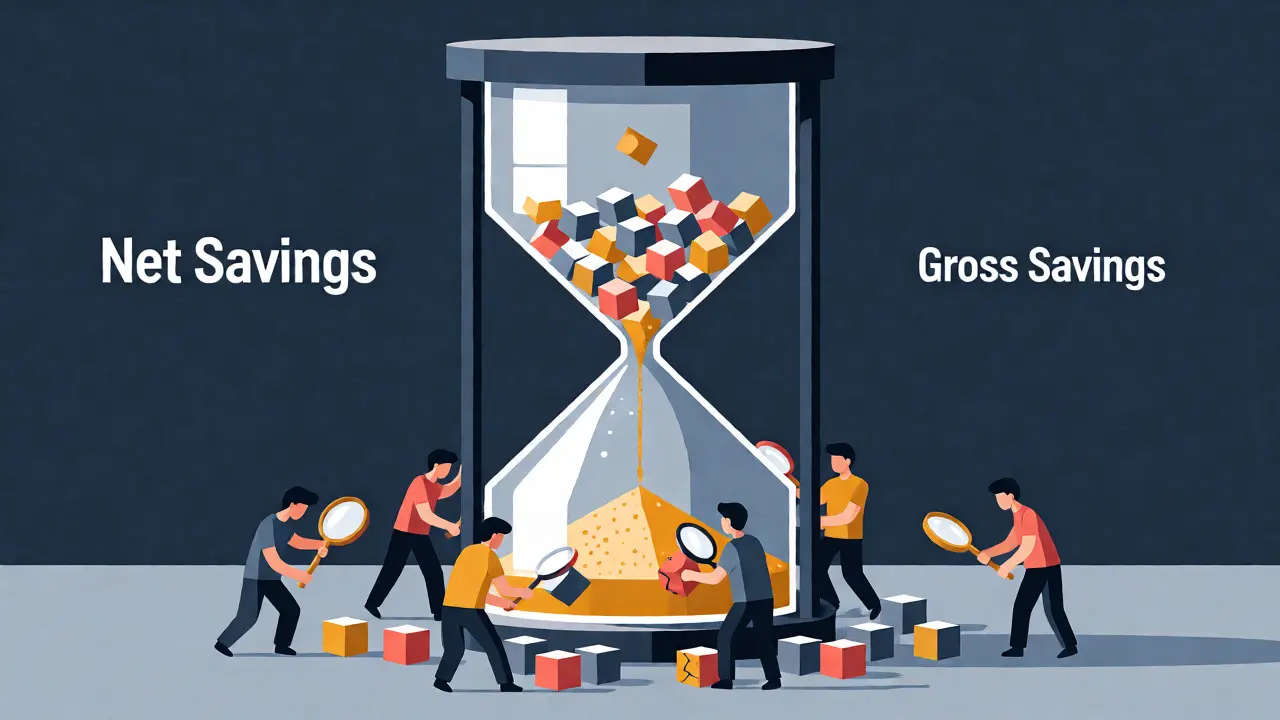
The Hidden Costs: Why Net Savings Are Lower Than Gross Savings
Before you celebrate the 50 percent speed boost, consider the offsetting costs. Christopher Manning, director of the Stanford AI Lab, warned in late 2025 that superficial measurements ignore critical overhead. He noted that prompt engineering, output verification, and quality control can eat up to 30 percent of apparent gains. You might generate a report in five minutes instead of two hours, but if it takes thirty minutes to fact-check and edit, your net saving is only 1.5 hours, not 1.95.
User feedback backs this up. On Reddit’s r/MachineLearning, verified users reported saving about five hours weekly on average, but 38 percent admitted initial training took 20 to 40 hours. One enterprise tech lead shared a compelling example: his team saved 15 hours weekly on report generation but lost 7 hours verifying and refining the outputs. The net gain was eight hours per analyst. Still positive, but far less than the raw automation numbers suggest.
This discrepancy highlights a crucial rule: AI does not replace judgment; it accelerates drafting. Organizations that treat AI as a co-pilot rather than an autopilot realize better long-term savings. Those who try to fully automate complex decisions often find themselves spending more time managing exceptions than they saved on standard cases.
Implementation Quality Matters More Than the Tool
Your choice of LLM matters less than your adoption strategy. Master of Code’s analysis of over 350 case studies reveals that companies training at least 25 percent of their staff achieved 32 percent higher time savings than those with minimal training. Training requirements vary by function. Marketing teams might need only 8 to 12 hours to reach proficiency. Legal and compliance teams, dealing with sensitive documentation, often require 20 to 30 hours.
Furthermore, role redesign beats simple task automation. Organizations that updated job descriptions to include AI collaboration saw 40 percent greater time savings than those who just bolted AI onto existing workflows. Wharton’s analysis supports this, noting that comprehensive usage guidelines led to 22 percent better outcomes. Without clear protocols, employees either underuse the tools or misuse them, creating rework loops that negate efficiency gains.
Veteran organizations-those using AI for over three years-see a 25 percent reduction in cost per customer contact. Newer adopters focusing on single use cases see a 30 percent drop, but this often comes from cutting corners rather than sustainable process improvement. Multi-function implementations yield stronger results, averaging a 24.69 percent productivity increase compared to 15.7 percent cost savings in siloed deployments.
How to Measure Your Own Time Savings
Don’t rely on anecdotal evidence. To prove ROI, you need a structured measurement framework. Here’s a practical approach:
- Baseline First: Before rolling out AI, track how long specific tasks take now. Use time-tracking software or manual logs for a representative sample of tasks.
- Define "Saved Time": Distinguish between gross time saved (task duration reduction) and net time saved (gross minus verification/rework time).
- Track Adoption Rates: Monitor how many employees actively use the tools. Low adoption means low realized savings, regardless of potential.
- Monitor Error Rates: If AI outputs require heavy editing, your error rate is high. High error rates correlate with lower net savings.
- Calculate Opportunity Cost: What did employees do with the freed-up time? Did they generate new revenue, improve customer satisfaction, or innovate? Quantify this value.
Gartner projects that GenAI automation is the top interest area for 52 percent of global organizations. With worldwide AI spending hitting $1.5 trillion in 2025 and rising to $2 trillion in 2026, competition is fierce. Companies that fail to measure and optimize their time savings will fall behind those that refine their processes continuously.
The Future of Work: Redesigning Roles, Not Just Tasks
Professor Andrew Ng emphasized in early 2025 that the real value lies in redesigning work processes, not just automating tasks. Dr. Erik Brynjolfsson estimates AI can boost sector productivity by 2 percent of annual revenue-equivalent to $400 billion to $660 billion in the US economy. But capturing this value requires moving beyond simple acceleration.
By 2026, front-office employee efficiency is expected to rise by 27 to 35 percent. However, 32 percent of organizations expect to decrease workforce size in the coming year due to AI. This doesn’t necessarily mean layoffs; it can mean natural attrition or redeployment to new initiatives. The goal should be reallocating human talent to areas where empathy, creativity, and complex strategy dominate.
Ultimately, the hours returned by Generative AI are a resource. How you spend them determines your competitive advantage. Do you reinvest them in innovation? Or do you simply cut costs? The data shows that the former leads to sustainable growth, while the latter risks stagnation. Start measuring today, identify your highest-impact functions, and redesign your workflows accordingly.
Which business functions see the highest time savings from Generative AI?
Software development, customer service, and marketing/content creation typically see the highest immediate time savings. Software developers report up to 55% faster task completion, while customer service agents can resolve 13.8% more chats per hour. Content creation workflows often see 20-30% performance improvements. Conversely, roles requiring high emotional intelligence or physical dexterity see minimal gains.
Do AI time savings account for verification and editing time?
Many initial reports do not, which inflates perceived savings. Experts like Christopher Manning note that prompt engineering, verification, and quality control can offset up to 30% of apparent gains. Accurate measurement requires calculating "net time saved" by subtracting the time spent reviewing and correcting AI outputs from the total time reduced.
How much training is needed to realize AI time savings?
Training needs vary by complexity. Marketing teams may require 8-12 hours of training, while legal and compliance teams often need 20-30 hours. Organizations that train at least 25% of their staff achieve 32% higher time savings than those with minimal training. Proper onboarding is critical to avoid rework loops that negate efficiency gains.
Is Generative AI effective for all types of business tasks?
No. Generative AI is most effective for tasks involving information processing, documentation, summarization, and routine knowledge work. It struggles with tasks requiring deep contextual nuance, high emotional intelligence, or complex physical manipulation. Pearson's research indicates that healthcare record maintenance and operational documentation offer the largest aggregate time savings, while hands-on care roles see little benefit.
What is the projected economic impact of AI time savings?
Dr. Erik Brynjolfsson estimates AI can boost sector productivity by 2% of annual revenue, equivalent to $400-$660 billion in the US economy. Gartner projects labor cost savings to grow from a current 25% average to 40% over coming decades. Worldwide AI spending is expected to reach $2 trillion in 2026, reflecting confidence in these productivity returns.
- Nov, 12 2026
- Collin Pace
- 0
- Permalink
- Tags:
- Generative AI time savings
- AI productivity metrics
- business function ROI
- hours saved by AI
- enterprise AI adoption
Written by Collin Pace
View all posts by: Collin Pace