Tool-Use Proficiency in Modern Large Language Models: How to Call APIs Reliably
Most people think of large language models as chatbots that answer questions. But the real power isn’t in talking-it’s in doing. Modern LLMs like GPT-4 Turbo, Claude 3 Opus, and Gemini 1.5 Pro can now call APIs, fetch live data, run code, and interact with enterprise systems. This isn’t science fiction. It’s happening right now in customer service, finance, and logistics. And if you’re not building this into your apps, you’re leaving real value on the table.
But here’s the problem: 58% of developers say their LLM API integrations fail unpredictably. One minute it works. The next, it’s crashing, overcharging, or making up API endpoints. Why? Because calling APIs reliably isn’t just about writing code. It’s about understanding token limits, error handling, and how the model thinks.
What Tool Use Actually Means
Tool use in LLMs means the model can request an action from an external system-not just describe it. For example:
- Instead of saying “Check today’s stock price,” it calls a financial API and returns the actual number.
- Instead of writing a summary of a 100-page PDF, it reads the file, extracts key points, and outputs them.
- Instead of suggesting a calendar time, it books the meeting in your Google Calendar.
This shift turns LLMs from passive responders into active agents. Companies using this properly report 40-75% cost savings. Why? Because they’re automating tasks that used to need humans: answering FAQs, updating CRM records, pulling reports, even processing invoices.
OpenAI introduced this in June 2023 with function calling. Since then, every major player followed: Anthropic, Google, Meta, Cohere. By early 2026, 92% of production AI apps rely on this capability. But most implementations are sloppy. And that’s where things break.
How It Works Under the Hood
LLMs don’t just guess what to do. They’re given a precise blueprint called a function definition. This is a JSON schema that tells the model:
- Name: What the tool is called (e.g., “get_stock_price”)
- Description: What it does (e.g., “Fetches current stock price for a given ticker”)
- Parameters: What inputs it needs (e.g., “ticker: string, required”)
- Expected output: What format the response will be in
When the model decides to use the tool, it outputs a structured request like this:
{
  "name": "get_stock_price",
  "arguments": "{\"ticker\": \"AAPL\"}"
}
The system then calls the real API, gets the result, and feeds it back to the model so it can generate a natural language answer. This loop can repeat multiple times-like solving a puzzle step by step.
But here’s where most teams fail: they don’t define the schema tightly enough. If you leave out “required” fields or use vague descriptions, the model will guess-and guess wrong. That’s how you get $12,000 in wasted API calls from a healthcare startup that didn’t validate input.
Token Limits: The Silent Killer
You’ve heard of context windows. But few realize how fragile they are.
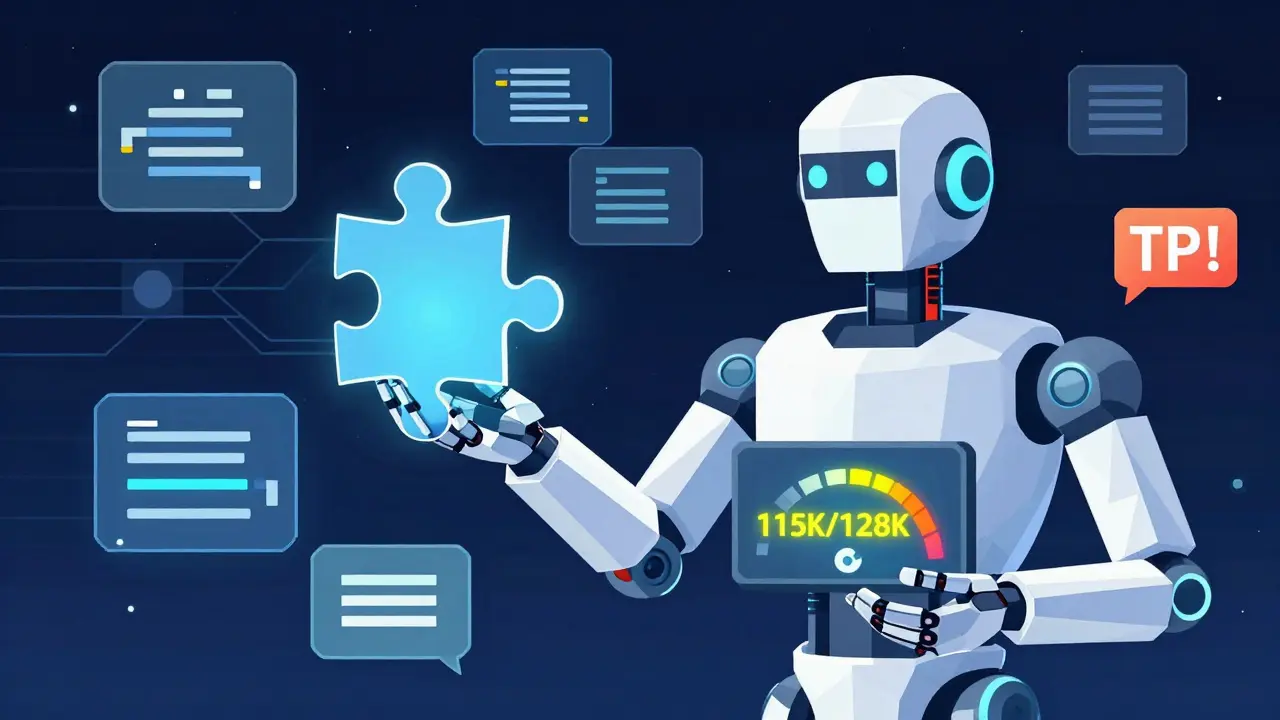
Take GPT-4 Turbo: 128K tokens. Sounds huge. But if you feed it a 50,000-token PDF, then ask it to summarize, then call an API, then generate a response-you’re already at 100K. The model needs room to reply. If you don’t reserve buffer space, the API call fails. And you pay for it anyway.
Stratagem Systems found that 68% of integration failures come from ignoring token budgets. Their rule? Always leave at least 5-10% of your context window for output. So for 128K, max input = 115K. For Claude 3 Opus (200K), max input = 180K.
And don’t forget: every API response adds tokens. If the API returns 2,000 tokens of raw data, that’s 2,000 tokens you can’t use for anything else. Build token counting into your pipeline. Truncate or reject oversized inputs before they hit the model.
Comparing the Big Players
Not all models are built the same. Here’s how they stack up in 2026:
| Model | Context Window | Cost per 1K Tokens | Best For | Reliability Score |
|---|---|---|---|---|
| GPT-4 Turbo | 128K | $0.01-$0.015 | Multi-step reasoning, creative workflows | 89% |
| Claude 3 Opus | 200K | $0.015 | Document analysis, long-form data | 91% |
| Gemini 1.5 Pro | 1M | $0.007 | Video, images, ultra-long documents | 82% |
| Cohere Command R+ | 128K | $0.012 | Enterprise RAG, data governance | 93% |
| Mistral Large | 32K | $0.009 | GDPR-compliant EU deployments | 87% |
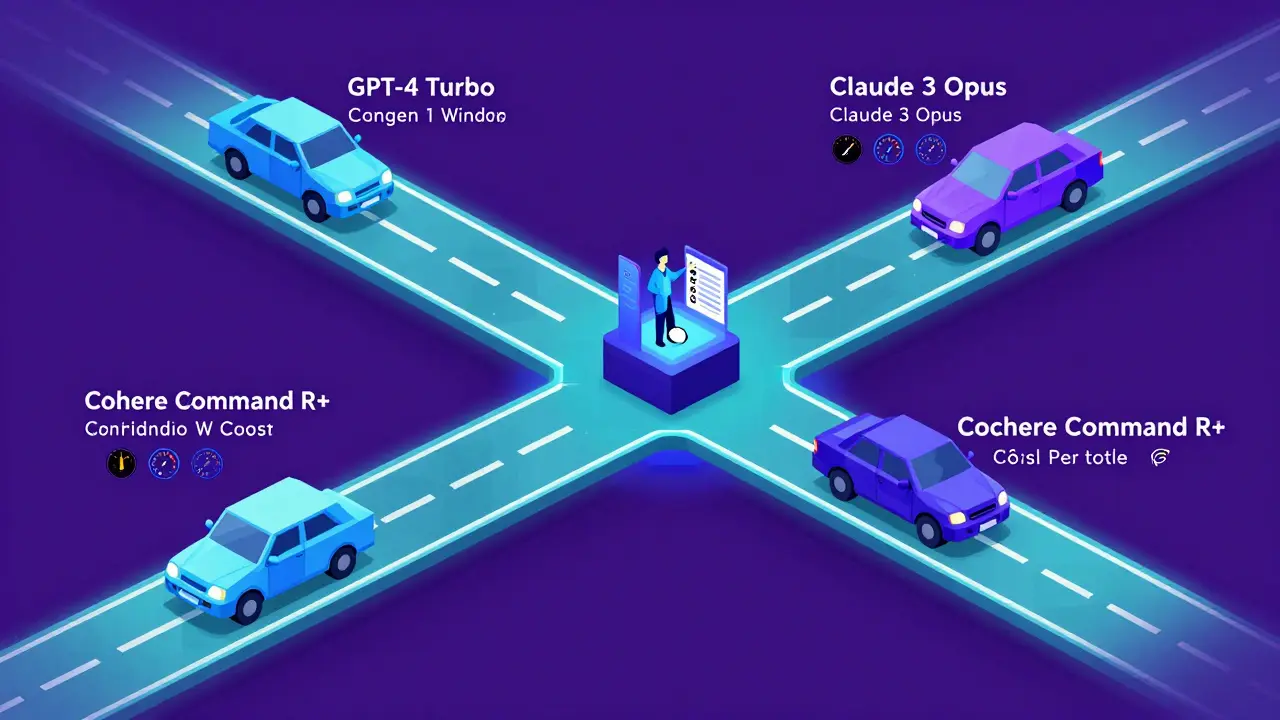
Cost isn’t everything. GPT-4 Turbo is great for complex logic. Claude 3 Opus handles huge documents with fewer errors. Gemini 1.5 Pro is the only one that can process a 2-hour video and still call an API based on what it saw. And Cohere? It’s the most reliable for regulated industries.
Smart teams don’t use one model for everything. They route requests. Simple queries go to cheaper models like GPT-3.5 Turbo ($0.0005 per 1K tokens). Complex ones go to GPT-4 or Claude. This cuts costs by 45% on average.
Security: Don’t Be the Next Breach
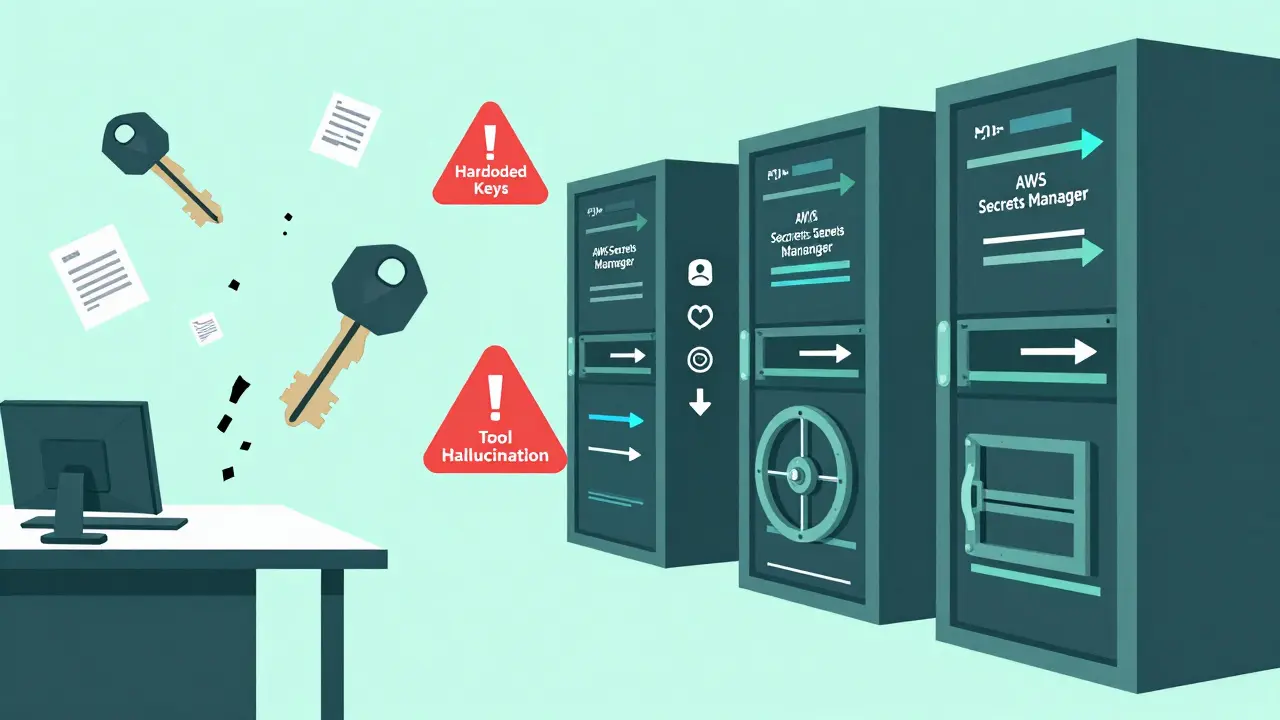
IBM’s 2025 security report found that 73% of LLM-related breaches came from hardcoded API keys. Yes-developers stuck keys right in the frontend code. One company exposed their Stripe key because they didn’t realize the LLM could output it.
Here’s how to fix it:
- Never store API keys in client-side code.
- Use environment variables or secret managers (AWS Secrets Manager, HashiCorp Vault).
- Always proxy API calls through your backend. The LLM talks to your server. Your server talks to the API.
- Rotate keys every 90 days. Automate it.
Also, validate every request. If your tool expects a stock ticker, reject anything that isn’t 1-5 uppercase letters. No exceptions. That’s how you stop “tool hallucination”-when the model invents fake API endpoints like “get_user_balance_v3” that don’t exist.
Handling Errors Like a Pro
APIs go down. Rate limits kick in. Responses are malformed. This happens. The question is: what do you do next?
Most teams retry the same request. That’s a mistake. You’ll get rate-limited faster. You’ll waste money. You’ll overload the system.
The right way? Use exponential backoff with jitter.
Here’s how it works:
- First failure? Wait 1 second, retry.
- Second failure? Wait 2 seconds, retry.
- Third failure? Wait 4 seconds, retry.
- Fourth? Wait 8 seconds.
Add jitter: randomize the wait time by ±25%. This prevents thundering herds-hundreds of apps retrying at the exact same moment.
And if it keeps failing? Activate a circuit breaker. Stop trying for 5 minutes. Alert your team. Let the API recover. Gravitee’s case studies show this reduces downtime by 78%.
Also, validate responses. If the API returns a JSON object, check that it has all the fields you need. If it’s missing “price” or “timestamp,” don’t assume it’s okay. Fail fast. Log it. Retry or fallback.
Getting Started: What You Need
You don’t need to be a data scientist. But you do need:
- Python (87% of SDKs use it)
- REST or GraphQL knowledge (you’ll be calling real APIs)
- Async programming (API calls aren’t instant)
- JSON schema design (your function definitions must be tight)
- Monitoring (track usage, cost, error rates)
Start here:
- Sign up for an API key (OpenAI, Anthropic, etc.)
- Read the docs-yes, all of them. OpenAI’s docs are 217 pages long as of January 2026.
- Use the OpenAI Cookbook on GitHub (1,842 stars). It has working examples for function calling.
- Build a simple tool: fetch weather, get currency rates, pull a calendar event.
- Monitor costs. Set budget alerts. Track tokens per call.
Most teams take 3-6 weeks to get stable. One Fortune 500 company took 11 weeks. Why? Inconsistent response formats. The model kept changing how it returned data. They fixed it by forcing structured output with strict JSON schemas.
What’s Next: The Future of Tool Use
The next wave is coming fast:
- Anthropic’s Tool Use v2 (Dec 2025) guarantees atomic transactions-either all steps succeed or none do. No partial failures.
- OpenAI’s Reliability Scores (Jan 2026) predict whether a call will succeed before it’s made.
- Google’s Project Resilience targets 99.99% uptime by 2027.
- OpenAPI 4.0 integration (expected Q3 2026) will let LLMs auto-read API specs instead of needing manual function definitions.
By 2028, Gartner predicts 95% of enterprise LLM apps will use multiple API integrations. That’s up from 78% today. The winners won’t be the ones with the fanciest models. They’ll be the ones who built reliable, secure, cost-controlled systems.
Don’t wait for perfection. Start small. Build one tool. Monitor it. Fix the errors. Then add another. The future isn’t just AI that talks. It’s AI that acts-and does it right every time.
What’s the biggest mistake people make when calling APIs with LLMs?
The biggest mistake is ignoring token limits. Developers feed the model huge documents or long conversations, then expect it to generate a response and call an API-all within the context window. When the total exceeds the limit, the API call fails silently, and you still pay for the request. Always reserve 5-10% of your context window for output. For a 128K model, max input should be around 115K tokens.
Can LLMs really invent fake API endpoints?
Yes. This is called "tool hallucination." The model sees a pattern-like "get_user_profile"-and guesses a similar but non-existent endpoint like "get_user_balance_v3." It then tries to call it. This happened in 29% of complex integrations in 2025. The fix is strict schema validation: define every parameter, require specific fields, and reject any request that doesn’t match exactly. Never trust the model to guess correctly.
Which LLM is best for API integration?
It depends on your use case. For multi-step reasoning and creative workflows, GPT-4 Turbo is strong. For analyzing long documents or legal texts, Claude 3 Opus has the highest reliability. If you’re processing video or 100+ page reports, Gemini 1.5 Pro is unmatched. For regulated industries, Cohere Command R+ leads in data governance. The smartest teams use intelligent routing: send simple tasks to cheaper models, complex ones to premium ones.
How do I keep API keys secure?
Never store API keys in frontend code, client apps, or version control. Use environment variables or secret managers like AWS Secrets Manager. Always proxy calls through your backend server. The LLM talks to your server. Your server talks to the API. Rotate keys every 90 days. IBM’s 2025 report found 73% of breaches came from hardcoded keys-this is avoidable.
What’s the easiest way to start testing API calls?
Start with a simple tool: fetch today’s weather or get the latest exchange rate. Use the OpenAI Cookbook on GitHub-it has ready-to-run Python examples. Set up monitoring for cost and token usage. Track how many tokens each call uses. Once you’ve got that working reliably, add a second tool. Build slowly. Test everything. Don’t rush into complex workflows until your basic pipeline is stable.
Do I need to be an expert coder to use this?
No. You need basic Python, understanding of REST APIs, and familiarity with JSON. You don’t need to train models or understand neural networks. Most developers get up to speed in 3-6 weeks. The hardest part isn’t coding-it’s thinking like a system designer: anticipating failures, validating inputs, managing costs, and handling errors. That’s where most teams struggle.
- Mar, 7 2026
- Collin Pace
- 7
- Permalink
Written by Collin Pace
View all posts by: Collin Pace