Transformer Efficiency Tricks: KV Caching and Continuous Batching in LLM Serving

When you ask an LLM a question and it responds in real time, it’s not magic. It’s math. And that math gets expensive fast. Every token it generates requires re-computing attention across every previous token - unless you use KV caching and continuous batching. These aren’t optional tweaks. They’re the reason LLMs can serve thousands of users without collapsing under their own weight.
What KV Caching Actually Does
Transformers use attention to weigh the importance of every word you’ve seen so far. Without caching, every time the model generates a new token - say, the 500th word in a response - it recalculates attention for all 499 previous tokens. That’s O(n²) complexity. For a 2,000-token response? Over 4 million attention calculations. Just for one request.
KV caching fixes this by storing the keys and values from past attention steps. Once computed, they’re saved in memory. For each new token, the model only computes the query for that single token, then grabs the cached keys and values from before. Suddenly, attention becomes O(n), not O(n²). NVIDIA’s benchmarks show this cuts per-token compute by over 90%.
But here’s the catch: the cache itself eats memory. For a 7B model like LLaMA-3, processing 2,000 tokens at FP16 precision requires 8.4 billion elements in the KV cache - more than the model’s own parameters. At 32k tokens? You’re looking at 13.4 GB of pure cache memory. That’s why 68% of edge deployments fail before they even start. The cache isn’t just helpful - it’s the biggest memory bottleneck in modern LLM serving.
How Compression Makes KV Caching Work at Scale
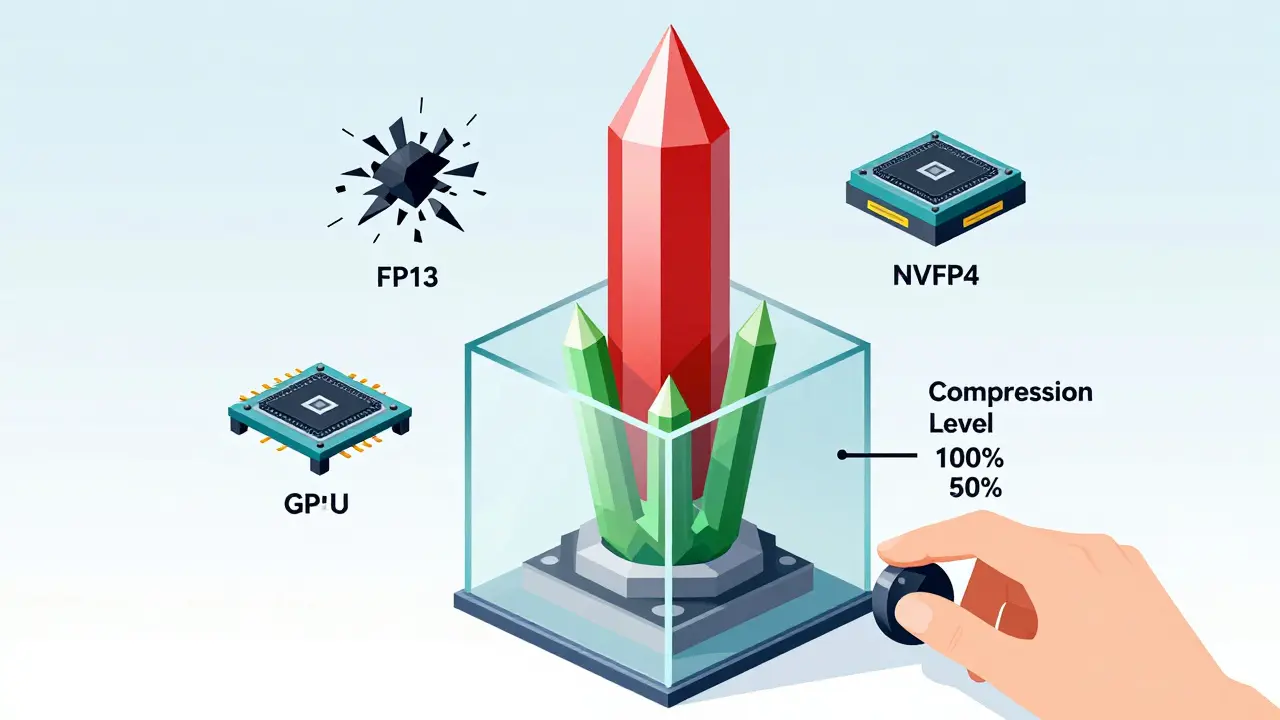
FP16 is precise but wasteful. Enter quantization. NVIDIA’s NVFP4 format, introduced in late 2025, cuts KV cache memory in half by using 4-bit floating-point precision. Across 12 benchmarks, accuracy drops less than 1%. On MMLU and GSM8K, it’s a 0.9% and 1.2% hit - a fair trade for doubling your context length.
But NVFP4 isn’t the only player. SpeCache, developed by researchers at Stanford and released in March 2025, squeezes the cache 2.3x tighter by predicting which key-value pairs matter most. It doesn’t store everything - just the ones likely to be reused. On the Needle-in-a-Haystack test, it outperformed older compression methods by 4.2% in accuracy while boosting throughput by 1.7x.
Then there’s Cross-Layer Latent Attention (CLLA). It reduces cache size to just 2% of the original by compressing attention patterns into latent representations. No accuracy loss on 13B models. But it adds 8-12% latency. Tradeoffs everywhere.
Edge AI Labs found that without compression, 78% of 7B model deployments on consumer GPUs crash due to memory overflow. With NVFP4 or SpeCache, that number drops to under 15%. The lesson? You can’t skip compression if you’re serving real-world workloads.
Why Continuous Batching Is the Secret Weapon
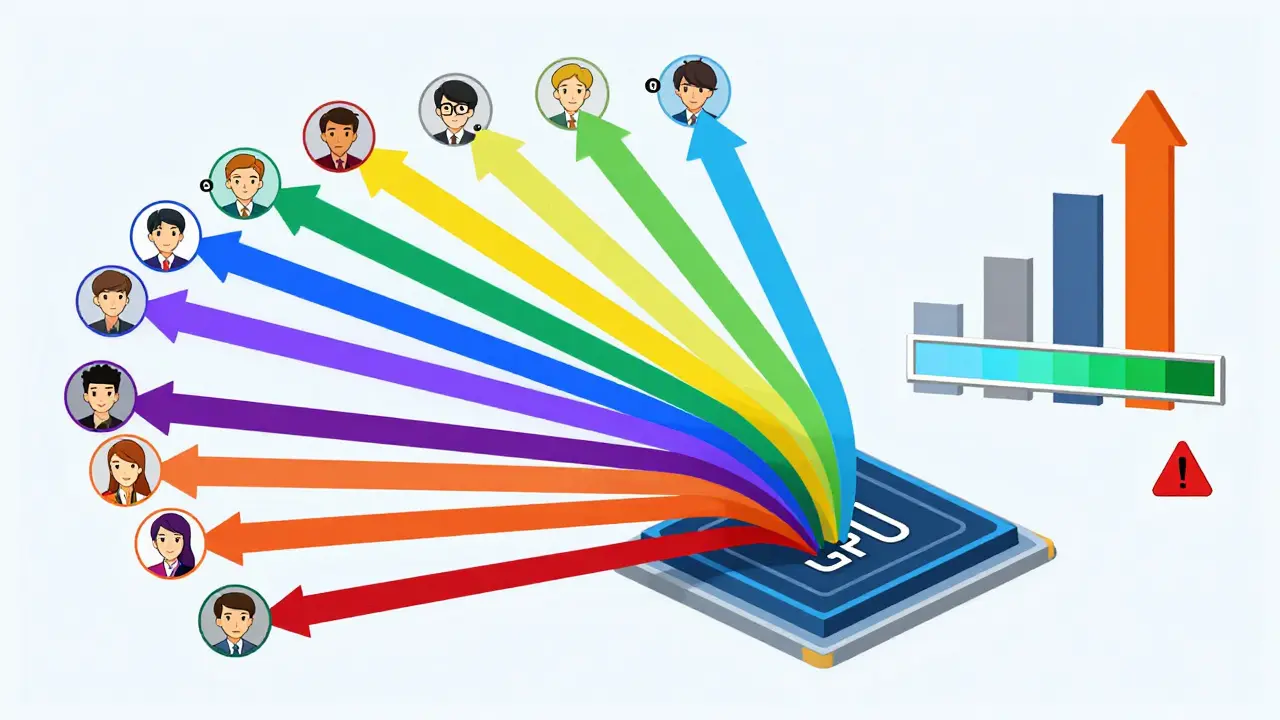
Imagine you’re running a chat API. Ten users send requests at once. Traditional serving handles them one by one. User 1 waits while User 2 waits while User 3 waits. That’s inefficient. Continuous batching, pioneered by vLLM and now standard in most LLM serving stacks, changes that.
Instead of waiting for one request to finish, the system groups partial completions from multiple requests into a single batch. If User 1 is on token 15 and User 2 is on token 8, the model processes both in one go. When User 2 finishes, it’s immediately replaced by a new request. No idle GPU cycles.
vLLM 0.5.1 benchmarks show this boosts throughput by 3.8x compared to single-request serving. For companies like Scale AI, that meant serving 4.1x more queries per GPU. Monthly infrastructure costs dropped by $2.3M. But there’s a cost: latency variance. Individual requests can take 22-27% longer to complete because they’re stuck waiting in a batch. For real-time chat? That’s a problem. For batch processing? Irrelevant.
The trick is tuning. If your app needs consistent low latency, use smaller batch sizes. If you’re handling bulk summarization or long-form content generation, go full throttle. Most production systems now use dynamic batching - adjusting size on the fly based on queue depth and model load.
Real-World Tradeoffs and Pitfalls
People love talking about throughput. But the real pain points are hidden.
One developer on Reddit reported cutting a 3-minute response time down to 15 seconds with KV caching on an RTX 4090. Sounds amazing. But another user on Hugging Face complained about “unpredictable latency spikes” when the cache neared VRAM limits. That’s because when memory fills up, the system starts swapping cache to CPU RAM - adding 18-22ms per transfer. That’s 10x slower than GPU access.
PyTorch’s non-contiguous memory transfers add another 15-18% overhead. If your cache isn’t stored in one clean block, the GPU spends extra cycles reorganizing data. vLLM solved this by forcing contiguous buffers. If you’re building your own serving layer, don’t skip this step.
Accuracy isn’t free either. Microsoft Research found KV compression increases perplexity by 3-5% on creative writing tasks. Stories become repetitive. Poems lose rhythm. If you’re generating marketing copy or novels, test your compression method on real outputs. Don’t trust benchmark scores alone.
And don’t forget hardware. NVFP4 only works on Blackwell GPUs - RTX 6000 Ada and newer. If you’re stuck on an A100 or H100, you’re stuck with FP8 or FP16. That’s 2x-3x more memory. You’ll need more GPUs. More power. More cost.
What You Need to Get Started
You don’t need to build this from scratch. Use vLLM, Text Generation Inference, or NVIDIA’s Triton Inference Server. They handle the hard parts: memory management, batching, cache eviction.
But if you’re rolling your own, here’s what to prioritize:
- Use NVFP4 if you have Blackwell GPUs. If not, use FP8.
- Set cache size to 50-70% of available VRAM. Leave room for model weights and activations.
- Enable contiguous memory buffers. Don’t let PyTorch scatter your cache.
- Use dynamic batching. Don’t fix batch sizes.
- Monitor tail latency. If 95th percentile latency spikes above 2 seconds, reduce batch size.
- Test compression on creative tasks. If your model starts repeating itself, dial back quantization.
Learning curve? Two to three weeks for a mid-level engineer. Documentation is solid - NVIDIA’s NVFP4 guide has 4.2/5 stars. vLLM’s GitHub has 1,247 contributors and weekly updates. You’re not alone.
The Future: What’s Next
Meta announced Llama 4 will support dynamic cache resizing in Q2 2026 - shrinking the cache when tokens are less relevant, expanding it when needed. Google DeepMind’s latest paper suggests transformer architectures could be redesigned to generate less cache in the first place. That’s a 3-5x reduction potential.
Gartner predicts all commercial LLM stacks will have KV cache optimization built-in by 2026. The market for this tech? Projected to hit $4.8B by 2027. Adoption is already at 82% among enterprises. The question isn’t whether to use it. It’s whether you’re using it well.
Bottom line: KV caching and continuous batching aren’t just efficiency tricks. They’re the foundation of scalable LLM serving. Skip them, and you’re paying 3-5x more for the same output. Master them, and you’re not just cutting costs - you’re unlocking what LLMs can really do.
What is KV caching in LLMs?
KV caching stores the keys and values computed during attention in previous decoding steps. Instead of recalculating attention for all prior tokens every time a new token is generated, the model reuses these cached values. This cuts computational complexity from O(n²) to O(n), making long-sequence generation feasible. Without it, generating a 10,000-token response would require over 100 million attention operations.
Does KV caching improve response speed or reduce latency?
It improves throughput - the number of tokens generated per second - not necessarily per-request latency. A single request might not feel faster, but the system can handle many more requests at once. For example, continuous batching with KV caching lets one GPU serve 4x more users than without it. Latency per request may even increase slightly due to batching, but overall system efficiency skyrockets.
Why does KV cache use so much memory?
Each token generates a key and value vector for every layer and attention head. For a 7B model with 32 layers and 32 heads, storing keys and values for 32k tokens at FP16 precision uses roughly 13.4 GB. The cache grows linearly with sequence length and batch size. At 100k tokens, it can exceed the model’s parameter size. That’s why compression techniques like NVFP4 and SpeCache are critical.
Is continuous batching the same as KV caching?
No. KV caching reduces computation per request. Continuous batching reduces idle time across requests. One optimizes how each request is processed. The other optimizes how multiple requests are grouped. Used together, they multiply efficiency. A system using both can achieve 3.8x higher throughput than one using neither.
Can I use KV caching on consumer GPUs like RTX 4090?
Yes, but with limits. An RTX 4090 has 24 GB VRAM. For a 7B model, you can handle ~16k tokens with FP16 and batch size 1. With NVFP4 compression, that jumps to ~32k tokens. But if you try to run 8B+ models at 32k+ tokens, you’ll hit memory limits. For production, use vLLM or similar tools that manage memory automatically and avoid crashes.
What’s the biggest mistake people make with KV caching?
Assuming more cache = better performance. If you allocate 90% of VRAM to cache, there’s no room left for model weights or activations. The GPU starts swapping to CPU memory, which adds 20ms+ delays per transfer. The sweet spot is 50-70%. Also, ignoring precision tradeoffs - using FP16 when FP8 or NVFP4 would work - wastes memory and limits scalability.
Do I need to retrain my model to use KV caching?
No. KV caching and continuous batching are inference-time optimizations. They work with any transformer model - LLaMA, Mistral, GPT, etc. - without retraining. You only need to use a serving framework that supports them (like vLLM) and configure cache settings properly. Training remains unchanged.
How do I know if my KV cache is causing problems?
Watch for three signs: (1) GPU memory usage spikes to 95%+ during generation, (2) latency spikes occur after 10+ seconds of response time, (3) requests fail with OOM (out-of-memory) errors. Use tools like nvidia-smi or vLLM’s built-in metrics to monitor cache size, batch utilization, and memory allocation. If cache exceeds 70% of VRAM, reduce max sequence length or enable compression.
- Mar, 22 2026
- Collin Pace
- 8
- Permalink
Written by Collin Pace
View all posts by: Collin Pace