v0, Firebase Studio, and AI Studio: How Cloud Platforms Support Vibe Coding

What Is Vibe Coding, Anyway?
You don’t write code line by line anymore. You describe what you want-"a login screen with Google auth and a dark mode toggle"-and the machine builds it. That’s vibe coding. It’s not magic. It’s not just autocomplete. It’s AI that understands your intent, turns sketches into UIs, and wires up databases without you touching a single curly brace. And it’s changing how real developers ship apps.
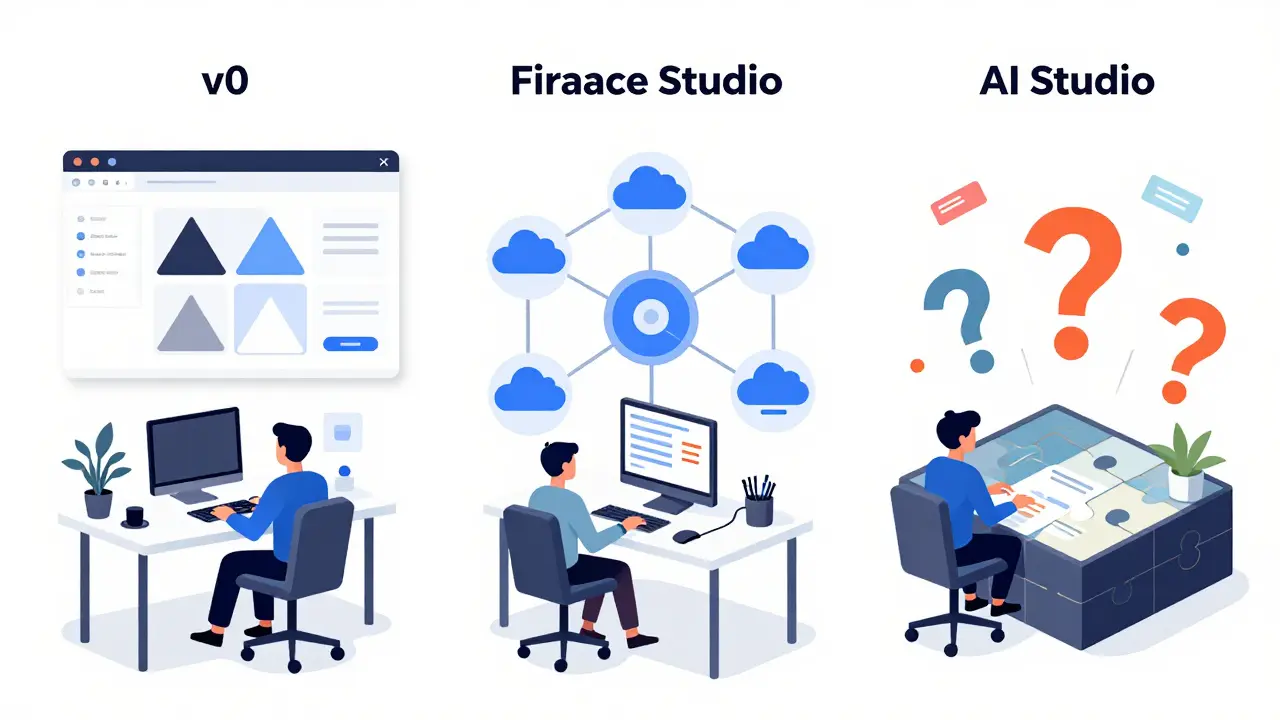
Three tools are leading this shift: Vercel’s v0, Google’s Firebase Studio, and Google AI Studio. They all promise to turn ideas into working software faster. But they’re not the same. Knowing the difference isn’t just useful-it’s critical if you’re building anything today.
Firebase Studio: The Full-Stack AI Developer
Firebase Studio launched in March 2025, and it’s the only one that builds complete apps from start to finish. Not just a UI. Not just a backend. The whole thing. You type, "I need a task app with user auth, real-time updates, and a mobile preview," and in under 30 seconds, it gives you a working Next.js app with Firestore, Firebase Authentication, and App Hosting all configured. No manual setup. No API keys to copy-paste. It generates them for you.
It runs in your browser. No install. Just sign in with your Google account. It’s built on Code OSS (the open-source base of VS Code) but layered with Google’s Genkit framework and Gemini AI agents. There’s an App Prototyping agent that turns text and drawings into code, a Coding workspace for when you need to tweak things, and specialized agents that handle database setup, API keys, or deployment-all automatically.
Early users report building functional prototypes in 15 minutes. One Reddit user built a full task manager with authentication and real-time sync in 15 minutes. Another said the auto-generated Gemini API key saved them from hours of config hell. It’s not perfect-63% of generated apps need refactoring before production, according to Stanford research-but for rapid iteration, it’s unmatched.
v0: The UI Specialist
v0, launched in May 2024, is laser-focused on one thing: turning words into beautiful interfaces. Type "a dashboard with charts, a sidebar, and a dark mode toggle," and v0 returns clean, responsive React code with Tailwind CSS. It’s fast. It’s polished. And it’s great if you’re only worried about the front end.
But that’s where it stops. No backend. No auth. No database. You get the UI, then you have to plug it into something else-Firebase, Supabase, your own API. It doesn’t connect to anything out of the box. That’s not a flaw. It’s a design choice. v0 is the sketchpad. Firebase Studio is the entire workshop.
Users love how clean the output is. But if you’re trying to build a full app, you’ll end up spending as much time wiring it up as you saved generating the UI. For designers and frontend devs, v0 is a powerhouse. For full-stack builders? It’s just the first step.
Google AI Studio: The Prompt Lab
Google AI Studio came out in February 2024. It’s not for building apps. It’s for tinkering with AI models. Think of it as a sandbox for testing prompts, tweaking parameters, and seeing how Gemini responds. You can upload images, paste text, and ask questions-but you can’t deploy a live app from it.
It’s where you experiment before you build. If you’re trying to figure out how to phrase a prompt so Firebase Studio generates the right kind of code, AI Studio is your training ground. Developers use it to test variations: "Generate a login form with error handling," versus "Make a login form that’s ADA compliant and uses OAuth2."
AI Studio doesn’t generate production code. It helps you learn how to speak to AI. Firebase Studio uses AI Studio’s underpinnings-but adds the scaffolding to turn those experiments into real apps.
How They Compare
| Feature | Firebase Studio | v0 | Google AI Studio |
|---|---|---|---|
| Builds full apps | Yes | No | No |
| Backend integration | Yes (Firebase, Firestore, Auth) | No | No |
| UI generation | Yes | Yes | No |
| Mobile preview | Yes (QR code) | Yes | No |
| AI agent workflow | Yes (multiple specialized agents) | Single model | Single model |
| Free to use | Yes | Yes | Yes |
| Best for | Full-stack devs building apps fast | Frontend devs designing UIs | Prompt engineers testing AI behavior |
Who Should Use What?
If you’re a solo founder or a small team with no backend expert, Firebase Studio is your shortcut. You can go from idea to live app in a day. No DevOps. No cloud config. Just build. Google’s internal data shows 85% of new users generate their first working prototype in under 15 minutes.
If you’re a designer or frontend developer working with a backend team, v0 gives you pixel-perfect UIs you can hand off. It’s faster than Figma for prototyping code. But you’ll still need someone to connect it to a database.
If you’re trying to understand how to talk to AI-how to write prompts that actually work-spend time in AI Studio. It’s the training wheel for vibe coding. Once you get good at prompting, you’ll be way more effective in Firebase Studio.
The Catch: Code You Don’t Understand
The biggest risk with vibe coding? You get code you didn’t write. And if something breaks, you might not know why.
Stanford researchers found that 63% of apps built with Firebase Studio needed major refactoring before going live. The AI generates code that works-but it’s messy. It uses non-standard patterns. It skips documentation. It makes assumptions you didn’t know it made.
Google tried to fix this with "airules.md" files in templates. These are hidden instructions that tell the AI how to structure code and what to document. It helps. But it’s not a silver bullet. You still need to understand what’s being generated.
That’s why vibe coding isn’t about replacing developers. It’s about making them faster. You’re not coding less. You’re thinking more. You’re focusing on what the app should do, not how to type it.

What’s Next?
Firebase Studio is getting better fast. By Q2 2026, it’ll support Flutter and React Native for mobile apps. Collaboration tools for teams are coming in Q1. And by Q3, it’ll integrate with Project Astra-Google’s next-gen multimodal AI that can understand voice, video, and gestures.
Right now, 18% of Firebase users are already using Firebase Studio, according to Gartner. That number will grow. Forrester predicts 78% of Firebase-using companies will adopt it by late 2026.
But it’s not without risk. Google has shut down developer tools before. But Firebase has been around since 2011. It’s core to Google Cloud’s strategy. $4.2 billion was invested in Firebase in 2025 alone. This isn’t a side project. It’s the future.
Getting Started
You don’t need to be an expert. Just go to firebase.google.com/studio. Sign in with Google. Pick "Start from scratch" or choose a template. Type your vibe. Wait 20 seconds. Click "Preview." Test it on your phone with the QR code. Deploy with one click.
Then, open the code. Read it. Understand it. Break it. Fix it. That’s how you learn. Vibe coding isn’t about letting AI do the work. It’s about letting AI do the boring stuff-so you can focus on the hard stuff.
Common Questions
Is Firebase Studio really free?
Yes. The core features-App Prototyping, coding workspace, Firebase integration, and deployment-are completely free. You only pay if you exceed Firebase’s free tier usage (like database reads or storage). There’s no subscription fee for using the Studio interface itself.
Can I use Firebase Studio without knowing JavaScript?
You can build basic apps without writing code, but you’ll hit limits fast. Understanding JavaScript, React, or TypeScript helps you fix, customize, and debug what the AI generates. Google’s data shows developers with 6+ months of web dev experience adapt fastest. Beginners can prototype, but they’ll need to learn to modify.
Does Firebase Studio work with non-Google tools?
Not really. It’s built for Firebase. You can import existing projects, but the AI agents only understand Firebase services like Firestore, Auth, and App Hosting. If you’re using AWS, Supabase, or MongoDB Atlas, you’ll need to build manually after the prototype. Vendor lock-in is a real trade-off.
How does Firebase Studio compare to GitHub Copilot?
Copilot helps you write code one line at a time. Firebase Studio builds entire apps from a single prompt. Copilot is a typing assistant. Firebase Studio is a full-stack developer. They’re not competitors-they’re different tools for different phases. Use Copilot to polish code. Use Firebase Studio to build the whole thing.
Is vibe coding just a trend?
No. It’s the natural evolution of how developers work. Just like frameworks replaced manual DOM manipulation, and cloud hosting replaced server setups, AI-assisted development is replacing manual boilerplate. Tools like Firebase Studio are the first to make it reliable enough for production. This isn’t a fad. It’s the new standard.
Final Thought
Vibe coding doesn’t make you a better coder. It makes you a better thinker. You stop worrying about syntax and start worrying about outcomes. What do you want the app to do? Who is it for? What’s the next thing it needs to learn? That’s where the real work is now. The typing? The AI has that covered.
- Feb, 2 2026
- Collin Pace
- 7
- Permalink
Written by Collin Pace
View all posts by: Collin Pace