Vibe Coding Curricula: Teaching Prompting, Review, and Governance in 2026
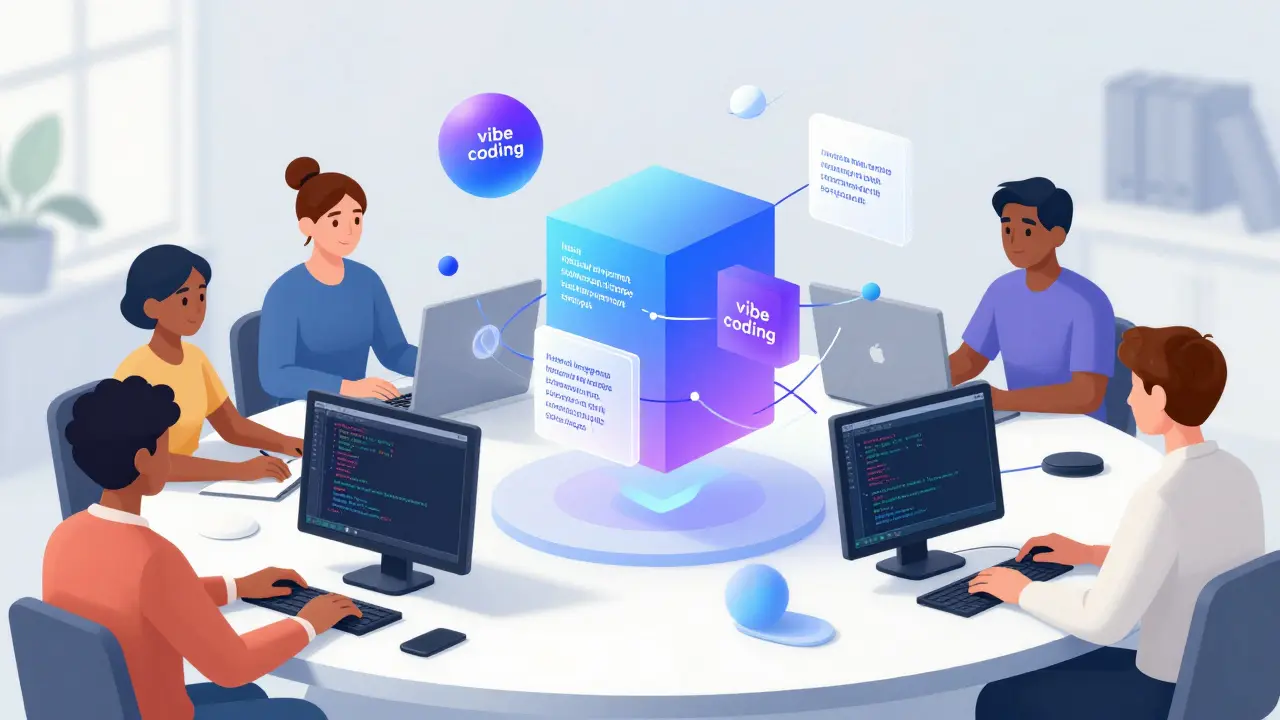
Remember when learning to code meant memorizing syntax errors and debugging missing semicolons for hours? That era is shifting. In 2026, a new approach called vibe coding is a concept-first software creation method where natural language prompts drive AI assistants to generate and refine code has moved from internet meme to classroom staple. Popularized by Andrej Karpathy, this method lets you describe what you want in plain English, and an AI model like ChatGPT or GitHub Copilot handles the heavy lifting of writing the actual code.
But here is the catch: letting the "vibes take over" doesn't mean you can stop thinking. It means your job changes from typing commands to directing an intelligent partner. This shift requires a completely new set of skills. You need to know how to ask the right questions (prompting), how to spot when the AI is lying or insecure (review), and when it is actually safe to use these tools (governance). If you are an educator, a manager, or just someone trying to build their first app, understanding the curricula behind vibe coding is essential.
The Anatomy of Vibe Coding Education
Vibe coding isn't just about being lazy with code; it is about prioritizing context over syntax. Traditional programming courses spend weeks on loops and variables. Vibe coding curricula, like those found in Stanford Continuing Studies' course on using AI for programming, flip this script. They teach you to break down complex problems into clear intents that an LLM can understand.
The core philosophy, as described by providers like WBS Coding School, is that vibe coding replaces syntax with context. Your "superpower" is no longer knowing every Python library by heart. It is your ability to articulate user stories, constraints, and edge cases clearly. A good curriculum will force you to practice this articulation. You aren't just typing "make a website." You are describing the layout, the color scheme, the data structure, and the user flow in detail.
This approach lowers the barrier to entry significantly. Educators like Brittany Washburn have shown that teachers can create interactive classroom activities without ever learning traditional HTML or CSS. They simply describe the activity, let the AI generate the code, and then test it in a browser. This accessibility is why we see formal offerings popping up everywhere, from Coursera specializations for beginners to Microsoft Learn modules integrated directly into GitHub Copilot workflows.
Prompting: The New Syntax
If vibe coding is the destination, prompting is the vehicle. But effective prompting in a coding context is different from asking an AI to write a poem. It requires precision. Curricula focus heavily on iterative prompting. You start with a high-level description, inspect the result, and then craft follow-up prompts to fix bugs or improve the user experience.
Consider the workflow taught in many modern guides:
- Describe the Activity: Define the goal clearly. What should the app do?
- Generate Code: Ask the AI to produce the initial draft.
- Refine Through Prompts: Identify what is wrong. Is the button too small? Is the logic flawed? Ask specific fixes.
- Test in Browser: Run the code to see if it works in reality, not just in theory.
- Publish Online: Deploy via simple platforms like GitHub Pages or Google Sites.
Notice that step three is where the real skill lies. Beginners often expect perfect code from the first prompt. Experienced vibe coders know that the first output is usually a rough draft. The curriculum teaches you to be a critic, not just a consumer. You learn to read the AI's output, identify logical gaps, and prompt for corrections. This builds a mental model of how software works, even if you aren't typing every line yourself.
The Critical Role of Human Review
Here is the hard truth that every responsible vibe coding curriculum must address: AI hallucinates. It makes mistakes with the same confidence as it states facts. If you copy-paste code without reviewing it, you are building on sand.
WBS Coding School advocates for a "harm reduction" model. They argue that while AI is great for generating boilerplate or explaining errors, students should still write as much code as possible themselves during the learning phase. Why? Because you cannot review what you do not understand. If the AI writes a function that looks correct but contains a security vulnerability, you need enough foundational knowledge to spot it.
In professional settings, the stakes are higher. If your app serves more than ten users, handles personal data, or processes money, vibe coding alone is not enough. You need professional human review. Curricula emphasize that AI-generated code is a starting point, not a final product. You must verify factual claims against official documentation. You must check for insecure patterns. You must treat the AI as a junior developer who needs supervision, not a senior architect who knows everything.
Governance: Rules for the AI Era
Governance sounds boring, but it is the difference between a fun weekend project and a lawsuit. As AI tools become ubiquitous in schools and offices, we need clear policies on how they are used. This is where concepts like "responsible AI access patterns" come into play.
A robust governance framework answers three key questions:
- When is AI allowed? Is it okay for homework? For production code? For brainstorming?
- How do we attribute work? If the AI wrote 80% of the code, who gets credit? How do we disclose this?
- What data is safe? Are we feeding proprietary company secrets or student PII (Personally Identifiable Information) into public models?
Educator guides from 2026, such as those published at vibecoder.me, explicitly cover these topics. They warn against common mistakes like over-reliance on AI or exposing sensitive data. They provide lesson structures that help teachers scaffold this learning. For example, a class might start with full teacher oversight, move to guided pair programming with AI, and finally allow independent projects with strict review checkpoints.
Microsoft’s integration of vibe coding into its Learn platform also brings corporate governance standards into the mix. By tying the training to GitHub Copilot, they implicitly teach users about enterprise-grade security practices. This suggests that future curricula will increasingly blend vibe coding with DevSecOps principles, ensuring that speed does not compromise safety.
Comparing Vibe Coding to Traditional Paths
| Feature | Traditional Coding | General Prompt Engineering | Vibe Coding Curriculum |
|---|---|---|---|
| Primary Skill | Syntax & Algorithms | Query Formulation | Context & Design Thinking |
| Output Focus | Code Correctness | Content Quality | Functional Software |
| Barrier to Entry | High (Steep Learning Curve) | Low (Anyone can try) | Medium (Requires Logic) |
| Review Process | Debugging & Testing | Fact-Checking | Code Inspection & Security Audit |
| Best For | Deep Technical Mastery | Writing, Marketing, Data Analysis | Rapid Prototyping & App Building |
As the table shows, vibe coding sits in a unique middle ground. It is more technical than general prompt engineering because you are dealing with executable logic. But it is less syntactically demanding than traditional coding because the AI handles the implementation details. This makes it ideal for product managers, designers, and educators who need functional tools but lack the time or desire to become full-stack developers.
Future Directions: From Hobbies to Enterprise
We are currently in the early stages of vibe coding education. Today, it is mostly about weekend projects and classroom games. Tomorrow, it will be about enterprise applications. As the technology matures, curricula will stratify. We will see beginner tracks for non-technical users and advanced tracks for developers who want to integrate AI into their existing workflows.
Expect to see more emphasis on automated testing and secure coding guidelines within these courses. The "verify, verify, verify" mantra will become standard procedure. Tools will likely evolve to include built-in governance checks, flagging potential security risks before the code is even generated. But until then, the human element remains critical. You must remain the pilot, not the passenger.
The rise of vibe coding represents a democratization of software creation. It allows more people to build things that matter to them. But with that power comes responsibility. By teaching prompting, rigorous review, and strong governance, we ensure that this new wave of creativity is built on a foundation of trust and security.
What is vibe coding exactly?
Vibe coding is a software development approach where you describe your desired outcome in natural language, and an AI assistant generates the corresponding code. It focuses on intent and design rather than manual syntax entry.
Do I need to know how to code to do vibe coding?
You don't need to be an expert coder, but having basic programming concepts helps. Understanding logic, data structures, and how to read code is crucial for reviewing and refining the AI's output effectively.
Is vibe coding safe for production apps?
Only with strict human oversight. For apps handling real user data, money, or serving many users, AI-generated code must undergo professional security reviews and rigorous testing before deployment.
How do I teach vibe coding responsibly?
Focus on a harm reduction model. Teach students to verify all AI outputs, avoid pasting sensitive data into public models, and understand the underlying code so they can spot errors and security flaws.
Who popularized the term vibe coding?
The term was popularized by Andrej Karpathy, a prominent AI researcher, who used it to describe casual, low-stakes coding projects driven by large language models.
- Jun, 18 2026
- Collin Pace
- 0
- Permalink
- Tags:
- vibe coding curriculum
- AI prompt engineering
- code review governance
- Andrej Karpathy vibe coding
- teaching AI coding
Written by Collin Pace
View all posts by: Collin Pace