Vibe Coding for Customer Portals: Building Secure Auth, Profiles, and Notifications
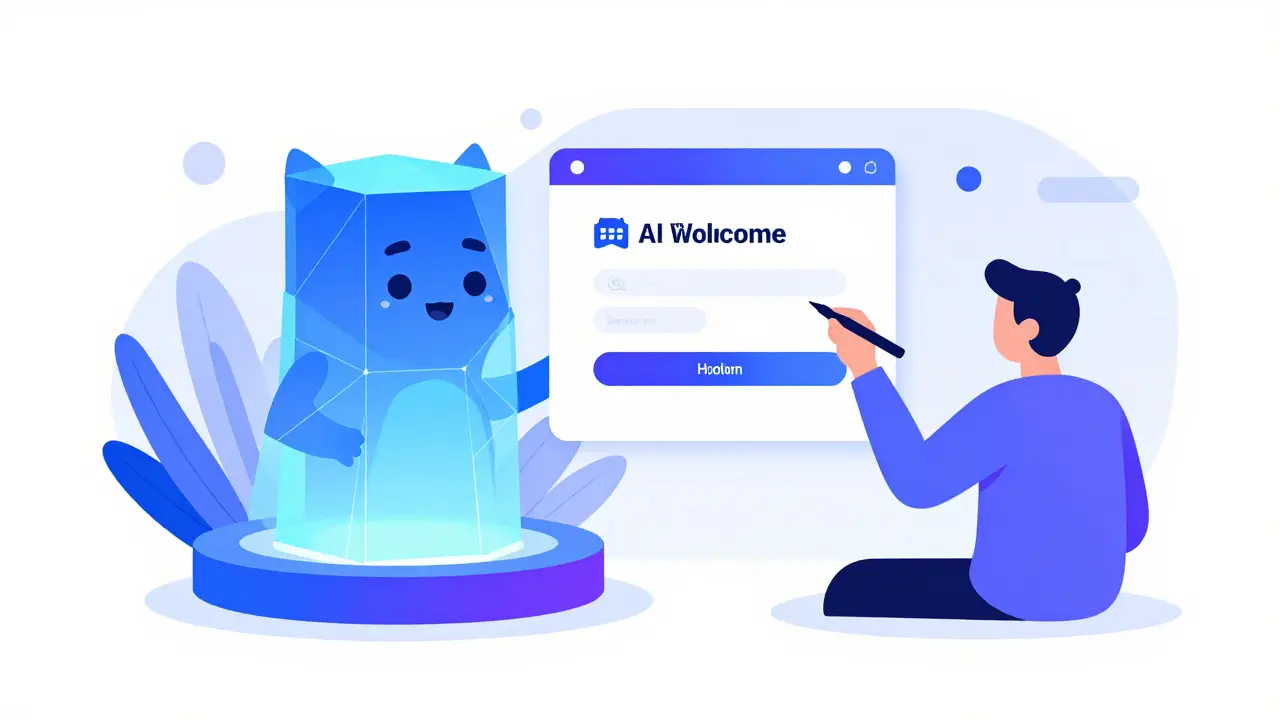
Imagine building a fully functional customer portal-complete with login screens, user profiles, and real-time notifications-in a fraction of the time it usually takes. That is the promise of vibe coding is an emerging development paradigm where AI-assisted tools collaborate with developers to scaffold functional applications rapidly based on high-level intent and "vibes" rather than manual line-by-line coding. It is not about letting an AI run wild with your codebase; it is a partnership. The AI handles the tedious boilerplate and visual flows, while you, the developer, step in to refine the logic, tighten security, and ensure the app actually works for real humans.
The Blueprint for Vibe-Coded Authentication
Authentication is the front door of your customer portal. When you use vibe coding tools like Lovable or Rocket.new, the AI can instantly generate the "happy path"-the sequence of screens a user sees when everything goes right. Typically, this starts with a basic email and password setup, creating a flow that includes a Login screen, a Welcome page, a Sign-Up form, and the inevitable "Forgot Password" sequence.
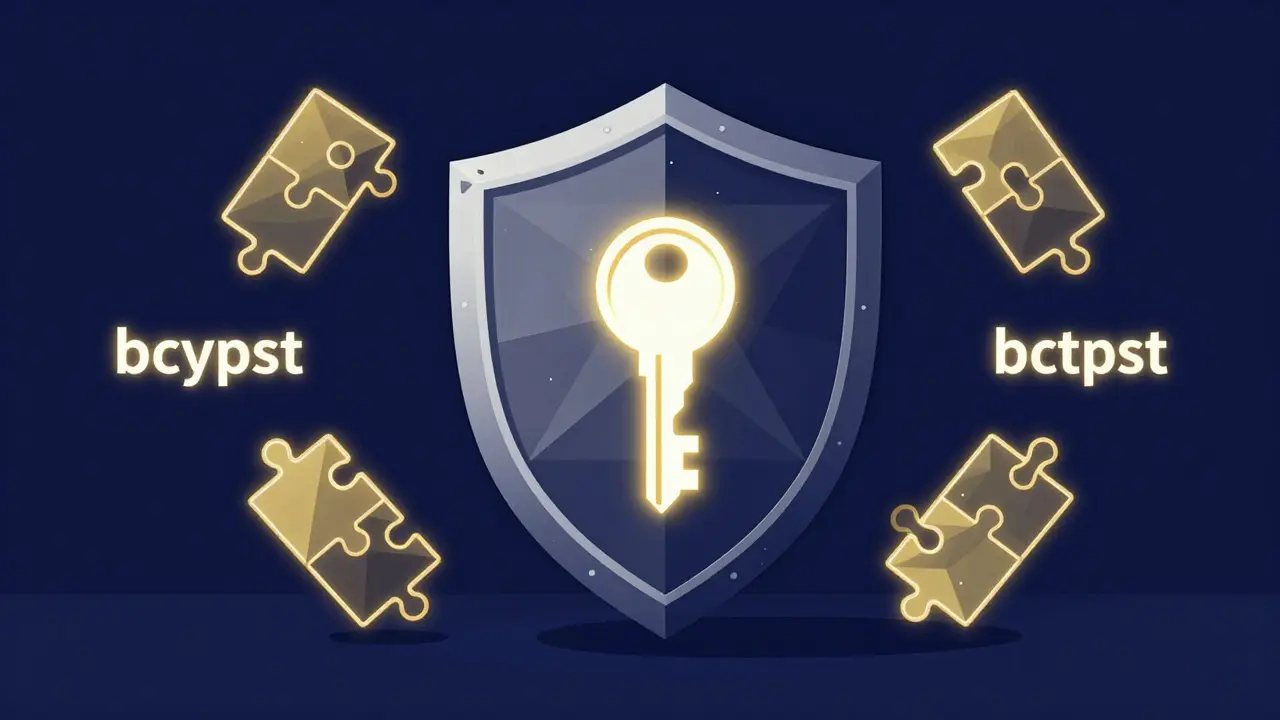
However, a "vibe" isn't a security protocol. While the AI might give you a beautiful login box, the heavy lifting happens in the backend. For a professional portal, you need to ensure your registration endpoints use bcrypt for password hashing. A standard benchmark is a hash cost of 10 rounds to keep passwords secure against brute-force attacks. You also need to enforce strict password policies: minimum 12 characters, at least one uppercase letter, one number, and one special character. If the AI suggests a simpler policy, that is where you override the "vibe" with a requirement.
For session management, vibe-coded JavaScript apps often rely on JSON Web Token (or JWT) as a compact, URL-safe means of representing claims to be transferred between two parties. This allows for stateless authentication, meaning your server doesn't have to remember every single user session, which makes your portal scale much better.
| Pattern | Best For | Security Mechanism | Developer Effort |
|---|---|---|---|
| Email/Password | Baseline Access | bcrypt Hashing & JWT | Low (AI-Scaffolded) |
| Social Login (OAuth2) | User Convenience | Federated Identity Providers | Medium (API Config) |
| Passwordless | High Security/Modern UX | WebAuthn / Magic Links | High (Custom Logic) |
Scaling Up with Social Identity and OAuth2
Once the basics are set, you'll likely want to add "Continue with Google" or "Sign in with Apple" buttons. This moves your portal into the realm of OAuth2, which allows users to verify their identity through a third-party provider. In a vibe-coding workflow, you can prompt the AI to create the buttons and the redirect logic, but you must manually handle the account linking. For example, if a user previously signed up with an email and now tries to use Google with that same email, your code needs to merge those accounts rather than creating a duplicate.
For those who want to offload the security headache entirely, integrating a service like Clerk or FusionAuth is a smart move. These platforms handle the complex parts of identity management-like Multi-Factor Authentication (MFA) and token rotation-leaving you to focus on the actual features of your portal.
Managing User Profiles and Data Visibility
A customer portal is useless if the user can't manage their own data. Vibe coding makes it easy to build the "My Account" section where users update their email, change passwords, or upload profile pictures. The real challenge isn't the UI; it's the data architecture. If you are using a tool like Notion as a makeshift backend for your portal, you need to be careful.
Notion's granular permissions are great for sharing a page, but they have a major blind spot: you cannot hide individual property fields. If you share a database entry with a client, they might see internal-only notes or confidential cost columns that were meant for your team. To fix this in a vibe-coded app, you can't just rely on the AI to "make it secure." You have to implement a middleware layer that filters the data before it ever reaches the user's screen, ensuring that only the intended fields are exposed.
Notifications and Administrative Oversight
Notifications are the heartbeat of a portal-letting users know their order shipped or their password was changed. AI tools can quickly scaffold the notification center UI and the trigger logic. However, for these to be useful, they need to be tied to a robust event system. You should implement login tracking, which allows administrators to monitor when users access the system. This isn't just for security; it's for understanding how users interact with your portal.
When building these flows, think about the lifecycle of a notification. A vibe-coded prototype might just show a popup, but a production-ready portal needs a combination of in-app alerts, email triggers, and perhaps push notifications. You'll want to define a clear state for each notification: unread, read, and archived.
The "Security Gap": Where AI Falls Short
Here is the hard truth: AI-generated code is often "optimistically written." It assumes the user will behave, the network will stay up, and the attacker doesn't exist. Experts from the DEV Community have noted that vibe-coded applications frequently miss critical security layers, such as Cross-Site Request Forgery (or CSRF) token validation. If you simply copy-paste the AI's authentication module, you are leaving your door unlocked.
You must treat AI output as a draft. Every authentication flow requires a mandatory peer review and testing in a sandbox environment. Specifically, check for:
- Token Expiration: Does the session actually end when the token expires, or is the user logged in forever?
- Input Validation: Can someone inject a script into the username field to steal other users' cookies (XSS)?
- Role Propagation: If you change a user from "Customer" to "Admin" in the database, does that change take effect immediately across all active sessions?
From Prototype to Production: A Checklist
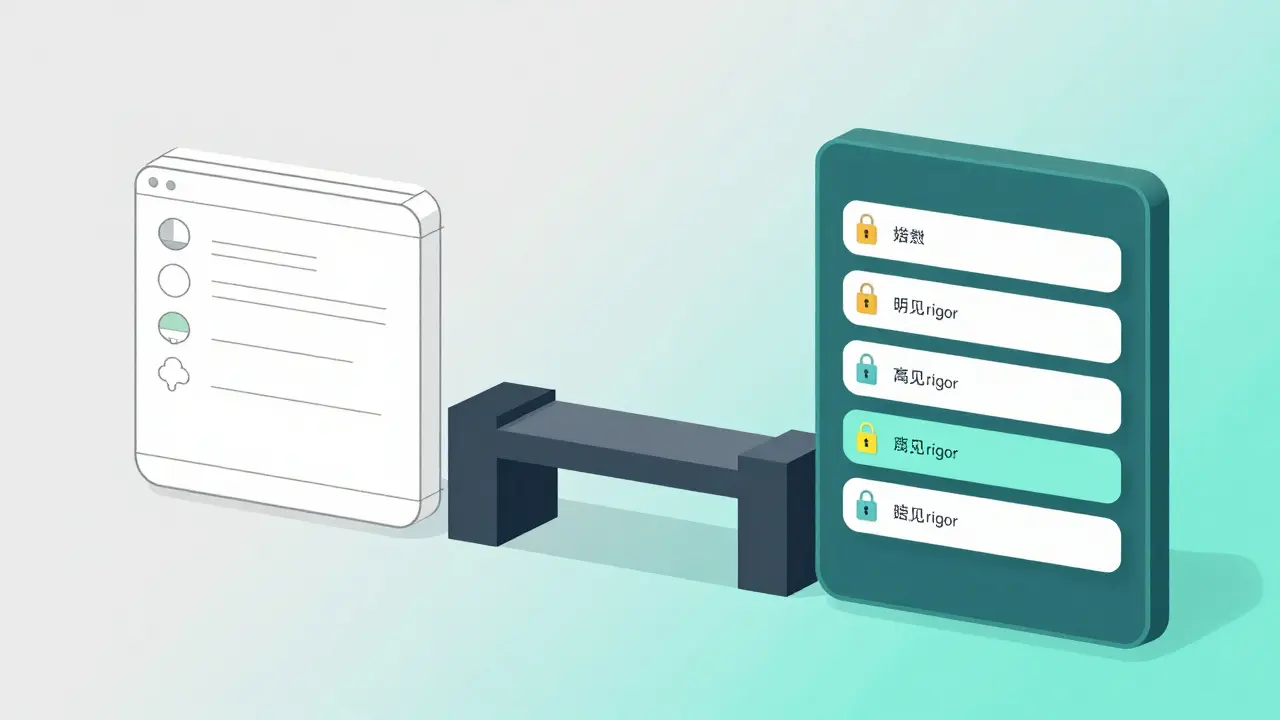
Vibe coding gets you to the MVP (Minimum Viable Product) incredibly fast, but the bridge to production is built with manual rigor. Use this checklist to ensure your portal is actually secure before you go live:
- Validate Hashing: Confirm passwords are not stored in plain text and use a strong algorithm like bcrypt.
- Audit Tokens: Implement refresh token rotation so that if a token is stolen, it can be revoked without killing all user sessions.
- Test Edge Cases: Simulate failed logins, expired sessions, and unauthorized attempts to access admin pages.
- Clean the Logs: Ensure that sensitive data, like passwords or JWTs, are masked and never appear in your application logs.
- Enforce RBAC: Set up Role-Based Access Control to clearly distinguish between what a customer can see and what an employee can manage.
Is vibe coding safe for production authentication?
Not on its own. Vibe coding is excellent for scaffolding and visualizing the user flow, but the AI often misses critical security patches like CSRF tokens or strict input validation. You must treat AI-generated auth code as a starting point that requires manual security audits and peer review before deployment.
What is the best way to handle sessions in a vibe-coded portal?
Using JSON Web Tokens (JWT) is the most common approach for modern, stateless portals. For higher security, combine JWTs with secure, HTTP-only cookies to prevent client-side scripts from accessing the session tokens, which mitigates the risk of XSS attacks.
Can I use Notion as a backend for a customer portal?
Yes, but with caution. Notion is great for content management, but its permissions are not granular enough to hide specific fields within a shared database entry. If you have sensitive internal data in the same row as client-facing data, you will need a middle-layer API to filter that data before it hits the portal.
What is the difference between RBAC and ABAC in these portals?
Role-Based Access Control (RBAC) assigns permissions to roles (e.g., "Admin", "User"), while Attribute-Based Access Control (ABAC) uses attributes (e.g., "User is from the UK and has a Platinum membership") to grant access. RBAC is simpler to implement via AI, but ABAC is better for complex, multi-tenant portals.
How do I handle social logins without creating duplicate accounts?
The best practice is to use the email address as the primary identifier. When a user logs in via Google or Apple, check if that email already exists in your database. If it does, link the social identity to the existing account rather than creating a new one.
- Apr, 22 2026
- Collin Pace
- 8
- Permalink
Written by Collin Pace
View all posts by: Collin Pace