Vibe Coding Role Assignment: Senior Architect vs Junior Developer Prompts
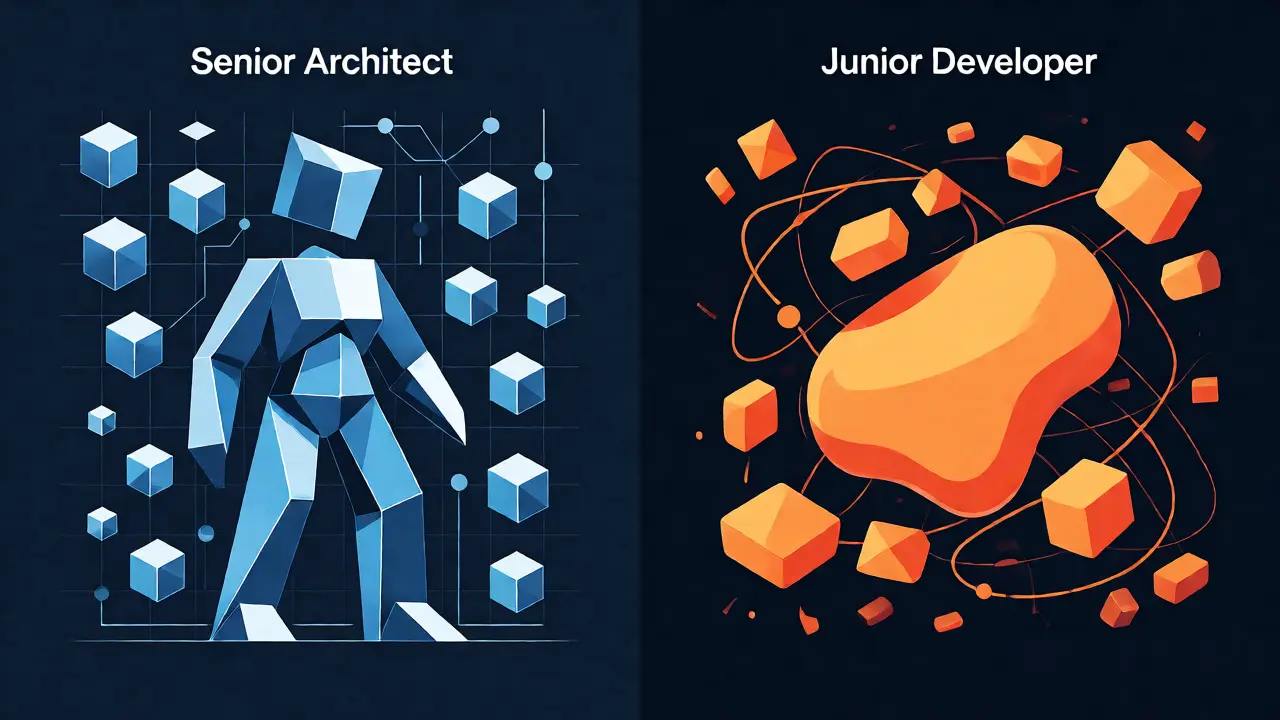
You’ve probably felt it. You ask an AI to build a feature, and it spits out code that technically works but looks like it was written by someone who just discovered loops last week. It’s functional, sure, but it’s messy, insecure, and impossible to maintain. This is the trap of vibe coding without structure. The fix isn’t better hardware or a bigger model; it’s telling the AI exactly who it should be.
Role assignment in prompts is the difference between getting a rough draft and getting production-ready architecture. By explicitly defining whether the AI acts as a Senior Architect or a Junior Developer, you fundamentally change how the Large Language Model (LLM) prioritizes its output. One focuses on security, scalability, and clean interfaces. The other focuses on getting something on the screen quickly, often with verbose comments and basic patterns.
Why Your Prompt Persona Changes Everything
It sounds almost magical, but it’s rooted in how these models were trained. LLMs ingest billions of lines of code and discussion from platforms like GitHub, Stack Overflow, and technical blogs. They learn distinct linguistic and structural patterns associated with different experience levels. When you say "act as a senior engineer," you aren’t just giving it a costume; you’re accessing a specific slice of its training data where discussions about dependency injection, race conditions, and SOLID principles are dominant.
Without this context, the model defaults to the average of all developer discourse. That average is often mediocre-functional but lacking the nuance required for enterprise-grade software. According to research from Strapi, using specific role prompts can reduce code review cycles by 30-40%. Why? Because the initial output aligns closer to what a human reviewer would expect from a competent team member, rather than requiring you to rewrite half the logic yourself.
| Attribute | Senior Architect Persona | Junior Developer Persona |
|---|---|---|
| Primary Focus | Scalability, Security, Maintainability | Functionality, Speed, Simplicity |
| Error Handling | Comprehensive, edge-case aware (89% coverage) | Basic try-catch blocks or missing (63% coverage) |
| Architecture | Modular, Dependency Injection, Interfaces | Monolithic classes, tight coupling |
| Documentation | Concise, focused on 'why' | Verbose, focused on 'what' (4.2/5 rating) |
| Vulnerabilities | 42% fewer security issues | Higher risk of common pitfalls |
The Senior Architect: Building for Production
When you assign the Senior Architect role, you are instructing the AI to prioritize non-functional requirements. Think of this persona as the one who stays up at night worrying about database locks and API rate limits. In practice, this means the generated code will likely include proper error handling, input validation, and clear separation of concerns.
A study analyzing 500 code samples showed that senior-role outputs had 31% better test coverage and 27% more modular architecture compared to generic prompts. For example, if you ask for an Angular service, a senior persona won’t just give you a class with methods. It will provide a service interface, injectable dependencies, and a stubbed test harness ready for Jasmine. It anticipates that you’ll need to mock these dependencies later.
This role is ideal when you know the problem space well but want to skip the boilerplate. It excels at translating high-level business requirements into robust technical structures. However, it demands precision from you. If your prompt is vague, the senior architect might over-engineer the solution, adding abstraction layers you didn’t need. As Martin Fowler noted, there’s a risk of false confidence here; the AI doesn’t truly understand your system constraints, so you still need to validate the architectural decisions.

The Junior Developer: Prototyping and Learning
On the flip side, the Junior Developer persona is surprisingly useful, though not always for the reasons you think. Don’t dismiss it as "bad code." This persona is excellent for rapid prototyping and educational contexts. It tends to write explicit, step-by-step code that is easy to read and debug because it avoids clever abstractions.
Developer surveys indicate that junior-role outputs have higher documentation quality ratings (4.2/5.0 vs 3.1/5.0 for seniors). The AI explains its thought process more verbosely, which is gold when you’re trying to understand a new library or framework. It’s forgiving of vague requirements because it focuses on making the code run first, then worry about elegance later.
Use this persona when you’re exploring a new API or building a throwaway script. It’s also great for generating unit tests where clarity matters more than performance optimization. Just be prepared to refactor. A junior persona might create a monolithic class with side effects, requiring you to break it apart before merging to main. But that refactoring is often easier than debugging subtle concurrency bugs introduced by an over-eager senior attempt.
Crafting the Perfect Role Prompt
Simply saying "be a senior dev" isn’t enough. The magic lies in specificity. Effective role assignment follows a structured formula: [Seniority] + [Technology] + [Domain Specialization] + [Quality Constraints].
Compare these two prompts:
- Vague: "Act as a senior developer and write a Python function to parse JSON."
- Precise: "You are a Senior Python Developer specializing in high-throughput data pipelines. Write a function to parse large JSON streams adhering to PEP8 standards and memory-efficient practices. Include type hints and docstrings explaining edge cases."
The second prompt triggers the model to access discourse related to streaming parsers, memory management, and strict typing. Data from Supabase suggests that precise role specifications reduce prompt iterations by 57%. You get the right answer faster because you’ve narrowed the search space within the model’s knowledge base.
Another pro tip: define what "senior" means to your team. Does it mean following ESLint rules? Writing Jest tests for every component? Using specific design patterns? Explicitly listing these constraints in the system message ensures consistency across different sessions and projects.
Common Pitfalls and How to Avoid Them
Even with good intentions, developers often stumble with role assignment. The most common mistake is inconsistency. If you switch personas mid-task without clarifying the context, the AI gets confused. Stick to one persona per logical block of work.
Another pitfall is ignoring the "context layer." Role assignment doesn’t exist in a vacuum. You need to provide the surrounding context: existing codebase structure, tech stack versions, and project goals. A senior architect prompt without context about your legacy Java 8 environment might suggest modern Java 17 features that break your build.
Finally, don’t forget the review checklist. Treat the AI’s output like a pull request from a colleague. Would you merge this code? If the answer is no, why? Use those reasons to refine your next prompt. If the senior persona ignored security, add "prioritize OWASP Top 10 mitigation" to the role description.
The Future: Adaptive Personas and Multi-Agent Systems
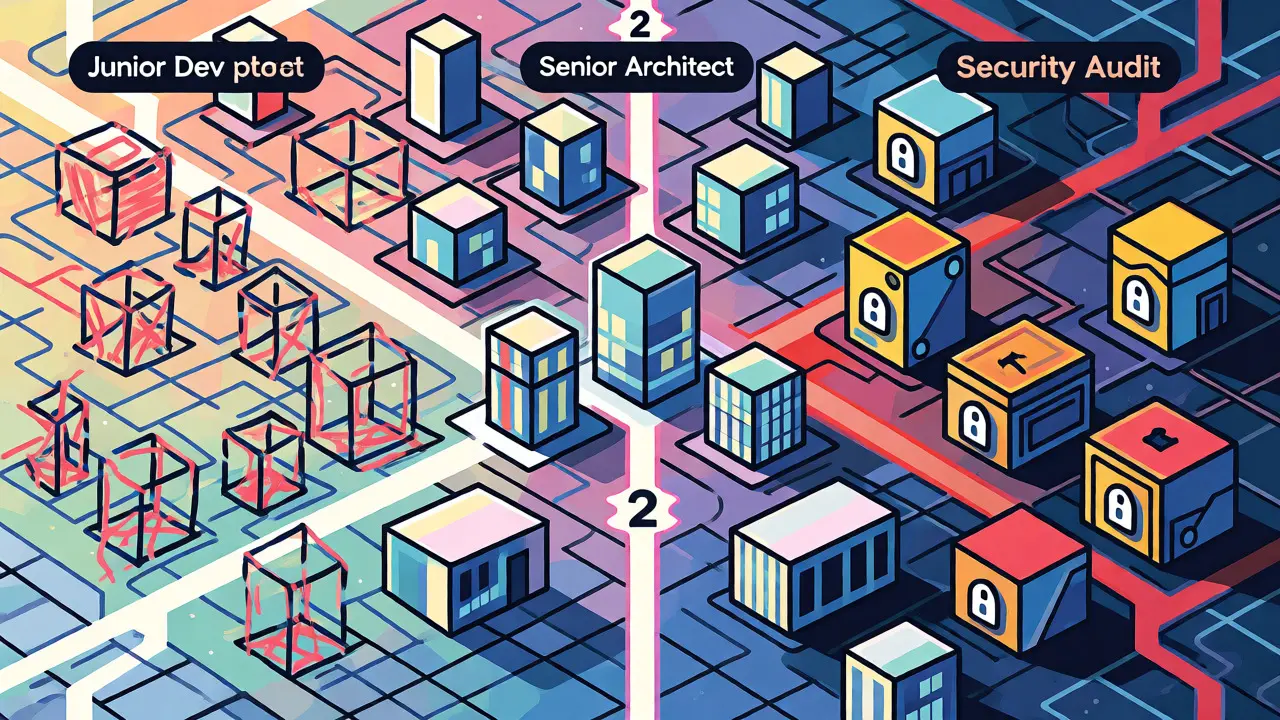
We’re already seeing tools evolve beyond static role assignments. New frameworks like Vibe Coding Framework 2.1 introduce "PersonaChain," allowing you to simulate a workflow: generate code as a junior dev, review it as a senior architect, and audit it as a security specialist. This multi-agent approach catches flaws that a single persona might miss.
Tools like GitHub Copilot and Cursor are integrating "role-aware prompting," suggesting personas based on your repository’s commit history. Imagine an AI that knows your team prefers React Hooks over Class Components and automatically adjusts its "persona" to match your internal style guide. This reduces cognitive load and speeds up onboarding for new hires.
While some experts predict the gap between roles will narrow as models improve, the ability to steer the AI’s focus remains crucial. Whether you’re building a quick prototype or a mission-critical SaaS platform, controlling the narrative through role assignment gives you leverage. It turns a chaotic chatbot into a predictable, specialized teammate.
Does assigning a "Senior" role actually make the AI smarter?
Not necessarily "smarter," but more aligned with best practices. The AI doesn't gain new intelligence; instead, it retrieves information from parts of its training data associated with high-quality, experienced developer discussions. This results in code that follows industry standards, includes better error handling, and uses cleaner architecture, reducing the need for manual refinement.
When should I use the Junior Developer persona?
Use the Junior Developer persona for rapid prototyping, learning new concepts, or generating simple scripts. It provides clearer explanations and simpler code structures, which are easier to read and modify initially. It's also less likely to over-engineer solutions for straightforward problems.
How do I combine Senior and Junior roles effectively?
You can use a multi-step workflow. First, ask the AI to act as a Junior Developer to generate a working baseline implementation. Then, switch the role to Senior Architect and ask it to refactor the previous code for scalability, security, and modularity. This mimics a real-world development cycle.
What happens if my role prompt is too vague?
Vague prompts lead to inconsistent results. If you just say "senior developer" without specifying technologies or constraints, the AI may default to generic patterns that don't fit your specific stack (e.g., using Python idioms in JavaScript). Always include specific technologies, style guides, and domain expertise in the role definition.
Do all AI coding assistants support role assignment?
Most modern LLM-based assistants (like GitHub Copilot, Cursor, and ChatGPT) respond well to role assignment via system messages or prompt prefixes. While they don't have hard-coded "roles," they interpret natural language instructions effectively. Some newer tools are introducing native "persona templates" to streamline this process.
- Nov, 9 2026
- Collin Pace
- 0
- Permalink
Written by Collin Pace
View all posts by: Collin Pace