Video Understanding with Generative AI: Captioning, Summaries, and Scene Analysis
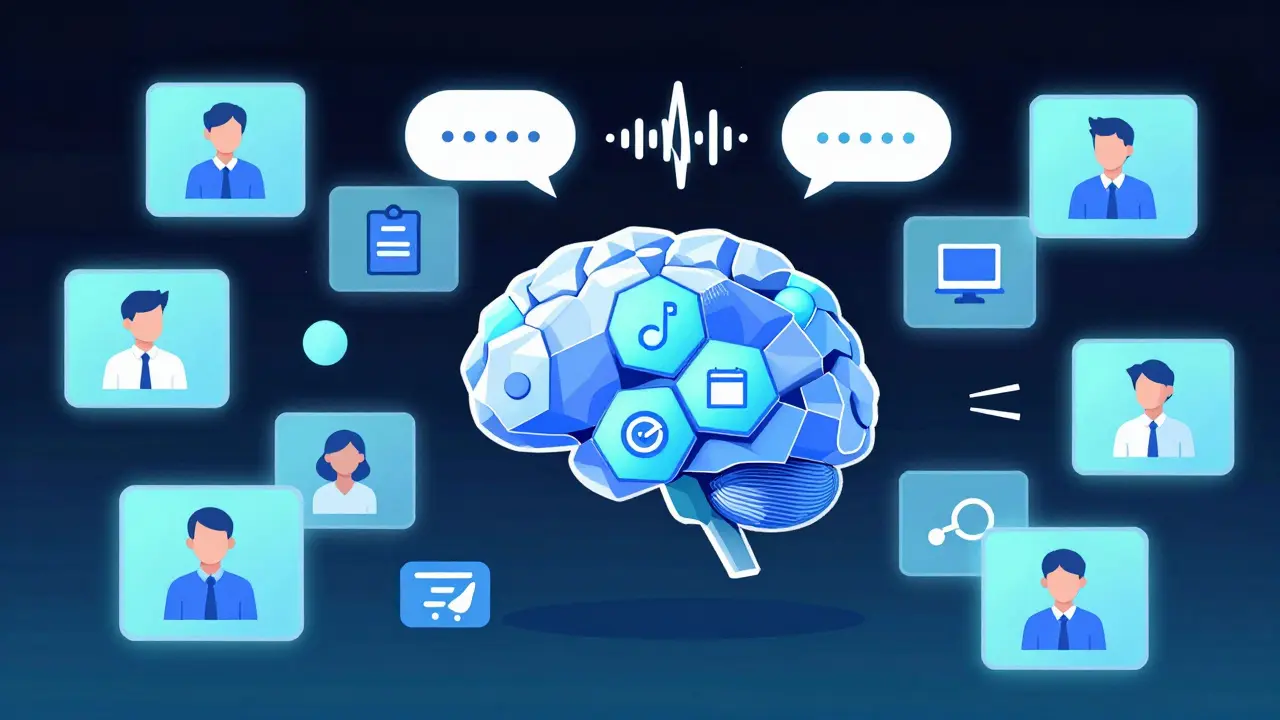
Video is everywhere. From customer support calls to surveillance footage, from social media clips to training modules - we’re drowning in it. But unless someone watches it, it’s just data sitting idle. That’s where generative AI changes everything. Today, systems can watch a video, understand what’s happening, and spit out accurate captions, clear summaries, and detailed scene analyses - all automatically. No humans needed. No hours spent watching footage. Just results.
How Video Understanding Actually Works
It’s not magic. It’s a pipeline. First, the video gets broken down into individual frames - like flipping through a flipbook at 30 frames per second. Then, each frame is scanned for objects, people, actions, and even lighting changes. At the same time, the audio is pulled out and turned into text. That’s the multimodal part: the AI is processing both sight and sound at once.
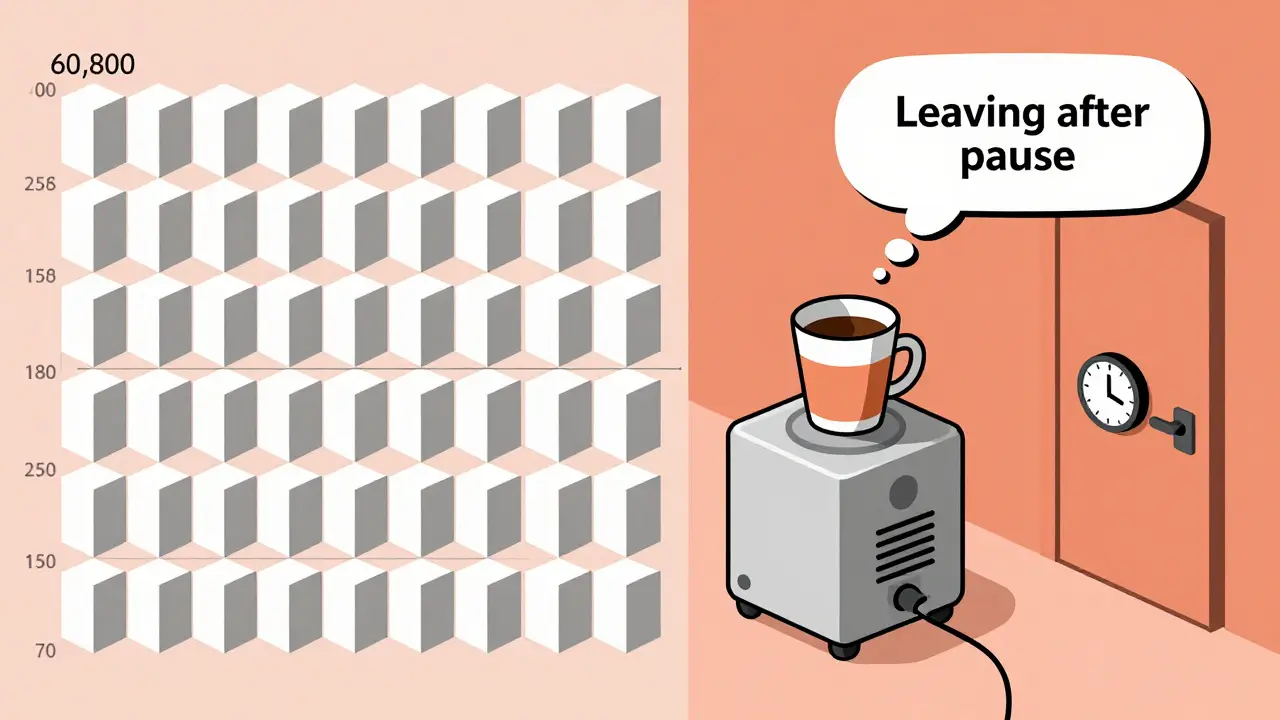
Google’s Gemini 2.5 models, released in late 2025, handle this with a new trick: tokenization. Instead of treating every frame like a full image (which used to take 258 tokens per frame), they now use just 70 tokens per frame for standard quality. That’s a 73% drop in processing power. Less energy. Faster results. For a 60-second video, that means 1,800 frames turned into 126,000 tokens instead of 466,200. It’s the difference between a slow laptop and a high-end workstation.
The AI doesn’t just describe what it sees. It connects the dots. If someone picks up a coffee cup, looks at their watch, then walks out the door - the system doesn’t just say “person,” “cup,” “door.” It says: “The person appears to be leaving after a brief pause, possibly due to an appointment.” That’s scene analysis. Not just labeling. Understanding context.
Captioning: More Than Just Transcripts
Captioning used to mean typing out what someone said. Now, it’s about capturing meaning. A video of a child playing with a dog isn’t just “child, dog, running.” The AI now adds: “A young boy laughs as he chases a golden retriever in a backyard, sunlight filtering through trees.” That’s rich. That’s searchable. That’s useful.
Netflix used this to cut metadata creation time by 92%. Instead of teams of editors tagging every video, AI now does it. They had to tweak it - their content is wildly diverse. A cooking show needs different detail than a documentary. But once fine-tuned, the system handled 12,000 hours of content with 87.3% accuracy in identifying viewer-relevant moments.
Accuracy isn’t perfect. Regional accents still trip it up. One Reddit user reported failing to recognize a thick Scottish accent in a customer service call. The AI heard “I need help with my bill” as “I need help with my pill.” That’s a big error. And in medical or legal settings? Unacceptable. Current models hit 89.4% accuracy on standard tasks - but 99.9% is the gold standard for high-stakes use cases.
Summaries: What Happened? Why Does It Matter?
Imagine you have 50 hours of product demo videos. You don’t want to watch them all. You want to know: What features were shown? What complaints came up? What did users react to?
Generative AI now gives you that. It doesn’t just summarize sentences. It extracts themes. One enterprise customer using Google Vertex AI found that 68% of their support videos mentioned “slow loading times.” That wasn’t something they’d noticed until the AI flagged it. Another found that 41% of users asked for “a way to export data” - a feature they hadn’t even built yet.
Summaries aren’t just text. They’re structured. Timestamps. Key events. Speaker identification. Emotional tone. All pulled from the video. You can now search: “Show me all videos where the customer sounded frustrated and mentioned pricing.” And the system finds them.
Scene Analysis: Seeing Beyond the Surface
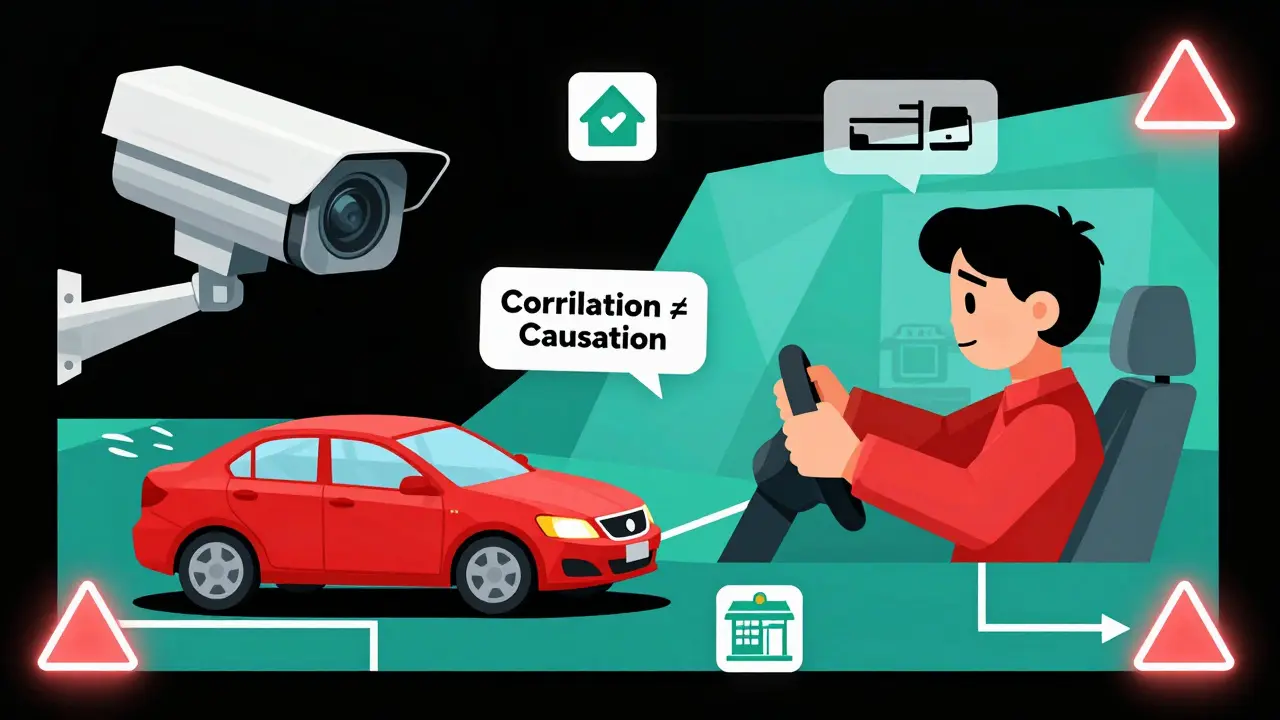
This is where it gets powerful. Scene analysis doesn’t just say “car on road.” It says: “A red sedan swerves left to avoid a pedestrian crossing, then brakes sharply. The driver’s hands are visible on the wheel. No airbag deployment.” That’s not guesswork. That’s detailed, frame-by-frame reasoning.
Insurance companies are using this to assess accident footage. Police departments use it to analyze bodycam videos. Retailers track shopper behavior - not just where they walk, but how long they pause, what they touch, if they look confused.
But here’s the catch: AI still confuses correlation with causation. Stanford’s Professor Michael Chen put it bluntly: “If a person picks up a phone and then leaves, the AI might say they left because they got a call. But maybe they were just done shopping.” That kind of error still happens 15-20% of the time in complex scenes.
Fast motion is another problem. Sports footage, especially with rapid changes - like a soccer match or a basketball game - often confuses the system. Without adjusting frame rate settings, accuracy drops 37%. You have to tell the AI: “This is high-speed. Sample every frame.”
Who’s Leading the Pack?
Google’s Gemini 2.5 models dominate the enterprise space. They handle MP4, WMV, FLV, and MPEG-PS files up to 2GB. They offer timestamped scene analysis down to the millisecond. And they integrate directly with Google Cloud Storage. If you’re already using Google Cloud? It’s plug-and-play.
OpenAI’s Sora 2, released in December 2025, is better at long-form videos. It can handle up to 60 seconds without dropping context. It also understands physics better - like how water splashes, how fabric moves, how shadows shift. But it needs 40% more computing power. That makes it expensive for large-scale use.
Kling 2.6 is the outlier. It’s built for Mandarin. It hits 89.7% accuracy on Chinese speech and scene descriptions. But for English? It drops to 72.3%. That’s not a bug - it’s a design choice. It’s optimized for one market.
Market share? Google holds 43.7%. OpenAI is second at 28.3%. Amazon’s Rekognition Video trails at 12.1%. Runway ML grabs 15.2% in creative industries - think ad agencies, filmmakers, animators.
Real-World Challenges
Getting started isn’t easy. You need Python. You need a Google Cloud account. You need to understand REST APIs. Google’s documentation is solid - rated 4.1/5 - but it lacks real troubleshooting examples. One user on GitHub reported a 34% accuracy drop when analyzing videos with multiple speakers and fast scene cuts. The fix? Split the video into 10-second chunks. That’s not in the docs.
Token limits are sneaky. A 30-second video might use 15,000 tokens. But if it has high motion - lots of action, fast camera moves - it can jump to 45,000. That burns through your quota fast. You have to clip, downsample, or adjust frame rates to stay under budget.
And then there’s cost. Current systems use 4.7 times more energy than traditional video analysis. That’s not just money. It’s environmental impact. As adoption grows, this will become a bigger issue.
What’s Next?
By September 2026, Google plans real-time video analysis at 30fps. That means live feeds - security cameras, sports broadcasts, Zoom calls - analyzed on the fly. No delay. No waiting.
By Q4 2026, accuracy is expected to hit 95% for standard content. That’s human-level. But even then, edge cases will remain. Low-light footage. Hand gestures without speech. Cultural context. Those will still need humans in the loop.
The biggest shift? Video is no longer passive. It’s data. And now, it’s searchable. Actionable. Predictive. Companies that use this well won’t just save time. They’ll uncover hidden patterns - in customer behavior, in product flaws, in operational bottlenecks - that no one noticed before.
Can generative AI understand videos in languages other than English?
Yes, but performance varies. Models like Kling 2.6 are trained specifically for Mandarin and achieve 89.7% accuracy in Chinese-language videos. Google’s Gemini models support multiple languages, but accuracy drops for non-English speech - especially with accents or dialects. For non-English content, you often need region-specific models or fine-tuning.
What video formats are supported by current AI systems?
Most enterprise systems, like Google’s Vertex AI, support MP4, WMV, MPEG-PS, and FLV formats. File sizes are typically limited to 2GB per upload. Formats like AVI or MOV may work if converted, but native support is best with MP4. Always check the API specs - some models reject files with certain codecs or frame rates.
How long does it take to process a video?
Processing speed depends on the model and video length. Google’s Gemini 2.5-flash processes standard 1080p video at 3.2 seconds per second of content. So a 60-second video takes about 3 minutes. OpenAI’s Sora 2 is faster at 2.8 seconds per second but needs more computing power. For real-time analysis, expect delays unless you’re using edge hardware or specialized cloud instances.
Is video understanding AI accurate enough for legal or medical use?
Not yet. While accuracy has improved from 68% in 2023 to 89.4% in late 2025, legal and medical applications require 99.9% accuracy. Current systems still misidentify actions, miss context, and confuse similar-looking objects. They’re useful for triage and flagging - not for final decisions. Human review is still mandatory in high-risk fields.
What skills do I need to start using video understanding AI?
You need basic Python skills to use the Google GenAI client or OpenAI’s API. Understanding REST APIs is essential. You should also know how to manage cloud storage (like Google Cloud Storage) and handle video file formats. Most users spend 17-20 hours learning the basics before building their first workflow. Online tutorials and GitHub examples help, but real-world testing is unavoidable.
Can I use this on mobile apps?
Yes, through SDKs like Firebase for Android, iOS, Flutter, and Unity. But processing happens in the cloud - not on the device. Uploading video from a phone triggers the AI backend. Local processing isn’t feasible yet due to computational demands. For low-bandwidth environments, consider compressing video before upload or using shorter clips.
Are there privacy or legal risks with video AI?
Yes. Under GDPR and similar regulations, analyzing video of EU citizens may require explicit consent if biometric data (like facial recognition or gait analysis) is used. Many companies have paused deployments because their current systems can’t prove consent was obtained. Always audit your use case - and never analyze videos without clear policy and user agreement.
- Feb, 25 2026
- Collin Pace
- 7
- Permalink
Written by Collin Pace
View all posts by: Collin Pace