Enterprise-Grade RAG Architectures: Building Scalable LLM Systems

You’ve probably heard the hype about Large Language Models (LLMs) revolutionizing business. But if you’re trying to plug a standard LLM into your company’s messy, sensitive, and constantly changing data, you’ve likely hit a wall. The model hallucinates facts it doesn’t know, misses yesterday’s policy update, or leaks confidential info because it can’t distinguish between public and private data. This is where Retrieval-Augmented Generation (RAG) comes in. It’s not just a buzzword; it’s the architectural backbone that makes enterprise AI actually usable.
Think of an LLM as a brilliant but forgetful consultant who read every book in the library up until last year. If you ask them something from today’s news or your internal Q3 sales report, they might guess wrong. RAG gives that consultant a search engine. Before answering, the system looks up relevant documents in your database, feeds them to the LLM, and asks it to answer based on those specific facts. For enterprises, this isn't optional-it's the difference between a demo that works and a production system that scales.
Why Basic RAG Fails at Enterprise Scale
A basic RAG setup often looks like this: upload PDFs, chunk them arbitrarily, embed them, store them in a simple vector DB, and retrieve top-k results. Great for a hobby project. Terrible for a bank with 50 million documents and strict compliance rules. Why? Because "top-k" retrieval is blunt. It pulls in noise. It misses context. And it ignores security.
According to Tech Ahead Corp, organizations that move beyond basic setups to optimized architectures see 3-4x better accuracy and cut costs by 60%. How? By treating RAG as a complex distributed system, not just a script. You need microservices. You need independent scaling. Your retrieval service shouldn’t crash because your generation service is busy handling a massive query load. In an enterprise environment, latency matters. If your chatbot takes 10 seconds to answer, users leave. We’re targeting sub-second responses here.
Also, consider the cost. Every token sent to an LLM API costs money. A naive RAG system dumps huge chunks of irrelevant text into the prompt, blowing up your bill. Smart architectures use re-ranking models to filter out junk before it ever reaches the LLM, ensuring you only pay for high-signal context.
The Core Components of a Robust RAG Stack
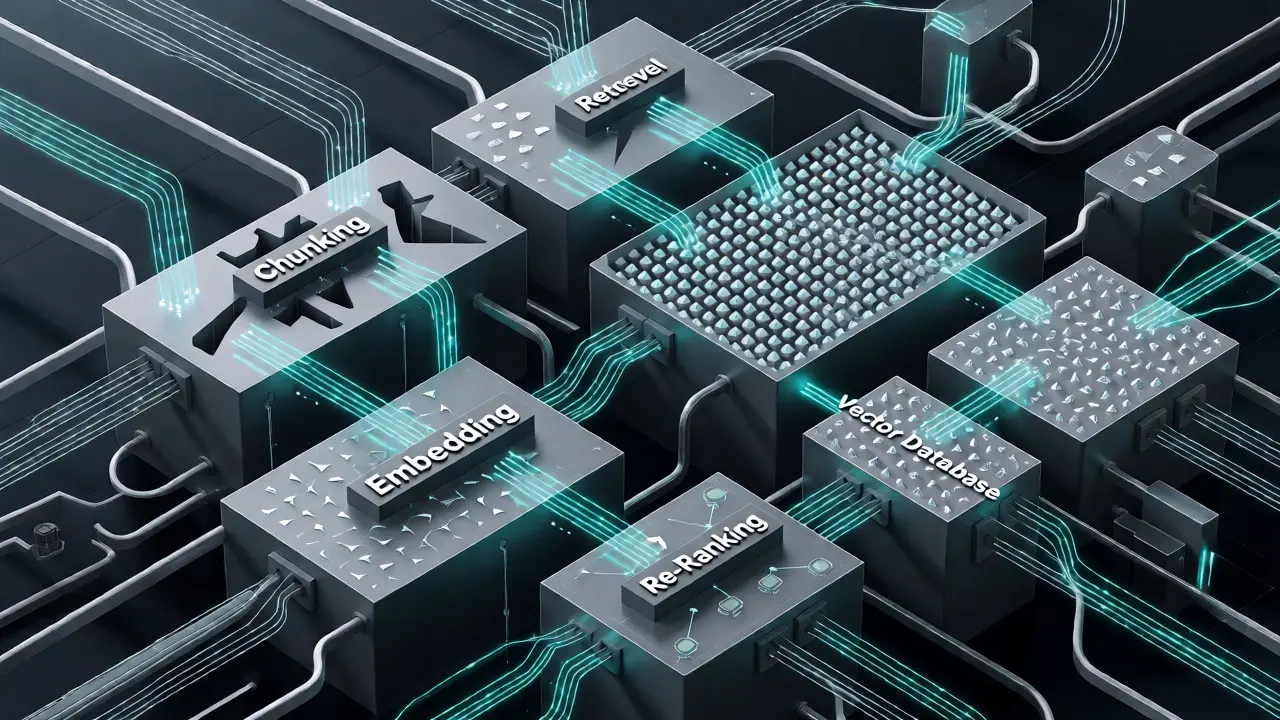
To build something that survives contact with real-world data, you need specific building blocks. It’s not enough to pick one tool and hope for the best. You need a pipeline.
- Embedding Pipelines: These convert text into numbers. Don’t just use any embedding model. Look for ones tuned for domain-specific language. Cohere’s Embed v3, for example, handles over 100 languages in a single model, which is a lifesaver for global companies avoiding separate encoders per region.
- Vector Databases: This is your memory. Postgres with PGVector is great for small-to-medium scale (under 500K embeddings) with low latency. But when you hit millions of rows, LanceDB shines, offering horizontal scaling and fast metadata filtering. Choose based on your data volume and privacy needs.
- Re-Ranking Models: Initial retrieval gets you close. Re-ranking gets you right. Use a cross-encoder model to score the retrieved documents against the user’s query again. This step significantly boosts precision, reducing hallucinations.
- Chunking Strategies: Splitting documents is an art. Fixed-size chunks break sentences mid-thought. Semantic chunking keeps ideas together. For legal or medical docs, preserving structure (like headers and tables) is critical. Tools that respect document layout prevent the LLM from getting confused by fragmented context.
Each component must be observable. You need to log every retrieval event. Who asked what? What documents were found? What was the final answer? This audit trail is non-negotiable for compliance teams checking GDPR or HIPAA adherence.
Choosing Your Architecture Pattern
There is no one-size-fits-all RAG architecture. Your choice depends on how your organization is structured and how diverse your data is. Here are the main patterns used in 2026.
| Architecture Type | Best For | Pros | Cons |
|---|---|---|---|
| Centralized | Uniform knowledge bases, smaller orgs | Simpler maintenance, consistent updates | Bottleneck risk, less flexibility per department |
| Federated | Large orgs with distinct domains (HR, Legal, Sales) | Domain-specific optimization, isolated failures | Complex routing logic, higher initial setup time |
| Cascading | Cost-sensitive environments with mixed query complexity | Optimizes cost by using cheap models for easy queries | Latency overhead from multiple steps |
| Streaming | Real-time analytics, news, stock markets | Data is always fresh, no batch delays | High infrastructure complexity, harder to debug |
A Centralized Architecture uses one big pipeline. It’s easy to manage but can become a bottleneck if thousands of users hit it simultaneously. It works well if your data is homogeneous-say, a support ticket system for one product.
A Federated Architecture splits the problem. You have separate retrievers for HR, Finance, and Engineering, all feeding into a shared LLM layer. This allows each team to customize their retrieval logic without breaking others. If the HR database goes down, Finance still works. Tech Ahead Corp notes this is ideal for large enterprises with siloed data.
Consider Cascading Models if budget is tight. Route simple questions to a small, fast model. Only escalate complex reasoning tasks to expensive, powerful models. This hybrid approach balances performance and cost effectively.
Security and Compliance Are Not Afterthoughts
In an enterprise, security isn’t a feature; it’s a requirement. You cannot let a junior analyst ask the AI about executive salaries if they don’t have clearance. Standard RAG doesn’t care about permissions. Enterprise RAG does.
You need Role-Based Access Control (RBAC) integrated directly into the retrieval layer. When a user asks a question, the system must first check their identity. Then, it filters the vector database results to include only documents that user is allowed to see. This happens before the LLM even sees the context. If you skip this, you risk leaking sensitive data through the generated response.
Furthermore, look for solutions that support PII masking. Automatically redact names, emails, or account numbers from logs and prompts. Air-gapped deployments are becoming more common for highly regulated industries like healthcare and finance, ensuring data never leaves your secure perimeter.
Implementation Challenges and How to Solve Them
Deploying this stuff is hard. Here are the traps most teams fall into.
Challenge 1: Poor Chunking. If you split a contract clause incorrectly, the LLM loses the legal meaning. Solution: Use semantic chunkers that understand sentence boundaries and paragraph structures. Test different chunk sizes. Sometimes 512 tokens work; sometimes you need 1024. There is no magic number; you must evaluate.
Challenge 2: Irrelevant Retrievals. The system finds documents that match keywords but not intent. Solution: Implement hybrid search. Combine dense vector search (for meaning) with keyword matching (BM25, for exact terms). Then, use a re-ranker to sort the combined results. This dramatically improves relevance.
Challenge 3: Latency Spikes. Vector searches can slow down as data grows. Solution: Use approximate nearest neighbor (ANN) indexes like HNSW instead of brute-force search. Monitor P95 latency, not just average. If your P95 is over 2 seconds, users will feel the lag.
Challenge 4: Evaluation Blindness. How do you know it’s working? You can’t just eyeball it. Build an evaluation pipeline. Create a golden dataset of questions and expected answers. Run automated tests after every code change. Measure faithfulness (did the answer come from the docs?) and relevancy (was it useful?). Without this, you’re flying blind.

When Not to Use RAG
Here’s a controversial take: RAG isn’t always the answer. If your task requires stylistic consistency, like writing marketing copy in a specific brand voice, fine-tuning might be better. RAG injects facts, but it doesn’t necessarily teach style. Similarly, for static knowledge bases that rarely change, a simple prompt engineering approach with a few examples might suffice. RAG adds complexity and cost. Use it when you need dynamic, up-to-date, or vast amounts of external knowledge. Otherwise, keep it simple.
Remember, the goal isn’t to use RAG because it’s trendy. The goal is to solve a business problem. If a simple lookup table solves it, use that. If you need natural language understanding over unstructured data, then build the RAG system.
Future-Proofing Your Investment
The landscape is moving fast. Multimodal RAG is arriving, allowing systems to process images, charts, and text together. Imagine asking, "What does this sales chart show compared to last year's PDF report?" That’s coming soon.
Multi-agent pipelines are also gaining traction. Instead of one monolithic system, specialized agents handle retrieval, reasoning, and validation separately. They collaborate to produce a final answer. This modular approach makes debugging easier and allows you to swap out components as better tools emerge.
Finally, continuous learning loops are key. Your RAG system should learn from user feedback. If a user marks an answer as incorrect, flag that interaction for review. Update your knowledge base or adjust your retrieval weights. Static systems rot. Dynamic systems improve.
What is the biggest mistake companies make when implementing RAG?
The most common mistake is ignoring the quality of the underlying data. Garbage in, garbage out. Companies often focus heavily on the LLM choice while neglecting document cleaning, proper chunking, and metadata tagging. If your source documents are messy, scanned poorly, or lack structure, even the best retrieval algorithm will fail to provide accurate context.
How much does an enterprise-grade RAG system cost to maintain?
Costs vary widely based on scale and cloud provider choices. However, optimized architectures can reduce unnecessary LLM API calls by 60-80% through efficient retrieval and caching. Major costs include vector database hosting, embedding computation, and LLM inference fees. Serverless approaches can help lower idle costs, but high-volume applications require reserved capacity for predictable performance.
Can RAG handle real-time data updates?
Yes, but it requires specific architectural choices. Traditional batch indexing introduces delay. Streaming RAG pipelines continuously ingest new data into the vector database, making it available for retrieval almost instantly. This is critical for use cases like customer support tickets or financial news, where stale information leads to incorrect answers.
Is RAG secure enough for HIPAA-compliant healthcare data?
It can be, provided you implement strict access controls. You must ensure that the retrieval layer respects patient data permissions. Additionally, using air-gapped deployments or private VPCs prevents data leakage to third-party APIs. Audit logs for every retrieval event are essential for proving compliance during inspections.
Which vector database is best for enterprise scale?
There is no single "best" option. Postgres with PGVector is excellent for existing SQL ecosystems and medium-scale data. LanceDB offers superior performance for massive datasets (millions of rows) and supports decentralized storage designs. Milvus and Pinecone are other strong contenders depending on whether you prioritize open-source control or managed convenience. Evaluate based on your specific latency and scalability requirements.
- Nov, 15 2026
- Collin Pace
- 1
- Permalink
- Tags:
- RAG architecture
- enterprise AI
- vector databases
- LLM integration
- retrieval augmented generation
Written by Collin Pace
View all posts by: Collin Pace