Refactoring Sprints for Vibe-Coded Apps: Scheduling and Scope
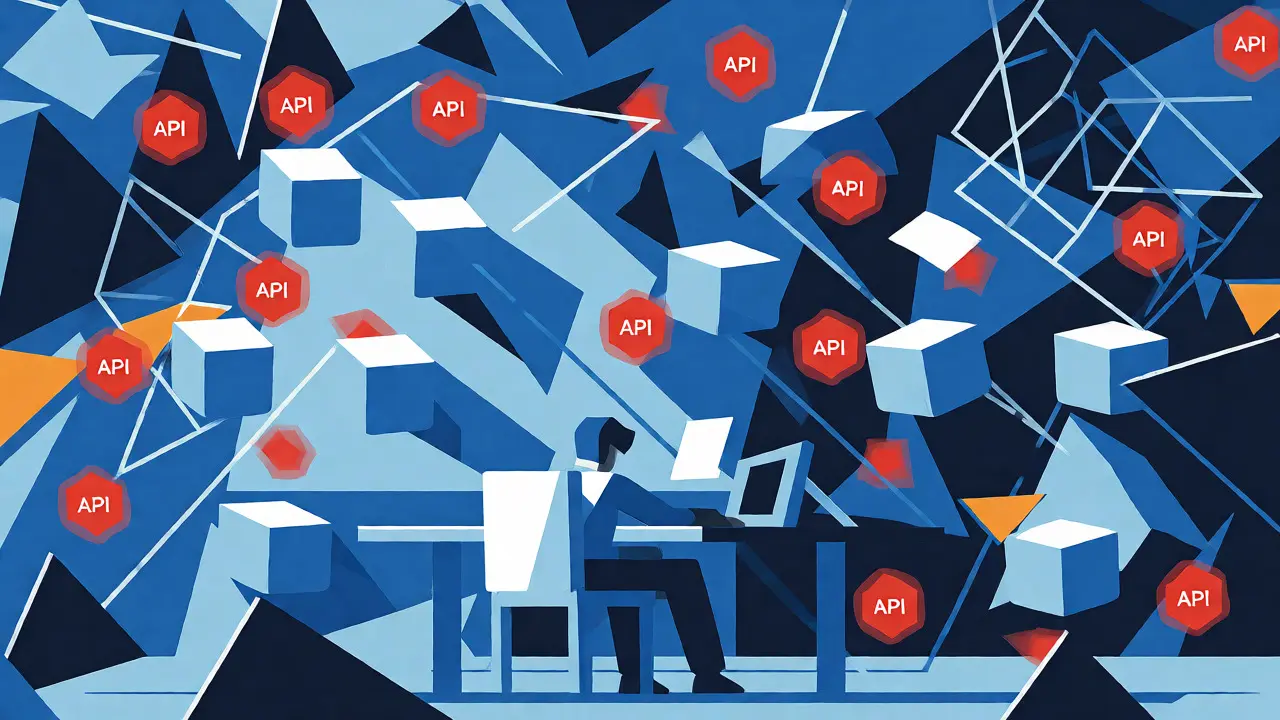
You built an app in a weekend. It works. It looks great. You felt like a wizard prompting Cursor or GitHub Copilot to spit out entire components while you just nodded along. Then Monday hits. A teammate asks how the auth flow works, and you realize you have no idea why that one file is 400 lines long. Or worse, you find your API keys hardcoded in three different places.
This is the reality of vibe coding. It’s fast, fluid, and dangerously unstructured. The code runs, but it’s brittle. To fix this without killing your momentum, you need a specific intervention: the refactoring sprint. This isn’t about rewriting everything from scratch. It’s about dedicating a short, focused block of time to turn "it works" into "it scales." Here is how to schedule and scope these sprints so they actually stick.
Why Vibe Coding Creates Technical Debt Spirals
Vibe coding relies on high-velocity iteration with minimal upfront architecture. You prompt an AI agent, it generates code, you paste it, and you move on. The problem? AI models optimize for making the current prompt work, not for long-term maintainability. They don’t know your team’s naming conventions unless you explicitly tell them. They don’t know that you already have a utility function for date formatting because you didn’t mention it in the context window.
The result is duplication and inconsistency. You end up with five slightly different ways to handle errors across your application. Security becomes an afterthought; client-side secrets sneak into React components because the AI didn’t flag the risk. Skill atrophy sets in because you’re reviewing output rather than writing logic. Without a deliberate pause to clean up, these small inconsistencies compound into a system that’s impossible to debug.
A refactoring sprint breaks this cycle. It shifts the focus from "adding features" to "hardening the foundation." Think of it as paying down the interest on the technical debt you accrued during the rapid build phase.
Scheduling: When to Insert the Sprint
Don’t wait until the codebase collapses. The best time to refactor is when friction becomes noticeable but before it blocks progress. For most vibe-coded projects, this aligns with natural breakpoints in your workflow.
If you are working in weekly sprints, dedicate every third week to refactoring. This rhythm allows you to push hard on features for two weeks, then step back to consolidate. If you deploy frequently, use the sprint immediately preceding a major release as your hardening window. This ensures that any security holes or architectural flaws discovered by AI code reviews get fixed before users see them.
| Strategy | Trigger Event | Duration | Best For |
|---|---|---|---|
| Cadence-Based | Every 3rd sprint | 1 Week | Teams with predictable feature velocity |
| Pre-Release Hardening | Before production deploy | 2-3 Days | Frequent shippers / MVPs |
| Slice Completion | After 2-3 vertical slices | 1-2 Days | Modular architectures (e.g., Wasp) |
Another effective trigger is the completion of a cluster of "vertical slices." In frameworks like Wasp, you might build a full feature from database schema to UI component. After building two or three such slices, patterns emerge. Maybe you’re repeating the same error-handling boilerplate. That’s your cue to stop new feature work and extract those commonalities into shared modules.
Scoping: What Actually Goes Into the Sprint
A refactoring sprint fails if the scope is too broad. "Clean up the code" is a wish, not a plan. You need concrete, measurable goals. Focus on these four pillars:
- Security Hardening: Hunt for hardcoded secrets, insecure client-side API calls, and missing input validation. Use AI to "roast" its own code by asking it to identify vulnerabilities based on OWASP standards.
- Architecture Consistency: Standardize state management, routing, and data fetching patterns. If one part of your app uses Redux and another uses Context API without a clear reason, unify them.
- Test Coverage: AI can generate unit tests rapidly. Ask it to write tests for critical paths-auth, payments, data persistence-that currently lack coverage.
- Documentation & Rules: Update your AI rule files. If the AI kept making the same mistake, encode the correct pattern in your `.cursor/rules` or similar configuration files so future prompts adhere to it.
Do not try to rewrite business logic. If the feature works, leave it alone. Refactoring changes the internal structure without altering external behavior. If you change what the user sees, you’re doing feature development, not refactoring.
Using AI to Accelerate Refactoring
Ironically, the tool that created the mess can help clean it up. Tools like Kiro or advanced features in Cursor allow you to reverse-engineer specifications from existing code.
Start by feeding the AI your current codebase and asking it to generate a natural-language specification of what each module does. Review this spec. Does it match your intent? If not, the code is likely diverging from your mental model. Once you have accurate specs, ask the AI to propose refactoring steps that align the code with those specs. This approach turns vague "clean-up" tasks into concrete, verifiable actions.
Also, leverage AI for documentation. After refactoring a module, prompt the AI to update the README or inline comments. This keeps your knowledge base fresh without manual drudgery. Remember, documentation is part of the code. If it’s stale, it’s broken.

Common Pitfalls to Avoid
The biggest risk in a refactoring sprint is scope creep. You start fixing a typo, notice a bad variable name, then decide to restructure the folder hierarchy, and suddenly you’ve spent three days on "minor tweaks" while your product manager wonders where the new login button went.
Set strict entry and exit criteria. Entry criteria: All critical bugs are triaged, and you have a list of specific refactoring targets. Exit criteria: Tests pass, linting rules are satisfied, and no new regressions were introduced. If you hit the time limit and haven’t finished, ship what you have and defer the rest. Partial refactoring is better than no refactoring.
Another pitfall is ignoring the "rules file." If you fix a security issue manually but don’t update your AI’s context or rules, the next time you add a feature, the AI will reintroduce the same vulnerability. Treat your AI configuration as living documentation. Every lesson learned must be codified there.
Practical Checklist for Your Next Sprint
Here is a quick checklist to keep you on track during a refactoring sprint for vibe-coded apps:
- Audit Secrets: Ensure no API keys or passwords are hardcoded. Move them to environment variables.
- Unify Auth Flow: Verify all protected routes use the same middleware or hook.
- Extract Utilities: Identify repeated code snippets (date formatting, string parsing) and move them to a shared library.
- Generate Tests: Create unit tests for the top 5 most complex functions.
- Update Rules: Add new constraints to your AI assistant’s rule file based on issues found.
- Document Decisions: Write a brief log explaining *why* certain architectural choices were made.
By treating refactoring as a scheduled, scoped event rather than an ad-hoc chore, you maintain the speed of vibe coding without sacrificing the stability required for production. The goal isn’t perfect code; it’s sustainable code.
What is vibe coding?
Vibe coding is a development style where programmers use AI assistants to generate code through natural language prompts, focusing on rapid iteration and flow rather than strict architectural planning. It prioritizes getting things working quickly over initial structural perfection.
How often should I run a refactoring sprint?
A common cadence is every third sprint or before major releases. Alternatively, trigger a refactoring session after completing two or three vertical slices of functionality, when duplicated patterns and inconsistencies become obvious.
Can AI fully automate refactoring?
No. AI can identify code smells, suggest fixes, and generate tests, but human judgment is required to validate architectural decisions and ensure business logic remains intact. AI acts as a force multiplier, not a replacement for oversight.
What tools help with vibe-code refactoring?
Tools like Cursor, GitHub Copilot Workspace, and Kiro help by maintaining context, enforcing rules via configuration files, and generating specs from existing code. Integrations with linters and test runners provide immediate feedback during the sprint.
How do I prevent AI from reintroducing old bugs?
Update your AI rule files (e.g., .cursorrules) with explicit instructions based on past mistakes. If the AI hardcoded a secret, add a rule stating "Never hardcode API keys." This creates a feedback loop where lessons learned constrain future generations.
- Oct, 27 2026
- Collin Pace
- 0
- Permalink
Written by Collin Pace
View all posts by: Collin Pace