Toolformer-Style Prompts: How to Guide LLMs to Call Tools and APIs
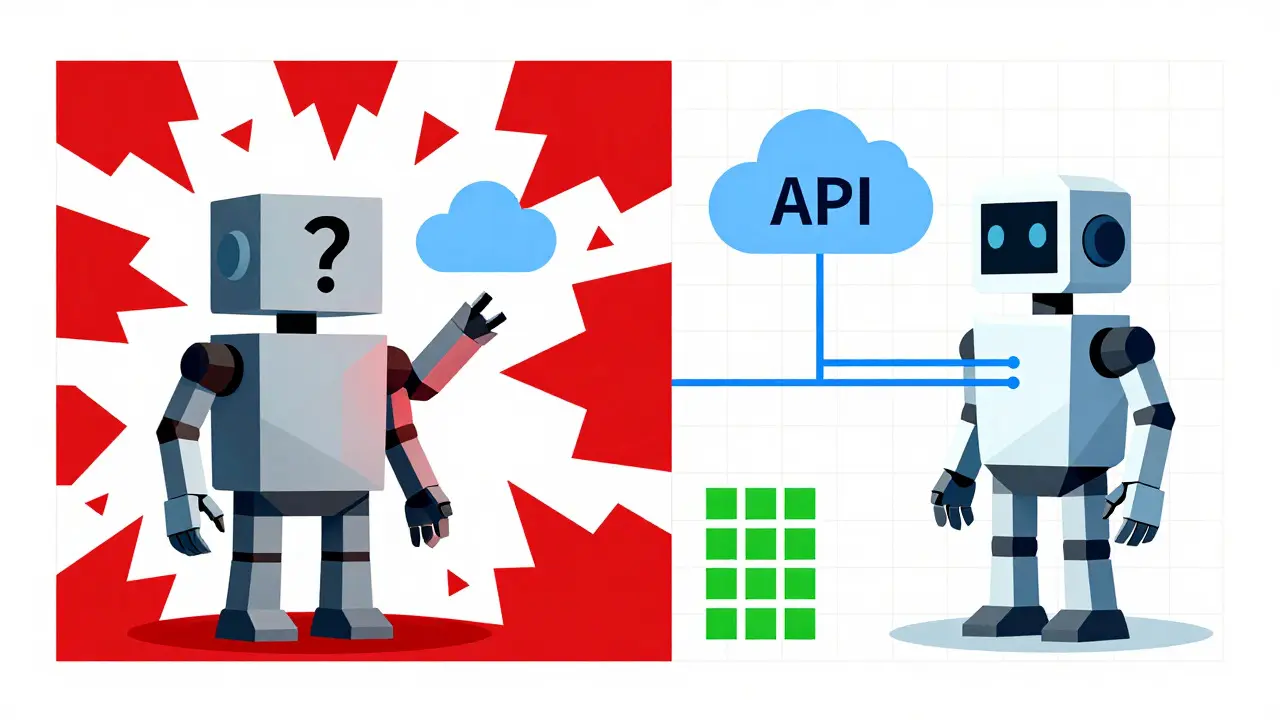
Imagine asking your assistant to check the weather in Tokyo. A standard chatbot might guess based on old training data or hallucinate a sunny day when it's actually raining. Now imagine an assistant that pauses, decides it needs real-time data, calls a weather API, gets the actual temperature, and then tells you the truth. That shift-from guessing to acting-is exactly what Toolformer-style prompts are designed to achieve.
We aren't just talking about simple command-and-control scripts anymore. We are looking at a methodology where large language models (LLMs) learn to autonomously decide when to use external tools, which tool to pick, and how to interpret the results. This approach, rooted in research from Meta AI but now widespread in commercial platforms like OpenAI and Anthropic, is the backbone of modern "agentic" AI systems.
If you are building applications that need to interact with databases, send emails, or perform calculations, understanding how these prompts work is no longer optional-it’s essential. Let’s break down how this technology evolved, how it works under the hood, and how you can implement it effectively today.
The Origin Story: From Guessing to Knowing
To understand where we are, we have to look back at February 2023. Researchers at Meta AI, led by Timo Schick, published a paper titled "Language Models Can Teach Themselves to Use Tools." This was the birth of the Toolformer concept.
Before this, if an LLM needed to calculate "1984 + 567," it would try to predict the next token based on patterns it saw during training. It often got math wrong because transformers are prediction engines, not calculators. The researchers asked a simple question: What if we taught the model to recognize its own uncertainty?
They didn't manually label thousands of examples. Instead, they used a self-supervised approach. They took a base model, inserted potential API calls into text sequences, executed those calls, and measured something called "perplexity reduction." In plain English, perplexity measures how surprised the model is by the next word. If inserting the result of a calculator call made the surrounding text make more sense (lower perplexity), the model kept that example. If the tool call added noise, it discarded it.
This created a feedback loop. The model learned that for certain types of queries-math, calendar dates, current facts-calling an external tool reduced its confusion. It wasn't forced to use tools; it learned that tools were useful in specific contexts. This distinction is critical. It’s the difference between a robot blindly following a script and an agent making a strategic decision.
How Toolformer-Style Prompts Work Technically
You don’t need to retrain a massive transformer from scratch to benefit from these ideas. Today, the principles of Toolformer are embedded in the "function calling" features of major LLM providers. But understanding the mechanics helps you debug better.
Here is the lifecycle of a tool-using prompt:
- Context Analysis: The user asks a question. The model processes the input alongside a "menu" of available tools. These tools are defined by JSON schemas that describe their name, purpose, and required parameters.
- Decision Making: The model evaluates whether a tool is necessary. If the answer lies within its pre-training data (e.g., "Who wrote Hamlet?"), it generates text directly. If the answer requires external data (e.g., "What is the stock price of Apple right now?"), it triggers a tool-use mode.
- Structured Output: Instead of writing a sentence, the model outputs a structured object, usually JSON. For example: `{"function": "get_stock_price", "arguments": {"symbol": "AAPL"}}`.
- Execution: Your application code intercepts this JSON. It runs the actual Python function or HTTP request to get the real data.
- Integration: The result (e.g., "$185.50") is fed back into the conversation history as a new message. The model then uses this fresh information to generate the final natural language response.
The key innovation here is the separation of concerns. The model handles reasoning and formatting; the external system handles execution and accuracy. This hybrid approach combines the flexibility of natural language with the precision of code.

Toolformer vs. ReAct: Choosing Your Strategy
Not all tool-use strategies are created equal. You will often hear about "ReAct" (Reasoning + Acting) alongside Toolformer-style methods. Knowing the difference saves you hours of debugging.
| Feature | Toolformer-Style / Function Calling | ReAct (Prompt-Based) |
|---|---|---|
| Mechanism | Structured JSON output; model learns to prefer tools when uncertainty is high. | Text-based chain-of-thought; model writes out thoughts and actions in plain text. |
| Reliability | High. Strict schemas reduce hallucination of arguments. | Variable. Depends heavily on prompt engineering quality. |
| Speed | Faster. Direct jump to tool execution without verbose reasoning steps. | Slower. Model generates intermediate reasoning tokens before acting. |
| Complexity | Requires defining JSON schemas and handling structured returns. | Easier to start; just write a good system prompt. |
| Best For | Production apps, financial data, database queries, enterprise integrations. | Research prototypes, exploratory tasks, complex multi-step planning. |
Toolformer-style approaches are generally preferred for production environments because they are deterministic. When you define a strict JSON schema for a `send_email` function, the model is constrained to provide valid inputs. With ReAct, the model might forget to include the recipient address or format the subject line incorrectly, leading to runtime errors.
Implementing Tool Use in Your Applications
You don’t need a PhD in machine learning to implement this. Most modern LLM APIs (OpenAI, Anthropic, Google Gemini) have built-in support for function calling. Here is how to set it up correctly.
1. Define Clear Tool Schemas
Your tool definitions are your instructions. Vague descriptions lead to vague results. If you have a tool to search a database, don't just call it "search." Describe it precisely.
Bad: "Searches the database."
Good: "Retrieves customer records from the SQL database. Returns JSON objects containing name, email, and last purchase date. Use only when specific customer details are requested."
2. Handle Errors Gracefully
Things will go wrong. The API might time out. The JSON might be malformed. Your application must catch these exceptions and feed them back to the model. For example, if the model passes an invalid date format, return an error message like: "Error: Date format 'MM/DD/YYYY' is invalid. Please use 'YYYY-MM-DD'." The model will often self-correct on the second attempt.
3. Avoid Over-Calling
A common pitfall is the "tool spam" problem. If your system prompt is too aggressive, the model might call a search API for every single sentence, even when it already knows the answer. This increases latency and cost. To fix this, explicitly instruct the model in your system prompt: "Only use tools when the answer cannot be derived from existing context or general knowledge."

Common Pitfalls and How to Avoid Them
Even with robust frameworks, developers face challenges. Here are three frequent issues and solutions.
- Hallucinated Arguments: The model invents a parameter that doesn't exist in your schema.
Solution: Use strict validation libraries (like Pydantic in Python) to reject invalid JSON before it reaches your backend. Feed the validation error back to the LLM. - Context Window Overflow: If a tool returns a massive amount of data (e.g., a 10MB log file), it can blow past the model's context limit.
Solution: Summarize tool outputs before feeding them back to the LLM, or truncate non-essential parts of the response. - Looping Behavior: The model gets stuck in a cycle, calling the same tool repeatedly with slight variations.
Solution: Implement a maximum iteration count in your orchestration logic. If the model fails after three attempts, fall back to a human-in-the-loop or a default error message.
The Future of Agentic AI
We are moving toward a world where LLMs are not just chatbots but orchestrators. By 2026, we see companies building "multi-agent" systems where one model plans, another executes code, and a third verifies results-all using Toolformer-style coordination.
The trend is shifting from prompt-only solutions to fine-tuned agents. While off-the-shelf function calling works for 90% of cases, enterprises in high-stakes fields like finance and healthcare are exploring lightweight fine-tuning. They want models that inherently understand domain-specific tools without needing extensive prompting. This mirrors the original Toolformer vision: teaching the model itself to trust and use tools efficiently.
For now, mastering the art of clear schema definition and robust error handling is the most valuable skill you can develop. The technology is powerful, but it requires discipline. Treat your LLM as a junior developer who is brilliant but prone to confidence without competence. Give it clear tools, strict boundaries, and immediate feedback, and it will transform your application from a static interface into a dynamic agent.
Do I need to retrain my LLM to use Toolformer-style prompts?
No. The original Toolformer research involved fine-tuning, but today you can achieve similar results using built-in "function calling" or "tool use" features in APIs from OpenAI, Anthropic, and Google. These models are already trained to recognize and output structured tool calls based on your prompts.
What is the difference between Toolformer and ReAct?
Toolformer-style approaches rely on structured outputs (like JSON) and often involve training the model to associate tool use with reduced uncertainty. ReAct is a prompt-engineering technique where the model writes out its reasoning steps in plain text before taking an action. Toolformer is generally more reliable and faster for production apps, while ReAct is more flexible for complex, open-ended reasoning tasks.
How do I prevent my LLM from calling tools unnecessarily?
You can mitigate over-calling by providing clear system instructions that specify when tools should be used. For example, instruct the model to "only use the search tool if the answer is not present in the conversation history." Additionally, ensure your tool descriptions are precise so the model understands the specific value each tool adds.
Can Toolformer-style prompts handle multiple tools at once?
Yes. Modern LLMs can be configured to select and execute multiple tools in parallel or sequence. For instance, a travel agent bot might simultaneously call a flight search API and a hotel availability API. Your application code needs to manage the orchestration, executing the calls and merging the results before sending them back to the model.
Is it expensive to implement function calling?
The cost depends on the complexity of your tools and the frequency of calls. Each tool call consumes additional tokens (for the JSON structure and the tool output). However, compared to the cost of incorrect answers or manual intervention, the efficiency gains often outweigh the marginal increase in API usage fees. Optimizing your prompts to reduce unnecessary calls is the best way to control costs.
- Aug, 3 2026
- Collin Pace
- 0
- Permalink
Written by Collin Pace
View all posts by: Collin Pace