Value Capture from Agentic Generative AI: End-to-End Workflow Automation

Most companies think AI is about chatbots and faster reports. But the real value isn’t in answering questions-it’s in doing the work. Agentic generative AI doesn’t just respond. It acts. It plans. It fixes problems before they escalate. And it’s already cutting costs, speeding up processes, and boosting productivity across finance, customer service, and supply chains.
What Agentic AI Actually Does (And Why It’s Not Just Another Chatbot)
Traditional automation tools follow rigid rules. If a file has this name, move it here. If a ticket says ‘password reset,’ send this template. Simple. But brittle. Break one rule, and the whole thing crashes. Agentic AI is different. Think of it as a digital employee that can think, learn, and decide. It doesn’t wait for instructions. It sees a problem-like a delayed shipment or a rejected invoice-and figures out how to fix it. It checks inventory levels, pulls up vendor contracts, sends an email to the supplier, updates the accounting system, and flags the issue to a manager if it needs human input. All in minutes. Without you lifting a finger. This isn’t science fiction. ServiceNow customers are seeing 60% fewer manual tasks in IT support. Salesforce Einstein AI agents are adjusting sales scripts in real time based on customer tone and history. In finance, AI agents are processing invoices end-to-end-matching purchase orders, verifying approvals, flagging discrepancies, and posting payments-with 75% less time spent than human teams. The key difference? Autonomy. Agentic AI doesn’t just execute tasks. It owns workflows.How Agentic AI Cuts Costs and Boosts Productivity
BCG’s 2025 analysis found early adopters of agentic AI are seeing 20% to 30% faster workflow cycles. McKinsey’s quantumblack team reports productivity gains between 20% and 60% across departments. But these aren’t vague estimates. They’re tied to real outcomes:- Customer service teams using AI agents reduced first-contact resolution time by 40%, and CSAT scores rose 12-18 points because agents handled routine requests while humans focused on complex cases.
- An enterprise using agentic AI in its SAP supply chain system noticed rising logistics costs. The agent automatically triggered a forecast review in the finance system, renegotiated contracts with two vendors, and saved $1.2 million in annual spend.
- A mid-sized retailer automated its return processing workflow. What used to take 3 days with 5 people now takes 4 hours with zero human input. Error rates dropped by 82%.
How It Works: The Four-Step Loop That Replaces Manual Work
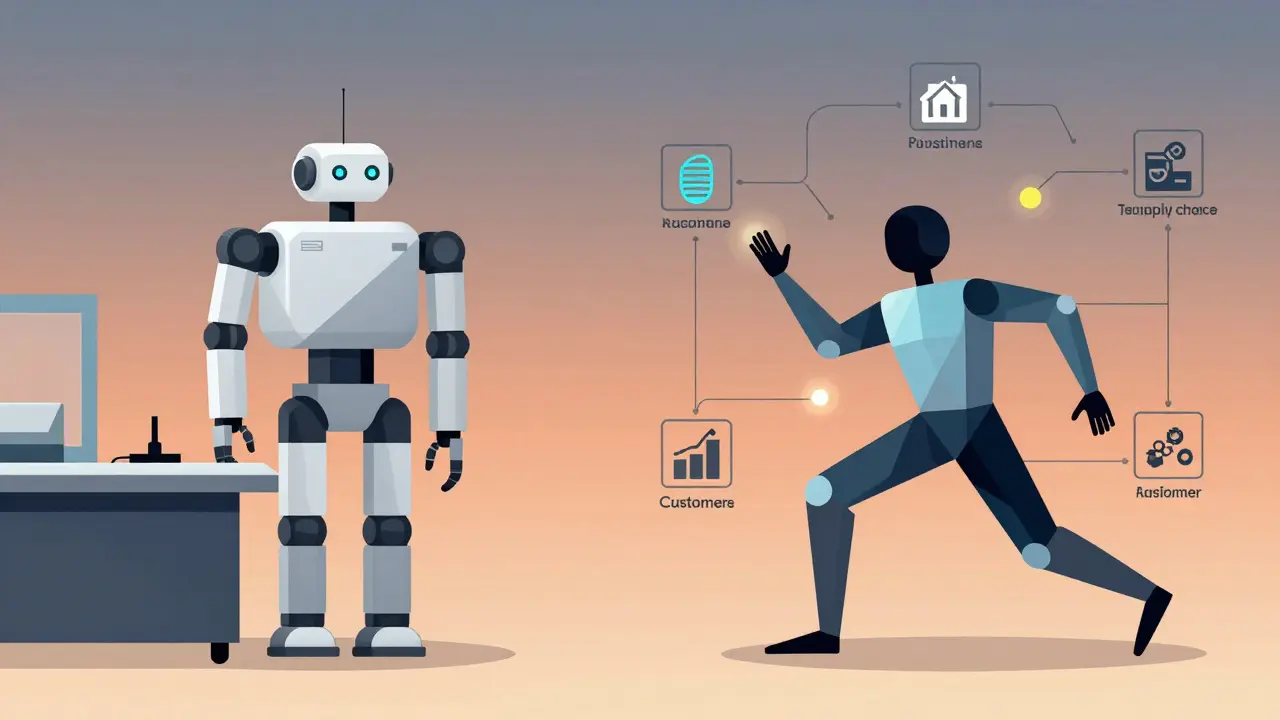
Agentic AI runs on a continuous loop:- Perception - It pulls data from CRM, ERP, email, tickets, and documents. No manual uploads. No copy-pasting.
- Reasoning - Using knowledge graphs and LLMs, it understands context. Is this invoice late because the vendor missed a deadline, or because the approver is on vacation?
- Action - It doesn’t just suggest. It acts. It sends an email, updates a database, creates a purchase order, or escalates to a human.
- Learning - Every outcome is logged. If an agent incorrectly approved a refund, it learns. Next time, it flags the case or asks for review.
Where It Shines (And Where It Fails)
Agentic AI doesn’t work everywhere. It thrives in high-volume, pattern-based workflows:- Customer service - Handling returns, password resets, order status checks.
- Finance - Invoice processing, expense approvals, fraud detection.
- IT support - Ticket resolution, system alerts, access requests.
- Supply chain - Inventory restocking, vendor communication, delay alerts.
- Processes are poorly documented or constantly changing.
- Decisions require deep empathy-like handling a grieving customer or a fired employee.
- Data is scattered across systems with no API access.
Implementation: The Three Steps Most Companies Skip
Successful deployments follow a clear path:- Build the data foundation - Agentic AI needs clean, connected data. If your CRM doesn’t talk to your ERP, fix that first. Start with structured data: invoices, tickets, orders. Then add unstructured: emails, chat logs, PDFs.
- Find the high-impact workflows - Don’t automate everything. Look for tasks that are repetitive, time-consuming, and measurable. Ask: ‘What’s the biggest time sink in your department?’ That’s your starting point.
- Map systems and governance - Who gets notified when the AI makes a mistake? Who audits its decisions? How do you ensure compliance? Without these rules, you’re building a black box. And no one trusts a black box.
How It Compares to RPA and Basic Generative AI
| Feature | Traditional RPA | Basic Generative AI | Agentic AI |
|---|---|---|---|
| Decision-Making | Rule-based | Text generation only | Autonomous judgment |
| Workflow Scope | Single task | Single task or response | End-to-end process |
| Learning | No | Minimal (prompt tuning) | Yes, continuous |
| System Integration | Manual scripting | API calls, limited | Native, multi-platform |
| Productivity Gain | 10-20% | 15-25% | 20-60% |

Real-World Examples That Work
- Zendesk: AI agents now handle 65% of incoming support tickets. Customers get answers in under 2 minutes. Human agents only step in when the agent detects frustration or complexity. Result: 18-point CSAT lift. - ServiceNow: Their Now Assist agent auto-resolves 70% of IT tickets. No human touch. It checks knowledge bases, matches error codes, reboots systems remotely, and updates records. IT teams report 40% fewer after-hours calls. - Finance Department at a Global Manufacturer: Automated invoice matching. Used to take 5 days. Now takes 8 hours. Discrepancies dropped from 12% to 1.3%. Staff shifted from data entry to vendor relationship management. These aren’t pilot programs. They’re production systems running daily.What You Need to Get Started
You don’t need a team of data scientists. You need:- A clear workflow to automate
- Access to the systems that run it (CRM, ERP, email, etc.)
- Historical data (at least 3-6 months of past transactions)
- A business owner who owns the outcome
What Comes Next
The next wave? Multi-agent collaboration. Imagine one AI agent handling customer service, another managing inventory, and a third negotiating with suppliers-all talking to each other in real time. If a customer cancels an order, the system automatically adjusts forecasts, notifies procurement, and updates financial reports. No human needed. BCG predicts that by 2027, agentic AI will not just react to problems-it will prevent them. It will detect supply chain risks before they happen. It will spot fraud patterns before a transaction completes. It will reassign tasks before employees get overwhelmed. This isn’t about replacing people. It’s about elevating them. Humans stop doing repetitive tasks. They start doing what machines can’t: making ethical calls, building relationships, solving novel problems. The companies winning in 2026 aren’t the ones with the fanciest AI. They’re the ones who automated the right workflows-and let their people focus on what matters.How is agentic AI different from regular chatbots?
Chatbots answer questions. Agentic AI takes action. A chatbot might tell you how to reset your password. An agentic AI agent will reset it for you, update your account, notify you via email, and log the change-all without you typing a single word.
Can agentic AI replace human workers?
Not fully. It replaces repetitive tasks, not judgment. Human workers shift from data entry to oversight, complex problem-solving, and customer empathy. The most successful teams use AI as a co-pilot, not a replacement.
What’s the biggest mistake companies make when adopting agentic AI?
Trying to automate workflows they don’t fully understand. If you don’t map out every step, decision point, and exception, the AI will make errors. Start small. Document everything. Test rigorously.
How long does it take to see ROI from agentic AI?
Most organizations see measurable ROI within 3 to 6 months. Faster if you automate high-volume, high-cost processes like invoice handling or IT ticket resolution. Slower if you’re trying to automate too many complex workflows at once.
Do I need to buy new software to use agentic AI?
Not necessarily. Platforms like ServiceNow, Salesforce, and UiPath now include agentic AI as part of their existing platforms. You may need to upgrade or enable features, but you don’t need to replace your entire tech stack. Focus on integration, not replacement.
- Jan, 19 2026
- Collin Pace
- 10
- Permalink
Written by Collin Pace
View all posts by: Collin Pace