When to Compress vs When to Switch Models in Large Language Model Systems
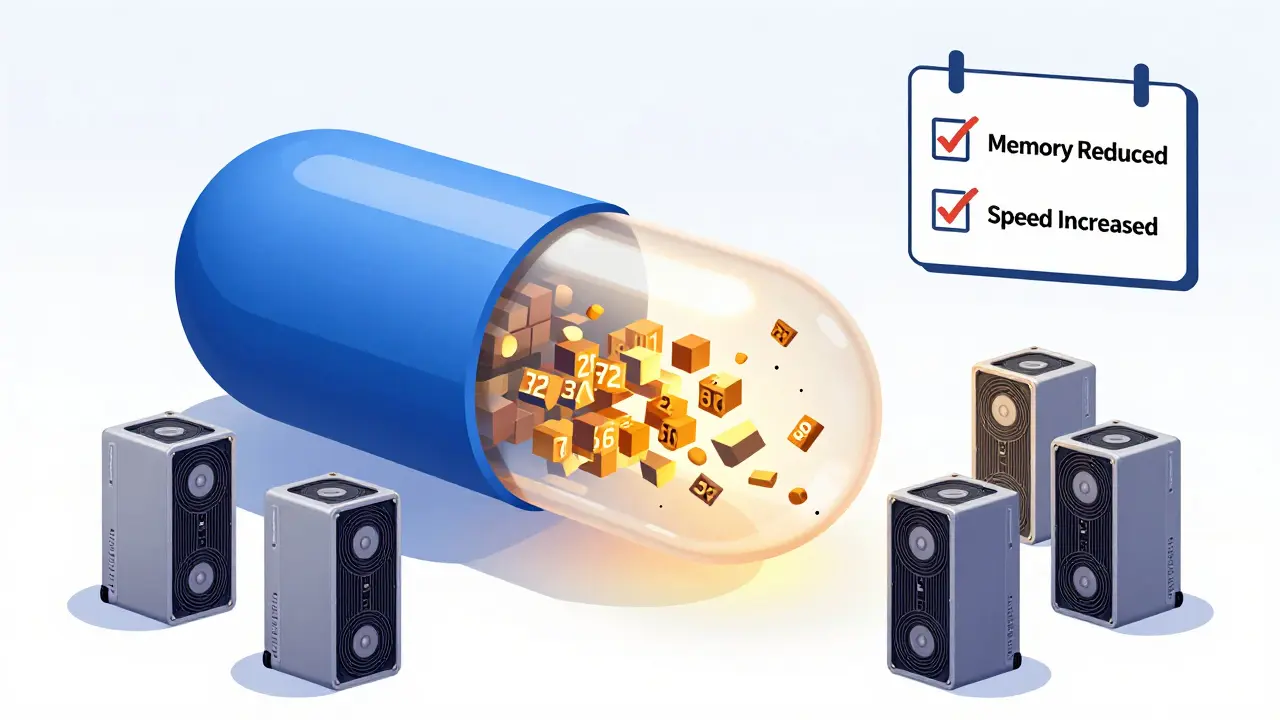
Deploying large language models (LLMs) isn’t just about picking the biggest model available. It’s about making smart trade-offs between performance, cost, and hardware limits. Many teams assume that if a model is too slow or too heavy, they should just switch to a smaller one. But that’s not always the right move. Sometimes, compressing the existing model works better - and sometimes, switching is the only way forward.
What Compression Actually Does
Model compression isn’t magic. It’s about squeezing a large model into a smaller, faster, cheaper package without completely breaking it. The most common methods are quantization, pruning, and low-rank decomposition.
Quantization is the go-to for most teams. It turns 32-bit floating-point numbers into 8-bit or even 4-bit integers. This cuts memory use by 75% or more. For example, a 70B-parameter Llama model that normally needs four NVIDIA A100 GPUs can run on just one with 4-bit quantization. Red Hat’s 2024 benchmarks show this gives a 4x speed boost with only a 5% drop in accuracy for tasks like summarizing documents or answering straightforward questions.
AWQ (Activation-aware Weight Quantization) takes it further. Instead of treating all weights the same, it keeps the most important 1% of parameters at full precision and quantizes the rest. Frontiers in Robotics and AI (2025) found this approach achieves nearly 8x compression with almost no loss in performance - even on complex reasoning tasks.
Pruning removes unused connections in the neural network. But here’s the catch: Apple’s 2024 research shows pruning starts hurting performance at just 25-30% sparsity for knowledge-heavy tasks like medical QA or legal document analysis. If you remove too many connections, the model forgets how to reason.
Then there’s 1-bit quantization - the extreme end. Nature (2025) reported it can slash memory use by 90%. But it’s unstable. It works great on simple tasks, but falls apart when you ask the model to compare two legal contracts or explain a financial report. Most production systems avoid it unless they have strict budget limits.
When Compression Works Best
Compression shines in three scenarios.
First, when you’ve already trained a large model on highly specialized data. Say you’ve fine-tuned a 13B model on 50,000 internal engineering documents. Retraining a smaller model from scratch on that data would cost millions. Quantizing the existing model? That’s a few days of compute. Roblox cut their inference costs by 60% this way in 2024, scaling from 50 to 250 concurrent pipelines without changing hardware.
Second, when your infrastructure is locked in. If you’re running on AWS EC2 instances with 80GB of GPU memory, switching to a smaller model might not save money - you’re still paying for the same server. But compressing your current model to run on 40GB? That lets you double your throughput on the same hardware.
Third, when consistency matters. If your users expect the same answers from your chatbot every day, switching to a completely different model introduces unpredictable behavior. Quantized versions of the same model preserve tone, style, and reasoning patterns. Trustpilot reviews from enterprise AI users in 2024 show 4.2/5 ratings for quantized deployments - mostly because responses stayed reliable.
When You Should Switch Models Instead
Compression has limits. And when you hit them, switching is the only way out.
Start with performance thresholds. If your compressed model drops below 80% accuracy on your core task - even after tuning - it’s time to swap. Apple’s LLM-KICK benchmark found that perplexity (a common metric) often lies. A model might show only a 3% increase in perplexity after compression, but still fail 40% of knowledge-intensive questions. That’s not a small drop. It’s a system failure.
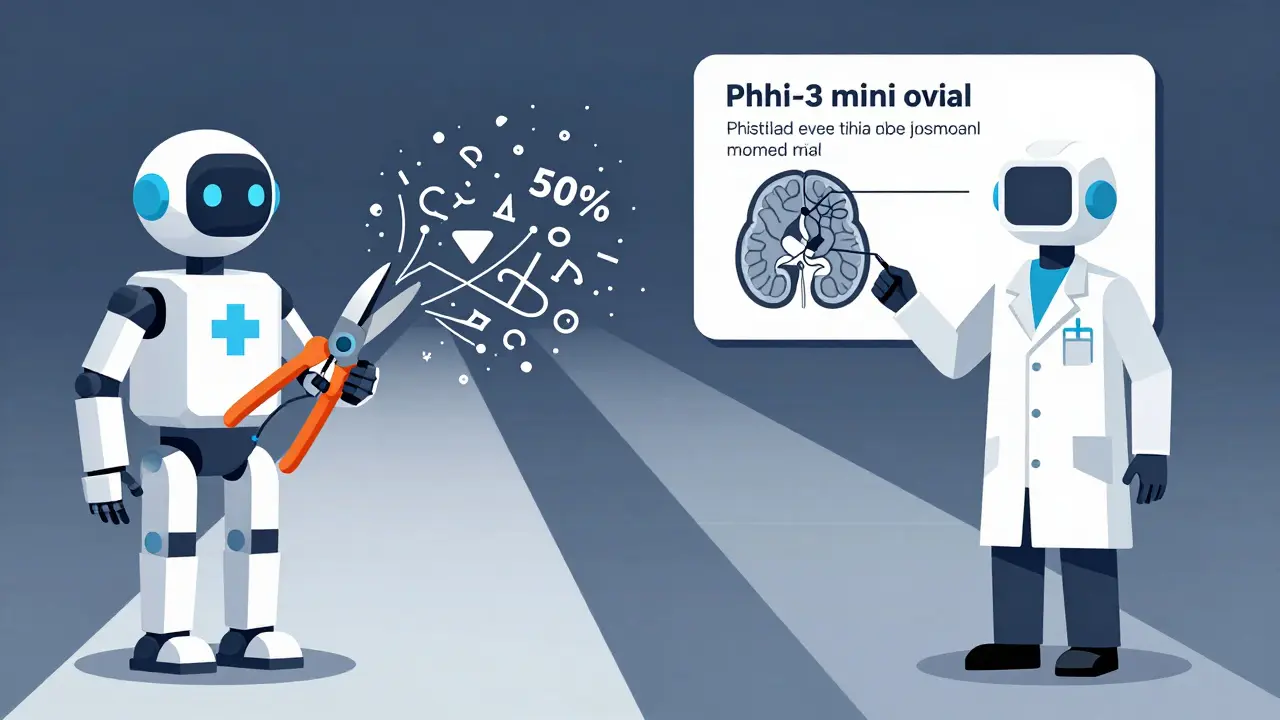
Take medical question answering. A user on Hacker News in November 2024 tried pruning 50% of Mistral-7B for a healthcare chatbot. It worked fine for “What are common symptoms of flu?” But when asked “Does this CT scan show early-stage glioblastoma?” - it gave nonsense answers. Switching to Microsoft’s Phi-3-mini (3.8B parameters), trained specifically for medical reasoning, fixed it overnight.
Another reason to switch: architecture mismatch. If you’re trying to run a text-only LLM on a multimodal task - like analyzing a product image with its description - no amount of quantization will help. You need a model built for vision and language together. That’s why companies like Adobe and Shopify are shifting to models like GPT-4o or Claude 3.5 Sonnet instead of compressing older text-only models.
And then there’s efficiency. Microsoft’s Phi-3-medium (14B) launched in December 2024. It’s smaller than Llama 3 70B but outperforms it on reasoning tasks. Why compress a 70B model when you can deploy a 14B model that’s faster, cheaper, and more accurate? That’s the new calculus.
Hardware and Tooling Matter
Compression isn’t just about math. It’s about compatibility.
Quantized models work with standard inference engines like vLLM and llama.cpp. These tools are mature, well-documented, and supported by Hugging Face’s Optimum library. You can run 4-bit quantized models on a MacBook Pro M1 Max - as one Reddit user reported, getting 20 tokens per second for daily use.
But pruning? That’s trickier. Pruned models often need NVIDIA’s TensorRT-LLM or other specialized runtimes. If your team doesn’t have engineers who know how to build custom inference pipelines, pruning becomes a maintenance nightmare. GitHub issues from December 2024 show users struggling with “quantization-aware training” to prevent 15-20% accuracy loss on legal documents. That’s not something you can fix with a single command.
And don’t forget calibration. Quantization needs calibration data - 100 to 500 real-world samples from your domain - to map weights properly. Skip this, and your model will hallucinate on niche terms. One finance team lost $200K in client trust when their quantized model misread “EBITDA” as “EBITDA-10%” because they used generic training data.
Cost, Energy, and Future Trends
The numbers speak for themselves. Gartner estimates the global LLM compression market will hit $4.7 billion by 2027. Why? Because energy costs matter. Nature (2025) found compression can cut energy use by up to 83% for the same task. For companies under sustainability pressure - especially in finance and healthcare - that’s not optional.
But the future isn’t just compression. It’s hybrid. By 2026, Forrester predicts 90% of enterprise LLMs will use some form of compression - but 40% will also have switched to purpose-built smaller models for critical tasks. That’s the winning strategy: keep your large model compressed for broad tasks, and deploy lean, task-specific models for high-stakes ones.
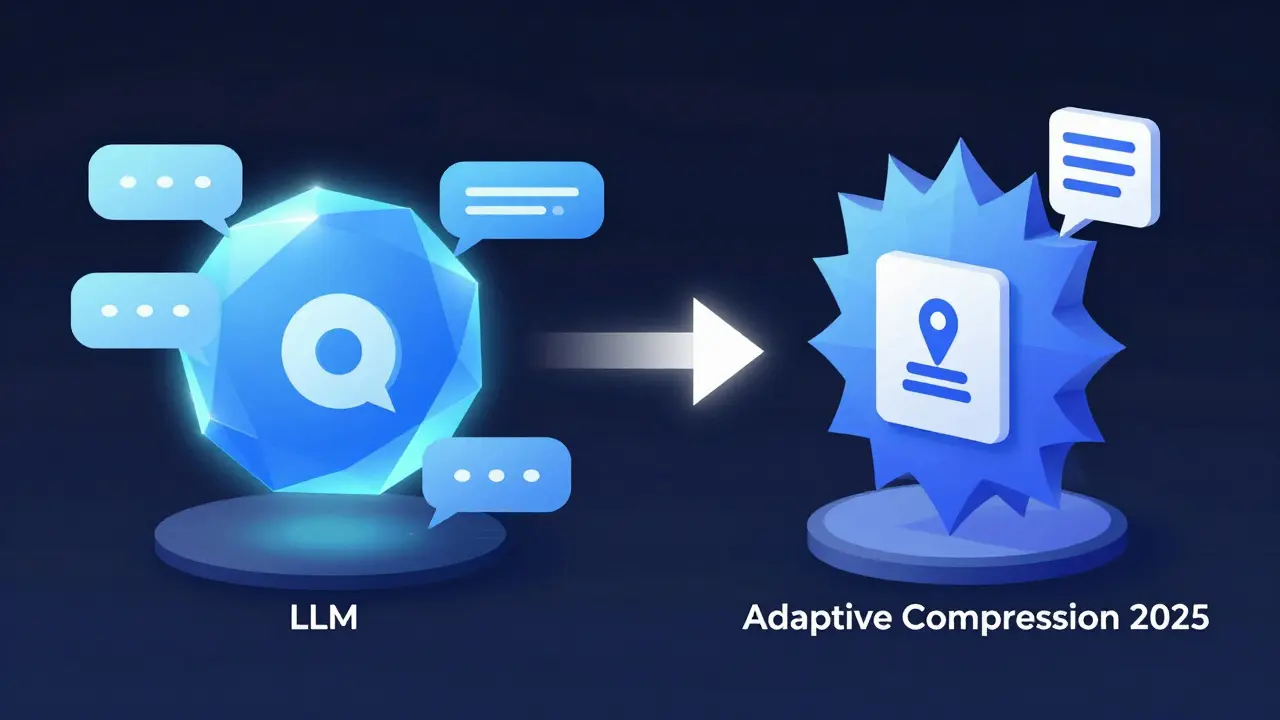
Google’s upcoming Adaptive Compression (Q2 2025) will automate this. It’ll detect when a task is simple (like sentiment analysis) and apply light compression. When it’s complex (like drafting a contract clause), it’ll switch to a more capable model. Meta’s “Compression-Aware Training” research shows models can be trained from the start to compress well - meaning future models won’t need post-training fixes.
Decision Checklist
Here’s how to decide:
- Try compression first if: You have specialized training data, hardware is fixed, and your task is mostly text-based.
- Switch models if: Accuracy drops below 80% on key tasks, you’re doing multimodal work, or a newer, smaller model outperforms your compressed one.
- Avoid pruning beyond 25% sparsity for knowledge-heavy tasks - it’s not worth the risk.
- Always use calibration data for quantization. Never skip it.
- Test with task-specific benchmarks like LLM-KICK - not just perplexity.
There’s no universal answer. The best choice depends on your data, your users, your hardware, and your tolerance for risk. But if you’re still stuck - start with 4-bit quantization. It’s the safest first step. If it doesn’t cut it, then switch. Not the other way around.
Is model compression always cheaper than switching to a smaller model?
Not always. Compression reduces inference costs, but if you need to retrain or fine-tune the model after compressing it - especially with quantization-aware training - the upfront cost can rival training a new model from scratch. For example, if your data is highly specialized, training a Phi-3-mini from scratch might be faster and cheaper than compressing a 70B model and tuning it for your domain.
Can I use quantization on any LLM?
Most open-weight models like Llama, Mistral, and Phi support quantization via tools like llama.cpp or Hugging Face Optimum. But proprietary models (like GPT-4 or Claude) don’t allow it - you’re stuck with what the provider offers. Always check licensing and API terms before assuming you can compress a model.
Does quantization affect response speed on mobile devices?
Yes - and that’s the point. A 4-bit quantized Llama 7B runs at 15-20 tokens per second on an M1 Max MacBook, which is usable for chat. On lower-end devices like Android phones or Raspberry Pi 5, it’s slower, but still functional. The real gain is that you can run a model that would normally need a $10,000 GPU on a $1,000 laptop.
Why do some teams still use 70B models instead of switching to 7B models?
Because context length and reasoning depth matter. A 70B model can hold 128K tokens in memory and still reason across them. A 7B model might struggle with long documents, legal briefs, or multi-step code generation. Compression lets you keep that depth while cutting costs. Switching to a 7B model might save money, but break your core use case.
What’s the easiest way to start compressing an LLM today?
Use Hugging Face’s Optimum library with 4-bit quantization on a model like Llama 3 8B. Install llama.cpp, load the quantized model, and test it on 50 real-world prompts from your use case. If accuracy stays above 85%, you’re done. If not, you’ll know whether to switch models or dig deeper into calibration.
- Mar, 2 2026
- Collin Pace
- 9
- Permalink
Written by Collin Pace
View all posts by: Collin Pace