Best Vibe Coding Tools and Platforms for 2025: A Complete Guide

Imagine describing an app idea to a friend, and by the time you finish your coffee, a fully functional prototype is sitting on your screen. That's not a futuristic dream; it's the current reality of vibe coding. It's a shift from typing every semicolon and bracket to simply communicating the "vibe" of what you want in natural language. Whether you're a seasoned engineer looking to skip the boilerplate or a product manager who doesn't know a string from a float, the tools available in 2025 have turned the development cycle from weeks into hours.
Quick Wins: Which Tool Should You Pick?
- For Full-Stack MVPs: Lovable (Best all-rounder for non-coders).
- For Professional Devs: Cursor (The ultimate AI-native IDE).
- For High-End UI/UX: v0 by Vercel (Fastest way to build React components).
- For Agentic Autonomy: Windsurf IDE (Handles complex, multi-step tasks).
What Exactly is Vibe Coding?
Vibe Coding is a programming style where natural language prompts drive the creation of functional software. Instead of manually writing lines of code, you provide the AI with a description, a screenshot, or a design file, and the platform handles the heavy lifting. It's essentially "programming by intent."
This movement exploded after the release of models like GPT-4 and Claude 3.5 Sonnet. By 2025, the market for these tools has grown by 227%, reflecting a massive demand for speed. The goal isn't just to write code faster, but to remove the technical barrier between having an idea and seeing it work in a browser.
The Heavy Hitters: Top Platforms for 2025
Lovable: The MVP Powerhouse
Lovable is designed for people who want to go from zero to production without touching a terminal. It's unique because it doesn't just take text; you can upload a sketch or import a Figma design, and it generates the frontend, backend, and database automatically.
One of its standout features is "Agent Mode," which allows the AI to autonomously execute complex tasks. For instance, a marketing manager might ask for a customer feedback tool and have it ready in three hours-a task that traditionally would have taken an engineering team two weeks. However, keep an eye on your credits; users often report a high "burn rate" when iterating heavily on designs.
Cursor: The Developer's Secret Weapon
If you already know how to code, Cursor is likely your best bet. It's a fork of VS Code, meaning you can import all your extensions and themes with one click. Unlike basic plugins, Cursor is AI-native, meaning the AI understands your entire codebase, not just the file you're currently editing.
The real magic is in the "Tab" autocomplete, which can suggest multi-line edits with about 83% accuracy. It also lets you toggle between different LLMs like Gemini 1.5 Pro and Claude depending on the task. It's less about "vibing" and more about "supercharging" professional productivity.
v0 by Vercel: The UI Specialist
When the look and feel are everything, v0 by Vercel takes the lead. It focuses almost exclusively on generating production-ready React components using Tailwind CSS. It's incredibly accurate-around 94.7%-for UI elements.
The trade-off? It doesn't handle the backend. You can't build a full database-driven app inside v0, but you can create a stunning interface and then move that code into a more robust environment like Cursor or Lovable.
Windsurf IDE: The Agentic Frontier
Created by Cognition, Windsurf IDE introduces a feature called Cascade. This is designed for "agentic development," where the AI doesn't just suggest code-it acts as an agent that can perform multi-step reasoning to solve a problem. It uses the SWE-1.5 model, which is reportedly 13 times faster than some of its competitors.

Comparing the Vibe Coding Landscape
| Platform | Primary Strength | Tech Stack | Ideal User | Pricing (Starting) |
|---|---|---|---|---|
| Lovable | Full-Stack Speed | Multi-stack / Auto | Non-Technical / PMs | Free / $29mo |
| Cursor | Code Intelligence | Any (IDE based) | Professional Devs | Free / $20mo |
| v0 by Vercel | UI Accuracy | React / Tailwind | Frontend Designers | Free / $15mo |
| Windsurf | Agentic Tasks | General Purpose | Advanced Engineers | Varies |
| Tempo Labs | Visual-First | React / Vite | Visual Designers | $49mo |
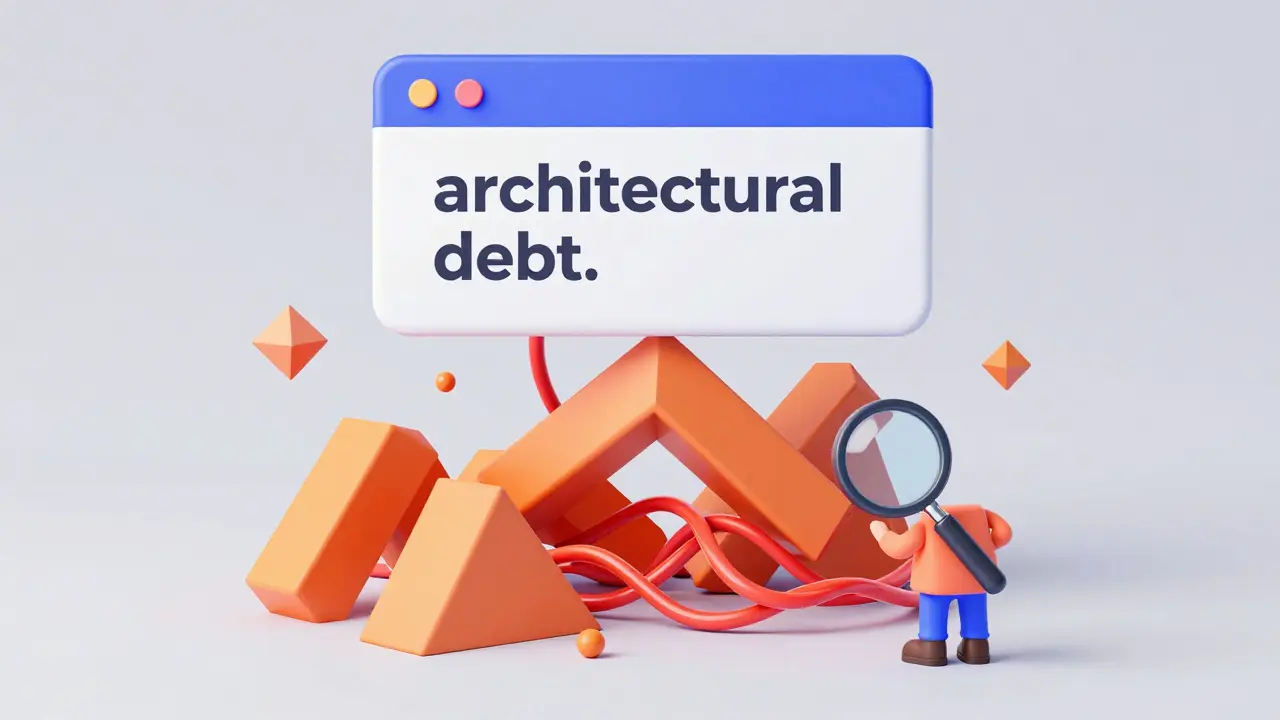
The Catch: Pitfalls and Architectural Debt
It sounds too good to be true, right? There is a catch. While you can spin up a prototype in hours, the code generated isn't always "production-perfect." Experts from MIT have noted that while prototype time drops by 83%, about 37% of that code still needs manual refinement before it's safe for a real-world launch.
The biggest danger is "architectural debt." When an AI writes your app, it might use suboptimal patterns that make the app hard to scale. In fact, some reports suggest that nearly 58% of vibe-coded apps eventually require a significant refactor because the AI didn't plan for long-term growth. You're essentially trading immediate speed for potential future cleanup.

How to Implement a Vibe Coding Workflow
If you're starting today, don't just throw prompts at a wall. Follow this simple strategy to avoid the "black box" problem where you have a working app but no idea how it works:
- Start with the Visuals: Use v0 or Lovable to nail the user interface. It's much easier to iterate on a visual "vibe" than a logic flow.
- Define Your Data: Be specific about what data your app needs. Instead of saying "a user profile," say "a user profile with a bio, profile picture URL, and a list of recent posts."
- Iterate in Small Chunks: Don't ask the AI to "build a clone of Uber." Ask it to build the login screen, then the map integration, then the payment flow. This reduces "prompt engineering fatigue."
- Audit the Output: Use a tool like Cursor to review the generated code. Look for security vulnerabilities or weird logic loops that the AI might have introduced.
Future Outlook: Where is this Heading?
The trend is moving toward verticalization. We're seeing fewer general-purpose tools and more AI coders tailored for specific industries like healthcare or finance. Additionally, there is a massive push toward "context-aware generation." The goal is for the AI to not just know the current file, but to understand the business logic of your entire company.
Expect a shakeout soon. Analysts predict that about 65% of current vibe coding platforms will either merge or disappear by 2027. The ones that survive will be the ones that solve the documentation and security gaps, turning a "vibe" into a professional-grade product.
Is vibe coding only for people who can't code?
Not at all. While it's a game-changer for non-technical users, 57% of users are actually professional developers. They use it to automate repetitive tasks, fix bugs instantly, and build prototypes faster than they could manually.
Does the AI-generated code have security risks?
Yes. Reports indicate that up to 49% of generated code can contain security vulnerabilities if not reviewed. It is critical to use a secondary tool or a human developer to audit the code before deploying it to a production environment.
What is the 'credit burn' issue in Lovable?
Many AI platforms use a credit-based system for each prompt or generation. Because vibe coding involves a lot of trial and error (iterating on the 'vibe'), users can exhaust their monthly credit limit quickly, leading to higher costs or slower generation speeds.
Can I use v0 by Vercel for a full backend application?
No. v0 is specifically optimized for UI and React components. To add a backend, you would typically export the code from v0 and integrate it with a platform like Supabase or a custom server built in Cursor.
How long does it take to learn these tools?
It varies. Lovable is almost instant-most users create a prototype within 4 hours. Cursor has a steeper curve for those who want to master its advanced AI features, often requiring 15-20 hours of dedicated practice.
- Apr, 13 2026
- Collin Pace
- 10
- Permalink
Written by Collin Pace
View all posts by: Collin Pace