Monitoring Loss and Perplexity: Reading Signals During LLM Training

Why Your Loss Curve Is Lying to You
You are watching the terminal. The numbers are scrolling. Cross-entropy loss is dropping. It looks good. It feels safe. But then you run your validation set, and the model generates gibberish. Or worse, it repeats the same sentence forever. What went wrong? The problem isn't that your code is broken. The problem is that you were looking at the wrong number.
Cross-entropy loss is the engine of Large Language Model (LLM) training. It tells the optimizer how to adjust weights. But as a diagnostic tool for humans, it is abstract and unintuitive. A loss of 3.5 means nothing if you don't know the dataset size or the vocabulary length. This is where perplexity steps in. It translates those raw optimization signals into a language you can actually understand: uncertainty.
In this guide, we will strip away the academic jargon and look at what these metrics actually tell you about your model's health. We will cover how to calculate them correctly, why they sometimes disagree, and how to use them to catch data leaks before they ruin your experiment.
The Math Behind the Magic: From Loss to Perplexity
To read the signals, you need to understand the source. At its core, an LLM is a probability machine. For every token it sees, it predicts the next one. If the model assigns a high probability to the correct next word, it is doing well. If it assigns a low probability, it is confused.
Cross-entropy loss measures the difference between two probability distributions: the model's prediction and the actual target distribution. In technical terms, it calculates the average negative log-likelihood per token. Most frameworks like PyTorch use natural logarithms (base e). This gives you a value in "nats."
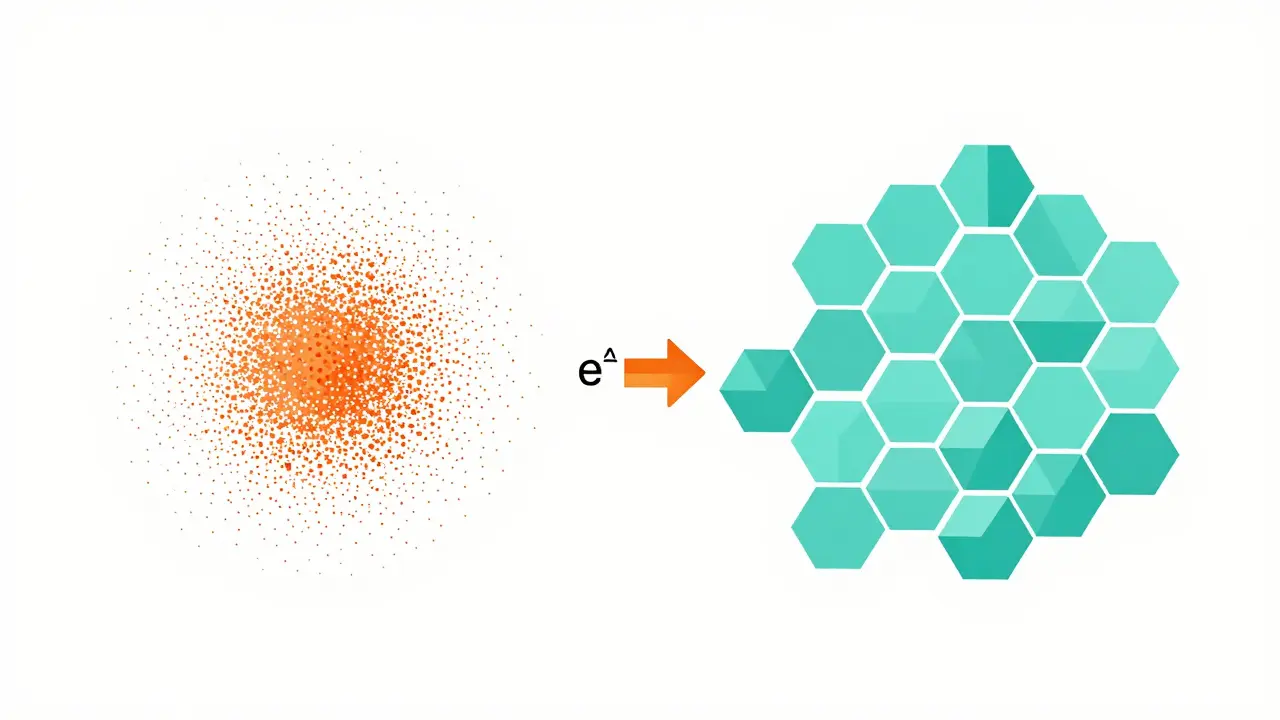
Perplexity is simply the exponential of that loss. The formula is straightforward:
- Loss: Average negative log-likelihood.
- Perplexity: $e^{\text{loss}}$ (if using natural logs).
Why bother with the extra step? Because perplexity has a concrete interpretation. Think of it as the "effective branching factor" of the model. If a model has a perplexity of 20 on a specific text, it behaves as if it had 20 equally likely choices for the next token. If the perplexity is 1, the model is perfect-it predicted the next word with 100% certainty every time. If it is 1000, it is guessing blindly among a thousand options.
| Metric Type | Value Example | Human Interpretation |
|---|---|---|
| Cross-Entropy Loss | 3.0 nats | Abstract optimization signal. Hard to benchmark without context. |
| Perplexity | ~20.1 | Model acts like it has 20 equal choices per token. Moderate confidence. |
| Perplexity | 1.0 | Perfect prediction. Zero uncertainty. |
| Perplexity | 100+ | High uncertainty. Model is largely guessing. |
This transformation makes trends easier to spot. While loss decreases linearly on a graph, perplexity often shows a steeper drop initially, highlighting early learning phases more dramatically. When you see perplexity drop from 100 to 20, you intuitively grasp that the model has become five times less uncertain, even if the math behind that ratio requires a moment to unpack.
Reading the Signals: What Good Looks Like
When you start training, you expect both training loss and validation perplexity to go down. That is the happy path. But real-world training is messy. Here is how to interpret the common patterns you will see on your dashboards.
The Healthy Decline: In the first few epochs, you should see a rapid drop in perplexity. The model is learning basic syntax and common phrases. As training progresses, the curve should flatten out. A consistent decrease suggests the model is capturing deeper semantic structures. If you are training on a standard corpus like Penn Treebank, state-of-the-art models typically achieve perplexity scores between 20 and 25. If you are seeing values above 50 after significant training, something is off-either your architecture is too small, or your data is noisy.
The Plateau: Sometimes, perplexity stops dropping but doesn't rise. This is normal. It means the model has learned all it can from the current data distribution given its capacity. Pushing further might lead to overfitting. Instead of increasing epochs, consider adjusting your learning rate schedule. Many developers report that a plateau at step 80% of training often resolves itself with a cosine annealing schedule rather than a constant learning rate.
The Divergence: This is the danger zone. Training loss goes down, but validation perplexity goes up. Your model is memorizing the training data instead of learning generalizable patterns. It is cheating. When this happens, stop immediately. Reduce model complexity, add dropout, or increase regularization. Ignoring divergence leads to a model that performs perfectly in tests but fails in production.
The Trap of Low Perplexity
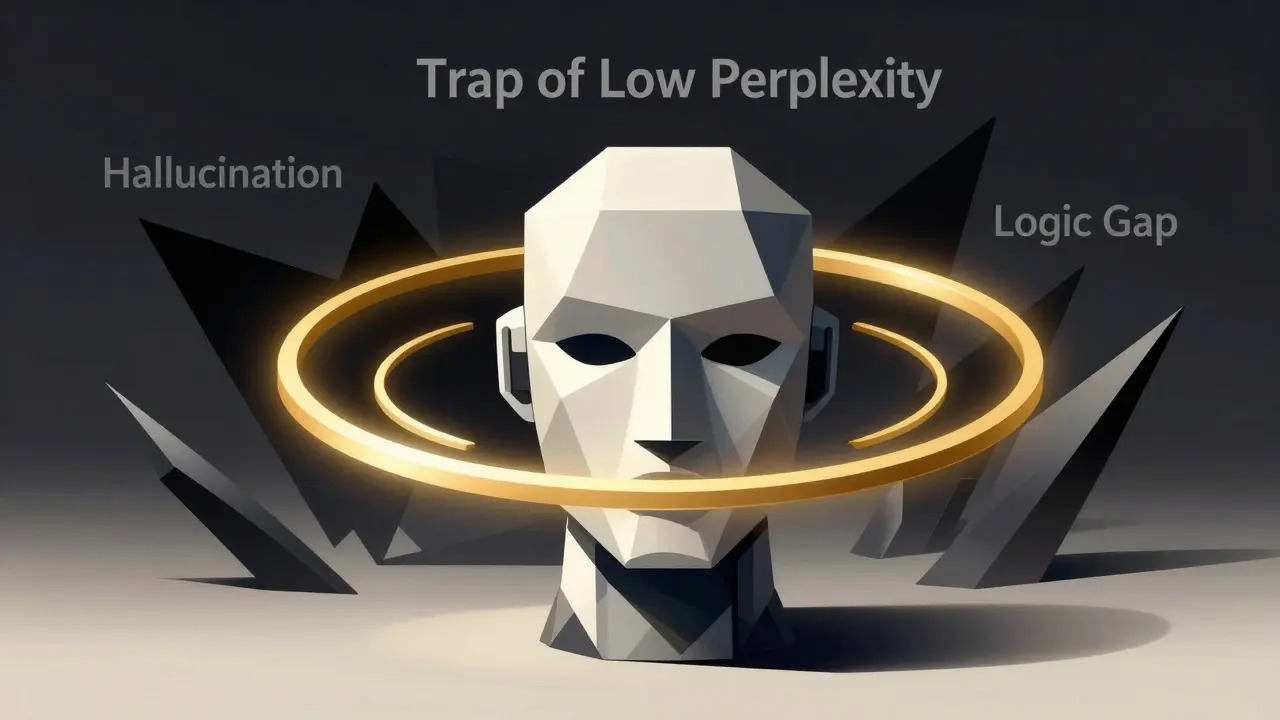
Here is the hard truth: low perplexity does not mean high quality. This is the most common misconception in LLM development. Perplexity measures how well the model predicts the next token based on the previous ones. It does not measure truth, logic, or creativity.
A model can have extremely low perplexity by repeating clichés or generating grammatically correct but semantically empty sentences. For example, a model trained heavily on Wikipedia might generate fluent encyclopedic entries, but if asked a novel question, it might hallucinate confidently. Its perplexity on the training set remains low because it is good at mimicking the style, not necessarily the substance.
Recent research highlights this disconnect. Studies comparing perplexity filtering with other evaluation methods show that perplexity alone cannot distinguish between high-quality reasoning and shallow fluency. A model might produce text that is statistically probable (low perplexity) but factually wrong. Therefore, while perplexity is essential for monitoring training stability, it must be paired with task-specific evaluations like ROUGE for summarization or BLEU for translation to get a full picture.
Practical Implementation: Monitoring Without Overhead
You do not need expensive GPUs to monitor perplexity. Calculating these metrics is computationally cheap compared to forward passes during training. You can compute validation perplexity on a CPU without slowing down your pipeline significantly.
Here is a robust workflow for integrating perplexity monitoring:
- Set a Validation Set: Hold out 1-5% of your data. Ensure this set is representative of your test environment. Do not include any data that appears in the training set.
- Define Evaluation Frequency: Running validation every step is wasteful. Every 500 to 1000 steps is usually sufficient to catch trends without adding latency.
- Calculate Per-Token Loss: Ensure your implementation divides the total loss by the number of tokens, not sequences. This normalizes for variable sequence lengths, which is critical for accurate comparison.
- Log Both Metrics: Log cross-entropy loss and perplexity side-by-side. Tools like TensorBoard or Weights & Biases make this easy. Visualizing both helps you spot anomalies faster.
Be aware of tokenizer discrepancies. Perplexity values are not comparable across different tokenizers. If you switch from BPE to SentencePiece, your baseline perplexity will shift. Always compare apples to apples. Keep your tokenizer configuration static throughout the experiment.
Common Pitfalls and How to Avoid Them
Even experienced engineers fall into traps when interpreting these signals. Here are three specific issues to watch for.
Data Leakage: If your validation perplexity is suspiciously lower than your training perplexity, check your data splits. I once spent weeks debugging a model only to find that 15% of my validation data was accidentally included in the training set. The model wasn't smart; it was cheating. Always hash your datasets to ensure unique separation.
Vocabulary Mismatch: If your model encounters out-of-vocabulary (OOV) tokens during evaluation, it assigns them a default low probability, spiking your perplexity. Ensure your evaluation set uses the same vocabulary constraints as your training set. Handle OOV tokens gracefully by mapping them to special tokens like <unk>.
Sequence Length Bias: Longer sequences naturally accumulate more error. If you evaluate on long documents without proper normalization, your perplexity will appear worse than it is. Always use per-token perplexity, not per-sequence. This ensures that a 100-word sentence and a 1000-word document are judged on the same scale.
Beyond Perplexity: The Future of Diagnostics
While perplexity remains the gold standard for pre-training diagnostics, the industry is moving toward hybrid evaluation frameworks. Pure perplexity is insufficient for post-training tasks like instruction following or safety alignment.
Newer approaches combine perplexity with semantic coherence scores and reasoning benchmarks. For instance, some teams now use "Ask-LLM" scoring models that evaluate the logical consistency of generated text, complementing the statistical fluency measured by perplexity. By 2026, we expect to see standardized tools that automatically blend these metrics, providing a single "health score" for training runs.
However, the fundamental principle remains unchanged: you cannot improve what you cannot measure. Perplexity provides the foundational measurement of language understanding. Mastering its interpretation allows you to train more efficient, stable, and capable models. Don't just watch the numbers drop; understand what they are telling you about the model's mind.
What is a good perplexity score for an LLM?
There is no universal "good" score because perplexity is dataset-dependent. However, for standard English corpora like Penn Treebank, state-of-the-art models typically achieve perplexity scores between 20 and 25. Scores below 10 indicate exceptional performance on that specific data, while scores above 50 suggest the model is struggling to capture the language structure. Always compare against a baseline model trained on the same data.
Why is my validation perplexity higher than training perplexity?
This is expected behavior known as generalization gap. The model is optimized specifically for the training data, so it performs better there. If the gap is small, your model is generalizing well. If the gap is large or widening, you may be overfitting. Consider adding regularization techniques like dropout or weight decay to reduce this discrepancy.
Can I compare perplexity scores across different models?
Only if they are evaluated on the exact same dataset with the same tokenizer. Different tokenizers split text differently, changing the number of tokens and thus the average loss. Comparing a model using Byte-Pair Encoding (BPE) with one using WordPiece is invalid. Ensure identical preprocessing pipelines for fair comparison.
Does low perplexity mean the model is truthful?
No. Perplexity measures statistical likelihood, not factual accuracy. A model can generate fluent, grammatically correct text with low perplexity that is completely fabricated or false. To assess truthfulness, you need additional evaluation metrics such as fact-checking benchmarks or human review.
How often should I calculate perplexity during training?
Every 500 to 1000 training steps is a common practice. This frequency provides enough data points to visualize trends without introducing significant computational overhead. Calculating it every step slows down training unnecessarily, while calculating it too rarely might cause you to miss critical signs of overfitting or instability.
- Jun, 27 2026
- Collin Pace
- 0
- Permalink
Written by Collin Pace
View all posts by: Collin Pace